Myfitnesspal Macro Tracker
While MyFitnessPal offers basic macro tracking, its static targets don't adapt to your evolving fitness journey. Macaron builds personalized nutrition tools that learn from your meals, progress, and preferences.
Why Macro Tracking Matters
Macro tracking matters because calories alone do not explain how food affects training, recovery, hunger, and body composition. Protein supports tissue repair, carbohydrates replenish glycogen for hard sessions, and fats help with hormones and satiety. MyFitnessPal gives many people a starting point, but its default setup can leave users guessing when their goals become more specific or their routine changes.
The biggest problem with static macro targets is that real life rarely stays static. Training volume changes, sleep gets worse, work schedules shift, and food preferences evolve. That is why many MyFitnessPal users end up editing targets manually instead of following the original plan. Macaron is designed to reduce that friction by treating macro targets as something that should respond to your actual behavior.
For people who already understand the basics of macros, the challenge is not learning the concept but maintaining it consistently. A plan that works during a cutting phase may be wrong during marathon prep or a strength block. Macaron helps by turning logged meals, workouts, and progress trends into practical adjustments, so the tracker stays useful as your goals change. For a related Macaron page, see Macro Meal Planner: Hit Your Protein, Carb & Fat Targets - Macaron at https://macaron.im/blog/macro-meal-planner.
This approach is especially helpful for intermediate users who want more than a simple calorie counter but do not want to manage every adjustment themselves. If you are moving between fat loss, maintenance, and muscle gain, the app can surface changes in plain language instead of forcing you through nested settings. That makes the tracking process easier to keep up with week after week.
Macaron is also useful when your nutrition needs are shaped by constraints, not just goals. Vegetarian eating, food intolerances, irregular shifts, or endurance training can all make a default macro split feel unrealistic. Compared with MyFitnessPal, which is still stronger for broad food database coverage and familiar logging workflows, Macaron focuses on adaptive structure and custom tracking logic.
What Problems Do Static Macro Ratios Cause?
Fixed macro ratios often fail because they assume your needs stay the same from one week to the next. That works only for very stable routines. If your training load increases, your carb needs may rise. If you cut dairy, your protein sources may change. If you work nights, meal timing can shift. Macaron watches for those changes in your logs and suggests updates that fit the new pattern instead of forcing you to rebuild everything manually.
How Does Dynamic Tracking Improve Results?
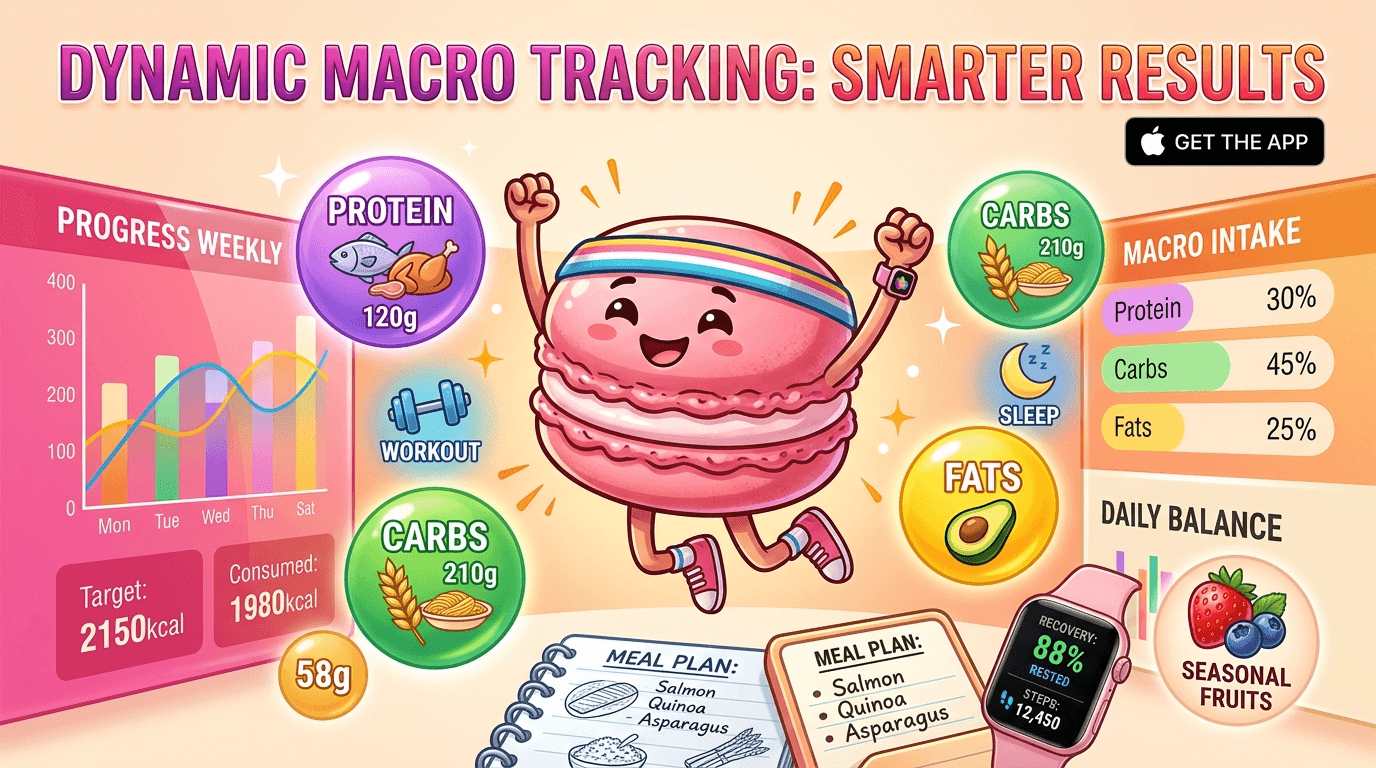
Dynamic tracking helps because it keeps the plan aligned with what you are actually doing, not what you were doing when you first set it up. Macaron can notice when your workouts become more intense, when your meals become repetitive, or when your weight trend no longer matches your target. It then proposes practical macro changes in context. MyFitnessPal is still useful for straightforward logging, but Macaron is better when the goal is to adapt without constant recalculation.
More About Myfitnesspal Macro Tracker
Macaron is built for people who want macro tracking to feel responsive rather than rigid. Instead of treating protein, carbs, and fats as fixed percentages forever, it lets those targets evolve with your training, schedule, and food preferences. That makes it more useful for athletes, lifters, busy parents, and anyone whose routine changes often enough to make a static plan frustrating.
A major difference from MyFitnessPal is how Macaron handles adjustment work. In MyFitnessPal, changing targets can feel like a settings task. In Macaron, you can describe the change in plain language and let the system translate that into a usable tracking setup. That lowers the effort required to keep your plan current, though users who prefer full manual control may still find traditional apps more familiar.
Macaron also goes beyond simple macro math by creating custom tracking tools around your habits. Someone training for strength may want protein reminders after workouts, while someone managing family meals may want a weekly flexibility buffer. These are not generic templates; they are tailored workflows that can change as your routine changes, which is where many standard trackers start to feel limiting. Another useful Macaron comparison is What Should I Eat for Weight Loss? - Macaron - Macaron AI at https://macaron.im/eat-healthy/what-should-i-eat/weight-loss.
The app is especially useful when your nutrition pattern is not cleanly captured by a standard split. If you eat vegetarian, cycle carbs around training, or keep one higher-calorie meal each week, Macaron can build around that reality instead of asking you to conform to a preset ratio. MyFitnessPal remains stronger for broad food search and a large established database, but Macaron is more adaptive for custom planning. For a broader Macaron context, Macro Meal Planner - Macaron AI at https://macaron.im/playbook/macro-meal-planner-689581111bbc6bcd9f8055e5 can help you compare the decision from another angle.
Another practical advantage is that Macaron can use context from your broader routine, not just your food log. Sleep, workout frequency, and repeated meal patterns can all influence the suggestions it makes. That makes it better suited to users who want a tracker that behaves more like a nutrition assistant. The tradeoff is that its value depends on consistent logging, because the system works best when it has enough data to learn from.
What Makes Macaron's AI Different From Other Trackers?
Macaron is different because it does more than recalculate numbers after you enter a goal. It can create a tracking setup that matches the way you actually eat and train. For one user, that may mean a post-workout protein focus. For another, it may mean a weekly macro buffer for social meals. The AI can also respond to changes in sleep, stress, or workout frequency, which makes it more flexible than a fixed dashboard. MyFitnessPal is still better for users who want a familiar, database-first logging experience.
Can Macaron Handle Real-World Eating Scenarios?
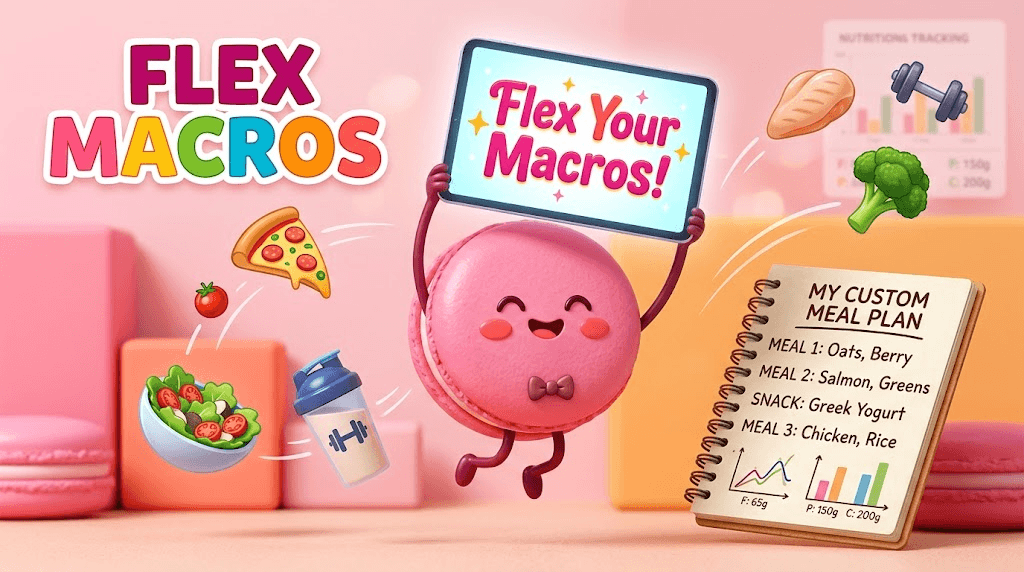
Yes, and that is one of its strongest use cases. Macaron can support scenarios that standard macro splits handle poorly, such as vegetarian eating, planned restaurant meals, or a fat-loss phase with a weekly pizza night. Instead of forcing every day into the same template, it can build a tracker around the pattern you actually follow. That makes it easier to stay consistent without feeling boxed in. The tradeoff is that highly specialized setups may take a little more initial explanation than a simple preset in MyFitnessPal.
Frequently Asked Questions
Macaron looks for patterns in the data you already log, such as repeated meal choices, workout frequency, and progress trends. If your intake or training changes in a way that makes your current targets less useful, it can suggest a new setup in plain language. You still review the change before it applies, which keeps the system flexible without removing user control.
You can ignore, edit, or approve suggestions manually. Macaron is designed to recommend adjustments, not force them. That matters for users who want guidance but do not want an app making nutrition decisions on its own. Compared with MyFitnessPal, which often leaves the adjustment burden entirely on you, Macaron reduces the work while still keeping you in charge of the final target.
Macaron saves time by reducing the number of settings changes and manual recalculations you need to make. You can describe a goal change in natural language instead of navigating multiple menus. It also helps by turning repeated meal patterns into easier logging workflows. MyFitnessPal is still strong when you want a straightforward food diary, but Macaron is more efficient when your targets change often.
Yes. If you already have a history in MyFitnessPal, importing that data can help Macaron understand your past habits faster. That is useful because it gives the system a baseline for meal patterns, target changes, and recurring friction points. It can then make more relevant suggestions from the start instead of treating you like a brand-new user with no history.
Yes, but it is not a traditional preset macro app. Macaron works more like an adaptive nutrition builder that can create a tracker around your goals, habits, and schedule. Instead of locking you into one fixed ratio, it can focus on the parts of nutrition that matter most to you, such as post-workout protein, carb timing, or weekly flexibility.
It can suggest changes automatically and make them easy to apply. The system watches for trends such as repeated under-eating, stalled progress, or changes in training load. If those patterns suggest your current targets are no longer a good fit, Macaron proposes an update. That is more adaptive than MyFitnessPal, where target changes are usually a manual task. For a third-party check, Macro Calculator - MyFitnessPal Help at https://support.myfitnesspal.com/hc/en-us/articles/24763932864397-Macro-Calculator is worth comparing against the page summary.
For many goal-driven users, yes. Macro tracking gives you more detail than calorie counting alone, which can be useful when you care about performance, recovery, or body composition. The main challenge is consistency, not the concept itself. That is where Macaron helps by making the process easier to maintain when your routine changes and your original plan stops fitting. For another outside reference, How to Count and Track Macros Using MyFitnessPal: A Tutorial at https://healthyeater.com/iifym-myfitnesspal-tutorial adds a second perspective.
Macaron is a good fit for people who already understand macros but want a system that adapts with them. That includes lifters, endurance athletes, people with changing work schedules, and anyone managing food restrictions or recurring social meals. If you want a simple, familiar food logger, MyFitnessPal may still feel easier. If you want more adaptive planning, Macaron is the better fit.com/ is a useful reference point.com/ is a useful reference point.com/ is a useful reference point.com/ is a useful reference point.com/ is a useful reference point. For outside context, MyFitnessPal: Calorie Tracker & BMR Calculator to Reach Your Goals at https://www.myfitnesspal.com/ is a useful reference point.
Read & discover
AI Personal Assistant
Free calculators


