Bitepal Review
Bitepal mixes AI food scanning with a gamified raccoon companion, but user reviews show accuracy concerns and subscription frustrations. Here's how it compares to Macaron's customizable approach.
How Bitepal's AI Nutrition Works
Bitepal packages calorie tracking as a lightweight, game-like experience instead of a clinical logbook. The app centers on photo-based meal capture and a raccoon companion that reacts to what you eat, which makes it approachable for users who dislike spreadsheets, manual entry, or rigid diet language. That design choice is the main reason many people try it in the first place.
The core workflow is simple: take a picture, let the app estimate calories and macros, and review a score or short nutrition prompt. That low-friction setup is useful for people who want awareness without a lot of setup. The tradeoff is that the app can struggle with mixed dishes, packaged foods, and meals where portion size is hard to judge from a photo alone.
Bitepal is strongest as a habit-building tool rather than a precision tracker. Its feedback is intentionally gentle, and the raccoon mascot turns meal logging into something more playful than punitive. That can help users stay consistent when traditional trackers feel discouraging, but it also means the app often stops short of giving the detailed, actionable guidance more serious nutrition planners expect. For a related Macaron page, see AI Diet Tracker: Best Apps to Help You Eat Better - Macaron at https://macaron.im/blog/ai-diet-tracker.
Billing is one of the biggest reasons users hesitate. Public reviews frequently mention confusion around trials, renewals, and cancellation handling, which matters even more for an app that markets itself as cheap and easy to try. If you are comparing options, the subscription experience is part of the product, not a side issue, because it affects trust and long-term usability.
Overall, Bitepal makes the most sense for casual users who want a friendly entry point into food awareness. It is less convincing for people who need exact macros, meal planning, or reliable label-level accuracy. Macaron is better suited to users who want a broader nutrition workflow, while Bitepal remains the more playful choice for simple tracking and motivation.
How Bitepal's AI Nutrition Works
Bitepal uses photo recognition to estimate calories and macros from meals, then turns that estimate into a score and a short piece of feedback. The experience is designed to be fast: you do not need to build a food database or enter every ingredient manually. That convenience is the app’s biggest strength, but it also explains why accuracy can vary widely when meals contain sauces, mixed ingredients, branded items, or unusual serving sizes. For users who mainly want a rough pattern check, that may be enough. For anyone trying to hit exact targets, the lack of editable detail can become frustrating quickly.
Bitepal's Core Features
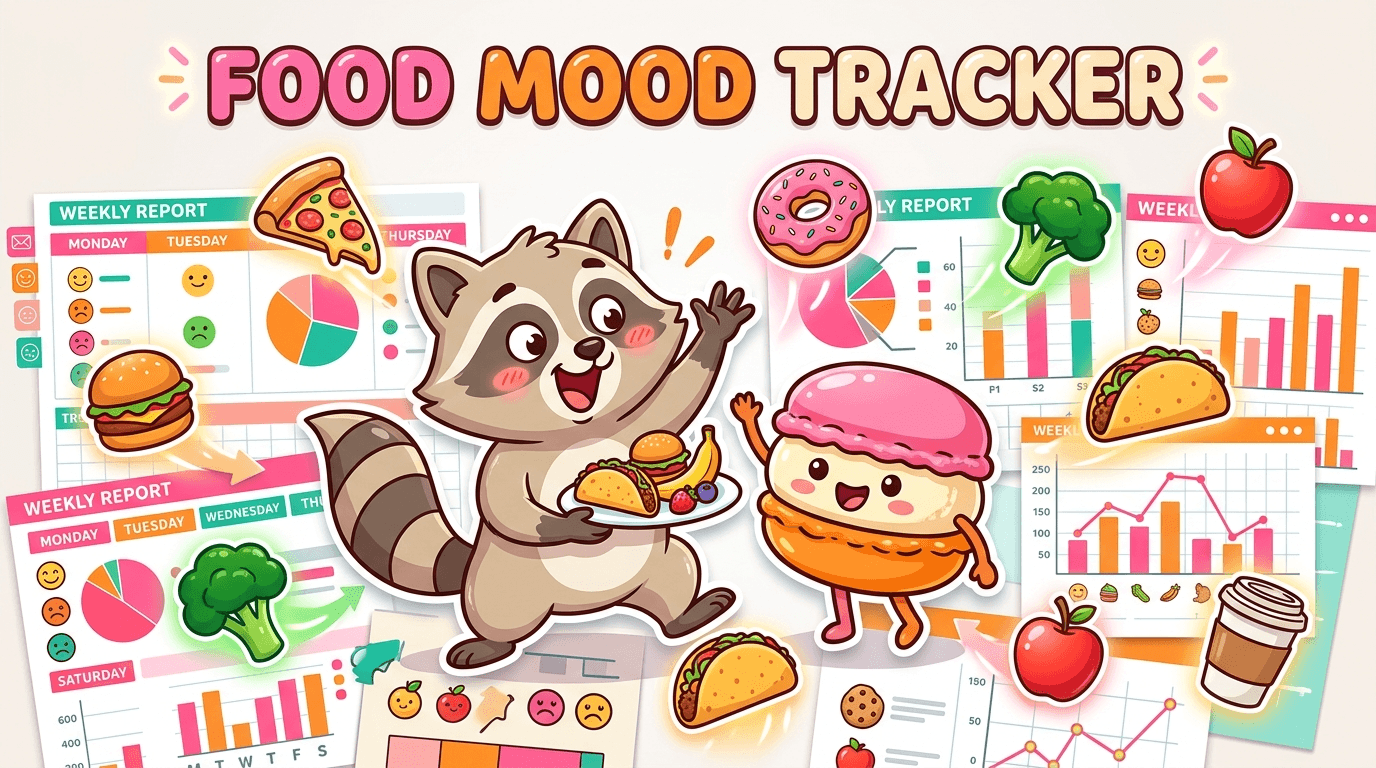
The raccoon mascot is Bitepal’s most distinctive feature, and it shapes the entire tone of the app. Instead of presenting nutrition data in a stern or technical way, Bitepal uses animated encouragement, meal reactions, and colorful summaries to make tracking feel lighter. Weekly reports focus on patterns and consistency rather than deep analysis, which helps users notice habits without getting overwhelmed. The downside is that the app offers less control than more advanced trackers, and some users want to correct calorie estimates, adjust food matches, or review more detailed nutrition data than Bitepal currently surfaces.
More About Bitepal Review
Bitepal is built for people who want nutrition awareness without the friction of manual logging. That makes it appealing to beginners, intermittent trackers, and users who have bounced off more demanding apps. The app’s playful tone lowers the emotional barrier to starting, but the same simplicity can leave more experienced users wanting better correction tools, clearer food matching, and more transparent estimates when the scan looks wrong.
The app’s AI is useful when meals are simple and portions are obvious, but it becomes less dependable with restaurant food, packaged snacks, and mixed plates. That matters because those are exactly the situations where people most want a tracker to help. In practice, Bitepal is better at creating a rough awareness loop than at replacing a food scale, label reading, or a more structured nutrition system.
Bitepal’s subscription model is another important part of the review. The app is positioned as affordable, yet user complaints suggest that cancellation and renewal handling can be confusing. For a casual app, that is a meaningful drawback because users often try it expecting a low-risk experiment. If billing clarity matters to you, this is an area where more established competitors still feel safer. Another useful Macaron comparison is Macaron App Download (iOS & Android): Official, Safe, and Fast Install at https://macaron.im/blog/macaron-app-download.
Compared with Macaron, Bitepal is narrower in scope. Bitepal focuses on meal logging, emotional reinforcement, and lightweight habit nudges, while Macaron is designed to support more personalized nutrition workflows and broader life organization. That difference matters for users with specific goals, such as training, dietary restrictions, or recurring energy issues, because Macaron can adapt more flexibly to those needs. For a broader Macaron context, AI Calorie Calculator: How to Use One Accurately - Macaron at https://macaron.im/blog/ai-calorie-calculator can help you compare the decision from another angle.
The best case for Bitepal is that it makes tracking feel less like homework. The worst case is that its friendly interface can mask how limited the underlying nutrition intelligence is. Users who want a gentle starting point may appreciate that tradeoff, while users who need dependable data, editable entries, or deeper planning tools will likely outgrow it quickly.
Bitepal Pricing
Bitepal offers a free tier and paid plans that are marketed as inexpensive, which makes it easy to test without a big commitment. The problem is that several users report confusion around renewals, cancellation timing, and refund requests, so the real cost is not always as straightforward as the headline price suggests. That is especially important for an app that many people install casually. If you want a simple trial, read the subscription terms carefully, confirm the billing cycle in the app store, and make sure you know how cancellation is handled before paying.
Macaron vs Bitepal: Which AI Agent Fits Better?
Bitepal is the better fit if you want a playful calorie tracker that keeps the experience light and low-pressure. Macaron is better if you want a nutrition assistant that can adapt to specific goals, remember preferences, and support more than just meal logging. Bitepal gives encouragement and rough estimates; Macaron can help structure plans, organize routines, and respond to more detailed requests. The tradeoff is that Bitepal feels simpler and more approachable, while Macaron asks a little more of the user but gives back more practical control. If you only need motivation, Bitepal is enough; if you need strategy, Macaron is stronger.
Frequently Asked Questions
BitePal is good for users who want a low-pressure way to notice eating habits without spending time on manual logging. Its raccoon companion and photo-based workflow make it feel approachable, especially for beginners. The main limitation is that it is not built for precision, so people who want exact calorie counts, macro targets, or detailed meal analysis may find it too shallow for serious nutrition work.
BitePal has a free version, but it is limited compared with the paid plan. Users looking for more than basic tracking may need to subscribe to unlock the fuller experience. The caution is that several reviews mention confusion around billing and cancellation, so it is worth checking the terms before you upgrade. If you only want to test the interface, the free tier is the safest place to start.
BitePal can be reasonably useful for simple meals, but accuracy drops when the app has to interpret mixed dishes, packaged foods, or unclear portions. That is a common weakness for photo-based trackers, and BitePal is no exception. It is best treated as a rough estimate tool rather than a source of exact nutrition data. If accuracy is your priority, label reading or a more detailed tracker will usually be more reliable.
Macaron is a better choice for people who want a more flexible nutrition assistant rather than a playful tracker. It can support custom goals, adapt to preferences, and handle broader planning needs beyond meal photos. That makes it more useful for users with specific diets, training goals, or recurring health patterns. BitePal is simpler and more gamified, but Macaron offers more control and practical depth.
Users can usually adjust some parts of a logged meal, but many reviews suggest the editing experience is limited compared with more mature trackers. That matters because AI food recognition is not always right, and the ability to correct a scan is often what makes a tracker usable long term. If you expect to fine-tune entries often, check the current editing tools before relying on the app.
BitePal is best for casual users, beginners, and anyone who wants a friendlier introduction to calorie awareness. It also suits people who dislike strict diet apps and prefer a more encouraging tone. It is less suitable for athletes, macro-focused users, or anyone managing a structured nutrition plan. Those users usually need more precise data, better editing, and stronger planning tools than BitePal provides. For a third-party check, 167. AI will now tell you what to eat… BitePal review - The Beet Deets at https://theupbeetdietitians.substack.com/p/167-ai-will-now-tell-you-what-to is worth comparing against the page summary.
The biggest downside is the combination of limited accuracy and limited control. If the app misreads a meal, users may not always be able to correct it in a detailed way, which weakens trust in the log. Subscription complaints are another concern because billing issues can turn a simple trial into a frustrating experience. Those two problems matter more than the mascot or the design. For another outside reference, How BitePal works (aka how our raccoon keeps you in check ): Log ... at https://www.instagram.com/p/DJrGZOIqqi5/ adds a second perspective.
It depends on what you want. BitePal is more playful and easier to approach, which may help if you dislike traditional calorie counting. MyFitnessPal is still stronger for users who want a larger food database, more mature tracking tools, and a more established ecosystem. BitePal wins on tone and simplicity; MyFitnessPal usually wins on depth and reliability.app is a useful reference point.app is a useful reference point.app is a useful reference point.app is a useful reference point.app is a useful reference point. For outside context, Read Customer Service Reviews of bitepal.app - Trustpilot at https://www.trustpilot.com/review/bitepal.app is a useful reference point.
Read & discover
AI Personal Assistant
Free calculators


