Cal AI Free
Cal AI's free tier offers app installation and setup, but the core food scanning feature requires a subscription. Here's what you can actually do without paying, and a fully free alternative that doesn't gatekeep nutrition analysis.
Cal AI Free Features in 2025
The phrase “Cal AI free” usually means you can download the app without paying upfront, not that you can use its main nutrition tools at no cost. In practice, the free tier gives you access to the onboarding flow, interface, and profile setup, which helps you understand the product before subscribing. That makes it useful as a preview, but not as a complete calorie-tracking solution.
Cal AI’s core promise is photo-based food logging, and that capability sits behind the paywall. The app store listings make this clear, but many users still arrive expecting free scanning because the marketing emphasizes the AI experience first. That mismatch matters: if your goal is to test meal recognition, macro estimates, or daily logging, the free version will stop short of the feature you came for.
Compared with apps that offer a limited free quota, Cal AI takes a stricter approach. Some competitors let you scan a few meals per day or week, which is enough to judge accuracy before subscribing. Cal AI instead reserves scanning for paying users, which simplifies the product but reduces the usefulness of the free tier for anyone comparing nutrition apps side by side. For a related Macaron page, see AI Calorie Tracker: How It Works and What to Expect - Macaron at https://macaron.im/blog/ai-calorie-tracker-explained.
The upside of this model is clarity for the company and a cleaner experience for subscribers. The tradeoff is that free users mostly get setup screens, goal selection, and a look at the interface rather than ongoing tracking. That can still help people decide whether they like the workflow, but it does not replace a real food diary or calorie counter.
For users who want actual nutrition support without an immediate subscription, the better path is a free alternative with meaningful functionality. Macaron is useful here because it focuses on meal planning and nutrition analysis without forcing scanning into a paid tier. If you want to compare tools honestly, the key question is not whether an app is downloadable for free, but whether the free plan is usable after day one.
What You Actually Get For Free
Cal AI’s free tier is best understood as a product preview. You can install the app, create a profile, answer onboarding questions, and set broad goals such as weight loss, maintenance, or gain. You can also explore the layout and see how the app is organized. What you cannot do is use the feature that matters most: scanning meals and getting nutritional breakdowns. For users who only want to evaluate the interface, that may be enough. For anyone trying to track food, it is a limited starting point rather than a usable free plan.
Why Cal AI Locks Scanning Behind Paywall
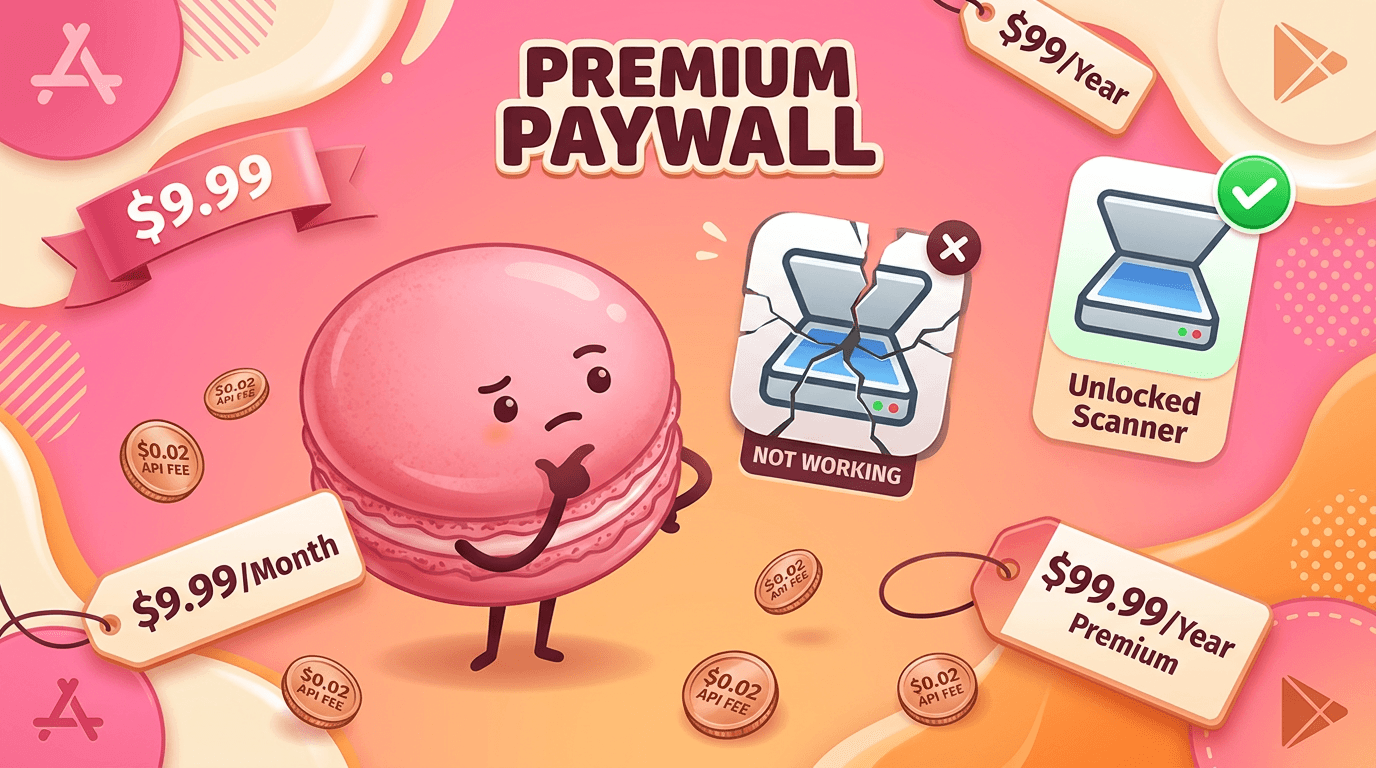
Cal AI keeps food scanning behind premium because the app’s value depends on AI processing every time a user uploads a meal photo. That creates ongoing infrastructure and model costs, so the company has chosen to monetize the core feature directly instead of subsidizing it with a generous free tier. The tradeoff is simple: subscribers get access to the main product, while free users get a demo. This approach can make sense for a scanner-first app, but it also means competitors with limited free scans or broader free features may feel more practical for budget-conscious users.
More About Cal AI Free
Cal AI uses a classic freemium structure, but its free tier is narrower than what many users expect from a modern nutrition app. The app is free to install, yet the feature that defines the product—photo-based calorie estimation—requires payment. That makes the free version useful for evaluating the interface and onboarding flow, but not for building a real habit around meal logging.
The premium plan unlocks the AI scanner that estimates calories, protein, carbs, and fat from food photos. That is the main reason people try Cal AI in the first place, so the subscription is not just an upgrade; it is the point at which the app becomes functional. For users who want speed and convenience, that can be worth it. For users who want to test the tool before committing, the free tier feels incomplete.
Accuracy is the other major factor in the value equation. Photo-based nutrition tracking is inherently imperfect, especially when meals contain mixed ingredients, sauces, or unclear portion sizes. Cal AI may be convenient for simple meals, but users who log complex dishes often need to correct estimates manually. That means the app can save time, but it does not remove the need for judgment or occasional verification. Another useful Macaron comparison is AI Meal Planner Free: Best Free Options That Are Actually Useful at https://macaron.im/blog/ai-meal-planner-free.
Macaron takes a different route by giving users free nutrition support without making scanning the only path to value. Instead of centering the entire experience on one paid feature, it offers meal planning and dietary analysis in a way that is easier to use over time. That makes it better for users who want a broader free toolkit, while Cal AI may still appeal to people who prioritize a fast photo-first workflow and are comfortable paying for it. For a broader Macaron context, 20 AI Tools to Upgrade Your Daily Life - Macaron - Macaron App at https://macaron.im/blog/macaron-app-ai-tools-daily-life can help you compare the decision from another angle.
The competitive difference is not just pricing; it is product philosophy. Cal AI is built around a premium scanner experience, which can be efficient for committed users who want a streamlined logging flow. Competitors are often better for experimentation, budget use, or mixed needs because they spread value across more free features. The best choice depends on whether you want the fastest possible scan or the most useful free nutrition system.
Cal AI Free vs Premium: Key Differences
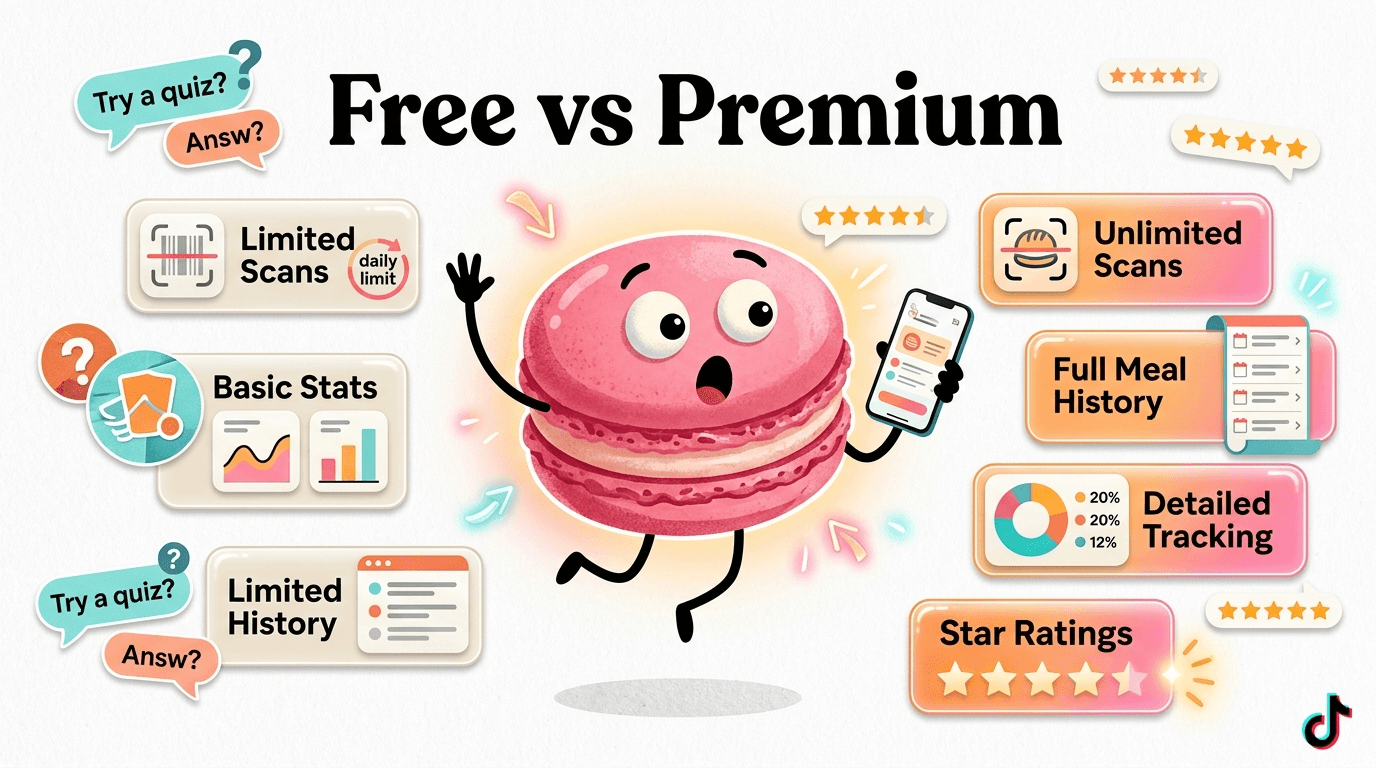
Cal AI’s free and premium tiers differ in the one area most users care about: actual food tracking. Free users can download the app, complete onboarding, and browse the interface, but they do not get the photo scanner or meaningful nutrition analysis. Premium unlocks the core workflow, including meal recognition, macro estimates, and ongoing logging. That makes the free tier useful for testing the app’s look and feel, while premium is the only version that supports real calorie tracking. If you want a true comparison, the free plan is a preview and the paid plan is the product.
Top Free Alternatives With Scanning
If you want free or low-cost AI nutrition tracking, the alternatives are more flexible than Cal AI’s locked-down free tier. Qalzy offers a small number of free daily scans, NutriScan includes a weekly free allowance plus barcode support, and SnapCalorie gives users a limited number of free scans each day. Macaron is different: it does not rely on scan quotas to be useful, because it provides free meal planning and nutrition analysis as part of a broader life-tool experience. That makes it a stronger fit for users who want ongoing value without immediately paying for photo scanning.
Frequently Asked Questions
No. Cal AI is free to download, but the feature most people want—photo-based food scanning and nutrition estimates—requires a paid subscription. The free version mainly covers installation, onboarding, and profile setup. That means you can explore the app, but you cannot use it as a full calorie tracker without upgrading.
The free tier generally includes app access, account creation, goal selection, and basic setup screens. You can see how the app works and enter some personal preferences, but the core meal-scanning workflow is not available. In other words, the free version helps you evaluate the interface, not track your food.
Cal AI offers a short trial period for premium features, after which the subscription begins unless you cancel. The exact trial length can vary by platform or promotion, so it is worth checking the current app store listing before signing up. If you want to judge accuracy, a short trial may not be enough time to test different meal types.
Qalzy, NutriScan, and SnapCalorie all offer some form of free photo-based tracking, though each limits usage differently. Qalzy gives a small daily allowance, NutriScan offers a weekly quota, and SnapCalorie provides a limited number of free scans. If you want broader free nutrition support rather than scan quotas, Macaron is a stronger option.
It depends on what you eat. Simple meals are easier for AI to identify, but mixed dishes, sauces, and portion sizes can lead to noticeable errors. That means the app can be convenient, but it is not a substitute for careful logging if you need precision. Users who eat straightforward meals may find it helpful; others may prefer a tool with more manual control. For a third-party check, CalAI Free Alternative: Why NutriScan is the Better Choice in 2026 at https://nutriscan.app/blog/posts/calai-free-alternative-nutriscan-6c195ff2d2 is worth comparing against the page summary.
Yes, but only in a limited sense. The free version does not expire, yet it does not include the main scanning and tracking features that make the app useful for most people. So while you can keep the app installed and use the basic setup screens, you will not get a full nutrition-tracking experience without paying. For another outside reference, Cal AI pricing 2026: Plans, costs, and what you get | eesel AI at https://www.eesel.ai/blog/cal-ai-pricing adds a second perspective.
Most people search for alternatives because they want more than a demo. Some want free scanning, others want better value, and many simply want a nutrition app that remains useful without a subscription. Macaron is a strong alternative for users who care about meal planning and dietary analysis first, while other apps may be better if their limited free scan quotas match your habits.app/ is a useful reference point.app/ is a useful reference point.app/ is a useful reference point.app/ is a useful reference point.app/ is a useful reference point. For outside context, Cal AI | Download Today at https://www.calai.app/ is a useful reference point.
Read & discover
AI Personal Assistant
Free calculators


