Cal AI Review
Cal AI's photo-based calorie tracking promises fast results, but real users report accuracy gaps with mixed meals and hidden ingredients. Here's what our hands-on testing reveals about its strengths and limitations.
How Cal AI's Photo Recognition Works
Cal AI has become popular because it reduces calorie logging to a single photo, which is appealing if you want speed over manual entry. The app asks a few setup questions, then uses image recognition to estimate calories and macros from what it sees on the plate. That workflow is genuinely convenient, but it also means the result depends heavily on lighting, plating, and how visually obvious each ingredient is.
The biggest limitation is that food is not always easy to read from a picture. Cal AI tends to do better with simple meals where ingredients are separated and portion sizes are obvious, such as grilled protein with vegetables or a standard restaurant plate. It struggles more when foods are layered, mixed, sauced, or partially hidden, because the model has to guess at ingredients it cannot directly verify.
That tradeoff matters because calorie tracking is often used for goals that need consistency, not just convenience. If the app undercounts oils, cheese, dressings, or fillings, the error can compound across a day of meals. For casual awareness, that may be acceptable. For users managing weight loss, macros, or medical nutrition targets, the lack of reliable ingredient detection becomes a real constraint. For a related Macaron page, see Cal AI Calorie Tracker Review 2026 - Macaron at https://macaron.im/blog/cal-ai-calorie-tracker-review-2026.
Pricing also shapes the experience. Cal AI is free to download, but the useful parts of the product are subscription-based, with tiers that can quickly make it feel closer to a premium tracker than a lightweight utility. That puts it in direct competition with apps that offer larger food databases, manual overrides, barcode scanning, or coaching features at similar or lower cost.
Macaron takes a different approach for people who want more than a one-time estimate. Instead of treating each meal as an isolated image, it learns from repeated behavior and user corrections, then adapts recommendations around preferences and goals. That makes it more useful for ongoing nutrition management, though it does ask for more setup and a broader commitment than Cal AI's instant-scan workflow.

How Cal AI's Photo Recognition Works
Cal AI begins with a short onboarding flow that collects basic goals and preferences, then uses computer vision to interpret meal photos. In practice, the app is strongest when the meal is simple, well lit, and visually separated into distinct components. It is much less reliable when the food is mixed, stacked, or partially hidden. Because the free version is limited, many users cannot fully judge whether the app fits their needs before paying for a subscription.
Cal AI's Accuracy and Limitations
Accuracy changes a lot depending on what you eat. Straightforward meals like grilled fish, rice, or vegetables can produce estimates that feel close enough for casual tracking. But once sauces, oils, fillings, or baked ingredients enter the picture, the app has to infer too much from appearance alone. That is where undercounting becomes common. The result is useful for rough awareness, but not dependable enough for users who need tight calorie control or verified macro tracking.
Cal AI Pricing
Cal AI uses a freemium model, but the meaningful features sit behind paid plans that start at a monthly subscription. The lower tier may look affordable at first glance, yet frequent users can quickly run into limits that push them toward higher-priced plans. That creates a familiar tradeoff: you get convenience and speed, but you pay recurring fees for a tool that still cannot guarantee precise results. Competitors with free manual logging can feel more flexible for budget-conscious users.
More About Cal AI Review
Cal AI's core feature is its speed. The app removes the friction of searching databases or typing ingredients by letting users snap a photo and receive an estimate almost immediately. That makes it attractive for people who want a low-effort habit, especially when eating out or logging meals on the go. The downside is that speed comes from approximation, so the app works best when you are comfortable with estimates rather than exact nutrition data.
The product is strongest in visually simple scenarios and weakest when the meal contains hidden calories. Oils, butter, sauces, spreads, fillings, and mixed ingredients are hard for any image model to infer accurately. That means a meal can look healthy on screen while still being materially different from the estimate. For users who track closely, the app's convenience can be offset by the need to double-check or manually correct frequent misses.
Pricing is another important feature because it affects how long users stay with the app. Cal AI's subscription structure can make sense if you scan meals often and value the streamlined interface, but it becomes harder to justify if you only need occasional estimates. The tradeoff is not just cost; it is also control. Users pay for automation, yet the app offers less transparency and fewer correction tools than more mature nutrition platforms. Another useful Macaron comparison is AI Calorie Calculator: How to Use One Accurately - Macaron at https://macaron.im/blog/ai-calorie-calculator.
User sentiment tends to split by use case. People who want a polished, easy-to-use tracker often like the interface and the novelty of photo logging. More detail-oriented users tend to notice the gaps faster, especially when the app misidentifies ingredients or misses portion size context. That makes Cal AI feel best suited to casual tracking, while serious athletes, dieters, and people with specific nutrition constraints may outgrow it quickly. For a broader Macaron context, AI Diet Tracker: Best Apps to Help You Eat Better - Macaron at https://macaron.im/blog/ai-diet-tracker can help you compare the decision from another angle.
Macaron is more competitive when the goal is long-term behavior change rather than one-off calorie estimates. It is designed to remember preferences, learn from corrections, and connect meals to broader habits, which gives it more depth for ongoing use. The tradeoff is that it is less instant than a pure photo scanner. For users who want a smarter system instead of a faster guess, that extra context is often worth it.
Macaron vs Cal AI: Which AI Tracker Fits Better?
Cal AI is built around a narrow promise: take a photo, get a calorie estimate, move on. Macaron is broader and more adaptive, using user behavior, preferences, and corrections to shape a more personalized nutrition experience. That difference matters if you want the app to learn your patterns instead of just reacting to a single meal. Cal AI is easier for quick logging, but Macaron is stronger for users who want a system that improves with use and supports longer-term goals.
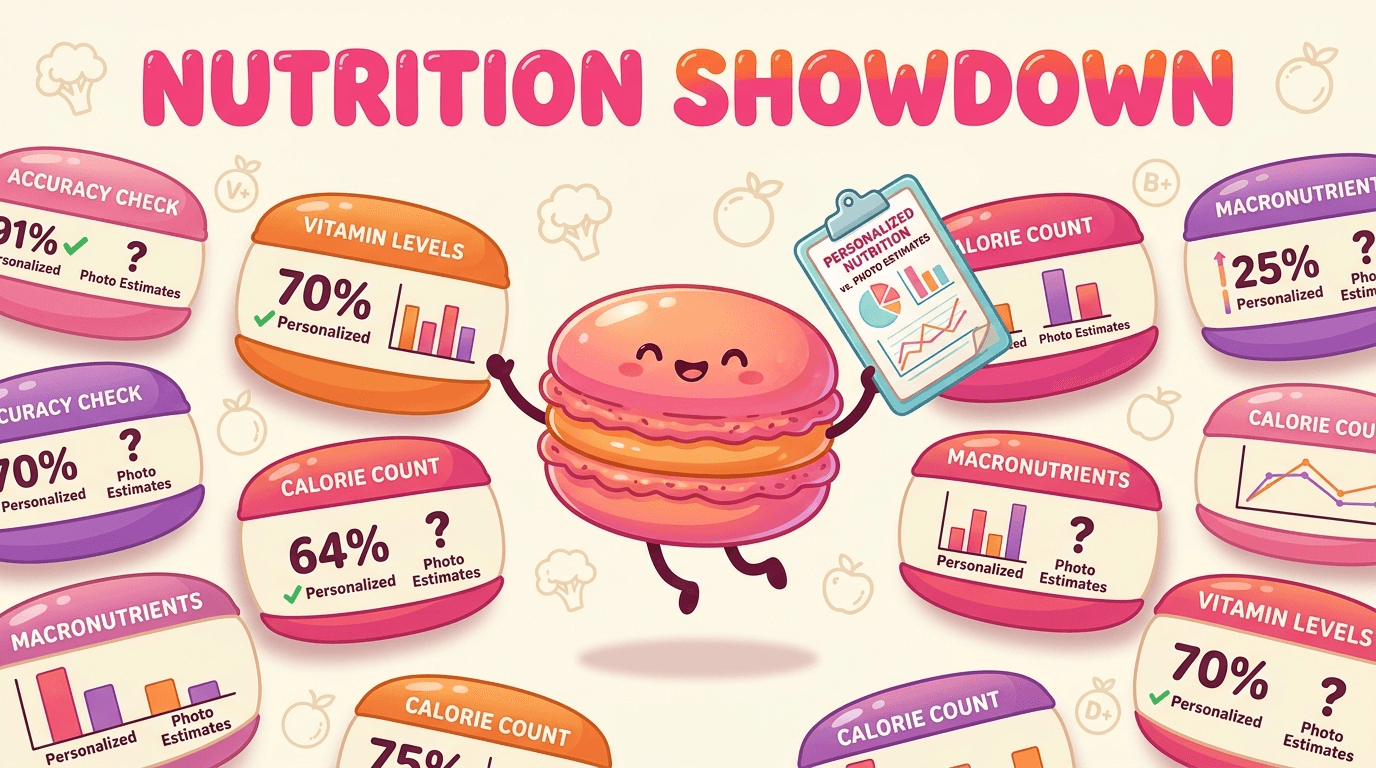
Quick Comparison
| Category | Cal AI | Macaron | |---|---|---| | Core Strength | Instant photo estimates | Personalized nutrition systems | | Accuracy Range | 60-90% depending on meal complexity | Adapts to user corrections over time | | Learning Curve | Simple but limited | More initial setup with greater flexibility | | Cost Structure | Subscription-gated core features | Free baseline with premium upgrades | | Best For | Quick checks when eating out | Holistic dietary management | Cal AI wins on simplicity and speed, especially if you want a fast estimate without building a food log from scratch. Macaron is better when you care about context, repeat use, and adapting to your habits over time. The tradeoff is that Macaron asks for a bit more setup, while Cal AI asks you to accept more estimation error in exchange for less effort.
Frequently Asked Questions
Cal AI can be reasonably accurate for simple, clearly plated meals, but it becomes less dependable as dishes get more complex. Foods with sauces, oils, fillings, or mixed ingredients are harder for the app to estimate from a photo alone. That makes it useful for rough tracking and habit awareness, but not ideal if you need precise calorie counts for weight loss, athletic performance, or medical nutrition planning.
Cal AI is free to download, but the features most people care about are behind a subscription. Free access is limited enough that many users cannot fully evaluate the app before paying. If you only want occasional estimates, the paid model may feel expensive relative to the value. If you scan meals often and like the interface, the subscription can be easier to justify, but it is still a recurring cost.
It depends on what you mean by better. Cal AI is faster because it uses photos instead of manual entry, so it feels easier for quick logging. MyFitnessPal is stronger for users who want a larger food database, barcode scanning, recipe tools, and more established tracking workflows. If convenience is the priority, Cal AI has the edge. If depth and flexibility matter more, MyFitnessPal is usually the better fit.
Macaron is a better fit for users who want nutrition tracking to adapt over time. Instead of only estimating a single meal, it can learn preferences, remember patterns, and support more personalized planning. That makes it more useful for people who want a broader health system rather than a quick photo guess. The tradeoff is that it is less instant than Cal AI, but it offers more context and long-term value.
Cal AI performs best with meals that are visually simple and easy to separate into parts. Think grilled protein, vegetables, rice, or a standard restaurant plate with clear portions. It is less reliable when foods are layered, blended, or covered in sauces. The more the app has to infer from appearance, the more likely it is to miss ingredients or misjudge serving size.
The most common mistakes involve hidden calories and portion size. Oils, butter, dressings, cheese, fillings, and mixed ingredients are easy to miss in a photo. Homemade meals are especially difficult because recipes vary and plating is inconsistent. In those cases, the app may look confident while still being materially off, which is why many users treat it as a rough guide rather than a precise tracker. For a third-party check, I Used AI-Powered Calorie Counting Apps, and They Were Even ... at https://lifehacker.com/health/ai-powered-calorie-counting-apps-worse-than-expected is worth comparing against the page summary.
It can be worth paying for if you value speed, like the interface, and mainly want a low-friction way to estimate meals. It is less compelling if you need verified accuracy, manual correction tools, or a broader nutrition system. The subscription makes more sense for casual users who scan often than for people who want detailed control. If you are serious about tracking, comparing alternatives first is smart. For another outside reference, Cal AI review: Does the calorie tracker actually work? - eesel AI at https://www.eesel.ai/blog/cal-ai adds a second perspective.
Not completely. Cal AI can reduce the time spent logging food, but it cannot fully replace manual tracking when precision matters. Manual entry is still better for recipes, mixed dishes, and meals with hidden ingredients because you can account for what the camera cannot see. Cal AI is best viewed as a shortcut for everyday use, not as a full substitute for detailed nutrition logging.io is a useful reference point.io is a useful reference point.io is a useful reference point.io is a useful reference point.io is a useful reference point. For outside context, Calorie AI Reviews | Read Customer Service Reviews of calorieai.io at https://www.trustpilot.com/review/calorieai.io is a useful reference point.
Read & discover
AI Personal Assistant
Free calculators


