Cronometer App
Cronometer stands out as the most data-dense nutrition tracker, specializing in micronutrient precision. For those who want lab-grade food analysis rather than casual logging, it's unmatched—but the depth comes with a steeper learning curve.
What Makes Cronometer So Detailed
Cronometer is the app people usually discover after simpler calorie counters stop answering the real question: not just how much they ate, but what they actually got from it. Instead of leaning on broad estimates, it emphasizes verified food data and nutrient-level reporting, making it especially useful for users who care about vitamins, minerals, and dietary precision rather than just macros.
Its depth comes from the way it structures food logging. A single meal can surface protein, fiber, amino acids, electrolytes, and dozens of micronutrients in one view, which is valuable for people managing deficiencies, structured training plans, or restrictive diets. That level of visibility is hard to find elsewhere, but it also means the app expects users to be more deliberate.
Cronometer is strongest for people who already know what they want to measure. Dietitians, athletes, keto users, and anyone tracking iron, vitamin D, sodium, or magnesium can use it to spot gaps that casual trackers miss. The app is less about motivation and more about measurement, which is why it feels closer to a nutrition instrument than a lifestyle app. For a related Macaron page, see Best Personal AI Agent Platform for 2025 - Macaron at https://macaron.im/blog/best-ai-agent-platform-2025.
That precision has a cost. Logging can feel slower than photo-first or AI-assisted apps because accuracy depends on careful entry, barcode scanning, and occasional manual adjustments. For users who want a quick estimate, that friction may be too much. For users who need dependable records, the extra effort is the point, not a flaw.
This is where the comparison with Macaron becomes useful. Cronometer is built for analysis and accountability, while Macaron is better at turning loose goals into daily actions and reminders. If you want a nutrition dashboard, Cronometer is the stronger fit; if you want a more conversational planning layer, AI-led tools can be easier to live with.
What Makes Cronometer So Detailed
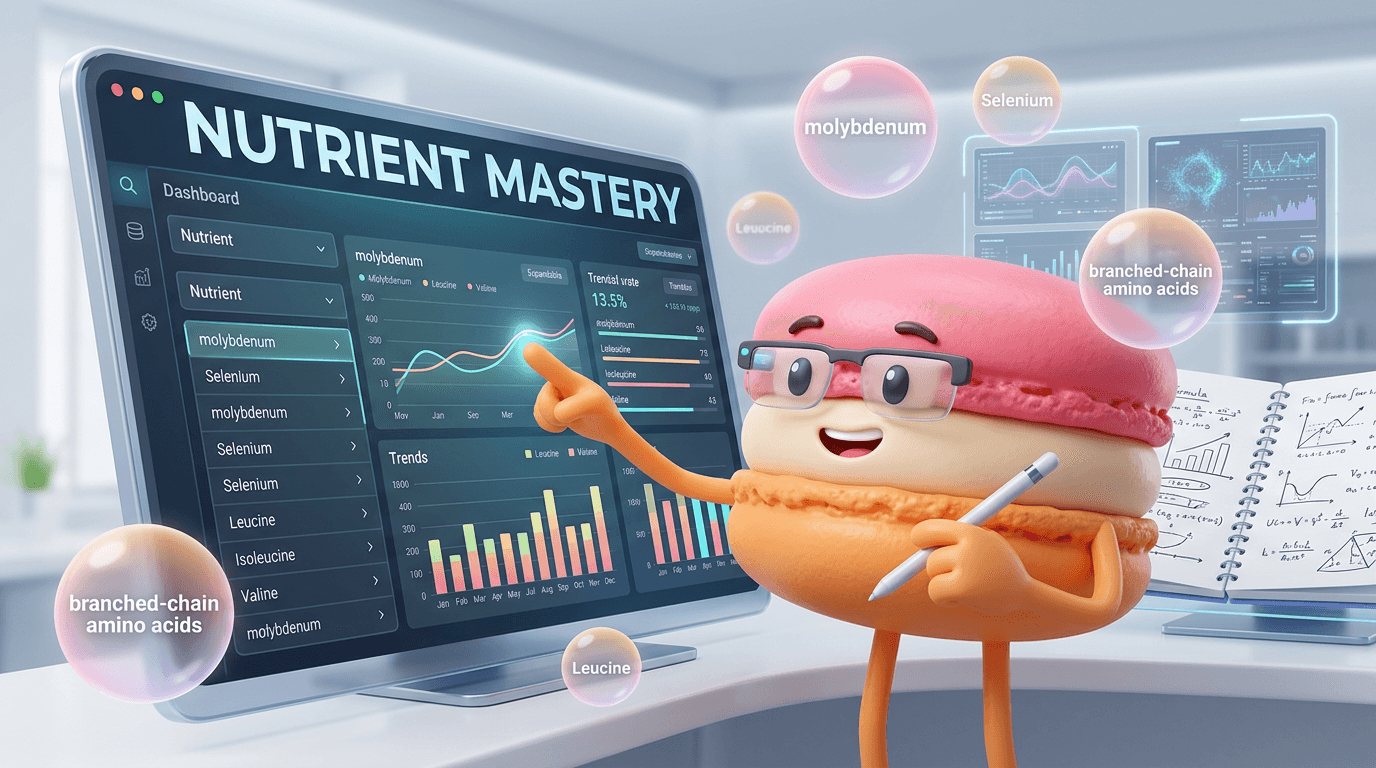
Cronometer’s main advantage is that it treats food logging like data verification, not guesswork. Its database draws from trusted sources such as the USDA and NCCDB, which helps reduce the inaccuracies common in crowdsourced trackers. That matters when you care about specific nutrients like folate, selenium, potassium, or omega-3s, because small errors can change the picture of whether your diet is actually meeting your needs.
Cronometer's Interface and Learning Curve
The interface is built for people who want detail visible at a glance, with nutrient panels, charts, and expandable breakdowns that resemble a health dashboard more than a casual food diary. That design is powerful, but it can feel dense for beginners. Users who are comfortable reading nutrition labels and interpreting nutrient targets will adapt faster than people who just want a fast meal log. The tradeoff is clear: more insight, less simplicity.
More About Cronometer App
Cronometer’s food database is the core reason serious trackers keep recommending it. Instead of depending heavily on user-submitted entries, it prioritizes verified sources and structured nutrient data, which makes the app more dependable for exact logging. That approach is especially useful when you need to compare foods by mineral content, amino acids, or vitamin coverage rather than by calories alone.
The app also goes beyond basic macro tracking by exposing a much wider nutrient profile than most competitors. Users can inspect daily intake across dozens of vitamins, minerals, and other metrics, then compare those numbers against targets over time. That makes it useful for people following medical nutrition advice, athletes fine-tuning intake, or anyone trying to understand why they feel under-fueled despite eating enough.
Cronometer’s logging tools are practical, but they are designed around accuracy rather than speed. Barcode scanning, recipe creation, and meal entry all work well, yet the app often expects users to confirm details instead of guessing for them. That extra step helps preserve data quality, but it also means the app rewards consistency and patience more than casual use. Another useful Macaron comparison is Best AI Personal Assistant in 2025: A Test Suite You Can Reuse at https://macaron.im/blog/ai-personal-assistant-test.
Trend tracking is one of the app’s most valuable features for long-term users. Instead of only showing what happened today, Cronometer helps reveal patterns in nutrient intake, missed targets, and recurring gaps across days or weeks. This is where the app becomes more than a diary: it becomes a diagnostic tool for habits, especially when someone is trying to correct a deficiency or stabilize a diet. For a broader Macaron context, What Should I Eat for Weight Loss? - Macaron - Macaron AI at https://macaron.im/eat-healthy/what-should-i-eat/weight-loss can help you compare the decision from another angle.
Compared with AI-first nutrition tools, Cronometer is less helpful as a coach and more useful as a measurement system. It tells you what happened with a high degree of precision, but it does not do much interpretation for you. That makes it ideal for self-directed users and professionals, while people who want guidance, reminders, or behavior change support may prefer a more conversational app.
Cronometer Pricing
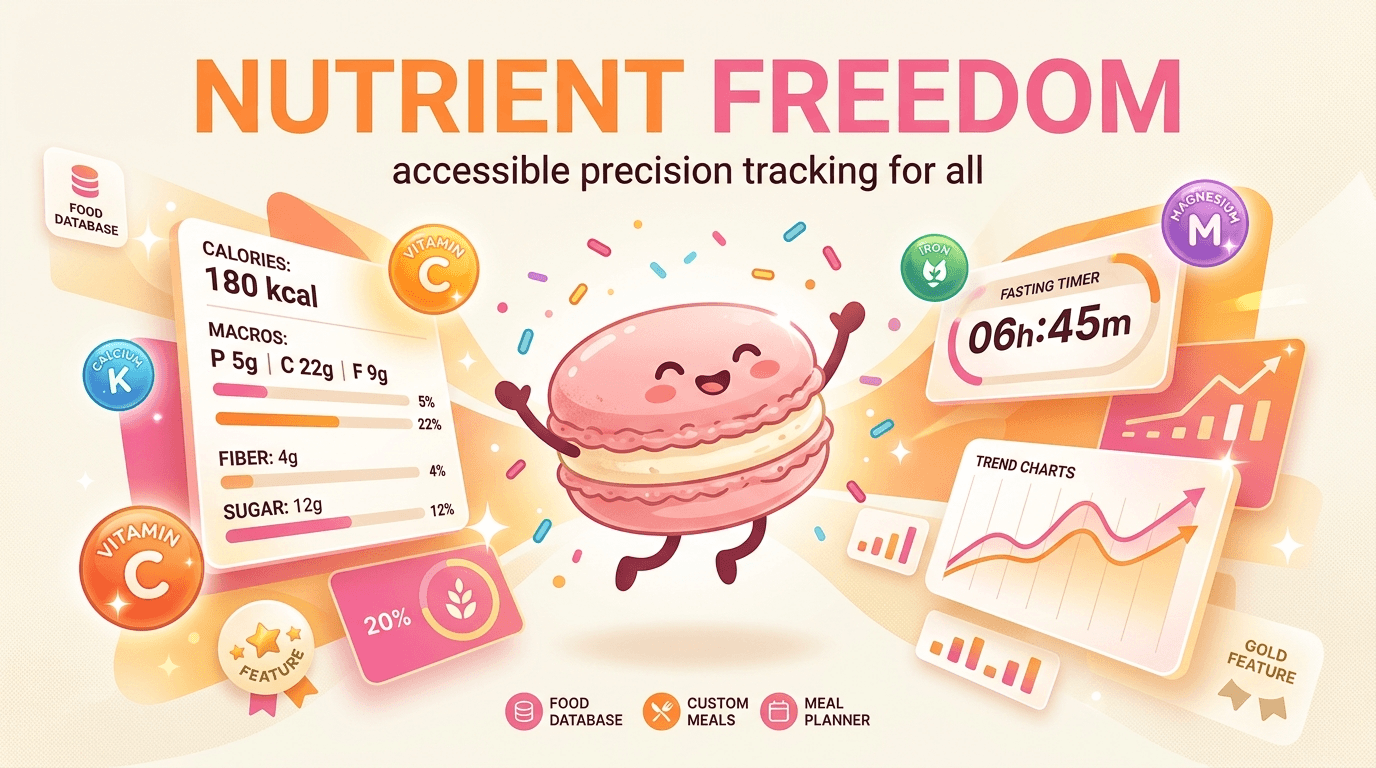
Cronometer’s free tier is unusually capable because it includes full micronutrient tracking rather than hiding the most useful data behind a paywall. That makes it a strong option for users who need serious nutrition visibility without committing to a subscription. Gold, priced at $8.99 per month, adds more advanced charts, fasting tools, and deeper trend analysis. The main tradeoff is that the app’s best value still depends on how much effort you want to put into logging accurately.
What AI Adds to Detailed Nutrition Tracking
AI changes the experience by reducing the burden of interpretation. Instead of asking users to translate nutrient numbers into next steps, tools like Macaron can turn broad goals into meal ideas, routines, and reminders that fit a real schedule. That is useful for people who know they need better habits but do not want to manage a highly technical dashboard every day. Cronometer remains better for precision; AI tools are better for making nutrition feel actionable.
Frequently Asked Questions
Yes, especially if your priority is accurate micronutrient tracking. Cronometer is widely valued by dietitians, athletes, and people managing specific nutrition goals because it relies on verified food data instead of depending mainly on crowdsourced entries. That makes it stronger than many mainstream trackers for vitamins and minerals. The downside is that it can feel overly detailed if you only want a simple calorie counter.
Yes. The free version is one of Cronometer’s biggest strengths because it includes core micronutrient tracking, which many competitors reserve for paid plans. The Gold subscription adds more advanced reporting, fasting tools, and extra charting options, but the basic app is already useful for serious logging. If you only need accurate food data and nutrient visibility, the free tier is often enough.
For nutrient accuracy, Cronometer is usually the better choice. MyFitnessPal is easier for many casual users, but its database has historically been more variable because it relies more heavily on crowdsourced entries. Cronometer is stronger when you care about minerals, vitamins, and exact food composition. MyFitnessPal can still be better if you want a simpler interface, broader social features, or a more familiar mainstream experience.
Someone might choose Macaron if they want nutrition help that feels more like coaching than auditing. Macaron is better for translating vague goals into practical habits, meal ideas, and reminders, especially for users who do not want to manage a dense nutrient dashboard every day. Cronometer is stronger for precision and record-keeping, while Macaron is better when the main challenge is follow-through rather than measurement.
Cronometer tracks food intake, exercise, calories, macros, and a wide range of micronutrients in one place. It is designed to help users see not only how much they eat, but also whether they are getting enough of specific vitamins and minerals. That makes it useful for diet analysis, deficiency tracking, performance nutrition, and long-term habit review. It is less focused on coaching and more focused on measurement.
It can be learned by beginners, but it is not the easiest nutrition app to pick up quickly. The interface exposes a lot of data, which is helpful once you know what you are looking at, but intimidating if you are new to nutrition tracking. Beginners who only want fast meal logging may find it heavy. Beginners who want to learn nutrition in detail may find the structure surprisingly useful. For a third-party check, Cronometer nutrition app - Reddit at https://www.reddit.com/r/cronometer/comments/1ijv5yu/cronometer_nutrition_app/ is worth comparing against the page summary.
Cronometer integrates with services like Apple Health and Fitbit, which helps bring in activity data and make calorie budgeting more complete. Those integrations are useful if you already wear a fitness tracker or use a health ecosystem on your phone. The app is still primarily a nutrition tracker, though, so it does not try to replace every recovery or wellness metric that some broader health platforms emphasize. For another outside reference, Trends Overview - Cronometer at https://support.cronometer.com/hc/en-us/articles/360018298272-Trends-Overview adds a second perspective.
Cronometer is best for users who need precision: people tracking deficiencies, athletes managing intake targets, keto or low-carb users watching specific nutrients, and anyone who wants a detailed record of what they eat. It is also useful for people who like reviewing trends over time instead of relying on memory. If your main goal is simple accountability, the app may feel like more than you need.html is a useful reference point.html is a useful reference point.html is a useful reference point.html is a useful reference point.html is a useful reference point. For outside context, Cronometer: The Most Accurate Nutrition Tracking App at https://cronometer.com/index.html is a useful reference point.
Read & discover
AI Personal Assistant
Free calculators


