Emeals Meal Plans
eMeals provides preset weekly meal plans with shopping lists, while Macaron creates dynamic AI-powered plans that adjust to your lifestyle, dietary restrictions and last-minute schedule changes.
How eMeals' Weekly Plans Work
eMeals is built for people who want dinner decisions made in advance. The app organizes 15 preset weekly meal plans, including Quick & Healthy, Clean Eating, Family Friendly, and specialty options such as keto or diabetic-friendly menus. Each week, users receive a new set of recipes with a coordinated shopping list, which makes the service feel more like a structured planning system than a recipe library.
The core appeal is consistency. Instead of browsing endlessly for dinner ideas, you choose a plan that matches your household and let the app supply the week’s meals, ingredients, and cooking steps. That works especially well for families that shop on a fixed schedule or prefer to batch errands around grocery pickup and delivery partners like Walmart or Kroger.
eMeals also helps reduce the mental load of deciding what to cook every night. For users who like routine, the preset format removes a lot of friction: the menu arrives, the list is generated, and dinner can move forward with less debate. The tradeoff is that the system assumes your week will stay close to the original plan, which is not always realistic. For a related Macaron page, see What Should I Eat Today? AI Tools That Help You Decide - Macaron at https://macaron.im/blog/what-should-i-eat-today.
When schedules shift, eMeals can become more manual. If a work trip, late practice, or unexpected takeout night changes the plan, users often need to swap meals, revisit another category, or rebuild part of the week themselves. That limitation is where Macaron takes a different approach, using AI to adapt the plan instead of asking you to work around it.
Macaron is better suited to households that need flexibility alongside structure. It can generate a meal plan around pantry inventory, dietary restrictions, time constraints, and changing calendars, then revise it when something changes midweek. eMeals is still useful for predictable routines, but Macaron is stronger when the real question is not just what to cook, but what still makes sense today.
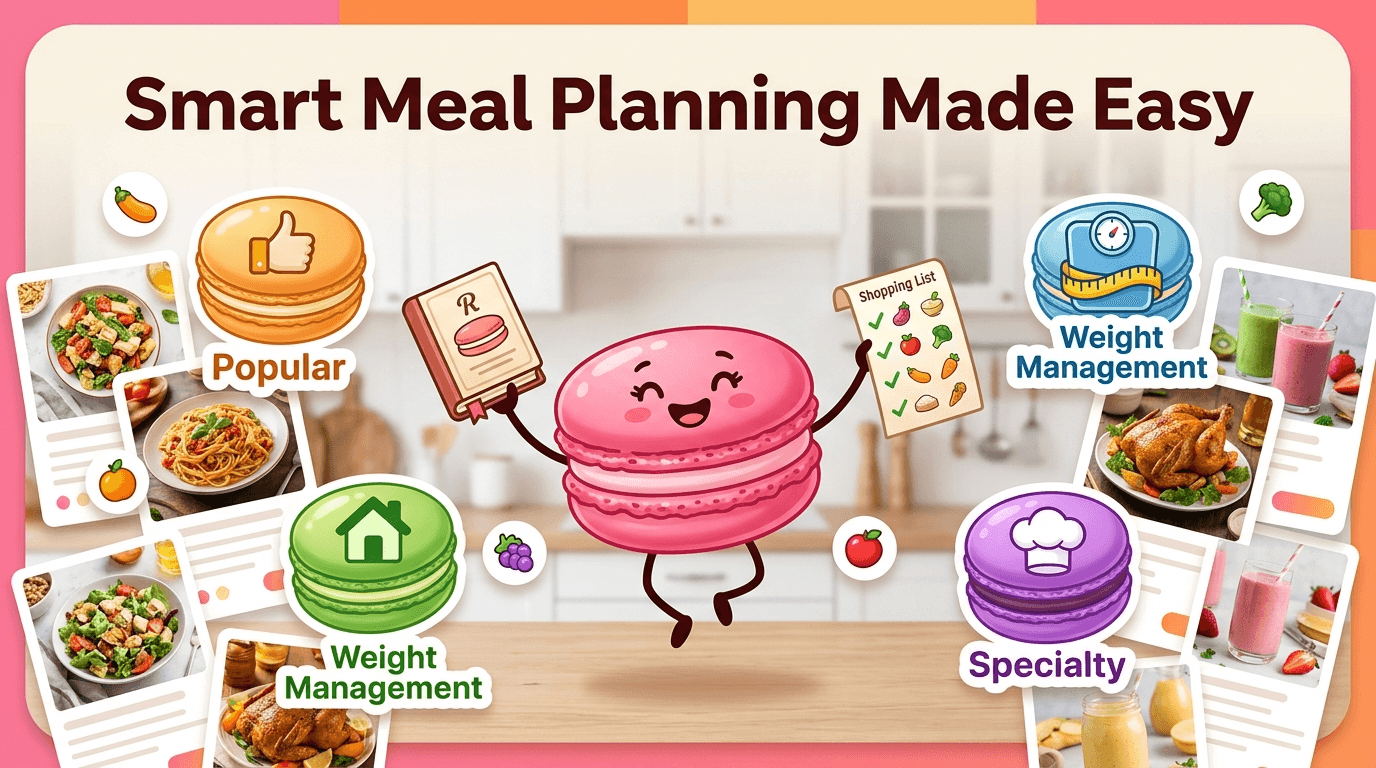
How eMeals' Weekly Plans Work
eMeals centers on 15 preset weekly plans such as 30-Minute Meals, Quick & Healthy, and Clean Eating, with each plan sending a fresh set of seven recipes on a weekly cadence. The app also creates a matching grocery list and can connect to pickup or delivery workflows at major retailers, which makes it practical for households that shop once and cook several times. The downside is that the structure is rigid: if your week changes, the plan does not automatically reorganize itself, so users often have to make manual edits or start over.
What eMeals Meal Plans Include
Beyond weekly recipes and shopping lists, eMeals includes an archive of past meal plans so users can revisit menus they liked or browse by category. The service groups plans into Popular, Family, Weight Management, and Specialty buckets, which helps users narrow choices by cooking time, dietary style, or household needs. That said, specialty plans can feel repetitive if you rely on them long term, especially when ingredient overlap becomes noticeable. Macaron is more adaptive because it can factor in what you already have, what you recently cooked, and what your household is likely to accept next.
More About Emeals Meal Plans
eMeals is strongest when users want a simple, repeatable dinner system. Popular plans like 30 Minute Meals and Quick & Healthy focus on short ingredient lists and straightforward prep, while specialty plans address needs such as keto, plant-based, or calorie-conscious eating. That makes the app useful for people who want fewer decisions, not more customization.
The grocery workflow is another major selling point. eMeals can generate a shopping list from the selected plan and connect that list to retailer pickup or delivery options, which saves time for households that already shop at supported stores. The tradeoff is that the app depends on store availability and a fixed recipe set, so local substitutions and ingredient mismatches can still create extra work.
For families, the value is in having a shared baseline. A parent can choose a plan, shop once, and know what most of the week will look like. But if one child refuses several recipes or a partner wants something different, the system does not automatically rebalance the menu. Users then have to search other plans or supplement with outside recipes, which weakens the convenience factor. Another useful Macaron comparison is AI Meal Planner - Macaron AI at https://macaron.im/ai-meal-planner.
Macaron approaches the same problem as an ongoing planning task rather than a weekly template. It can remember dislikes, adjust portions, and change prep complexity based on the day. If you need fast lunches on workdays and more involved dinners on weekends, Macaron can split the difference without forcing you to manage multiple plan categories by hand. For a broader Macaron context, AI Diet Tracker: Best Apps to Help You Eat Better - Macaron at https://macaron.im/blog/ai-diet-tracker can help you compare the decision from another angle.
That difference matters most in households with unpredictable schedules. eMeals is still a good fit for people who want a dependable menu and do not mind staying close to the plan. Macaron is better when meal planning needs to respond to travel, after-school activities, pantry gaps, or sudden changes in appetite. The flexibility comes with a different tradeoff: you are asking an AI to plan, not simply selecting a preset menu.
Limitations of Static Meal Plans
The main weakness of a preset meal plan shows up when real life interrupts the calendar. If a work trip removes two dinners from the week, or a family member vetoes several recipes, the user has to manually reshuffle meals, rebuild the shopping list, and decide what to do with ingredients already bought. That can be manageable for highly organized households, but it is exactly the kind of friction Macaron is designed to reduce by adapting the plan automatically instead of leaving the correction work to the user.
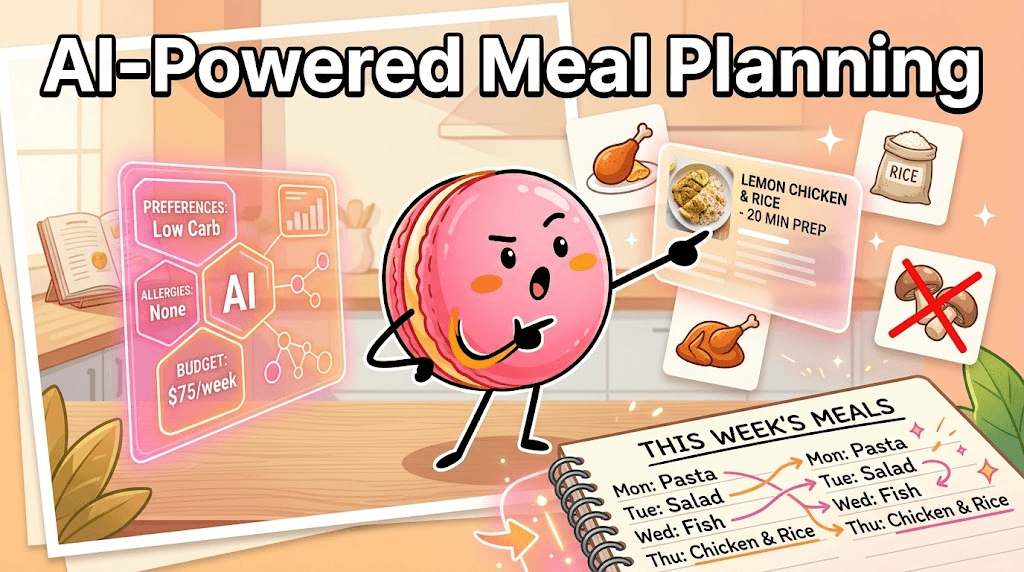
How Macaron Creates Dynamic AI Meal Plans
Macaron treats meal planning as a living system rather than a fixed weekly drop. You can ask for plans based on goals like high-protein lunches, gluten-free dinners, or low-effort meals for chaotic weekdays, and the AI can shape the menu around your schedule, pantry, and preferences. It remembers recurring dislikes, can lower prep time when your day is packed, and can regenerate a plan when something changes. The tradeoff is that you give up the simplicity of a prebuilt template, but gain far more control when your week is unpredictable.
Frequently Asked Questions
eMeals can be worth it for households that want a clear weekly structure, a shopping list, and fewer dinner decisions. It is especially useful if you like planning around a regular grocery trip and do not need much midweek flexibility. The main tradeoff is that it works best when your schedule stays close to the original plan. If your week changes often, Macaron is usually the better fit.
Yes, if your main problem is deciding what to cook and then building a shopping list from scratch. eMeals gives you a full weekly plan instead of just a recipe archive, which makes it more practical for routine meal prep. A normal recipe app can still be better if you want broader browsing, more inspiration, or more control over individual recipes. Macaron goes further by adapting the plan to your current needs.
eMeals starts with fixed weekly templates, while Macaron generates plans around your actual situation. That means Macaron can adjust for pantry inventory, changing schedules, disliked ingredients, guest counts, or a sudden need for faster meals. eMeals is simpler if you want a preset menu and do not want to think much. Macaron is stronger when meal planning needs to respond to real-life changes instead of staying locked to a template.
Not always. Some people keep eMeals for its predictable weekly structure and use Macaron when the plan needs to change. That can work well if you like having a baseline menu but still need help on busy weeks, travel days, or nights when the original plan no longer fits. If you want one system that handles both planning and adaptation, Macaron can replace eMeals more cleanly.
Yes, eMeals is designed to connect meal plans with grocery shopping workflows, including pickup or delivery options through supported retailers. That is one of its biggest advantages because it reduces the time spent turning recipes into a usable shopping list. The limitation is that availability depends on the store and local inventory. If a listed ingredient is unavailable, you may still need to make manual substitutions or shop elsewhere.
The most commonly used plans tend to be the faster, simpler options such as 30 Minute Meals and Quick & Healthy. These are appealing because they keep prep time low and use straightforward ingredients. Family and specialty plans are also useful, especially for households with dietary goals or kids at the table. The best plan depends on whether you value speed, nutrition, or variety more than flexibility. For a third-party check, eMeals App Review: Pros and Cons - Plan to Eat at https://www.plantoeat.com/blog/2022/09/review-of-emeals-meal-planning-app/ is worth comparing against the page summary.
eMeals includes specialty plans for diets such as keto, plant-based, and calorie-conscious eating, so it can support many common dietary needs. That said, it still works as a preset system, which means it may not fully account for multiple restrictions, ingredient dislikes, or changing preferences within the same household. Macaron is better when dietary needs are more specific or when you want the plan to adjust automatically over time. For another outside reference, How do I Meal Plan with eMeals? at https://support.emeals.com/portal/en/kb/articles/how-do-i-meal-plan-with-emeals adds a second perspective.
The tradeoff is structure versus adaptability. eMeals gives you a ready-made weekly plan that is easy to follow and easy to shop for, but it expects your week to stay fairly stable. Macaron is more flexible and can rebuild plans when your schedule changes, but it requires you to describe what you need rather than simply picking a template. Competitor apps may still be better if you only want a static menu.com/meal-plans/ is a useful reference point.com/meal-plans/ is a useful reference point.com/meal-plans/ is a useful reference point.com/meal-plans/ is a useful reference point.com/meal-plans/ is a useful reference point. For outside context, Weekly Meal Plans App with Grocery List - eMeals at https://emeals.com/meal-plans/ is a useful reference point.
Read & discover
AI Personal Assistant
Free calculators


