Foodvisor Review
Foodvisor combines AI food scanning with nutrition tracking, but user reviews show mixed results on accuracy and subscription value. Our testing reveals when it works best and how it compares to adaptive AI alternatives.
How Foodvisor's AI Food Recognition Works
Foodvisor’s appeal is simple: take a photo, get a calorie estimate, and move on without typing every ingredient. In practice, the app performs best when the meal is visually clean, evenly lit, and easy to separate into familiar items. That makes it useful for quick logging, but less dependable when the plate includes sauces, mixed textures, or foods that overlap in the frame.
Our testing and user feedback point to a clear pattern: Foodvisor is strongest with single-item foods and packaged products, then becomes less reliable as meals get more complex. Barcode scanning helps cover common grocery items, while photo recognition can still miss toppings, oils, and hidden ingredients. For people who want a fast estimate rather than exact nutrition math, that tradeoff may be acceptable.
The interface is one of Foodvisor’s biggest strengths. Reviews consistently describe it as polished, easy to navigate, and less intimidating than older calorie trackers. That matters because food logging only works if people keep using it. Foodvisor lowers the friction of getting started, even when the AI guess needs correction, which helps explain why many users stick with it longer than they do with more cluttered apps. For a related Macaron page, see When Nano Banana Meets Macaron: Next‑Level AI Image Editing ... at https://macaron.im/blog/macaron-ai-essential-personal-assistant-features.
The main downside is that convenience does not always translate into precision. Portion estimates can vary enough to matter for users tracking macros, managing medical nutrition goals, or trying to stay in a tight calorie range. A meal that looks straightforward to the app may still need manual edits, especially if the serving size is unclear or the dish was prepared at home with ingredients that are hard to identify visually.
Compared with adaptive tools like Macaron, Foodvisor is better at the first scan than the repeated routine. It can identify a meal quickly, but it does not build much memory around your habits, so frequent meals often need to be entered again and again. That makes Foodvisor a reasonable fit for casual tracking, while Macaron is more useful for people who want the app to learn and reduce repetitive work over time.
What Types of Meals Does Foodvisor Handle Best?
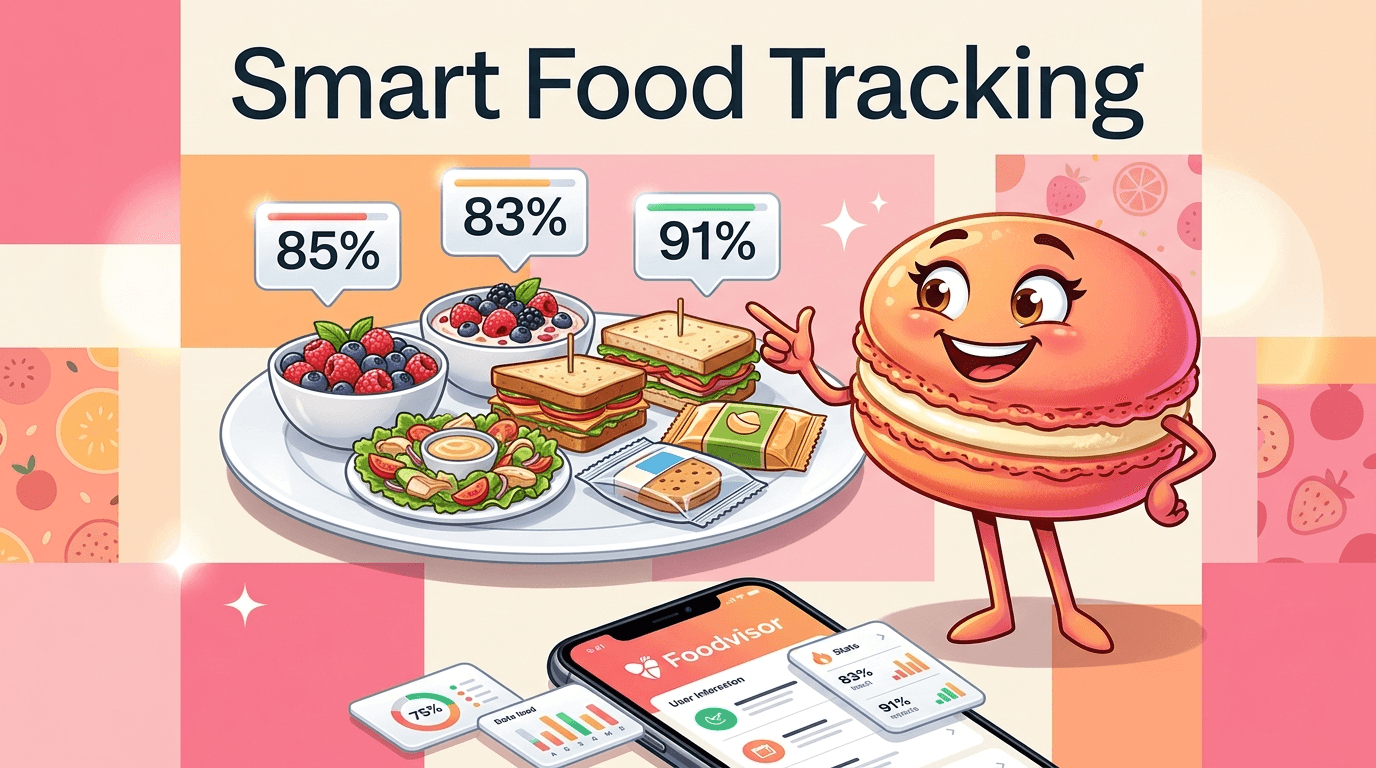
Foodvisor is most dependable when the meal is simple, visually distinct, and photographed in good light. Packaged foods usually scan well because barcode lookup gives the app a clearer reference point, and basic meals like sandwiches or fruit bowls are easier for the vision model to classify. The trouble starts with layered dishes, saucy recipes, and mixed bowls, where ingredients blend together and the app has to guess at both composition and portion size. That makes it a stronger fit for routine grocery items than for restaurant plates or home cooking with multiple components.
How Does Foodvisor Compare to Manual Tracking?
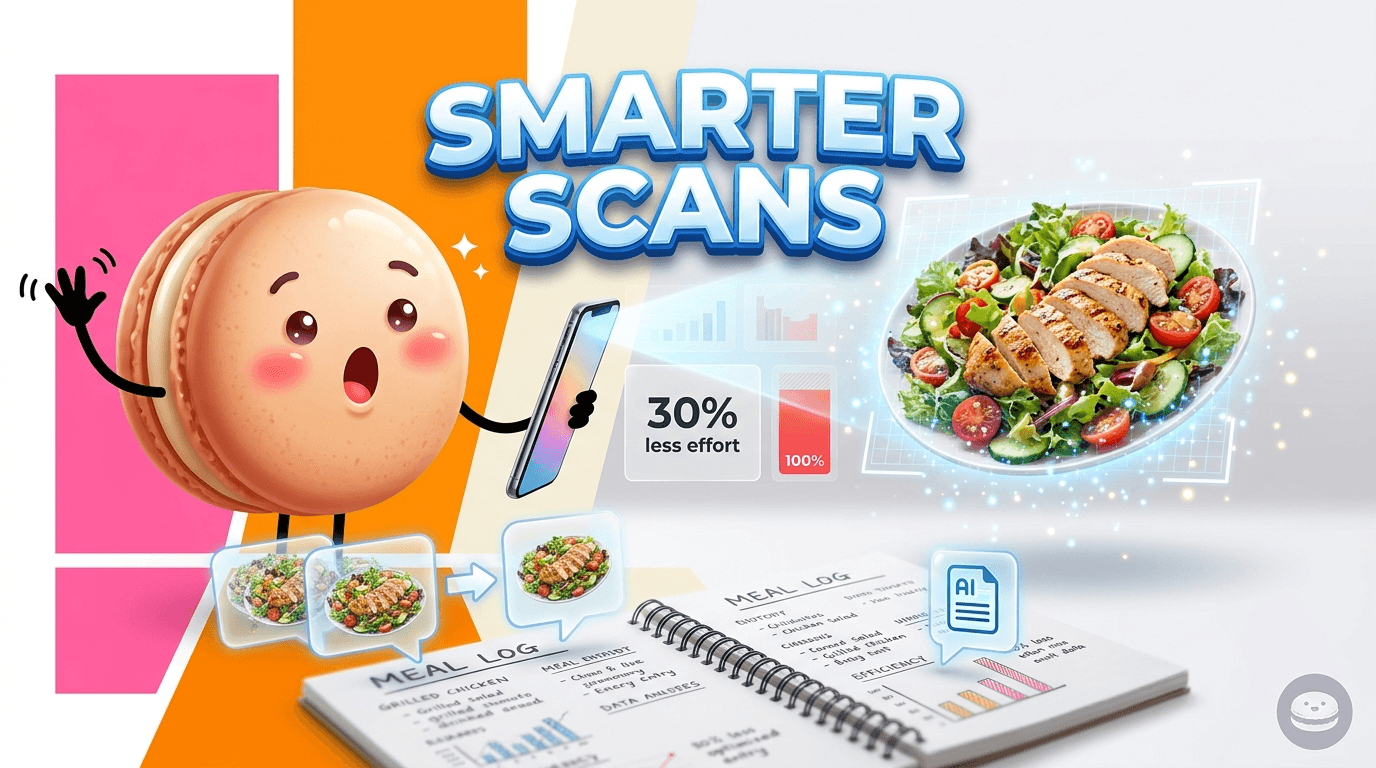
Foodvisor can save time versus typing every food from scratch, especially if you eat a lot of packaged items or repeat the same simple meals. The catch is that photo recognition still needs verification, so the time savings shrink when you have to correct ingredients, adjust portions, or search for a better match. Manual tracking is slower upfront but can be more precise for users who already know their meals well. Foodvisor works best as a shortcut for general logging, not as a replacement for careful entry when accuracy matters.
More About Foodvisor Review
Foodvisor’s premium tier adds coaching, meal planning, and deeper nutrition insights, but those extras are only valuable if the core logging experience already fits your habits. For casual users, the free version may be enough to test the scanner and basic calorie counting. For people who want structured guidance, the paid plan can help, though the advice may feel broad rather than tailored to specific routines, preferences, or training goals.
The app’s barcode database is a practical advantage for people who eat a lot of packaged foods. That part of the experience is usually more reliable than photo recognition because the app can match a product directly instead of inferring it from appearance. The tradeoff is that homemade meals, restaurant dishes, and recipes with hidden ingredients still depend on visual guesses or user-submitted entries, which can vary in quality and completeness.
Foodvisor’s portion estimation is useful when you need a rough sense of intake, but it is not the same as weighing food. A visually similar serving can be logged differently depending on angle, lighting, and how much of the plate is visible. That makes the app more suitable for awareness and habit-building than for users who need tight macro control, such as athletes, body recomposition users, or people following a clinician’s plan. Another useful Macaron comparison is AI Calorie Tracker: How It Works and What to Expect - Macaron at https://macaron.im/blog/ai-calorie-tracker-explained.
User sentiment is mixed in a way that reflects the app’s strengths and limits. Many people like the design, reminders, and low-friction onboarding, while complaints often focus on recognition errors, subscription issues, or the need to keep correcting the same meals. That split matters because an app can feel pleasant to use and still become tedious if the AI does not reduce work over time. Foodvisor does the first part well, but not always the second. For a broader Macaron context, Meal Planner: How to Build One That Actually Works - Macaron at https://macaron.im/blog/meal-planner can help you compare the decision from another angle.
Macaron’s main advantage is memory. Instead of treating every scan as a fresh guess, it can learn recurring meals and preferences, which reduces repetitive edits for people with stable routines. That makes Macaron better for long-term use, especially if you eat similar breakfasts, lunches, or post-workout meals each week. Foodvisor still has an edge for users who want a straightforward scanner with a polished interface, but Macaron is stronger when personalization matters more than one-off convenience.
Is Foodvisor's Subscription Worth the Cost?
Foodvisor’s subscription only makes sense if you will use the premium tools often enough to justify the recurring fee. The paid plan adds coaching, meal planning, and more detailed nutrition views, but those features are not always deeply personalized. If you mainly want occasional photo-based calorie estimates, the free tier may cover your needs. If you want a broader tracking system, compare it carefully with alternatives that offer stronger learning, better habit memory, or more transparent pricing before committing.
How Does Macaron Outperform Foodvisor for Regular Use?
Macaron is built to remember patterns, which is a meaningful advantage if your meals repeat from day to day. After a few scans, it can start recognizing your usual ingredients, portions, and preferences, so you spend less time fixing the same entries. Foodvisor is more of a scan-and-check tool: it can be fast for one-off meals, but it does not reduce repetition as much. The tradeoff is that Macaron’s value grows with use, while Foodvisor can feel simpler for people who only need occasional logging.
Frequently Asked Questions
Foodvisor can support weight loss if your main need is a simple way to log meals and stay aware of intake. It is especially helpful for people who eat a lot of packaged foods or straightforward meals. The limitation is precision: mixed dishes, restaurant meals, and unclear portions can lead to enough error that users still need to verify entries. For general calorie awareness, it works well; for strict macro control, it is less dependable.
Yes, but the free version is limited. You can test basic scanning and get a feel for the interface, yet more useful features such as deeper nutrition insights, meal planning, and coaching are tied to the subscription. That makes the free tier more of a trial than a full solution. If you only need occasional calorie estimates, it may be enough. If you want ongoing guidance, you will likely run into the paywall quickly.
Restaurant meals are one of Foodvisor’s weaker use cases because sauces, garnishes, hidden oils, and mixed ingredients are hard to identify from a single photo. The app may recognize the main item correctly but still miss important details that affect calories and macros. It works better when the meal is photographed before mixing or when components are separated on the plate. For restaurant tracking, expect to make manual adjustments.
Macaron is often a better fit for users who want the app to learn from repeated behavior instead of starting over each time. It can remember common meals and reduce repetitive logging, which helps people with consistent routines. Foodvisor is still useful for quick scans, but it is more static. Nutritionists and serious trackers may prefer Macaron when long-term habit support, personalization, and less manual correction matter more than a polished first impression.
Foodvisor does best with simple, clearly visible foods such as fruit, sandwiches, packaged snacks, and other items that are easy to isolate in a photo. Barcode scanning is also a strength because it bypasses some of the uncertainty of image recognition. The app struggles more with casseroles, saucy dishes, bowls with many ingredients, and homemade recipes where the visual cues are less distinct. In short, it favors clean, simple meals over complex plates.
It can be useful for rough macro tracking, but it is not ideal if you need tight control. Protein, fat, and carb estimates can drift when the app misreads ingredients or serving size. That is manageable for general awareness, but athletes, body recomposition users, and people following a specific nutrition plan may need to weigh food or edit entries manually. Foodvisor is better for convenience than for exact macro accounting. For a third-party check, The Pros and Cons of Foodvisor - Food and Health Communications at https://www.foodandhealth.com/blog/the-pros-and-cons-of-foodvisor is worth comparing against the page summary.
Foodvisor can improve the experience when you save or correct entries, but it does not build the same kind of long-term meal memory that adaptive apps do. That means repeated meals may still need to be scanned and adjusted again later. If your diet is highly repetitive, this can become tedious. Users who want the app to remember patterns and reduce future work may find Macaron more efficient over time. For another outside reference, Read Customer Service Reviews of foodvisor.io - Trustpilot at https://www.trustpilot.com/review/foodvisor.io adds a second perspective.
The main tradeoff is convenience versus precision. Foodvisor gives you a fast, attractive way to log food, which lowers the barrier to tracking. In exchange, you accept that the AI will miss details on more complex meals and that you may need to correct entries often. That makes it a strong choice for casual tracking and a weaker choice for users who need highly accurate nutrition data or a system that learns their habits.com/foodvisor-review is a useful reference point.com/foodvisor-review is a useful reference point.com/foodvisor-review is a useful reference point.com/foodvisor-review is a useful reference point.com/foodvisor-review is a useful reference point. For outside context, Foodvisor Review (2026): My Firsthand Experience at https://www.garagegymreviews.com/foodvisor-review is a useful reference point.
Read & discover
AI Personal Assistant
Free calculators


