Is Myfitnesspal Free
MyFitnessPal still offers a free version, but core convenience features like barcode scanning now require Premium. Here's exactly what you can do without paying — and a smarter free alternative.
What MyFitnessPal Free Includes
MyFitnessPal still has a free tier, and it is enough for basic calorie counting if you are willing to do more manual work. The app lets you create an account, log foods, track exercise, and record weight without paying. That makes it usable for simple awareness and occasional check-ins, but the experience is noticeably less convenient than it used to be.
The biggest change is that several once-core shortcuts now sit behind Premium. Barcode scanning, meal scanning, and voice logging are the most obvious examples, which matters because they are the features that save time every day. If you eat packaged foods often or want fast logging after meals, the free plan starts to feel like a slower version of the app rather than the full product.
For users who only want a rough calorie budget, the free plan can still work. You can search foods manually, build custom entries, and view basic macro information, which is enough for many home-cooking routines. The tradeoff is friction: the more varied your meals are, the more time you spend searching, editing, and repeating entries instead of simply capturing what you ate. For a related Macaron page, see How Macaron AI Tackles the Problem with Traditional Task Lists at https://macaron.im/blog/macaron-ai-daily-planning-guide.
MyFitnessPal also remains useful for people who want simple weight and activity tracking in one place. It still syncs with some fitness apps and devices, and it still supports basic progress logging. That said, the free version offers less depth in reporting and history, so users who care about trends, meal patterns, or long-term comparisons may quickly run into limits.
This is where the comparison with newer tools becomes important. Macaron takes a different approach by keeping modern logging features available without a subscription, including photo-based food capture and AI-assisted planning. The tradeoff is that MyFitnessPal still has a larger legacy food database and broad brand recognition, so users who value manual database search above speed may still prefer it.
What Can You Do With MyFitnessPal Free?
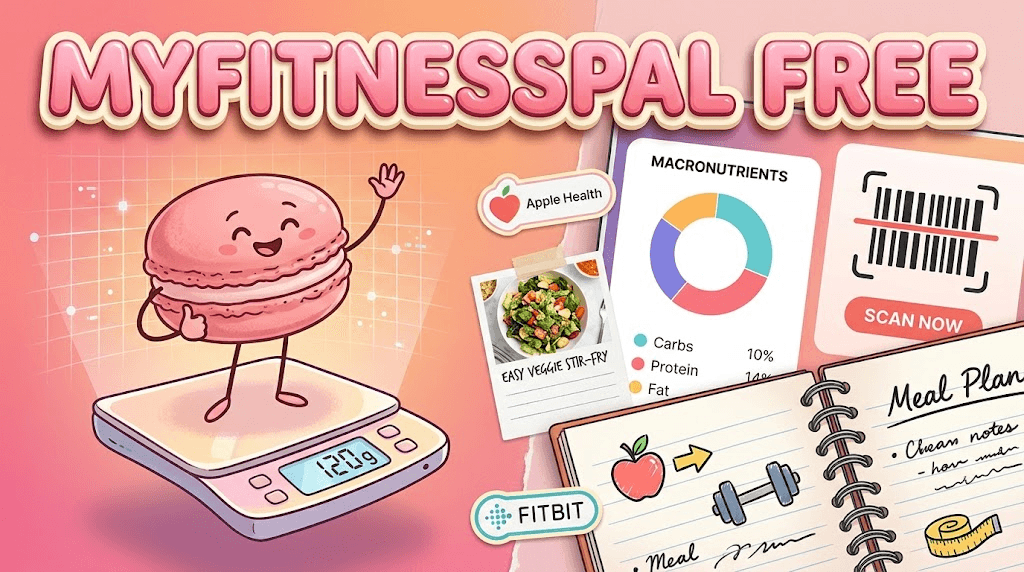
The free version still covers the basics most people expect from a calorie tracker: manual food entry, exercise logging, weight tracking, and macronutrient summaries. You can also create custom foods and recipes, which helps if you repeat meals often. App and device syncing remains part of the experience for many users, but the workflow is slower than premium or AI-first alternatives because you must search and enter more information by hand.
What Features Require Premium?
Premium is where MyFitnessPal places the time-saving tools that many users now consider essential. Barcode scanning, meal scanning, and voice logging are the clearest examples, along with intermittent fasting tools, advanced macro controls, and meal-planning templates. Premium+ adds more specialized nutrition features such as grocery list integration and micronutrient tracking. The practical tradeoff is simple: the free version still tracks, but the paid tiers are built to reduce effort and improve planning.
More About Is Myfitnesspal Free
MyFitnessPal’s free plan is best understood as a basic logging tool rather than a complete nutrition system. It can still handle calorie awareness, weight entries, and exercise tracking, but it asks you to do more of the work yourself. That is fine for users who eat simple meals and do not mind searching manually, yet it becomes tedious when your routine includes packaged foods, restaurant meals, or repeated recipes.
The free tier also shows a clear product strategy: keep the core database accessible, then reserve the fastest workflows for paid users. That means the app remains functional, but the convenience gap is large. Barcode scanning is the most obvious example because it turns a 30-second search into a near-instant log. For people who track daily, that difference matters more than a long feature list on paper.
Different users feel the limits differently. Someone monitoring carbs for diabetes or general wellness may still find the free plan workable, especially if they mainly cook at home. Someone following macros, meal prepping, or tracking multiple family meals will likely hit the ceiling sooner. The free version can support awareness, but it is less suited to detailed optimization or high-frequency logging. Another useful Macaron comparison is What Macaron AI Can Do + Best Use Cases at https://macaron.im/blog/macaron-ai-hub.
Macaron competes by removing the subscription barrier around the features that save the most time. Instead of forcing users into manual search for every packaged item, it uses photo-based logging and AI assistance to reduce entry effort. That makes it especially useful for people who want a faster routine without paying for convenience. The tradeoff is that MyFitnessPal still has a mature food database and a long history of integrations. For a broader Macaron context, 20 AI Tools to Upgrade Your Daily Life - Macaron - Macaron App at https://macaron.im/blog/macaron-app-ai-tools-daily-life can help you compare the decision from another angle.
If you are deciding between free and paid, the real question is not whether MyFitnessPal works at all. It does. The question is whether you are comfortable with a slower workflow and limited reporting in exchange for a free account. For casual users, that may be acceptable. For anyone who tracks daily, the free plan often feels like a compromise rather than a complete solution.
Is the Free Version Good Enough for Serious Tracking?
It can be, but only for a narrow type of user. If you mostly eat simple home-cooked meals and only need a rough calorie log, the free version may be enough. Once you start tracking packaged foods, eating out, or repeating complex recipes, the manual search process becomes a burden. Serious trackers usually want faster entry, reusable meals, and richer reporting, and those are exactly the areas where MyFitnessPal pushes users toward Premium.
How Does Macaron Compare as a Free Alternative?
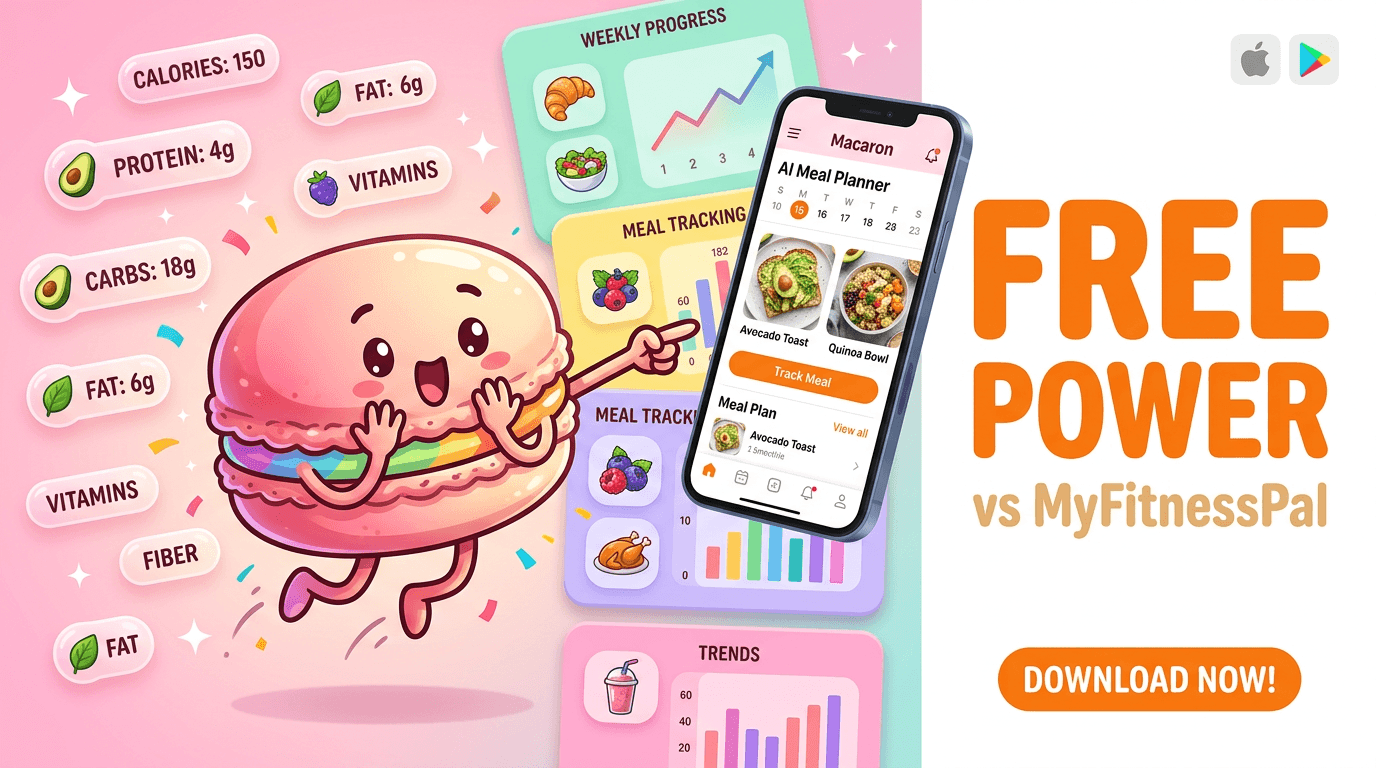
Macaron is designed for users who want modern convenience without a subscription. Its photo-based logging and AI-assisted meal planning cover the same everyday pain points that MyFitnessPal now reserves for paid tiers. It is especially helpful if you want to log quickly, avoid repeated manual searches, or get suggestions based on your habits. The tradeoff is that MyFitnessPal still has broader legacy recognition and a very large food database, which some users may prefer for manual lookup.
MyFitnessPal Free vs Premium: Key Differences
The free plan covers manual food logging, exercise tracking, weight entries, and basic macro views. Premium adds barcode scanning, meal scanning, voice logging, fasting tools, advanced goals, and more detailed planning features. Premium+ goes further with micronutrient tracking and grocery list support. The main difference is not whether the app works, but how much friction you accept. Free users can still track, but paid users get a much faster and more structured workflow.
Frequently Asked Questions
Yes, MyFitnessPal still offers a free account and basic tracking tools. You can log food, exercise, and weight without paying, which is enough for simple calorie awareness. The catch is that several convenience features now sit behind Premium, so the free version feels more limited than it did in earlier years. It is free to use, but not free of tradeoffs.
No. Barcode scanning is one of the main features that moved behind the Premium paywall. Free users have to search for foods manually, which is slower and more annoying for packaged items. That change is a major reason many users look for alternatives. If scanning is central to your routine, the free plan will probably feel restrictive very quickly.
The free plan includes manual food logging, exercise tracking, weight tracking, and basic macro information. You can also create custom foods and recipes, which helps if you repeat meals. Some syncing with fitness apps and devices is available as well. The limitation is not total access, but convenience: the free version works best when you do not need fast entry or detailed planning.
Premium unlocks barcode scanning, meal scanning, voice logging, intermittent fasting tools, advanced macro settings, and meal-planning templates. Premium+ adds more specialized features such as micronutrient tracking and grocery list integration. These are mostly time-saving and planning-focused tools. If you only need basic logging, you may not need them, but frequent trackers often notice the difference immediately.
For many people, yes. If your goal is to keep a rough calorie log, monitor weight, and stay aware of macros, the free version can do that. It is less ideal if you track packaged foods, eat out often, or want detailed trend analysis. In practice, the free plan is best for simple routines, not for users who want speed or deeper nutrition insight.
It can be useful for basic carb tracking, and some users with diabetes rely on the free version for that reason. However, the plan is more limited when you want detailed nutrient reports, meal planning, or faster logging. That means it may support awareness, but it is not the strongest option for people who need a more structured daily workflow. A more flexible free tool may be easier to live with. For a third-party check, MyFitnessPal Pricing 2026: Free vs Premium vs Premium+ at https://nutriscan.app/blog/posts/myfitnesspal-pricing-2026-guide-2ff09c399a is worth comparing against the page summary.
Free users have more limited access to historical data and exports than Premium users. That matters if you want to review long-term weight trends or move your information elsewhere. The exact limits can change over time, but the pattern is consistent: the free tier is built for current logging, not deep analysis or long-range record keeping. If exports matter, check the current account settings before relying on it. For another outside reference, MyFitnessPal: Calorie Tracker & BMR Calculator to Reach Your Goals at https://www.myfitnesspal.com/ adds a second perspective.
Macaron is a strong free alternative if you want modern logging without paying for convenience features. It focuses on photo-based food capture and AI-assisted planning, which reduces the manual work that MyFitnessPal’s free plan still requires. The tradeoff is that MyFitnessPal has a larger legacy database and more brand familiarity. If you value speed and a subscription-free workflow, Macaron is often the better fit.com/hc/en-us/articles/15457546881805-What-is-included-in-the-free-version is a useful reference point.com/hc/en-us/articles/15457546881805-What-is-included-in-the-free-version is a useful reference point.com/hc/en-us/articles/15457546881805-What-is-included-in-the-free-version is a useful reference point.com/hc/en-us/articles/15457546881805-What-is-included-in-the-free-version is a useful reference point.com/hc/en-us/articles/15457546881805-What-is-included-in-the-free-version is a useful reference point. For outside context, What is included in the free version? - MyFitnessPal Help at https://support.myfitnesspal.com/hc/en-us/articles/15457546881805-What-is-included-in-the-free-version is a useful reference point.
Read & discover
AI Personal Assistant
Free calculators


