Lose It App
Lose It maintains its position as a leading calorie tracking app in 2025 with cleaner UI than competitors, though its premium features raise questions about value versus newer AI-powered alternatives.
What Is the Lose It App
Lose It is a calorie-tracking and weight-loss app from FitNow that has stayed relevant by keeping its core workflow simple: set a goal, log food, and watch your budget update. That focus still appeals to people who want a straightforward tool rather than a broader wellness platform. Its long history also means the app has had years to refine search, logging, and goal-setting flows that newer apps are still trying to stabilize.
In 2025, Lose It combines traditional calorie counting with features such as barcode scanning, fasting support, voice logging, and AI-assisted meal photo capture in Premium. The app is designed around consistency, so it works best for users who are willing to log meals regularly and review their totals. That makes it practical for structured dieting, but less useful for people who want the app to infer meals with minimal effort.
One reason Lose It remains popular is its clean interface. Compared with heavier nutrition apps, it is easier to understand at a glance, especially for beginners who are learning portion sizes, calorie budgets, and macro targets. The tradeoff is that some of the most useful tools sit behind a paywall, which can make the free version feel more like a trial than a complete product for long-term use. For a related Macaron page, see Best Personal AI Agent Platform for 2025 - Macaron at https://macaron.im/blog/best-ai-agent-platform-2025.
The app’s standout analytical feature is Patterns, which looks for recurring eating habits over a 28-day window. That can help users notice repeat snacks, meal timing issues, or common overages, but only if logging is consistent enough for the system to learn from. People who skip meals, estimate loosely, or switch apps often will not get much value from this layer of insight.
Lose It is still a strong choice for users who want a polished calorie counter with a large food database and a familiar deficit-based model. It is less compelling for people who want adaptive meal planning, automatic dietary adjustment, or deeper personalization from biometrics. In those cases, newer AI-first tools like Macaron can be more useful because they reduce manual work instead of organizing it more neatly.
What Is the Lose It App
Lose It is a mobile calorie counter built around the classic weight-loss equation of eating less than you burn. FitNow launched it in 2008, and the app has grown into a mature product with a large food database, goal tracking, and a clean logging flow that still feels approachable. Its current version adds fasting tools, macro tracking, and AI-assisted meal logging, but the app’s identity remains rooted in manual food entry and budget management rather than full automation.
Lose It's Key Features in 2025
The app’s main strengths are its food database, barcode lookup, and streamlined daily logging. Premium users also get Snap It photo logging, meal planning tools, and more detailed macro views, while the Patterns feature highlights repeated eating habits over a 28-day period. Lose It also connects with popular fitness devices and health platforms, but exercise calories still benefit from manual review. That makes it useful for disciplined trackers, though less convenient for users who want the app to do more of the interpretation work.
Lose It Pricing
Lose It uses a freemium model that gives users basic calorie tracking at no cost, while features such as barcode scanning, macro breakdowns, meal planning, and AI photo logging are reserved for Premium. The annual plan and lifetime option can be reasonable for people who log every day and use the advanced tools often. For casual users, though, the value is less obvious because the free tier leaves out features that many competing apps include without charge.
More About Lose It App
Lose It’s AI meal photo feature is helpful when meals are simple and visually distinct, such as a sandwich, salad, or plated entrée. It becomes less reliable with mixed dishes, sauces, shared bowls, or restaurant meals where ingredients are layered together. That limitation matters because many users want photo logging specifically to avoid tedious manual entry. In practice, the feature saves time in some cases, but it does not fully replace checking portions and correcting estimates.
Barcode scanning is one of the app’s most practical tools, but its placement behind Premium is a competitive weakness. Users coming from apps where scanning is free may see that as an unnecessary paywall, especially if they rely on packaged foods or repeat grocery items. The upside is that Lose It’s database and search experience are generally polished, so once a food is found, logging it is usually quick and low-friction.
The app’s community layer includes challenges and groups, which can be motivating for people who like accountability or shared goals. Still, these features are not the main reason most people choose Lose It, and they do not match the depth of dedicated social fitness platforms. For users who want social reinforcement without a lot of noise, the light-touch approach may be enough. For users who want a full community ecosystem, it can feel secondary. Another useful Macaron comparison is When Nano Banana Meets Macaron: Next‑Level AI Image Editing ... at https://macaron.im/blog/macaron-ai-essential-personal-assistant-features.
Lose It’s food database is one of its strongest assets, with broad coverage of branded items, common meals, and regional products. That matters because a calorie counter is only as useful as its public sources and portion accuracy. The app has spent years reducing friction in the logging flow, which is why many users find it easier to stick with than more cluttered competitors. The tradeoff is that the experience is optimized for tracking, not for planning meals from scratch. For a broader Macaron context, Best AI Personal Assistant in 2025: A Test Suite You Can Reuse at https://macaron.im/blog/ai-personal-assistant-test can help you compare the decision from another angle.
Health and fitness integrations are solid, especially for users who already wear a smartwatch or use Apple Health or Wear OS. The limitation is that exercise and calorie adjustments often still need human review, because the app does not fully interpret context the way a more adaptive system might. That makes Lose It dependable for recording data, but less powerful for users who want a nutrition app to make decisions on their behalf.
A Smarter AI-Powered Alternative
Macaron takes a different approach by starting with intent instead of logging. Rather than asking users to manually search and enter every meal, it can generate meal ideas from natural-language requests such as high-protein breakfasts under a calorie target or quick dinners that fit a dietary restriction. Its vision tools are designed to interpret mixed plates more intelligently, and the system can adapt suggestions over time based on preferences, allergies, and routine. The tradeoff is that users who like explicit calorie dashboards may prefer Lose It’s more traditional structure.
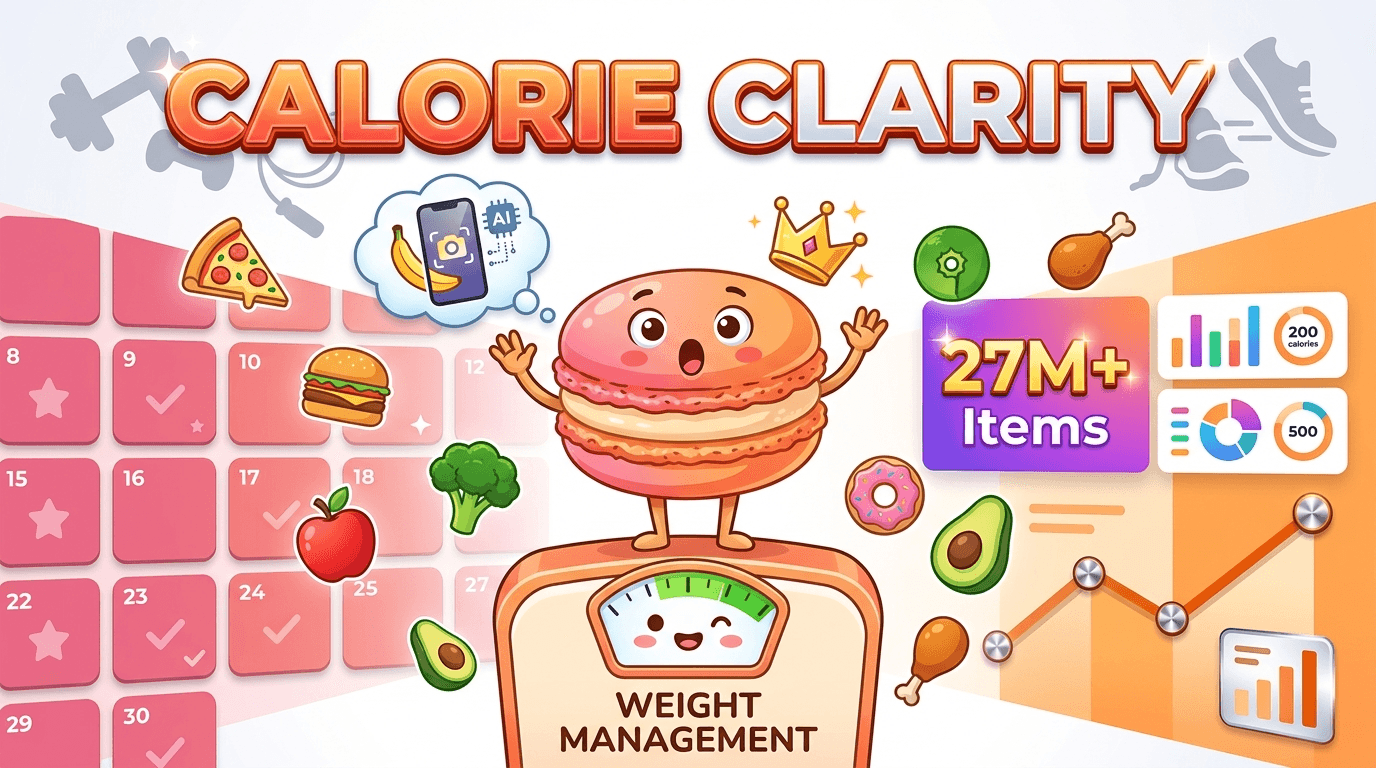
Quick Review Snapshot
Lose It is best understood as a polished, traditional calorie counter with strong database coverage and a gentle learning curve. It works well for users who want to log meals, monitor macros, and follow a clear calorie budget without a steep setup process. Its main weakness is that several high-value features are locked behind Premium, and its AI tools are still assistive rather than truly adaptive. Users who want a simple tracker will appreciate it; users who want automated nutrition planning may outgrow it.
Frequently Asked Questions
Yes. Lose It is still one of the better choices for people who want a clean, familiar calorie counter with a large food database and straightforward goal tracking. It is especially useful for beginners and for users who like manual control over their diet data. The main limitation is that it depends on consistent logging, so people who want more automation or adaptive meal planning may find newer AI-first apps more efficient.
Yes, but they are limited compared with newer AI nutrition tools. Premium includes Snap It photo logging and voice logging, which can reduce typing, but the system works best with simple meals and clear portions. Mixed dishes, restaurant food, and layered ingredients can still require manual correction. That makes the AI helpful as an assistive layer, not a full replacement for careful tracking.
Lose It has a free tier, but it is fairly limited. Basic calorie tracking is available without payment, while barcode scanning, meal planning, macro details, and AI photo logging are tied to Premium. For someone who only needs a simple tracker, the free version may be enough. For users who rely on scanning or want deeper insights, the paid plan becomes much more relevant.
It depends on what you want. MyFitnessPal is often the closest comparison for traditional calorie tracking, especially if you want a familiar logging workflow. Macaron is stronger if you want personalized meal ideas, natural-language planning, and less manual entry. Lose It sits in the middle: cleaner than many older trackers, but less adaptive than AI-first nutrition apps.
The database is one of Lose It’s biggest strengths, especially for packaged foods, branded items, and common restaurant entries. That said, accuracy still depends on choosing the right listing and checking serving sizes. Like any crowd-sourced or mixed-source database, some entries are better than others. Users who log repeat foods will usually have a smoother experience than people who constantly search for unusual meals.
Yes. Lose It integrates with major health and fitness platforms, including Apple Health and Wear OS, and it can pull in exercise data from connected devices. That said, the sync is more useful for recording activity than for fully automating nutrition decisions. Users still often need to review calorie adjustments manually, especially if they want their food budget to reflect real-world activity more accurately. For a third-party check, A Registered Nurse Tested the Lose It! App for Weight Loss at https://www.everydayhealth.com/weight/lose-it-review/ is worth comparing against the page summary.
Lose It is best for people who want a polished calorie counter with a low learning curve and are willing to log food consistently. It suits users focused on weight loss, macro awareness, and habit tracking rather than full meal automation. It is less ideal for people with complex dietary needs, users who dislike manual entry, or anyone expecting the app to build meals and adjust plans automatically. For another outside reference, Lose It! (app) - Wikipedia at https://en.wikipedia.org/wiki/Lose_It!_(app) adds a second perspective.
The biggest drawbacks are paywalls around features many users expect for free, plus AI tools that still need manual correction. Barcode scanning, meal planning, and deeper macro views are not fully available on the free plan, which can make the app feel restrictive. It is also less flexible than AI-first alternatives when it comes to personalized meal planning, dietary adaptation, and reducing day-to-day logging effort.com/ is a useful reference point.com/ is a useful reference point.com/ is a useful reference point.com/ is a useful reference point.com/ is a useful reference point. For outside context, Lose It! - Weight Loss That Fits at https://www.loseit.com/ is a useful reference point.
Read & discover
AI Personal Assistant
Free calculators


