Lose It Calorie Counter
While Lose It remains a top-rated calorie counter with barcode scanning and meal logging, its manual approach creates friction over time. Macaron's AI system observes your eating patterns to automate tracking while adapting to your progress.
How Lose It's Calorie Counter Works
Lose It! is built for people who want a structured calorie budget, a clean interface, and fast food lookup without the clutter that older trackers often accumulate. Its core workflow is straightforward: set a goal, log food, watch the budget update, and review progress over time. That simplicity is a major reason it is often recommended to users who are serious about weight loss but do not want a complicated nutrition dashboard.
The app is especially strong for packaged foods and chain restaurant meals because barcode scanning and a large database reduce the time needed to enter common items. Premium features add photo logging, voice input, and more detailed nutrition views, which can help users who want a faster entry process. For disciplined trackers, this makes Lose It feel polished and practical rather than overwhelming.
Where the experience becomes harder is in the daily repetition. Homemade meals, mixed dishes, snacks, and restaurant portions still require judgment calls, and those decisions add up quickly. Users often know the app is accurate enough to be useful, but they also feel the burden of having to be precise every day. That tension is what makes the app effective for some people and exhausting for others. For a related Macaron page, see AI Diet Tracker: Best Apps to Help You Eat Better - Macaron at https://macaron.im/blog/ai-diet-tracker.
The biggest challenge is not the math itself but the maintenance. If you miss a meal, underestimate a portion, or stop logging for a few days, the backlog can feel annoying enough to break the habit. People with variable schedules, frequent social meals, or inconsistent cooking routines tend to feel this friction most strongly. In practice, the app rewards consistency more than flexibility.
Macaron takes a different approach by keeping the calorie-awareness goal but reducing the amount of manual work required to stay on track. Instead of treating every day as a blank form, it learns recurring meals, timing patterns, and likely trouble spots, then uses that context to guide logging. The tradeoff is that it is less rigid than Lose It, which some users will prefer and others may find less predictable.
How Lose It's Calorie Counter Works
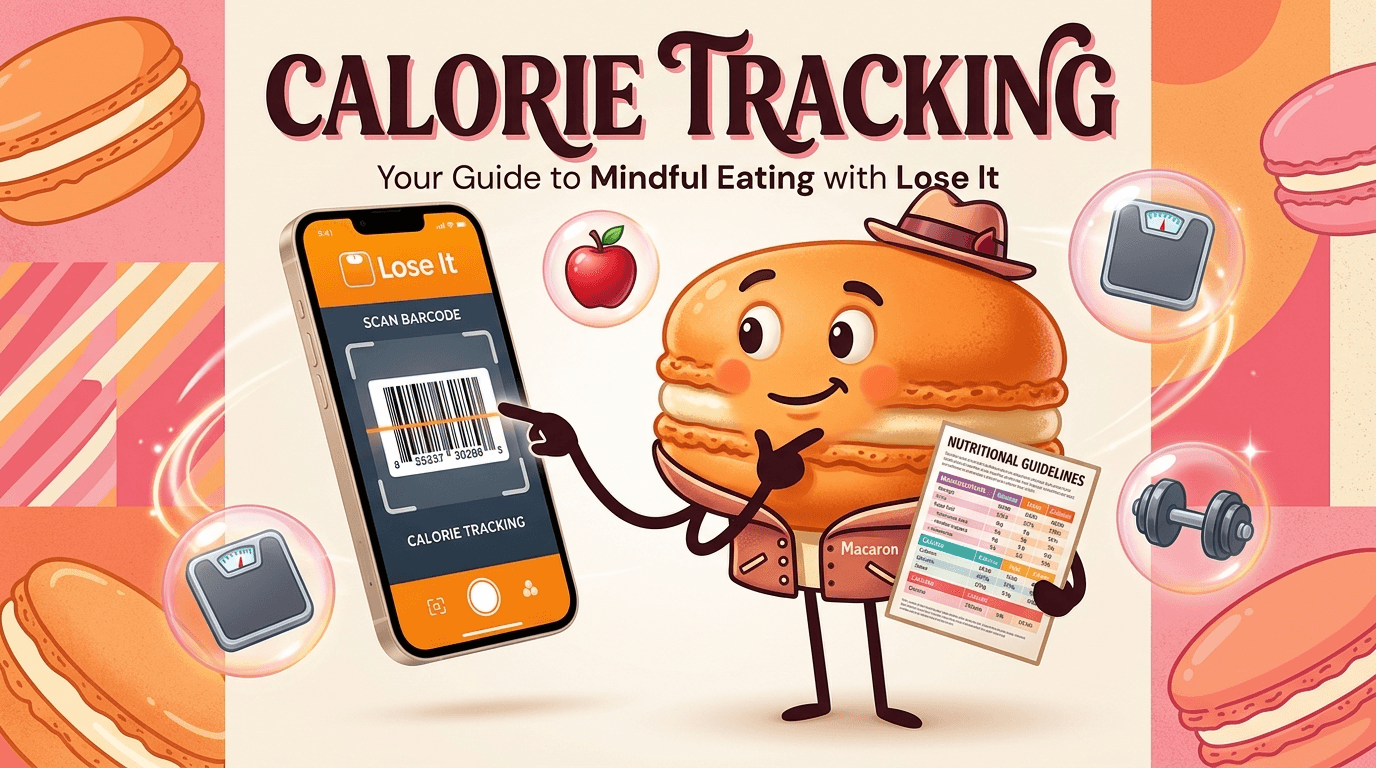
Lose It functions as a food diary centered on a daily calorie budget, with barcode scanning, voice entry, and a large item database to speed up logging. It is designed to help users see how food choices affect weight loss over time, not just to count calories in isolation. The app also recalculates targets as your weight changes, which can be useful for staying aligned with a goal but can feel abrupt if you prefer a steadier plan. It works best for people who want clear numbers, frequent feedback, and a routine they can repeat every day.
Where Manual Calorie Counting Breaks Down
Manual tracking becomes harder when meals are not standardized. Homemade recipes, shared dishes, restaurant portions, and snacks eaten between tasks all require extra effort, and that effort is usually what users underestimate at the start. Once logging starts to feel like homework, many people stop entering data consistently, which makes the app less useful and can create a cycle of guilt and catch-up logging. Lose It is still strong for people who like precision, but it is less forgiving when life gets messy.
More About Lose It Calorie Counter
Lose It’s database and scanning tools make it one of the more efficient options for users who eat a lot of packaged foods or repeat the same restaurant orders. That matters because the fastest calorie counter is usually the one people actually keep using. The app’s strength is not just the size of the database, but the way it turns common entries into a repeatable routine that reduces friction for disciplined users.
The calorie budget system is built around weight-loss planning, so users can set a target and let the app adjust as body weight changes. That can be helpful when you want a clear deficit and a visible path toward a goal. The downside is that the budget logic can feel strict, especially for users who do not want their day to be constantly reinterpreted through a single number. It is useful, but not always forgiving.
Macaron’s advantage is that it treats tracking as a behavior problem as much as a nutrition problem. Rather than assuming every user will log perfectly, it looks for patterns in missed entries, repeated meals, and timing habits, then adapts reminders and suggestions around those habits. That makes it more suitable for people who want accountability without having to manually rebuild the same meal history every week. Another useful Macaron comparison is Daily Nutrition Tracker: How to Actually Use One - Macaron at https://macaron.im/blog/daily-nutrition-tracker.
Another difference is how each app handles repetition. Lose It helps you enter the same foods faster, but Macaron tries to remember the context behind those foods, such as your usual lunch, your post-workout snack, or the meals you tend to skip logging. That can save time for users with predictable routines, though it also means Macaron depends more on pattern recognition than on exact manual control. For a broader Macaron context, 20 AI Tools to Upgrade Your Daily Life - Macaron - Macaron App at https://macaron.im/blog/macaron-app-ai-tools-daily-life can help you compare the decision from another angle.
Both apps can support fasting and weight management, but they serve different preferences. Lose It is better for users who want a defined structure and are comfortable managing the details themselves. Macaron is better for users who want the system to adapt to real life, even if that means giving up some of the rigid control that traditional calorie counters provide.
AI Calorie Counting Explained
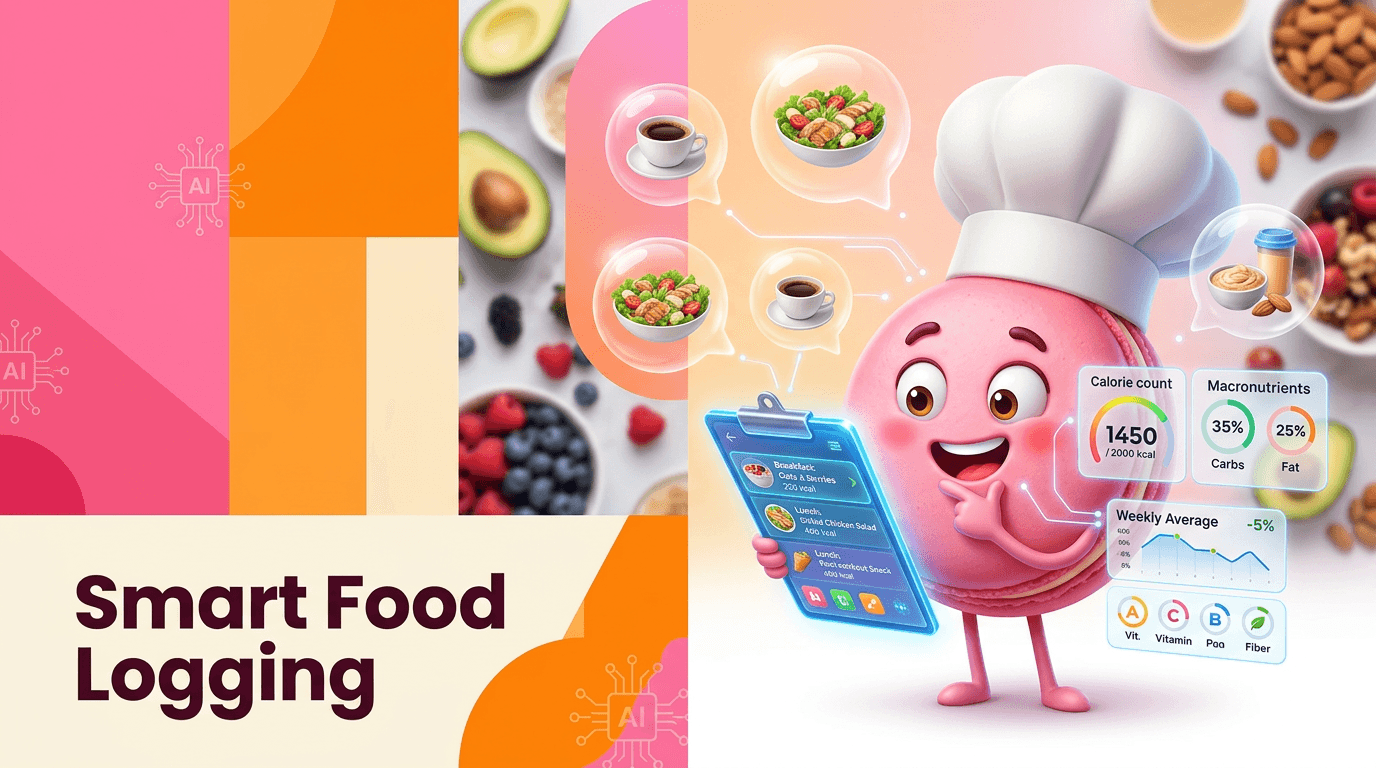
Macaron’s AI is designed to reduce the number of decisions you have to make each day. If you log breakfast reliably but forget dinner, it learns where the gaps are and focuses support there instead of treating every meal the same. It can also recognize recurring items like your usual coffee order or post-workout snack, which cuts down on repetitive searches. Compared with Lose It’s more manual workflow, the benefit is less friction; the tradeoff is that you rely more on the system’s pattern learning than on fully explicit entry every time.
Switch to Macaron's Adaptive Counter
Macaron is a better fit for users who want calorie awareness without turning every meal into a bookkeeping task. It can notice when weekdays are consistently lighter than weekends, when travel disrupts your routine, or when you repeatedly skip logging certain foods, then adjust its guidance around those patterns. That makes it useful for people who found Lose It accurate but tiring. The main tradeoff is that users who prefer strict, fully manual control may still like Lose It’s predictability and may not want an AI layer making assumptions for them.
Frequently Asked Questions
Yes, especially for users who want a polished interface, a large food database, and a clear daily calorie budget. It is strongest when your meals are easy to scan or search and you are willing to log consistently. The main limitation is that it still depends on manual effort, so it can feel tedious if you cook often, eat socially, or dislike entering every snack.
Lose It includes AI-assisted photo logging and voice input in premium tiers, which can speed up entry. Those features help with convenience, but they are not the same as a system that learns your habits over time. Macaron’s approach is more adaptive because it uses patterns in your behavior to reduce repeated work and adjust guidance, rather than only making logging faster.
Macaron is designed to learn how you actually eat instead of asking you to manually reconstruct every day from scratch. It can remember recurring meals, identify logging gaps, and adapt reminders around your habits. That makes it useful for people who want accountability without constant data entry. The tradeoff is that it is less rigid than a traditional tracker, so users who want full manual control may prefer Lose It.
Switch if you like the idea of calorie tracking but struggle to keep up with the daily logging burden. Macaron is a better fit when your routine changes often, you eat mixed meals, or you want the app to do more of the remembering for you. If you already like Lose It’s structure and do not mind entering food manually, staying with it may be the simpler choice.
Lose It can work for both, but beginners often appreciate its clean layout and simple goal-setting. Experienced trackers may value the database, budget adjustments, and faster repeat logging. The app becomes harder to sustain when users need more flexibility than the interface is built to provide. That is where an adaptive tool like Macaron can be easier to live with over time.
It can be accurate if you enter ingredients carefully, but homemade meals are still one of the hardest parts of calorie tracking. Portion estimates, recipe variations, and shared dishes all introduce uncertainty. Lose It gives you the tools to log them, but it does not remove the effort. Macaron can reduce some of that burden by learning recurring meal patterns, though it is still not a substitute for exact measurement when precision matters. For a third-party check, A Registered Nurse Tested the Lose It! App for Weight Loss at https://www.everydayhealth.com/weight/lose-it-review/ is worth comparing against the page summary.
Yes, Lose It supports intermittent fasting tracking, which is useful if you want to pair calorie counting with time-based eating windows. It works best when your fasting schedule is planned in advance and stays fairly consistent. Macaron is more flexible because it can adapt to the times you actually eat, which may be better for people whose schedules change from day to day. For another outside reference, What is Lose It! Calorie Counter? - Personify Health Zendesk at https://personifyhealth.zendesk.com/hc/en-us/articles/29088380365339-What-is-Lose-It-Calorie-Counter adds a second perspective.
Lose It is still better for users who want a highly structured calorie counter with strong manual control and a familiar food-logging workflow. It is also a better fit if you mainly eat packaged foods, use barcode scanning often, or prefer to see exactly how every entry affects your budget. Macaron is more adaptive, but some users will still prefer the predictability of a traditional tracker.com/ is a useful reference point.com/ is a useful reference point.com/ is a useful reference point.com/ is a useful reference point.com/ is a useful reference point. For outside context, Lose It! - Weight Loss That Fits at https://www.loseit.com/ is a useful reference point.
Read & discover
AI Personal Assistant
Free calculators


