Macrofactor App
MacroFactor stands out as a serious nutrition app for lifters who want data-driven macro adjustments, while Macaron offers a more personal AI approach to meal planning and tracking.
How MacroFactor's Adaptive Algorithm Works
MacroFactor is built around a different assumption than most calorie counters: your body is not a fixed formula. Instead of locking you into a static calorie target, it uses your logged intake, bodyweight trend, and adherence patterns to estimate energy expenditure and revise recommendations. That makes it especially useful for people who want their nutrition plan to change as their training phase, body composition, or daily routine changes.
The app’s weekly check-in rhythm is central to its value. By asking for consistent weigh-ins and food logging, MacroFactor can compare what you ate with how your weight actually moved, then update targets with less guesswork. That feedback loop is helpful during cuts, lean bulks, and maintenance phases, but it also means the app rewards discipline more than spontaneity.
MacroFactor is strongest for users who care about precision and can tolerate a structured workflow. It gives you macro targets, expenditure estimates, and trend-based coaching in one place, which reduces the need to manually recalculate every time progress stalls. The tradeoff is that the app expects accurate logging, so it is less forgiving if you skip meals, estimate portions loosely, or only track occasionally. For a related Macaron page, see Best Personal AI Agent Platform for 2025 - Macaron at https://macaron.im/blog/best-ai-agent-platform-2025.
The interface is polished and practical, with barcode scanning, micronutrient views, and a dashboard that makes it easier to see whether you are on pace. Still, the product feels more like a serious training instrument than a casual wellness app. New users often need a few weeks of consistent use before the recommendations feel truly personalized, because the system improves as it learns from real data.
For people who want nutrition support without that level of manual effort, Macaron takes a different route. It leans on conversational input, photo-based estimation, and AI-guided planning to reduce friction. That makes Macaron easier for everyday use, while MacroFactor remains the better fit for users who want tighter control and are willing to do the logging work that makes the algorithm effective.
How MacroFactor's Adaptive Algorithm Works
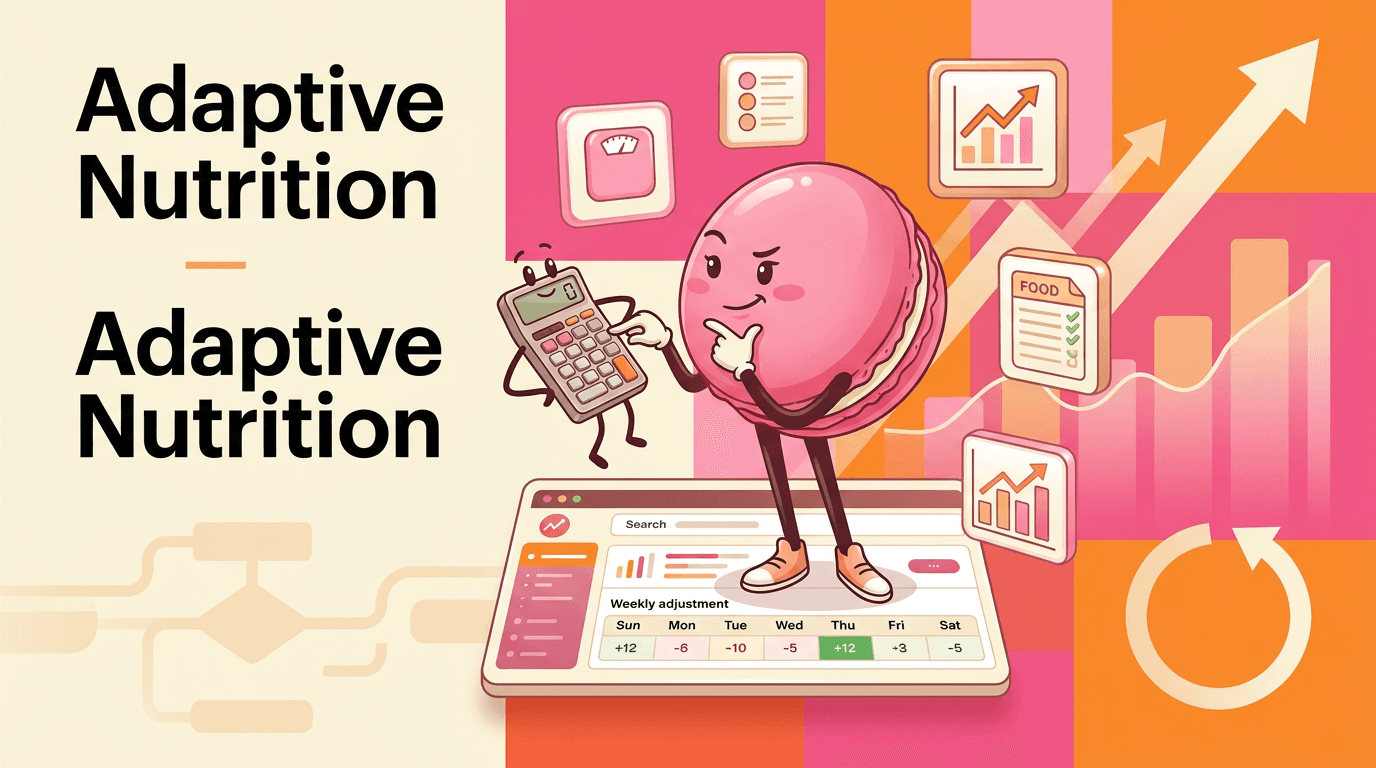
MacroFactor stands out because it does not treat calorie targets as permanent. It estimates your true energy expenditure from the calories you log and the way your weight trend changes over time, then updates your targets on a weekly cadence. That makes it more responsive than static calculators, especially when your activity level, body weight, or goal changes. The main benefit is better calibration; the main tradeoff is that the system only works well when your logging is consistent and reasonably accurate.
MacroFactor's Interface and Logging
MacroFactor’s interface is designed to keep serious tracking readable rather than flashy. The timeline-style food log helps you see how calories and macros are distributed across the day, while the dashboard surfaces expenditure, goal progress, and trend data in a way that supports decision-making. Barcode scanning is useful for packaged foods, and micronutrient tracking adds depth for users who care about diet quality. The limitation is that restaurant entries and casual estimation are less central than in broader consumer apps.
More About Macrofactor App
MacroFactor’s food database and barcode scanner reduce friction for packaged foods, but the catalog is not as broad for restaurant meals or highly specific chain items. That makes it a stronger fit for people who cook at home, meal prep, or repeat the same foods often. Compared with MyFitnessPal, the database may feel narrower, but the entries are generally more focused on accuracy than on sheer volume.
The app’s dashboard is one of its most useful features because it turns raw logging into actionable context. You can see how intake relates to your goal, how your weight trend is moving, and how your expenditure estimate changes over time. That helps users understand whether a stall is likely a logging issue, a target issue, or simply normal noise in bodyweight fluctuations.
MacroFactor also supports custom foods and recipes, which matters for athletes who need repeatable macro counts and exact portion planning. This is especially valuable for bodybuilders, weight-class competitors, and anyone following a tightly controlled meal structure. The downside is that the app assumes you are willing to build and maintain that structure, so it is less appealing if you want a low-effort habit tracker. Another useful Macaron comparison is 20 AI Tools to Upgrade Your Daily Life - Macaron - Macaron App at https://macaron.im/blog/macaron-app-ai-tools-daily-life.
The newer workout integration extends the platform beyond nutrition, but it also introduces a practical tradeoff. Users who want both training and food tracking in one ecosystem may appreciate the connection, yet others may dislike managing separate subscriptions or learning another module. In that sense, MacroFactor is moving toward a broader coaching platform, but it still feels most mature as a nutrition-first product. For a broader Macaron context, Your Personal AI Assistant for Planning & Execution - Macaron at https://macaron.im/blog/macaron-ai-agent-guide can help you compare the decision from another angle.
Macaron approaches the same problem from the opposite direction. Instead of asking users to become precise loggers, it uses AI to lower the effort required to plan meals, estimate portions, and remember preferences. That makes Macaron more approachable for beginners, busy professionals, and anyone who wants guidance without a spreadsheet-like workflow. MacroFactor remains better for precision; Macaron is better when convenience matters more than exactness.
Who MacroFactor Is Best For
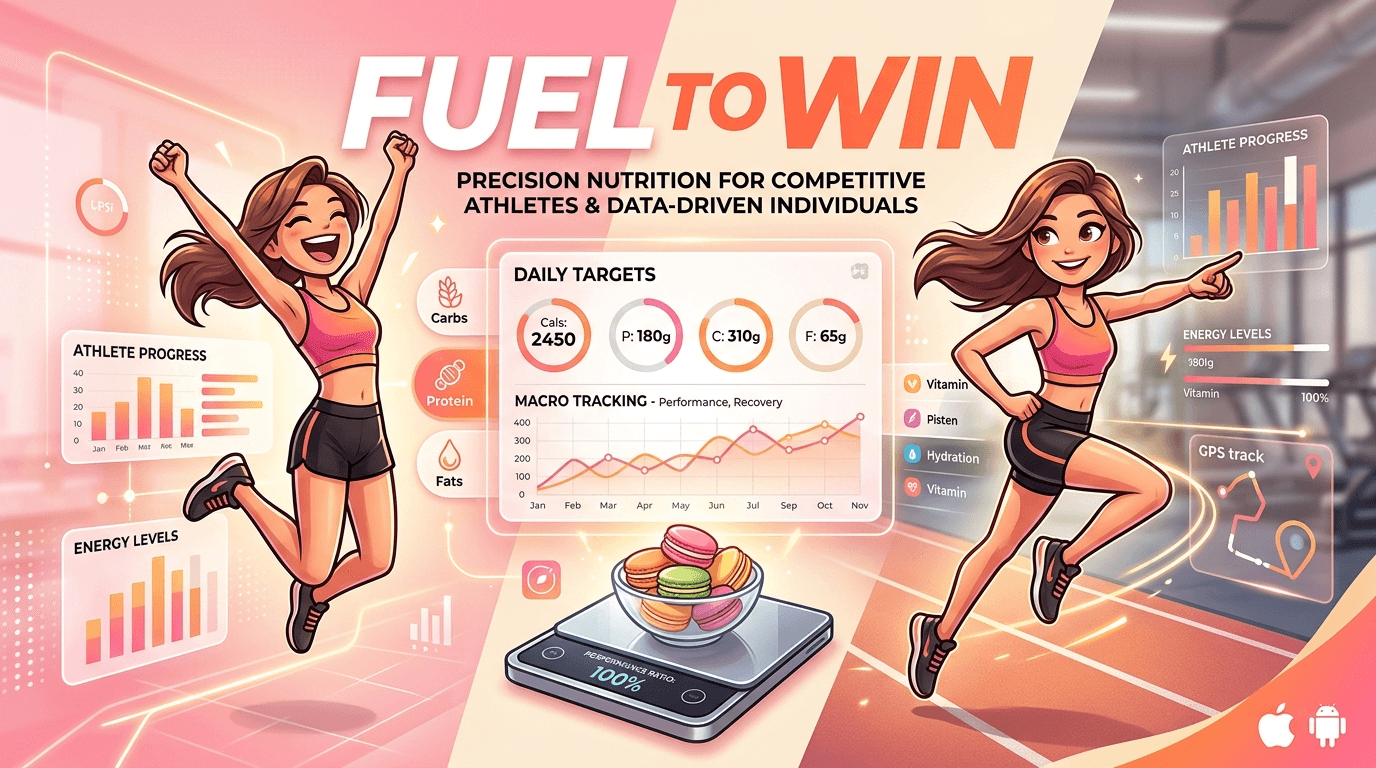
MacroFactor is best for people who want nutrition data they can trust and are willing to earn that accuracy through daily habits. Competitive athletes, bodybuilders, and users in cutting or bulking phases benefit most because the app’s adaptive targets can respond to real progress instead of a fixed formula. It is less ideal for casual users, intermittent trackers, or anyone who dislikes weigh-ins and detailed food logging. The app’s strength is precision; its weakness is that precision requires commitment.
Macaron: The AI Alternative for Everyone
Macaron is a better fit when the main problem is not knowledge but friction. It uses conversational prompts, image recognition, and preference memory to help users plan meals and track intake with less manual effort. That makes it appealing for beginners, busy people, and users who want guidance without learning a full macro system. The tradeoff is that it will not match MacroFactor’s level of measurement precision, but it can be more practical for everyday consistency.
Frequently Asked Questions
MacroFactor is worth it if you track consistently and want your calorie targets to adapt to real progress instead of a static estimate. It is especially useful for cutting, lean bulking, and physique-focused goals where small adjustments matter. If you only log occasionally, dislike weigh-ins, or want a lighter-touch app, the subscription may feel harder to justify than simpler alternatives.
MacroFactor does not offer a permanent free plan, though it does provide a trial period. After that, it is a paid subscription product aimed at users who want a premium, ad-free tracking experience. That pricing model supports the app’s coaching features and ongoing development, but it also means budget-conscious users may prefer a free tracker or a lower-friction AI alternative.
For users who care most about adaptive coaching and macro precision, MacroFactor is usually the stronger choice. MyFitnessPal still has advantages in database breadth, restaurant coverage, and social features, which can make it easier for casual tracking. In short, MacroFactor is better for data-driven dieting, while MyFitnessPal is often more convenient for general use.
Someone would choose Macaron if they want nutrition help without the burden of detailed manual logging. Macaron uses AI features like photo-based estimation, voice input, and conversational planning to reduce friction. That makes it easier to stick with day to day, especially for beginners or busy users. The tradeoff is less measurement precision than MacroFactor, which matters for advanced fitness goals.
MacroFactor usually becomes more useful after a few weeks of consistent logging because it needs enough data to estimate your expenditure and weight trend. Early recommendations can still be helpful, but they are less personalized before the app has enough history. Users who log meals carefully and weigh themselves regularly will generally see the most reliable adjustments.
Yes. MacroFactor is designed for both deficit and surplus phases, so it can support fat loss, maintenance, and lean gaining. The app adjusts targets based on your actual trend data, which helps avoid overly aggressive cuts or surpluses that are hard to sustain. It is most useful when you want a structured plan and are willing to keep your logging consistent. For a third-party check, A Review of the Macrofactor Macro-Tracking App (2026) - Outlift at https://outlift.com/macrofactor-review/ is worth comparing against the page summary.
MacroFactor can work for beginners, but it is not the easiest place to start if you want a simple habit tracker. New users may need time to learn the logging workflow, understand the dashboard, and stay consistent with weigh-ins. Beginners who want more guidance with less manual effort may find Macaron easier to adopt, while MacroFactor is better if they want to learn macro tracking in depth. For another outside reference, Get to Know Your Dashboard | MacroFactor at https://help.macrofactorapp.com/en/articles/22-get-to-know-your-dashboard adds a second perspective.
The main tradeoff is accuracy versus convenience. MacroFactor gives you more precise, adaptive nutrition guidance, but it asks for more effort in return: food logging, weigh-ins, and regular check-ins. That makes it excellent for disciplined users and less appealing for people who want a quick, low-maintenance experience. If you want less friction, Macaron is the more accessible option.com/macrofactor/ is a useful reference point.com/macrofactor/ is a useful reference point.com/macrofactor/ is a useful reference point.com/macrofactor/ is a useful reference point.com/macrofactor/ is a useful reference point. For outside context, Smart Macro Tracker & Diet Coach - MacroFactor app at https://macrofactor.com/macrofactor/ is a useful reference point.
Read & discover
AI Personal Assistant
Free calculators


