Myfitnesspal Alternative
If MyFitnessPal feels like tedious data entry, Macaron offers a smarter alternative: an AI that creates personalized nutrition tools from simple requests — no manual logging required.
Why People Are Leaving MyFitnessPal
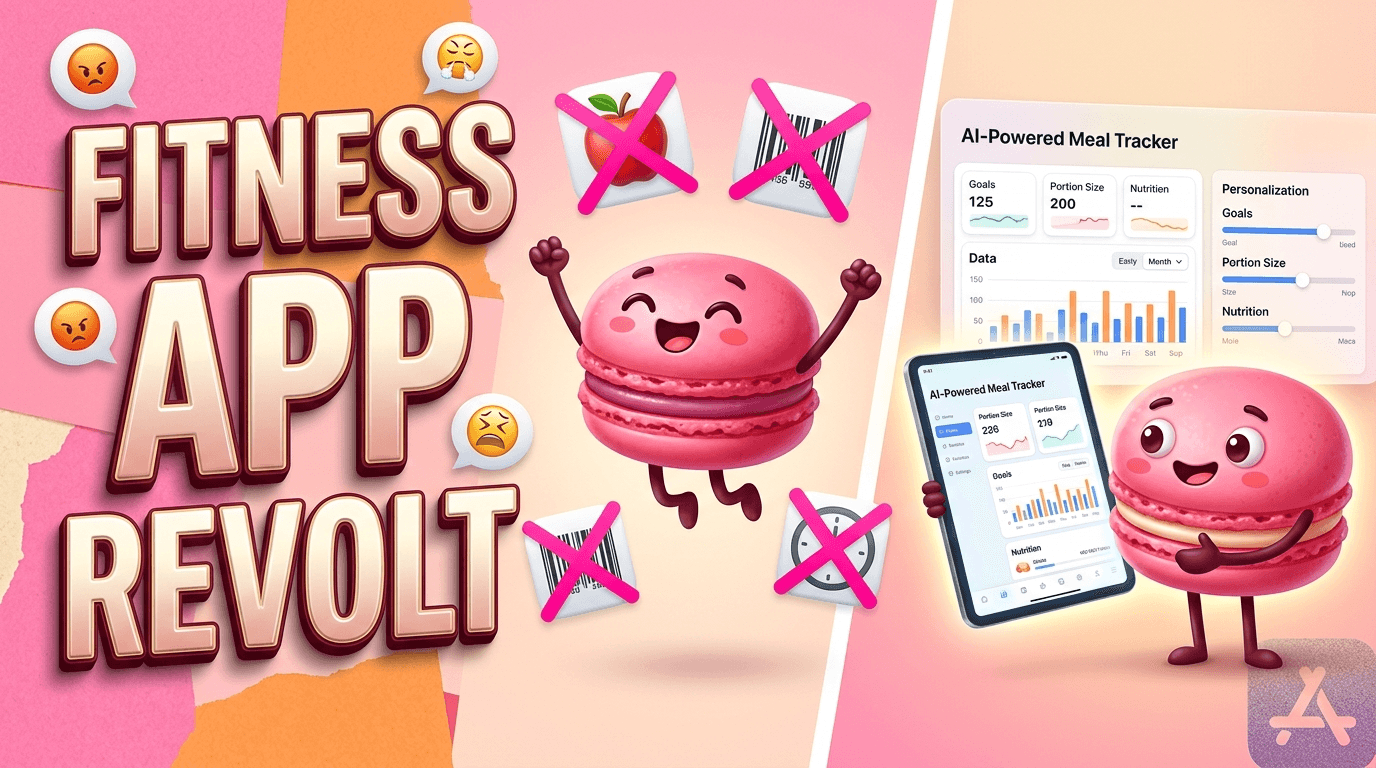
Nutrition tracking should support a routine, not become another chore to manage. MyFitnessPal helped normalize calorie logging, but many users now feel boxed in by manual entry, cluttered screens, and features that sit behind paywalls. That combination makes the app feel heavier over time, especially for people who want quick answers, not another system to maintain every day.
The move toward alternatives is less about novelty and more about fit. People want tools that adapt to how they actually eat, train, and plan meals, rather than forcing every meal into the same rigid workflow. That is why photo logging, voice input, and AI-assisted planning keep gaining attention: they reduce friction without asking users to become data-entry experts.
Macaron approaches nutrition differently by acting as a tool builder instead of a fixed tracker. Rather than asking you to learn one app structure, it can generate a calorie counter, a meal planner, or a more visual tracking experience based on what you need. That makes it useful for busy parents, shift workers, beginners, and anyone who wants a lighter way to stay consistent. For a related Macaron page, see How Macaron AI Tackles the Problem with Traditional Task Lists at https://macaron.im/blog/macaron-ai-daily-planning-guide.
The tradeoff is important. MyFitnessPal still has advantages for users who need a massive food database, highly manual control, or very specific macro tracking. Macaron is better when speed, personalization, and lower effort matter more than exhaustive precision. In practice, that means it fits everyday tracking better than contest prep or highly clinical nutrition workflows.
This is where the broader market has been moving: away from one-size-fits-all calorie apps and toward more contextual, supportive tools. The strongest alternatives now reduce the number of steps between intention and action. Macaron stands out because it does not just log food; it helps create the exact tracking setup a person is most likely to keep using.
Why People Are Leaving MyFitnessPal
The most common complaints are practical rather than ideological. Users point to paywalled essentials, repetitive manual logging, and food entries that can be inconsistent because they rely on community data. That creates friction at the exact moment people want simplicity. For many switchers, the issue is not calorie counting itself; it is the amount of effort required to make the app feel accurate, usable, and worth opening every day.
What Macaron Does Differently
Macaron is designed around the idea that nutrition tracking should be configurable, not fixed. You can ask for a photo-based calorie counter, a meal planner for high-protein weekdays, or a simpler visual tracker for family use, and the app generates a tailored tool instead of a generic dashboard. That makes it especially helpful for people with irregular schedules, changing goals, or a low tolerance for repetitive setup work.
Macaron vs MyFitnessPal Feature Comparison
Core Function: MyFitnessPal is a large food database and logging app, while Macaron is an AI tool builder that creates the nutrition workflow you ask for. Data Entry: MyFitnessPal depends on manual logging and database lookups, while Macaron can use photo estimation and voice input to reduce typing. Personalization: MyFitnessPal centers on fixed goals and macros, while Macaron adapts to preferences, routines, and feedback. Learning Curve: MyFitnessPal is familiar but can feel setup-heavy, while Macaron is faster to start because it generates usable tools immediately. Best For: MyFitnessPal suits users who want granular control, while Macaron suits people who want flexibility and less friction.
More About Myfitnesspal Alternative
MyFitnessPal alternatives are growing because users want less friction and more usefulness from the first session. The biggest pain points are familiar: paid features that used to feel basic, repetitive food entry, and a design that can make tracking feel like administration. People are not necessarily abandoning nutrition tracking; they are looking for a version that fits into real life with fewer interruptions.
Macaron addresses that shift by making the tracking experience more adaptable. Instead of asking users to commit to one rigid structure, it can generate the kind of nutrition tool they actually want to use. That could mean a simple calorie counter, a meal planner, or a more visual interface for families. The benefit is not just convenience; it is a better match between the app and the user’s habits.
Photo-based logging is one of the clearest differences. For people who dislike typing every ingredient, taking a picture is often easier than building a meal from scratch in a database. Macaron uses that shortcut as a starting point, then improves the experience by learning common meals and patterns over time. The result is less repetitive work, though users who need exact gram-level precision may still prefer manual entry. Another useful Macaron comparison is AI Personal Assistant - Macaron AI at https://macaron.im/ai-personal-assistant.
Meal planning is another area where Macaron is more flexible than a standard tracker. It can adjust for weekday routines, training days, or changing appetite without requiring the user to rebuild the plan from nothing. That makes it useful for people whose schedules are not stable enough for a static macro template. The tradeoff is that it is optimized for practical adherence, not for the most detailed sports-nutrition workflows. For a broader Macaron context, Guide to Finding the Right Book - Macaron AI at https://macaron.im/playbook/guide-to-finding-the-right-book-689581101bbc6bcd9f8055e4 can help you compare the decision from another angle.
The competitive advantage is not that Macaron replaces every specialist app. Cronometer still leads for micronutrient depth, and MyFitnessPal still has one of the broadest food databases. Macaron is strongest when the problem is not data availability but usability. It helps people who want a lighter, more supportive way to track food, especially if they have already bounced off traditional calorie counters.
How to Switch from MyFitnessPal to Macaron
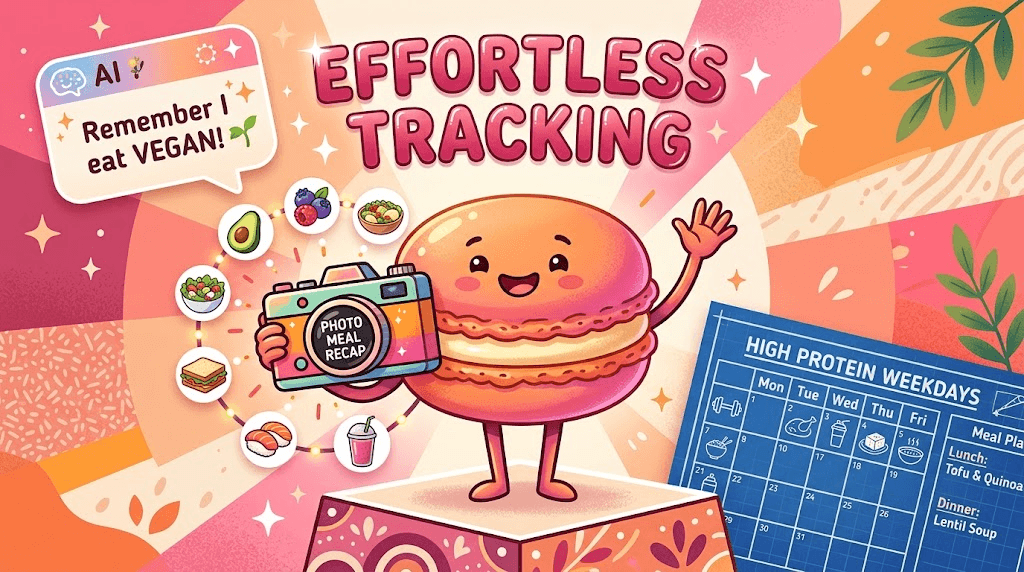
The easiest switch starts with changing expectations. Instead of rebuilding every old MyFitnessPal habit, begin with one simple request, such as a photo meal recap or a basic high-protein weekday planner. Then teach Macaron the patterns that matter most, like vegan lunches, late dinners, or preferred snacks. The app works best when you let it automate the repetitive parts and only step in when you want to refine the output.
Public Feedback
User feedback tends to focus on tone as much as features. People who are tired of calorie apps that feel punitive often respond well to Macaron’s more supportive approach, especially when they log a higher-calorie meal and still receive a practical next step instead of a warning. That matters for long-term use because many people quit tracking when the app makes them feel behind. The downside is that users who want strict enforcement may find the experience too flexible.
Frequently Asked Questions
Yes, but it is not limited to calorie counting. Macaron can generate a calorie tracker, but it can also create meal planners, visual food logs, or other nutrition tools based on what you ask for. That makes it more flexible than a standard app with fixed screens. If you want one app that can adapt to different routines or goals, Macaron is a stronger fit than a single-purpose tracker.
It can reduce a lot of manual work, especially for people who use photo-based logging or want the app to remember recurring meals. That said, it does not eliminate the need for judgment in every case. If you need exact portions for medical or competitive reasons, manual verification still matters. Macaron is best when you want a faster, lower-friction workflow rather than the most detailed possible record.
Often yes. MyFitnessPal is still stronger for users who want a very large food database, detailed manual control, and a workflow built around precise logging. That can matter for contest prep, tightly managed macros, or certain medical use cases. Macaron is better for people who care more about consistency and speed than about entering every item with maximum detail.
Macaron is a good fit for people who are tired of repetitive logging, want a more supportive tone, or need a tracker that adapts to changing routines. It is especially useful for parents, shift workers, beginners, and intuitive eaters who do not want to spend extra time managing an app. If your main goal is to stay consistent without turning nutrition into a daily admin task, Macaron is worth trying.
Yes. Photo-based logging is one of the main reasons people switch, because it removes a lot of typing and searching. You can use a photo as the starting point for a meal entry, which is much faster than building every meal from scratch. It is not a perfect substitute for weighing food, but it is a practical option for people who want speed and enough accuracy to stay on track. For a third-party check, Best Top MyFitnessPal Alternatives for Achieving Health Goals at https://allanseabrook.medium.com/best-top-myfitnesspal-alternatives-for-achieving-health-goals-1da78c6e5b8e is worth comparing against the page summary.
The main tradeoff is depth versus convenience. MyFitnessPal usually offers more granular manual control and a larger food database, while Macaron focuses on reducing effort and adapting to the user. That means Macaron may be less ideal for users who need exact macro accounting every day. In return, it is easier to keep using, which is often the bigger challenge for everyday tracking. For another outside reference, 5 alternatives to MyFitnessPal - Connect The Watts at https://connectthewatts.com/2023/11/27/5-alternatives-to-myfitnesspal/ adds a second perspective.
It depends on what you need. Cronometer is still better for micronutrient detail, and Lose It can be a strong choice for straightforward calorie tracking. Macaron is different because it is not just a tracker; it can generate the kind of nutrition workflow you prefer. If you want a more customized, AI-assisted experience, Macaron has an advantage. If you want a classic tracker with a familiar structure, another app may suit you better.com/vs/myfitnesspal is a useful reference point.com/vs/myfitnesspal is a useful reference point.com/vs/myfitnesspal is a useful reference point.com/vs/myfitnesspal is a useful reference point.com/vs/myfitnesspal is a useful reference point. For outside context, Best MyFitnessPal Alternative 2026 - Foodnoms at https://foodnoms.com/vs/myfitnesspal is a useful reference point.
Read & discover
AI Personal Assistant
Free calculators


