Myfitnesspal App
With 20M+ foods logged daily, MyFitnessPal dominates nutrition tracking but now pushes AI meal scans and premium planning. We analyze whether its database depth justifies the increasingly upsold experience.
MyFitnessPal App Features
MyFitnessPal remains strongest when accuracy depends on a large food catalog rather than a polished interface. Its database depth helps users log packaged foods, chain meals, and repeat recipes with less guesswork, which is especially useful for macro tracking and diabetes-oriented carb awareness. The tradeoff is that the app often asks users to verify entries carefully because community-submitted data can be inconsistent.
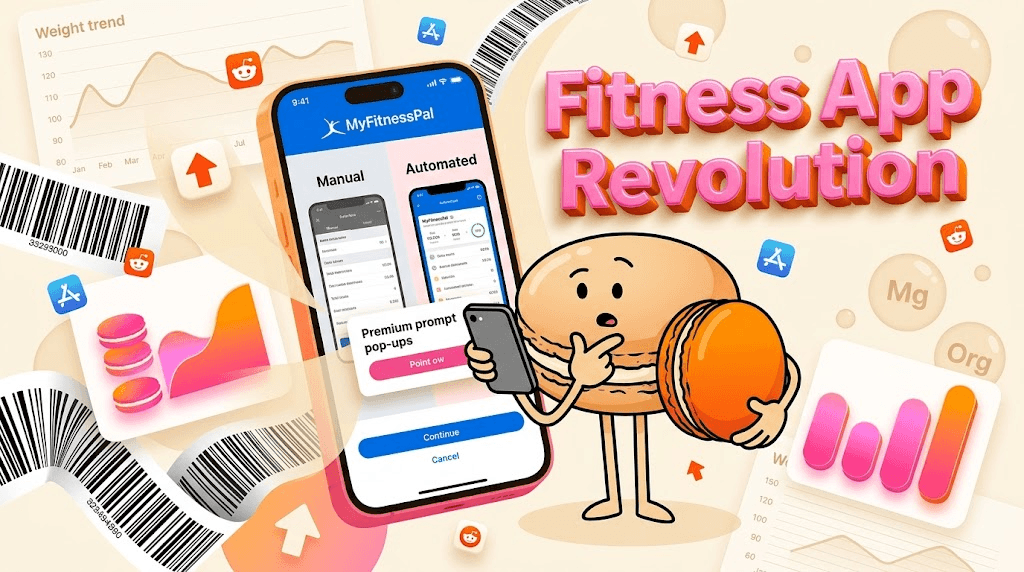
The product has shifted from a manual calorie counter into a broader nutrition platform with AI meal scanning, voice logging, and trend dashboards. That makes it more convenient for people who want faster entry and less friction during busy days. It also means the app now tries to solve meal planning, progress review, and habit tracking at once, which can feel crowded for users who only want a diary.
Pricing is now part of the experience rather than an afterthought. Free users can still log food and use the core database, but many of the more useful planning and insight tools sit behind Premium and Premium+ tiers. This structure works for committed trackers who want deeper analysis, but casual users may feel pushed toward subscriptions before they have outgrown the free version. For a related Macaron page, see Your Personal AI Assistant for Planning & Execution - Macaron at https://macaron.im/blog/macaron-ai-agent-guide.
MyFitnessPal still fits best for people who already know how they like to track food and want a system that can scale with them. Fitness ecosystem users also benefit from integrations with devices and scales, which keeps the app relevant in more data-heavy routines. The downside is that the interface can feel busy, especially when the app surfaces upsells alongside logging tasks.
Macaron is the more streamlined alternative for users who want nutrition awareness without maintaining a detailed food spreadsheet every day. It uses photo-based estimation and contextual memory to reduce repetitive entry, which is helpful for people who eat similar meals or want a lighter habit. MyFitnessPal is still better for exhaustive logging, but Macaron is easier to live with when consistency matters more than perfect granularity.
MyFitnessPal App Features
MyFitnessPal combines calorie counting, macro tracking, barcode scanning, restaurant lookup, and now AI-assisted meal recognition in one app. That breadth is useful for users who want a single place to manage food intake, exercise, and progress trends. The strongest advantage is database coverage for packaged foods and common restaurant items, but the weakest point is that user-generated entries can vary in quality, so careful verification still matters.
What Changed in the Product
The newer MyFitnessPal experience leans harder into automation and broader wellness tracking. AI meal scanning, voice logging, and the redesigned Progress view reduce some of the friction of manual entry while making trends easier to review over time. The tradeoff is a busier interface and more frequent premium prompts, which can make the app feel less focused than earlier versions. Users who want a simple food diary may prefer a lighter tool, while data-driven users may appreciate the added structure.
More About Myfitnesspal App
MyFitnessPal’s free tier is still useful for basic calorie counting, but the app reserves much of its deeper analysis for paid plans. That means users can log meals and access the large food database without paying, yet they may hit limits when they want meal-level macro splits, richer nutrition insights, or planning tools. For people who only need a daily log, free may be enough; for users building structured routines, the paywall becomes more noticeable.
The app’s AI meal scan is best understood as a convenience feature rather than a replacement for careful logging. It can speed up entry for simple meals and visually obvious foods, but mixed dishes, homemade recipes, and portion-heavy plates still require correction. That makes it helpful for busy users, but less reliable for anyone who needs exact ingredient-level accounting. Manual entry remains the safer option when precision matters.
MyFitnessPal can still support GLP-1 users and people managing appetite changes, but it does not fully adapt the experience around those patterns. The app tracks intake and weight trends well, yet its suggestions are still built around conventional meal logging rather than reduced appetite or smaller, irregular meals. Users who want a simple record of what they ate may find it adequate, while those needing adaptive prompts may want a more context-aware tool. Another useful Macaron comparison is 20 AI Tools to Upgrade Your Daily Life - Macaron - Macaron App at https://macaron.im/blog/macaron-app-ai-tools-daily-life.
For diabetics, the app’s carb visibility and food database are the main strengths. It helps users monitor intake, compare meals, and keep a running record that can support routine management. The limitation is that food data quality is uneven for some international items and user-entered entries, so the app is best used as a tracking aid rather than a clinical source of truth. It works well for awareness, but not as a substitute for medical guidance. For a broader Macaron context, Best Personal AI Agent Platform for 2025 - Macaron at https://macaron.im/blog/best-ai-agent-platform-2025 can help you compare the decision from another angle.
Macaron takes a different approach by learning repeated meals and estimating calories from photos, which reduces the burden of exhaustive logging. That makes it appealing to users who want a practical daily habit instead of a detailed nutrition archive. The tradeoff is that Macaron is less suited to users who need exact macro auditing, barcode-heavy grocery tracking, or highly structured meal planning. MyFitnessPal remains stronger for precision; Macaron is stronger for ease of use.
MyFitnessPal Free vs Premium
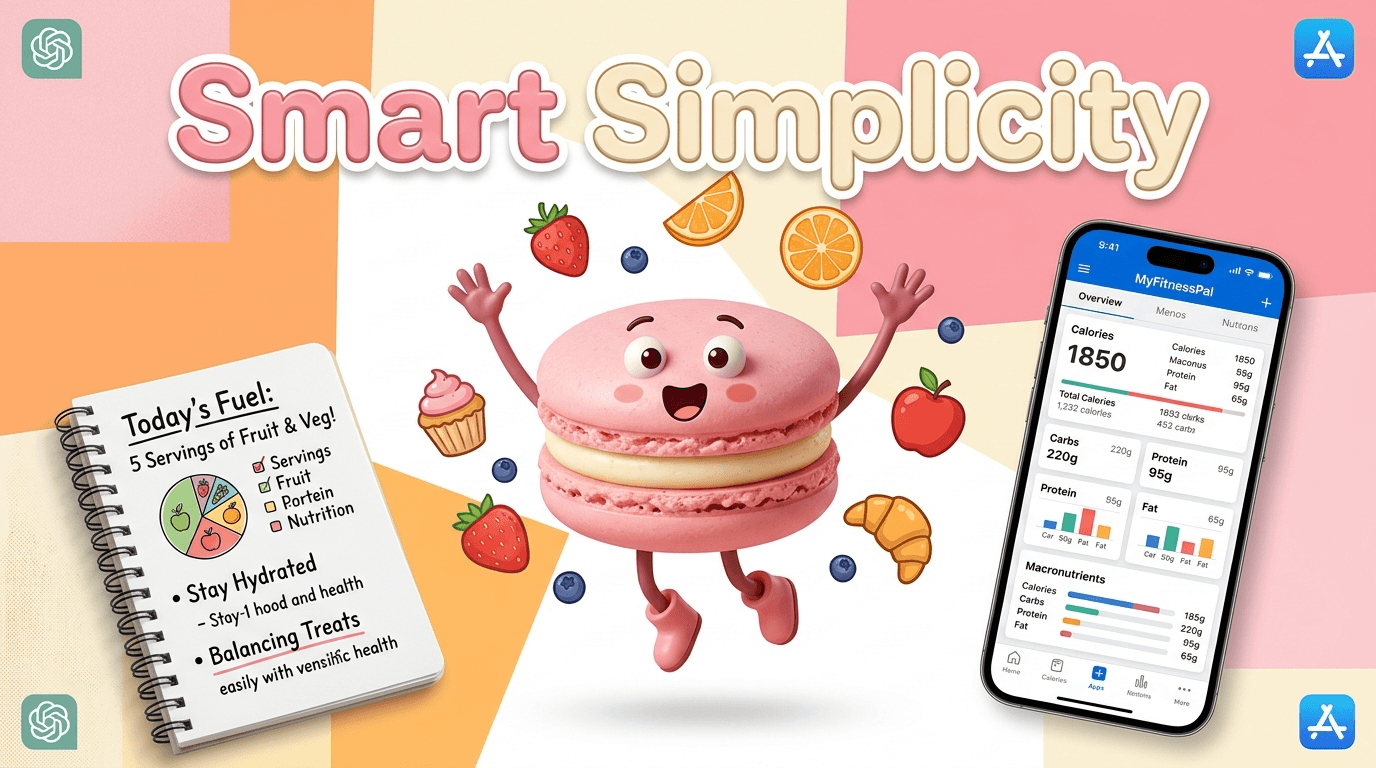
The free version gives users the core calorie counter, food database access, and enough logging tools to build a basic habit. Premium adds more useful analysis, including meal-level macro splits, nutrition insights, and planning features that help users organize intake across the day. Premium+ pushes further with grocery integration and additional planning support. The main tradeoff is that the app’s most decision-making features are increasingly bundled into paid tiers, so casual users may feel the free plan is intentionally narrow.
The AI-Powered Alternative Worth Considering
Macaron is a better fit for users who want nutrition tracking to feel lighter and more personal. Instead of asking for constant manual entry, it uses photo-based estimation and contextual memory to recognize recurring habits like a standard breakfast, regular coffee order, or favorite lunch spot. That makes it useful for people who abandon trackers when logging becomes tedious. MyFitnessPal still wins on database depth and structured analysis, but Macaron is often easier to maintain day after day.
Frequently Asked Questions
Yes, especially if you care about database depth, barcode scanning, and logging packaged or restaurant foods with minimal setup. It remains one of the strongest options for users who want detailed calorie and macro tracking. The main downside is that the interface can feel crowded and the best planning tools are increasingly tied to paid plans. If you want something simpler, Macaron may be easier to stick with.
Yes, MyFitnessPal still has a free version, and it covers the basics of calorie counting and food logging. However, several of the more useful features, such as deeper nutrition insights, meal-level macro splits, and planning tools, are reserved for Premium or Premium+. That makes the free plan workable for casual tracking, but less satisfying for users who want a more complete nutrition workflow without paying.
Yes. The app now includes AI-assisted meal scanning and voice logging to reduce manual entry. These features are helpful for simple meals and fast logging, but they are not perfect for mixed dishes, homemade recipes, or portion-sensitive tracking. In practice, the AI tools work best as shortcuts, not as replacements for careful review. Users who want more automation with less correction may prefer Macaron’s lighter approach.
People switch to Macaron when they want less friction and fewer repetitive steps. Macaron is designed to learn recurring meals and estimate intake from photos, so it can feel more natural for users who do not want to log every ingredient manually. The tradeoff is that it is less powerful for exact macro auditing and large food-database searches. It is better for consistency; MyFitnessPal is better for detail.
It can be useful for diabetics because it makes carb tracking and meal review straightforward, especially for common foods and packaged items. The app’s large database helps users compare meals and keep a running record of intake. The limitation is that some entries, especially user-submitted or international foods, may be inconsistent. It is a tracking tool, not a medical device, so users still need to verify important numbers.
Yes, but only in a general tracking sense. It can help users record smaller meals, monitor weight trends, and keep an eye on intake during appetite changes. What it does not do especially well is adapt its guidance around GLP-1-specific eating patterns. Users who want a simple log may find it sufficient, while those looking for more context-aware meal suggestions may prefer a more adaptive app. For a third-party check, MyFitnessPal - Wikipedia at https://en.wikipedia.org/wiki/MyFitnessPal is worth comparing against the page summary.
The biggest downside is the combination of interface clutter, inconsistent food entries, and increasing pressure to upgrade. The app is powerful, but that power comes with more screens, more prompts, and more opportunities for data quality issues. For users who enjoy detailed tracking, that may be acceptable. For people who want a quick daily habit, the experience can feel heavier than necessary. For another outside reference, How does MyFitnessPal work? at https://support.myfitnesspal.com/hc/en-us/articles/360032626011-How-does-MyFitnessPal-work adds a second perspective.
It depends on what you need. MyFitnessPal is better if you want a deep food database, barcode scanning, and more structured nutrition analysis. Simpler trackers are often better if you want faster logging, fewer decisions, and a cleaner interface. Macaron sits in the middle by reducing manual work while still giving useful calorie awareness. If you value precision, MyFitnessPal wins; if you value ease, simpler tools can be better.com/ is a useful reference point.com/ is a useful reference point.com/ is a useful reference point.com/ is a useful reference point.com/ is a useful reference point. For outside context, MyFitnessPal: Calorie Tracker & BMR Calculator to Reach Your Goals at https://www.myfitnesspal.com/ is a useful reference point.
Read & discover
AI Personal Assistant
Free calculators


