Myfitnesspal Calorie Counter
MyFitnessPal's calorie counter works but demands constant manual input. See how AI-powered tracking eliminates guesswork with adaptive logging and automatic adjustments.
What MyFitnessPal's Free Plan Includes
MyFitnessPal’s calorie counter is built around a straightforward net-calorie model: calories eaten minus calories burned equals the number left for the day. That makes the app easy to understand, but it also means the quality of the result depends on how carefully you log food, exercise, and portions. For users who like structure, that can be useful; for everyone else, it can feel like a second job.
The free plan covers the basics: manual food logging, exercise entry, and simple macro tracking. It is enough to get started, but it does not remove much friction from the process. If you eat packaged foods often, the lack of barcode scanning in the free tier adds extra steps. If you cook at home or eat out frequently, you may spend more time estimating than actually tracking.
MyFitnessPal also assigns an initial calorie goal based on your profile and selected activity level. That is convenient at the start, but the target does not automatically adapt when your routine changes, your training load shifts, or your appetite changes. Users who want a goal that reflects real progress often end up recalculating manually or second-guessing the app’s recommendations. For a related Macaron page, see Macro Meal Planner - Macaron AI at https://macaron.im/playbook/macro-meal-planner-689581111bbc6bcd9f8055e5.
The biggest limitation is not the math itself, but the amount of attention the system demands. You have to remember to log meals, choose the right database entry, estimate serving sizes, and decide whether exercise calories should be added back. That workflow can work for disciplined users, but it is easy to miss entries or build habits around rough guesses instead of reliable data.
Macaron takes a different approach by reducing the amount of typing and searching required. Instead of relying on every meal being entered by hand, it uses AI to interpret photos, learn recurring meals, and update guidance as your patterns change. The tradeoff is that it is less of a traditional database-first tracker, but for people who want lower-friction logging, that difference matters.

What does MyFitnessPal's free version include?
The free plan gives you manual food entry, exercise logging, and basic macro visibility, which is enough for users who are comfortable weighing portions and searching the database for each item. It is functional, but it puts the burden of accuracy on the user. Packaged foods, restaurant meals, and homemade recipes all require extra effort, and that effort adds up quickly if you log multiple meals a day.
What premium features reduce logging friction?
Premium adds barcode scanning, meal scanning, voice logging, and other shortcuts that reduce the time spent entering food. These tools are genuinely helpful, especially for people who eat many packaged foods or want faster meal capture. The tradeoff is that the core workflow still depends on manual review and correction, so Premium saves time rather than eliminating the need to track carefully.
More About Myfitnesspal Calorie Counter
MyFitnessPal’s main strength is familiarity. It gives users a clear calorie budget, a large food database, and a simple way to see whether they are over or under target. That makes it approachable for beginners and useful for people who want a conventional calorie-counting workflow. The downside is that the system assumes users will keep logging consistently, which is where many people start to lose momentum.
Accuracy depends heavily on the quality of the entry you choose. Common foods may have multiple database entries with different serving sizes, and homemade meals can be especially inconsistent if ingredients are estimated loosely. That means the app can be mathematically precise while still producing a misleading picture of intake. For users who care about nutrition detail, that tradeoff can be frustrating.
Exercise calories are another area where the experience can drift from reality. MyFitnessPal lets users add activity back into the budget, but workout estimates are often rough and can encourage overconfidence in the remaining calorie count. Some users prefer this flexibility because it feels motivating; others find it makes the daily total harder to trust. The app works best when users treat exercise burns conservatively. Another useful Macaron comparison is AI Diet Tracker: Best Apps to Help You Eat Better - Macaron at https://macaron.im/blog/ai-diet-tracker.
Premium features improve speed, but they do not change the underlying model. You still need to decide what you ate, confirm serving sizes, and correct entries when the database is wrong. That is fine for people who enjoy detailed tracking, but it is less appealing for users who want a lighter system. Competitors like Cronometer can be stronger for micronutrient detail, while Macaron is stronger when reducing input effort is the priority. For a broader Macaron context, Guide to Finding the Right Book - Macaron AI at https://macaron.im/playbook/guide-to-finding-the-right-book-689581101bbc6bcd9f8055e4 can help you compare the decision from another angle.
Macaron’s advantage is that it is designed around lower-friction capture and adaptive guidance. It can interpret meal photos, learn repeated foods, and adjust recommendations based on progress instead of asking users to rebuild their targets manually. The tradeoff is that it is less centered on a traditional food database experience. For users who want the most granular manual control, MyFitnessPal and Cronometer may still be better fits.
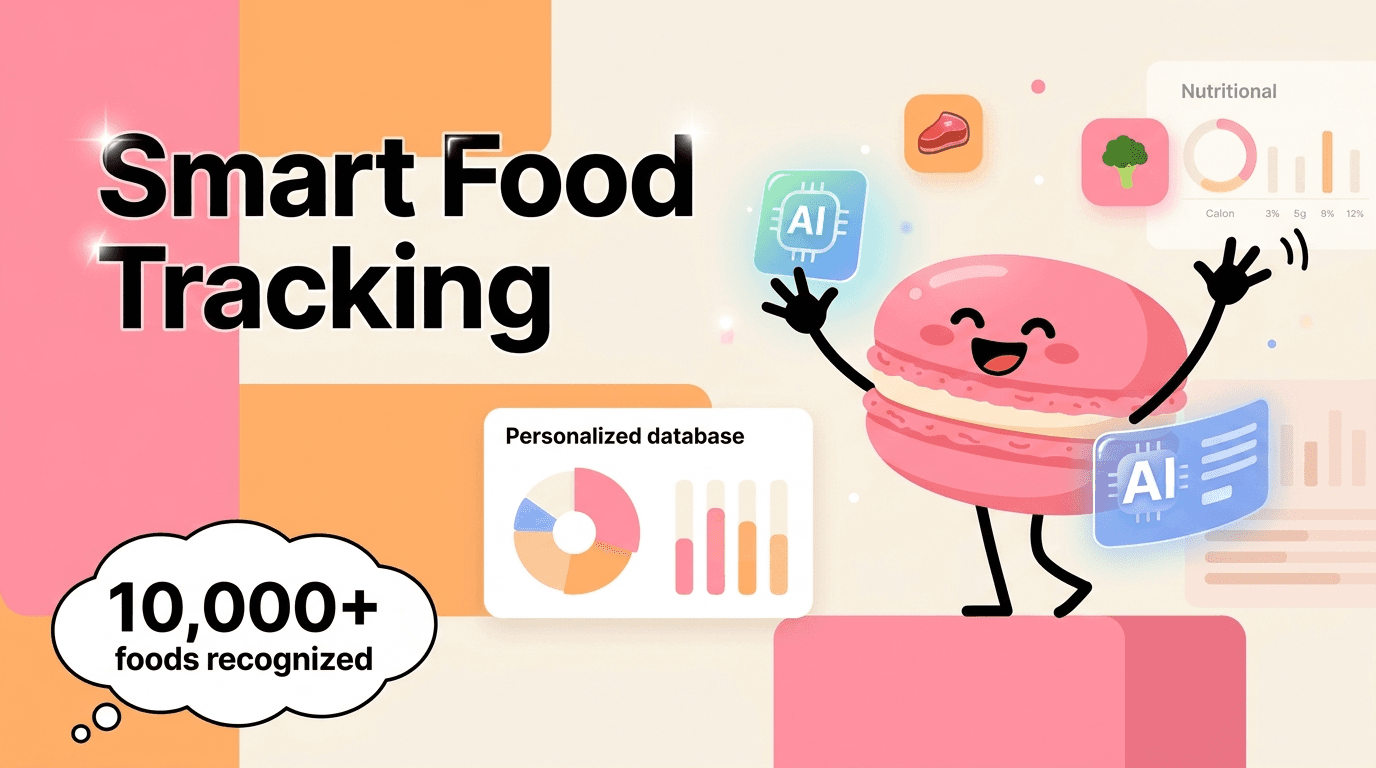
How Macaron's AI tracking works
Macaron uses photo-based recognition to identify meals, estimate portions, and build a personalized food history over time. Instead of asking you to search for every ingredient, it learns from repeated meals and common patterns, which reduces the amount of manual entry needed each day. That makes it especially useful for people who eat mixed meals, cook at home, or want a faster way to stay consistent without constantly opening a database.
Feature comparison
MyFitnessPal uses a manual-first logging model, while Macaron leans on AI-assisted capture. In practice, that means MyFitnessPal gives you more direct control over every entry, but Macaron reduces the time and attention required to keep tracking. MyFitnessPal is better for users who want to verify each item themselves; Macaron is better for users who want a lighter daily workflow and are comfortable with AI estimates instead of fully manual precision.
Frequently Asked Questions
The formula itself is sound, but the result depends on how accurately you log food, exercise, and portions. If entries are off, the calorie total will be off too. That is why users who rely on database matches, weighed portions, and conservative exercise estimates usually get better results than users who guess. The app is useful, but it is not automatic.
The biggest issue is manual fatigue. Logging every meal, checking database entries, and estimating portions takes time and attention, especially if you cook often or eat out. The app can be effective for disciplined users, but many people eventually find the routine tedious. That is where AI-assisted trackers can feel easier to sustain, even if they give up some manual control.
Macaron looks at your recent eating patterns, progress trends, and other signals to update guidance without forcing you to rebuild your plan from scratch. If your intake or progress changes, it can suggest a different target rather than leaving you with the same static number. That is helpful for users whose routines shift often, though people who want to manually tune every setting may prefer a traditional tracker.
Switch when logging starts to feel harder than the habit is worth. If you skip entries, stop trusting the database, or avoid opening the app because it takes too long, the workflow is probably the problem. MyFitnessPal still works well for users who like manual control, but if you want a lower-friction system, an AI-based tracker may be easier to keep using.
Yes. MyFitnessPal’s core feature is a calorie counter that tracks calories consumed, calories burned, and the remaining amount for the day. It is built around a net-calorie model, so it is easy to understand and widely used. The main limitation is that the counter is only as reliable as the entries behind it, which is why logging quality matters so much.
The free version can be used long term, but it comes with tradeoffs. You get the basic calorie counter and manual logging tools, while many convenience features sit behind Premium. For users who do not mind searching entries and estimating portions, the free plan may be enough. For people who want faster logging, the paid tools can make the app feel much smoother. For a third-party check, How does MyFitnessPal work? at https://support.myfitnesspal.com/hc/en-us/articles/360032626011-How-does-MyFitnessPal-work is worth comparing against the page summary.
Cronometer is usually stronger if you care about micronutrients, vitamins, and more detailed nutrition reporting. MyFitnessPal is often easier to use for general calorie counting and has a larger mainstream audience. If your priority is broad calorie tracking, MyFitnessPal is familiar and simple. If your priority is deeper nutrition analysis, Cronometer is often the better fit. For another outside reference, MyFitnessPal for Android - Download the APK from Uptodown at https://calorie-counter-myfitnesspal.en.uptodown.com/android adds a second perspective.
Not always. Manual logging can be very accurate when users weigh food and choose the right entries, but it can also drift when people guess portions or pick the wrong database item. AI trackers trade some control for speed and consistency. They are often better for reducing missed entries and daily friction, while manual apps remain better for users who want to verify every detail themselves.com/ is a useful reference point.com/ is a useful reference point.com/ is a useful reference point.com/ is a useful reference point.com/ is a useful reference point. For outside context, MyFitnessPal: Calorie Tracker & BMR Calculator to Reach Your Goals at https://www.myfitnesspal.com/ is a useful reference point.
Read & discover
AI Personal Assistant
Free calculators


