Myfitnesspal vs Cronometer
Choosing between MyFitnessPal's convenience and Cronometer's nutrition depth? Both track food well but lack personalization. See how Macaron's AI creates custom tools instead of static logs.
MyFitnessPal vs Cronometer: Core Features
The MyFitnessPal vs Cronometer comparison usually comes down to what you want from food tracking. MyFitnessPal is built for speed, familiarity, and broad food coverage, so it works well when you want to log meals quickly and move on. Cronometer is built for precision, with verified food sources and a stronger focus on micronutrients, making it more useful when the goal is nutrition analysis rather than simple calorie counting.
That difference matters because the two apps solve different problems. MyFitnessPal is often the easier starting point for everyday users, especially if you rely on barcode scanning, restaurant entries, or a large database of common foods. Cronometer asks for a little more attention, but in return it gives clearer visibility into vitamins, minerals, protein quality, and nutrient gaps that matter for athletes, restrictive diets, and health monitoring.
The tradeoff is not just convenience versus detail; it is also breadth versus trust. MyFitnessPal’s crowdsourced database can be faster to use and more complete for packaged foods and restaurant meals, but users often need to verify entries. Cronometer’s database is smaller in some areas, yet its emphasis on curated sources makes it more dependable when accuracy is the priority. That makes it especially appealing for people who want fewer surprises in their logs. For a related Macaron page, see How Macaron AI Tackles the Problem with Traditional Task Lists at https://macaron.im/blog/macaron-ai-daily-planning-guide.
Another practical difference is how each app frames progress. MyFitnessPal centers on calorie budgets and easy daily adherence, while Cronometer presents a more analytical view of intake and nutrient sufficiency. If you are trying to lose weight casually, either can work. If you are managing a medical condition, training for performance, or following a diet where micronutrients matter, Cronometer usually offers more useful context and fewer blind spots.
Macaron takes a different approach from both. Instead of choosing between a simple tracker and a detailed tracker, it helps you build the tool you actually need. That can mean a meal planner, a protein tracker, a diabetes-friendly routine, or a lightweight habit system. The tradeoff is that Macaron is not a traditional food database app, so users who want a massive searchable catalog may still prefer MyFitnessPal or Cronometer for direct logging.
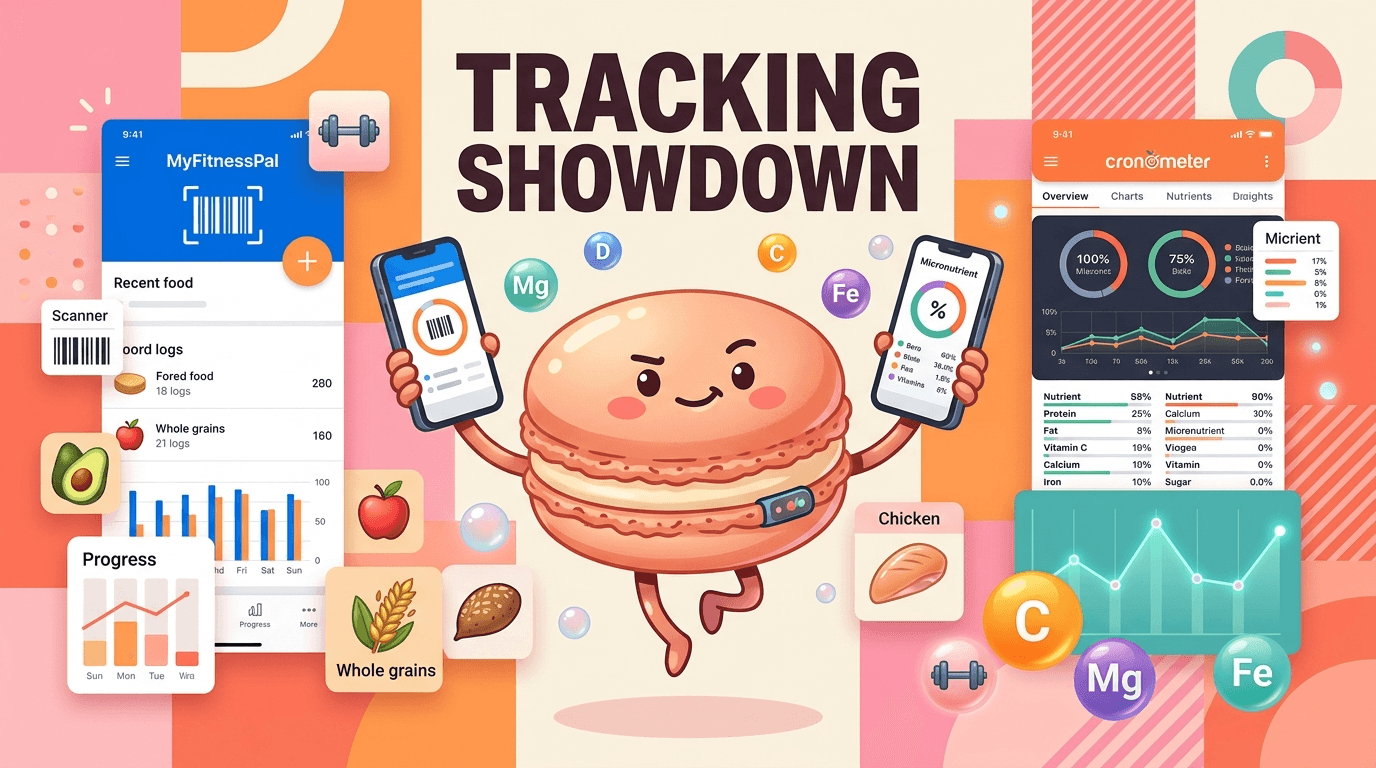
MyFitnessPal vs Cronometer: Core Features
MyFitnessPal is strongest when you want fast, familiar logging with minimal friction. Its large crowdsourced database, barcode scanner, and restaurant coverage make it easy to find common foods and keep moving, which is why many casual users stick with it. Cronometer is more deliberate: it uses verified sources and gives deeper nutrient breakdowns, including vitamins and minerals that MyFitnessPal often surfaces less prominently. If your priority is convenience, MyFitnessPal usually feels easier; if your priority is accuracy and nutrient detail, Cronometer is the stronger fit.
Pricing Comparison
Pricing is less about the monthly fee and more about what kind of experience you want. MyFitnessPal Premium is positioned around faster logging, meal planning, and convenience features, while Cronometer Gold is aimed at users who want more advanced analysis, fasting tools, and deeper reporting. Both free versions are usable, but the paid tiers reinforce their different philosophies. If you want a traditional tracker with more shortcuts, MyFitnessPal may justify the upgrade; if you want more nutrition insight, Cronometer usually offers better value. Macaron avoids that tradeoff by focusing on personalized tool creation instead of selling more logging layers.
Who Should Use Which
MyFitnessPal is a better fit for people who want a straightforward calorie counter and do not want to spend much time checking entries. It works well for general weight management, restaurant-heavy eating, and users who value a familiar interface over deep analysis. Cronometer is better for athletes, people on keto or vegan diets, and anyone who needs to monitor micronutrients, protein targets, or nutrient gaps. Macaron is useful for users who feel boxed in by both models and want a system that can adapt to a specific routine, health goal, or workflow without forcing them into a fixed app structure.
More About Myfitnesspal vs Cronometer
Database quality is one of the biggest reasons people switch between these apps. MyFitnessPal’s crowdsourced catalog is broad and fast, which helps when you are logging packaged foods, chain restaurants, or unusual items that are hard to find elsewhere. The downside is that user-submitted entries can vary in accuracy, so the burden often falls on you to confirm the right match. Cronometer uses more curated sources, which reduces guesswork and makes it better for users who care about reliable nutrient data.
The way each app handles calories also reflects a different philosophy. MyFitnessPal tends to fold exercise into your daily budget, which can make the app feel more flexible for people who like to “earn” food through activity. Cronometer keeps activity and intake more clearly separated, which some users find easier to interpret when they want a cleaner picture of what they ate versus what they burned. Neither approach is universally better; the right choice depends on whether you want simplicity or tighter control.
For advanced nutrition tracking, Cronometer has the edge because it surfaces micronutrients in a way that is useful, not just decorative. That matters if you are trying to spot low iron, calcium, potassium, or other nutrient gaps, or if you are following a diet where macro totals alone are not enough. MyFitnessPal can still work for macro tracking, but its strength is broader mainstream use rather than detailed nutrient auditing. Users who only want calories may not need Cronometer’s extra depth, but users with specific health goals often do. Another useful Macaron comparison is Macaron App Download (iOS & Android): Official, Safe, and Fast Install at https://macaron.im/blog/macaron-app-download.
Premium features also reveal the apps’ different audiences. MyFitnessPal Premium is mostly about convenience: faster entry, more planning support, and a smoother daily workflow. Cronometer Gold is more analytical, with reporting that helps users understand patterns over time and make more informed adjustments. That makes Cronometer more appealing to data-oriented users and people working with nutrition professionals. The tradeoff is that the extra detail can feel heavy if you only want a quick log and do not care about nutrient breakdowns. For a broader Macaron context, AI Personal Assistant - Macaron AI at https://macaron.im/ai-personal-assistant can help you compare the decision from another angle.
Macaron stands apart because it does not ask you to adapt to a fixed tracking model. Instead, it can generate a custom workflow from a plain-language request, such as tracking protein around workouts, building a meal routine for a busy schedule, or organizing food choices around a medical constraint. That is a real advantage for users who want personalization, but it is not a replacement for a full food database. If you need exhaustive item lookup, the traditional apps still have an edge.
Why Macaron Is a Smarter Fit for Personalization
Macaron is different because it starts from your goal, not from a predefined template. Instead of asking you to fit your habits into a calorie log or nutrient dashboard, it can generate a custom tool from a natural-language request and then adjust as your routine changes. That is useful for people managing training blocks, travel, meal prep, or health constraints that do not map neatly to standard tracking apps. The tradeoff is that Macaron is less of a searchable food database, so users who want instant barcode-style logging may still prefer MyFitnessPal or Cronometer for that specific job.
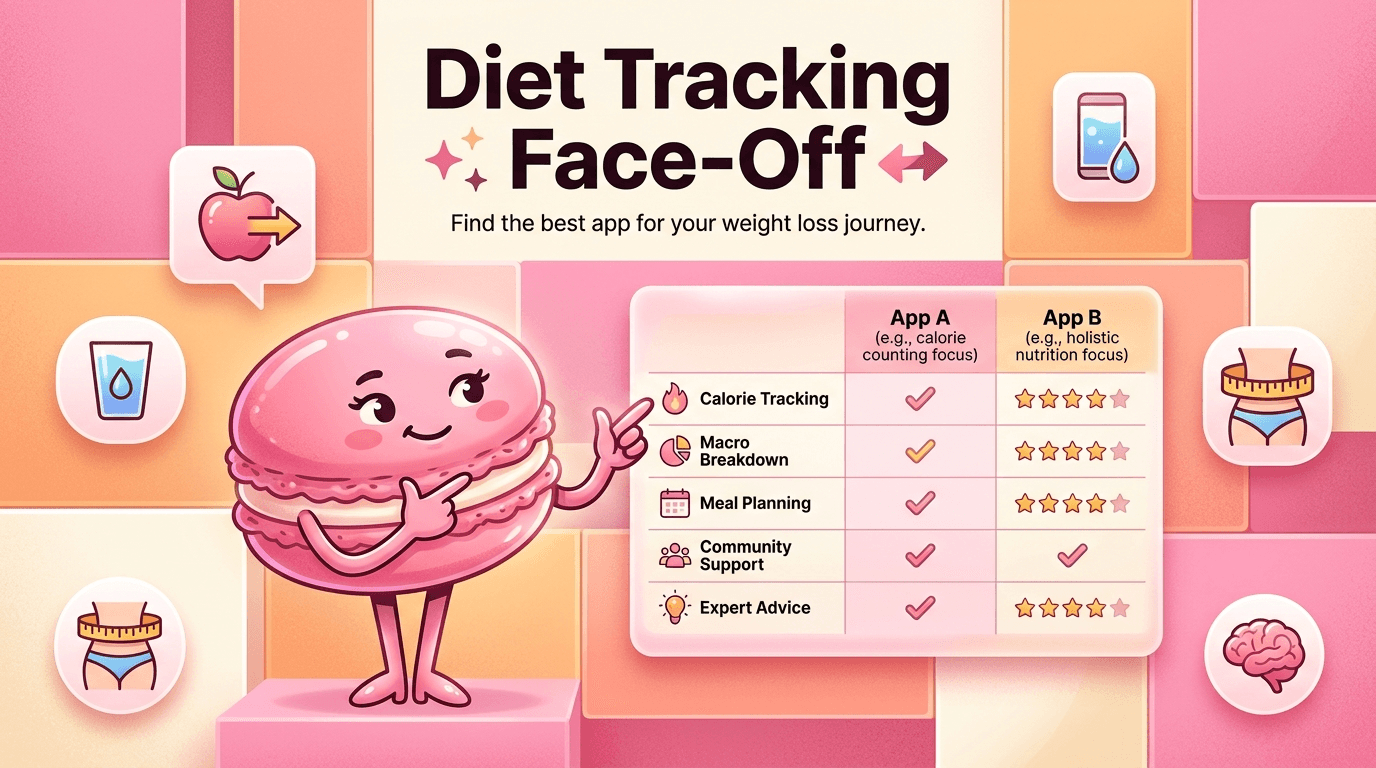
Three-Way Comparison Table
MyFitnessPal is best understood as a mainstream calorie tracker with a large crowdsourced database and strong restaurant coverage, which makes it easy for casual users to get started. Cronometer is more of a nutrition analysis tool, with verified data sources and stronger micronutrient reporting for users who want precision. Macaron sits in a different category entirely: it is an AI personal assistant that can generate custom nutrition workflows instead of forcing you into a fixed interface. If you want broad food lookup, MyFitnessPal is still useful; if you want nutrient detail, Cronometer is stronger; if you want a tailored system, Macaron is the more flexible option.
Frequently Asked Questions
Cronometer is usually better if your main concern is nutrition accuracy, micronutrients, or detailed analysis. Its verified data sources make it more dependable for users who care about precision. MyFitnessPal is often better for everyday convenience, restaurant logging, and faster food entry. So the better app depends on your goal: Cronometer for depth, MyFitnessPal for ease. Some people even use both, depending on whether they are doing casual logging or more serious nutrition review.
For most beginners, yes. MyFitnessPal has a familiar calorie-counting flow, quick barcode scanning, and a broad database that makes logging feel straightforward. Cronometer can feel more detailed at first because it shows more nutrient information and asks for a bit more attention. That extra detail is helpful for some users, but it can slow down casual logging. If you want a simpler middle ground, Macaron can build a more conversational workflow around the habits you already have.
Macaron fits between rigid food trackers and fully manual planning tools. Instead of giving you a fixed logging interface, it can create a personalized nutrition workflow based on what you ask for. That makes it useful for people who want a custom meal planner, a protein tracker, a routine for a medical condition, or a lighter system than traditional apps. It is not trying to replace every database feature, but it is better when your needs do not match a standard template.
If manual logging is the main thing making you quit, then yes, it is worth looking at alternatives. MyFitnessPal and Cronometer both still depend on you entering food, even if they make that easier. Macaron is more helpful when you want the system to do more of the organizing for you, such as turning goals into routines, summaries, or meal suggestions. The tradeoff is that you may give up some of the instant database lookup that traditional trackers provide.
Cronometer is generally the safer choice when accuracy matters, especially for calories, protein, and nutrient totals. Its verified sources reduce the chance of bad entries, while MyFitnessPal’s crowdsourced database can include inconsistent records. That said, accuracy still depends on how carefully you log portions and choose entries. If you are only tracking loosely, the difference may not matter much. If you are following a structured plan, Cronometer usually gives you more trustworthy numbers.
It can work for basic tracking, but many diabetics prefer tools that make nutrient detail easier to review. MyFitnessPal is good for logging meals and watching calories, yet it is not as strong when you need a clearer view of micronutrients, carbs, or more structured nutrition analysis. Cronometer is often a better fit for that reason. If you want something more adaptive than either app, Macaron can help build a workflow around your specific dietary needs. For a third-party check, Comparing MyFitnessPal to Cronometer for Fitness Assessment ... at https://biolayne.com/reps/issue-45/comparing-myfitnesspal-to-cronometer-for-fitness-assessment-among-athletes/ is worth comparing against the page summary.
It can be, but only if you actually want the extra detail. Cronometer is strongest for users who care about nutrient quality, not just calorie totals. Casual users who mainly want to stay aware of intake may find MyFitnessPal simpler and faster. The tradeoff is that Cronometer asks for more attention, which is useful for precision but unnecessary for some people. If your goal is just basic awareness, the extra depth may be more than you need. For another outside reference, Easing The Transition: MyFitnessPal to Cronometer at https://cronometer.com/blog/my-fitness-pal-to-cronometer/ adds a second perspective.
The biggest downside is that its convenience can come with less reliable data. Because much of the database is user-submitted, you may need to double-check entries to avoid logging the wrong calories or macros. That is manageable for casual use, but it becomes more frustrating when you need precision. MyFitnessPal is still strong for restaurant logging and fast entry, but users who want higher confidence in the numbers often move to Cronometer or a more personalized system like Macaron.com/blog/cronometer-vs-myfitnesspal is a useful reference point.com/blog/cronometer-vs-myfitnesspal is a useful reference point.com/blog/cronometer-vs-myfitnesspal is a useful reference point.com/blog/cronometer-vs-myfitnesspal is a useful reference point.com/blog/cronometer-vs-myfitnesspal is a useful reference point. For outside context, Nutrition tracking: Cronometer vs Myfitnesspal (free versions) at https://www.gemmasampson.com/blog/cronometer-vs-myfitnesspal is a useful reference point.
Read & discover
AI Personal Assistant
Free calculators


