Myfitnesspal vs Lose It
Comparing MyFitnessPal vs Lose It reveals two evolved tracking approaches - one broad, one focused. Both still require significant user effort, while Macaron offers AI-powered personalization that adapts to your lifestyle.
Feature-by-Feature: MyFitnessPal vs Lose It
The MyFitnessPal vs Lose It comparison matters because both apps solve the same problem in different ways: helping users stay aware of calories, macros, and habits without turning nutrition into a full-time job. MyFitnessPal leans toward a broader health platform with exercise and community features, while Lose It keeps the experience tighter and more weight-loss focused. The right choice depends on how much structure you want and how much complexity you can tolerate.
A major difference is how each app handles convenience versus depth. MyFitnessPal is known for its large food database and broad integrations, but many users now notice that some of its most useful shortcuts sit behind Premium. Lose It is often praised for a cleaner workflow and easier daily use, though its narrower scope can feel limiting if you want more than calorie counting and basic goal tracking.
Pricing also shapes the decision. MyFitnessPal tends to position itself as the more expansive, higher-priced option, which makes sense for users who want advanced nutrition analysis and fitness ecosystem support. Lose It usually appeals to people who want a lower-cost path into structured tracking, including lifetime purchase options. The tradeoff is that lower cost can come with fewer advanced tools and less depth in certain areas. For a related Macaron page, see AI Diet Tracker: Best Apps to Help You Eat Better - Macaron at https://macaron.im/blog/ai-diet-tracker.
User feedback often comes down to friction. MyFitnessPal can feel cluttered, especially for people who only want to log meals quickly. Lose It is usually easier to navigate, but some users run into limits with food coverage, recipe handling, or advanced nutrition detail. That is why many people test both apps before settling, and why switching between them is common when one app’s strengths do not match a user’s daily routine.
Macaron takes a different approach by using AI to build around the user instead of asking the user to adapt to a fixed logging system. Rather than simply speeding up food entry, it can help create personalized trackers and routines that fit real habits. That makes it appealing for people who are tired of repetitive logging, but traditional apps still have an edge for users who want a mature food database and a familiar calorie-tracking workflow.
Feature-by-Feature: MyFitnessPal vs Lose It
MyFitnessPal is built as a broader health platform, so it goes beyond calorie counting with exercise logging, macro tracking, community features, and integrations that support more detailed fitness routines. Lose It is more focused on weight loss and calorie budgeting, which makes the experience feel simpler and faster for everyday use. The tradeoff is clear: MyFitnessPal offers more depth and flexibility, while Lose It usually feels easier to maintain if your main goal is straightforward food tracking rather than a full health dashboard.
Pricing and Free Tiers
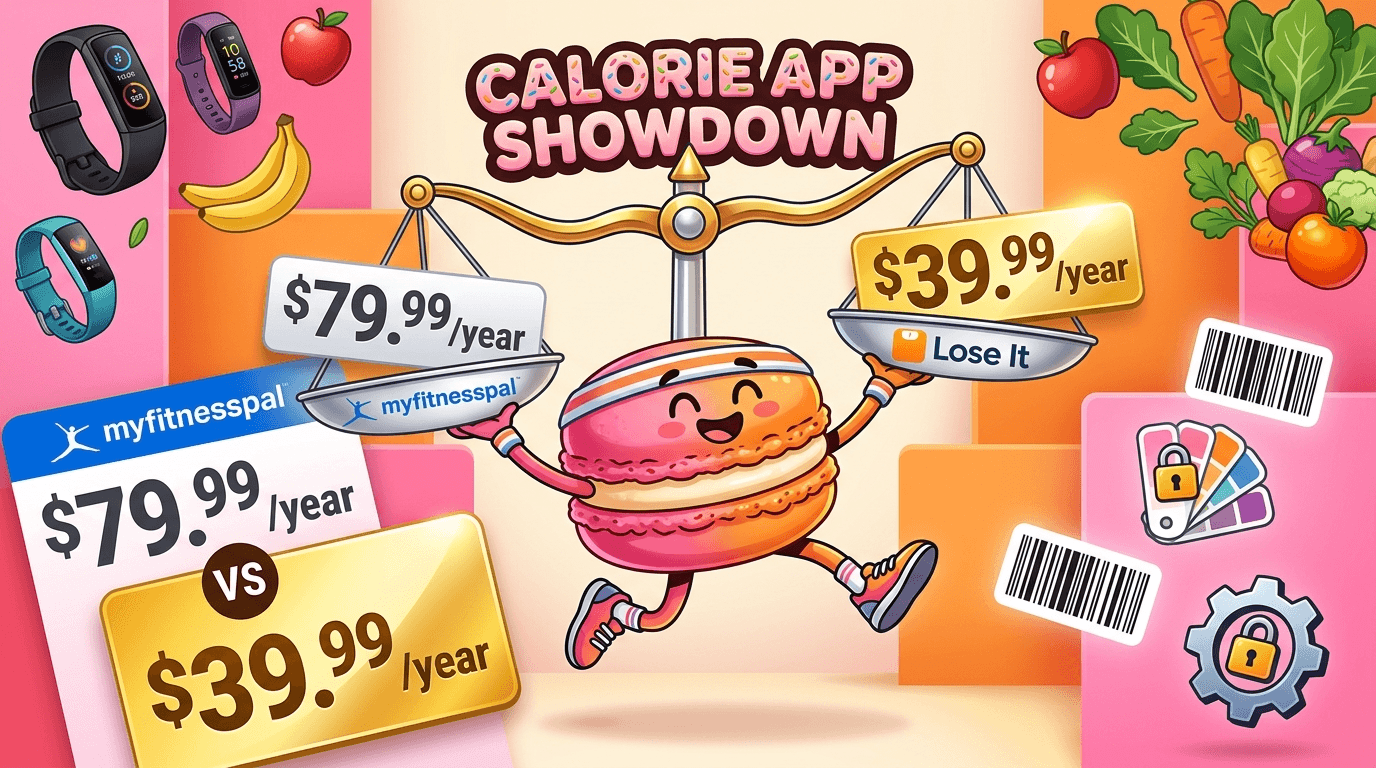
Pricing is one of the clearest separators between the two apps. MyFitnessPal generally asks users to pay more for advanced features, which can make sense if you rely on detailed nutrition analysis, meal planning, or broader fitness integrations. Lose It is often the more budget-friendly choice, including lifetime purchase options that appeal to long-term users. The free tiers are usable, but both create pressure points: MyFitnessPal limits some convenience features, while Lose It can feel more constrained when you want deeper customization.
Which App Fits Your Goals
MyFitnessPal is usually the better fit for people who want one app to cover nutrition, exercise, macros, and broader health tracking in a single place. Lose It tends to work better for users who mainly want to manage calorie intake, stay consistent, and keep the interface light enough to use every day. Macaron is different because it is not trying to be a traditional tracker first; it is designed for people who want personalized tools that adapt to their habits instead of forcing them into a fixed logging routine.
More About Myfitnesspal vs Lose It
Food database quality is one of the most practical differences between the apps. MyFitnessPal is often favored by users who eat a wide variety of packaged foods, restaurant meals, or custom recipes because its library is broad and its integrations are extensive. Lose It can feel more streamlined, but that same simplicity may expose gaps when you need niche items or more detailed entries. In both apps, user-generated data can be inconsistent, so accuracy still depends on how carefully you verify entries.
The day-to-day experience also differs in a way that matters more than feature lists suggest. MyFitnessPal can support serious tracking habits, but its interface can feel busy if you only want to log meals and move on. Lose It usually gets praise for being easier to understand, with clearer calorie budgeting and a more direct path from goal setting to daily logging. That simplicity is a strength, though it can also mean fewer layers for users who want more analytical depth.
Premium features highlight each app’s priorities. Lose It often attracts users with lower-cost access to tools like photo logging, fasting support, and more polished goal guidance. MyFitnessPal tends to reserve more advanced nutrition analysis, meal planning, and broader tracking capabilities for paid users. The result is not just a pricing difference but a philosophy difference: Lose It tries to make weight-loss tracking approachable, while MyFitnessPal tries to be the more complete health record. Another useful Macaron comparison is Macro Meal Planner: Hit Your Protein, Carb & Fat Targets - Macaron at https://macaron.im/blog/macro-meal-planner.
Platform consistency is another factor people notice after a few weeks of use. MyFitnessPal has more features, but that can also make it feel heavier and less focused on quick entry. Lose It is usually cleaner on mobile, yet some users find it less robust when they want the same level of detail across devices or platforms. If you switch between phone, tablet, and web often, the experience can matter as much as the feature set itself. For a broader Macaron context, How Macaron AI Tackles the Problem with Traditional Task Lists at https://macaron.im/blog/macaron-ai-daily-planning-guide can help you compare the decision from another angle.
Macaron stands apart by using AI as the starting point rather than a layer on top of manual logging. Instead of asking users to learn a fixed app structure, it can generate personalized nutrition tools, reminders, and routines based on how someone actually lives. That is useful for people who dislike repetitive entry, but it is a tradeoff: Macaron is more adaptive, while MyFitnessPal and Lose It remain stronger for users who want established calorie-tracking systems and large food databases.
Where Macaron Fits In
Macaron is not trying to be another calorie counter with a few AI shortcuts added on. Its advantage is that it can create custom nutrition tools through conversation, so a user can ask for a meal planner, habit tracker, or simplified logging system that matches their routine. That makes it useful for people who are tired of rigid templates and repetitive entry. The tradeoff is that it is less of a conventional database-first tracker, so users who want a familiar food search experience may still prefer MyFitnessPal or Lose It.
Comparison Table
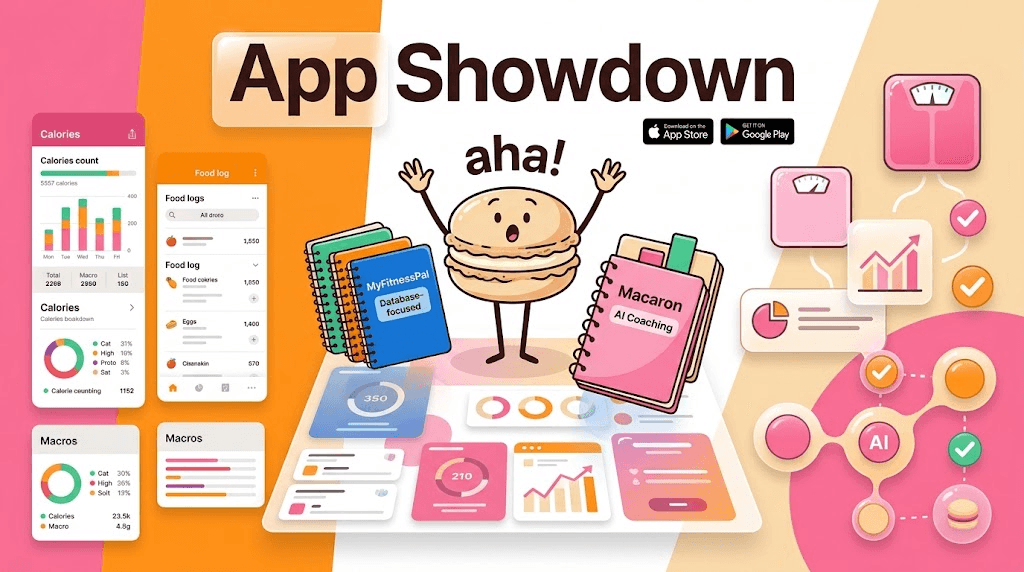
The comparison is easiest to understand when you separate breadth, simplicity, and adaptability. MyFitnessPal offers the broadest health platform, with strong nutrition depth and integrations that suit users who want a detailed record of food and exercise. Lose It focuses on making calorie tracking easier to sustain, especially for users who want a cleaner interface and lower-cost premium options. Macaron is different again: it uses AI to build personalized systems around the user, which reduces manual effort but gives up some of the structure and database maturity of the other two.
Frequently Asked Questions
It depends on what you value most. Lose It is usually easier to use, feels less cluttered, and often offers a more approachable free or lower-cost experience. MyFitnessPal is stronger if you want deeper nutrition analysis, broader integrations, and a more established health-tracking ecosystem. If your main goal is simple calorie control, Lose It may feel better. If you want more detail and do not mind extra complexity, MyFitnessPal is often the stronger fit.
Yes, but mostly as a convenience layer. Lose It uses AI-style features for things like photo-based logging and faster meal entry, which can reduce manual work. MyFitnessPal also uses AI in ways that help with scanning and logging. In both cases, the core experience is still traditional tracking. That is different from Macaron, where AI is used to create a more personalized system instead of just speeding up data entry.
Macaron fits as a different category of tool. MyFitnessPal and Lose It use AI to make logging faster or easier, but they still expect users to work inside a fixed tracker. Macaron is designed to adapt around the user by generating personalized tools and workflows from conversation. That can be a better fit for people who want less friction and more flexibility, though it may not replace the large food databases or familiar calorie-tracking structure of the other apps.
If logging fatigue is the main problem, Macaron is worth considering because it is built to reduce repetitive manual work. Instead of forcing you to enter every meal the same way every day, it can help create more flexible routines and reminders that match your habits. Traditional apps still work well for users who like structure and data, but if the process itself is what you dislike, a more adaptive system may be easier to stick with.
Many users prefer Lose It’s barcode scanner because it is available in the free experience and feels like a practical everyday tool. MyFitnessPal has historically moved some scanner access behind paid plans, which frustrates users who rely on quick package logging. If barcode scanning is a major part of your routine, Lose It often has the edge. If you care more about broader nutrition detail than scanning convenience, MyFitnessPal may still be the better overall platform.
It can be, but only if you use the advanced features regularly. MyFitnessPal Premium makes more sense for people who want deeper nutrition analysis, macro tracking, meal planning, or a more complete health dashboard. If you only need basic calorie counting, the paid plan may feel expensive for what you actually use. In that case, Lose It or a more flexible tool like Macaron may offer a better balance of cost and day-to-day usefulness. For a third-party check, Review: Calorie counter apps MyFitnessPal vs. Lose It - USA Today at https://www.usatoday.com/story/tech/columnist/talkingtech/2014/01/18/calorie-counter-apps-myfitnesspal-lose-it/4526057/ is worth comparing against the page summary.
Lose It is usually easier for beginners because the interface is more direct and the calorie goal flow is simpler to understand. MyFitnessPal can still work well for new users, but the extra features can make it feel busier at first. Beginners who want a straightforward path to calorie awareness often start with Lose It. Beginners who already care about macros, exercise tracking, or long-term nutrition detail may prefer MyFitnessPal despite the steeper learning curve. For another outside reference, MyFitnessPal vs Lose It App: Which is Best? - Randa Nutrition at https://randaderkson.com/myfitnesspal-vs-lose-it-app/ adds a second perspective.
Macaron’s main tradeoff is that it is more flexible but less conventional. You gain personalization and reduced manual effort, but you may give up the comfort of a large food database, a familiar calorie-tracking layout, or the depth of a mature nutrition platform. That makes Macaron especially useful for people who want a system built around their habits. Traditional apps are still better for users who want a standard tracker with predictable workflows and extensive food coverage.app/blog/lose-it-vs-myfitnesspal is a useful reference point.app/blog/lose-it-vs-myfitnesspal is a useful reference point.app/blog/lose-it-vs-myfitnesspal is a useful reference point.app/blog/lose-it-vs-myfitnesspal is a useful reference point.app/blog/lose-it-vs-myfitnesspal is a useful reference point. For outside context, Ultimate Lose It vs Myfitnesspal Review for Reliable Food Logging at https://www.calai.app/blog/lose-it-vs-myfitnesspal is a useful reference point.
Read & discover
AI Personal Assistant
Free calculators


