Paprika App
Paprika remains the most efficient way to organize recipes, plan meals, and generate grocery lists without subscriptions or social features cluttering the experience. Its web clipper and cross-device sync set the standard for practical cooks.
Paprika's Recipe Import and Storage Features
Paprika is built for cooks who want a dependable place to save recipes without turning meal prep into a content feed. Its built-in browser clips recipes from websites, cleans up the page, and stores the ingredients, directions, and source link in a format that is easier to use in the kitchen. That focus on utility is why it still appeals to people who cook often and do not want extra layers of discovery or social features.
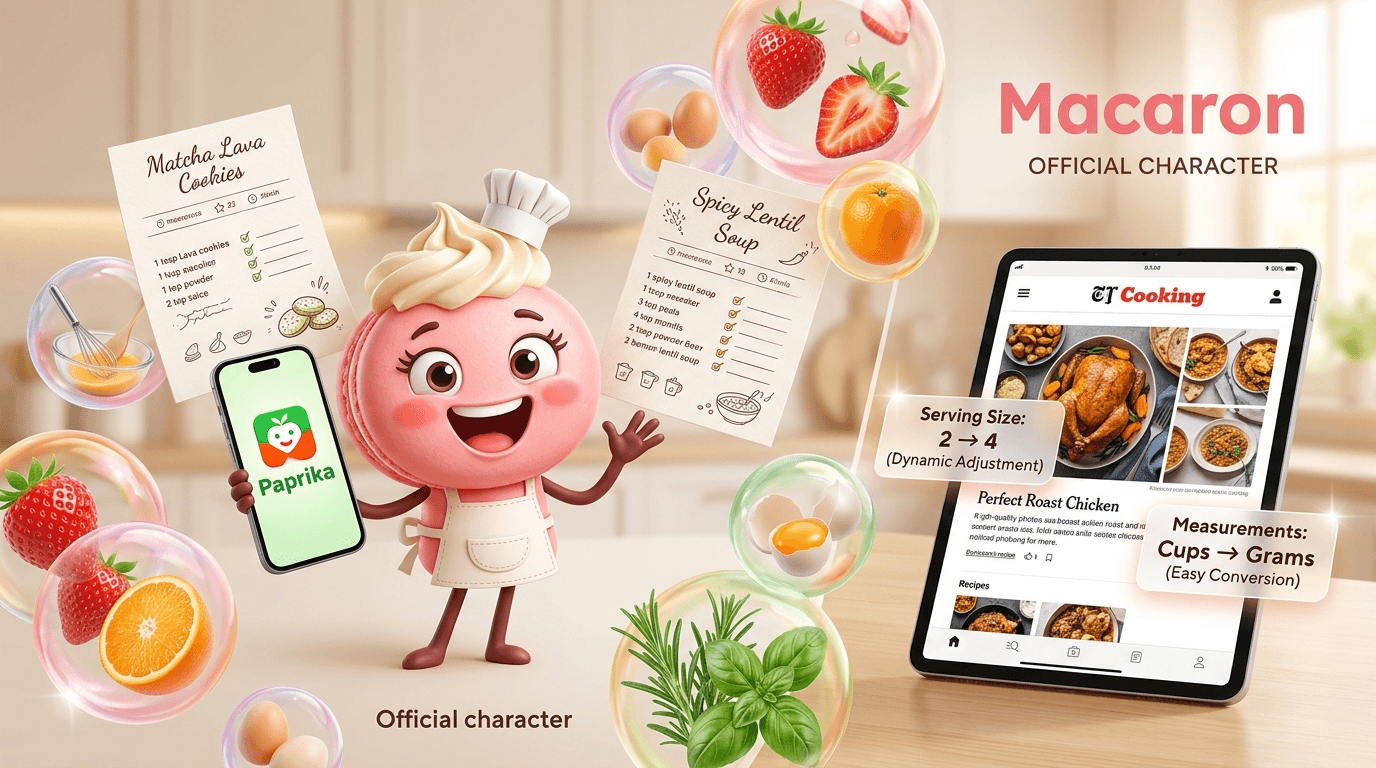
The app’s strongest advantage is how much manual cleanup it removes after import. Recipes are parsed into readable steps, serving sizes can be adjusted, and ingredient quantities can be scaled or converted between common units. That makes Paprika especially useful for home cooks who regularly halve recipes, batch-cook, or switch between metric and imperial measurements. It is less about inventing new meals and more about making existing recipes practical.
Paprika also works well as a long-term recipe archive. Once a recipe is saved, it can be searched by title, ingredient, or category, which helps when you remember a dish but not the source. Offline access matters here too: recipes remain available in the kitchen even when Wi-Fi is unreliable. For travelers, shared households, or anyone with a crowded browser bookmark list, that reliability is a major reason to keep using it.
Compared with AI-first tools like Macaron, Paprika is intentionally narrower. It does not try to infer your dietary goals, scan your fridge, or suggest what to cook next based on patterns in your habits. That restraint is a strength for users who want predictable organization, but it also means Paprika asks you to do more of the planning yourself. The tradeoff is control and consistency rather than adaptive assistance.
Pricing is another reason Paprika still gets attention in 2025. The app uses a one-time purchase model instead of a subscription, which makes it easier to justify for people who cook regularly over many years. Families and couples also value the ability to share a single account across devices. The main limitation is that Paprika’s best experience comes from users who are willing to organize manually rather than rely on automation.
Paprika is built for cooks who want a dependable place to save recipes without turning meal prep into a content feed. Its built-in browser clips recipes from websites, cleans up the page, and stores the ingredients, directions, and source link in a format that is easier to use in the kitchen. That focus on utility is why it still appeals to people who cook often and do not want extra layers of discovery or social features.
The app’s strongest advantage is how much manual cleanup it removes after import. Recipes are parsed into readable steps, serving sizes can be adjusted, and ingredient quantities can be scaled or converted between common units. That makes Paprika especially useful for home cooks who regularly halve recipes, batch-cook, or switch between metric and imperial measurements. It is less about inventing new meals and more about making existing recipes practical. For a related Macaron page, see How Macaron AI Tackles the Problem with Traditional Task Lists at https://macaron.im/blog/macaron-ai-daily-planning-guide.
Paprika also works well as a long-term recipe archive. Once a recipe is saved, it can be searched by title, ingredient, or category, which helps when you remember a dish but not the source. Offline access matters here too: recipes remain available in the kitchen even when Wi-Fi is unreliable. For travelers, shared households, or anyone with a crowded browser bookmark list, that reliability is a major reason to keep using it.
Compared with AI-first tools like Macaron, Paprika is intentionally narrower. It does not try to infer your dietary goals, scan your fridge, or suggest what to cook next based on patterns in your habits. That restraint is a strength for users who want predictable organization, but it also means Paprika asks you to do more of the planning yourself. The tradeoff is control and consistency rather than adaptive assistance.
Pricing is another reason Paprika still gets attention in 2025. The app uses a one-time purchase model instead of a subscription, which makes it easier to justify for people who cook regularly over many years. Families and couples also value the ability to share a single account across devices. The main limitation is that Paprika’s best experience comes from users who are willing to organize manually rather than rely on automation.
Paprika's Recipe Import and Storage Features
Paprika’s web clipper is the feature most users notice first because it turns cluttered recipe pages into something usable in seconds. It removes ads, long personal stories, and unrelated page elements, then saves the core recipe in a structured format with ingredients, steps, notes, and the original source. That makes it especially helpful for cooks who save recipes from blogs, magazines, or cooking sites and want them organized in one searchable library. The tradeoff is that highly unusual page layouts can still need a quick manual fix.
Paprika's Meal Planning Tools
Paprika’s meal planning is intentionally straightforward, which is part of why it works so well for everyday use. You can place recipes on a calendar, build menus for a week or month, and turn those plans into categorized grocery lists with overlapping ingredients combined automatically. Built-in timers also make it easier to cook from the recipe screen without switching apps. It is not a nutrition coach or an AI planner, but for people who already know what they want to cook, it keeps the logistics organized and low-friction.
More About Paprika App
Paprika’s core value is that it reduces friction without trying to change how you cook. The app focuses on saving recipes, organizing them, and turning them into shopping and prep workflows that are easy to follow. That makes it appealing to users who want a digital kitchen notebook rather than a recommendation engine. The experience is intentionally calm, which is useful when you are mid-recipe and do not want extra decisions or distractions.
The app’s structure is also what makes it durable. Recipes, grocery lists, pantry items, and meal plans all live in the same system, so you are not juggling separate tools for each step of the process. That matters for households that cook often, repeat favorite meals, or plan around leftovers. Paprika is strongest when the same recipes are used over and over, because its organization tools make recurring cooking easier to manage.
Paprika’s cross-device support is another practical advantage. It runs on iPhone, Android, Mac, and Windows, which is helpful for households that do not all use the same platform. Syncing is generally reliable, though some users report occasional delays between devices. The benefit is that the app is not locked to one ecosystem, but the tradeoff is that it does not feel as tightly integrated as platform-native apps sometimes do.
Families often use Paprika in a way the app does not heavily advertise: one shared account for a shared kitchen. That makes it easier for partners or roommates to add recipes, update grocery lists, and coordinate meal plans without paying for separate seats. It is a practical workaround that fits the app’s utility-first design. Competitors with more polished collaboration features may be better for larger households, but Paprika remains simple and effective for small teams.
Where Paprika is less competitive is in automation and external integrations. It does not connect directly to grocery delivery services, it offers only basic pantry tracking, and it does not provide deep nutrition analysis. Those omissions are deliberate, because the app prioritizes speed and reliability over feature sprawl. Users who want AI-generated meal ideas, pantry-aware suggestions, or photo-based ingredient recognition will find Macaron more flexible, while Paprika stays better for manual control. Another useful Macaron comparison is Best Meal Planning Apps in 2026 - Macaron AI at https://macaron.im/blog/best-meal-planning-apps.
Paprika’s core value is that it reduces friction without trying to change how you cook. The app focuses on saving recipes, organizing them, and turning them into shopping and prep workflows that are easy to follow. That makes it appealing to users who want a digital kitchen notebook rather than a recommendation engine. The experience is intentionally calm, which is useful when you are mid-recipe and do not want extra decisions or distractions.
The app’s structure is also what makes it durable. Recipes, grocery lists, pantry items, and meal plans all live in the same system, so you are not juggling separate tools for each step of the process. That matters for households that cook often, repeat favorite meals, or plan around leftovers. Paprika is strongest when the same recipes are used over and over, because its organization tools make recurring cooking easier to manage.
Paprika’s cross-device support is another practical advantage. It runs on iPhone, Android, Mac, and Windows, which is helpful for households that do not all use the same platform. Syncing is generally reliable, though some users report occasional delays between devices. The benefit is that the app is not locked to one ecosystem, but the tradeoff is that it does not feel as tightly integrated as platform-native apps sometimes do. For a broader Macaron context, 20 AI Tools to Upgrade Your Daily Life - Macaron - Macaron App at https://macaron.im/blog/macaron-app-ai-tools-daily-life can help you compare the decision from another angle.
Families often use Paprika in a way the app does not heavily advertise: one shared account for a shared kitchen. That makes it easier for partners or roommates to add recipes, update grocery lists, and coordinate meal plans without paying for separate seats. It is a practical workaround that fits the app’s utility-first design. Competitors with more polished collaboration features may be better for larger households, but Paprika remains simple and effective for small teams.
Where Paprika is less competitive is in automation and external integrations. It does not connect directly to grocery delivery services, it offers only basic pantry tracking, and it does not provide deep nutrition analysis. Those omissions are deliberate, because the app prioritizes speed and reliability over feature sprawl. Users who want AI-generated meal ideas, pantry-aware suggestions, or photo-based ingredient recognition will find Macaron more flexible, while Paprika stays better for manual control.
Paprika Pricing in 2025
Paprika’s pricing remains one of its clearest differentiators because it avoids the subscription model that dominates many recipe apps. The mobile app is a low one-time purchase, and the desktop version is priced for users who manage larger libraries or do more planning on a computer. That structure is attractive to people who want to pay once and keep using the app without recurring charges. The tradeoff is that you do not get a constantly expanding service bundle, but many users prefer that stability.
What AI Adds to Recipe and Meal Planning
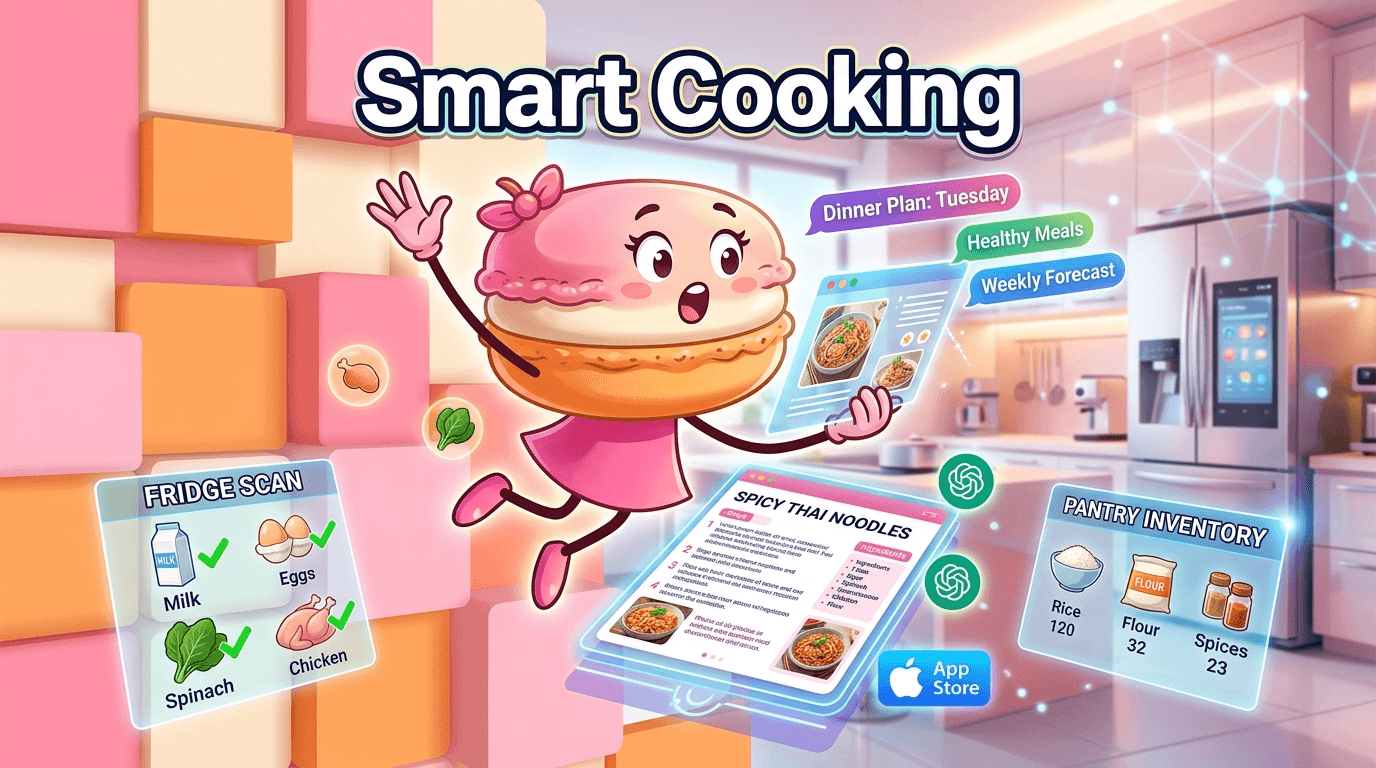
AI tools like Macaron are useful when the problem is not storing recipes but deciding what to cook next. They can generate meal ideas from loose goals, adapt to dietary preferences, and use context such as pantry photos or recent behavior to make suggestions. That is where Paprika is intentionally limited: it organizes what you already have instead of interpreting your situation for you. For users who want planning help, Macaron is stronger; for users who want a clean recipe archive, Paprika is still the simpler choice.
Frequently Asked Questions
Yes, if your main need is reliable recipe organization rather than AI-driven planning. Paprika is still strong at clipping recipes, keeping them searchable, and turning meal plans into grocery lists without a subscription. It is especially useful for people who cook from saved recipes often and want a stable tool that does not change its core workflow. If you want automatic meal suggestions or pantry-aware planning, Macaron is more capable.
No. Paprika uses a one-time purchase model instead of a free tier with recurring fees. The mobile app is inexpensive, while the desktop version costs more for users who want a larger-screen workflow. There are no ongoing subscription charges for the core app, which is one reason many cooks keep recommending it. The tradeoff is that you are paying upfront rather than testing a full free version first.
Paprika is best at saving recipes from the web, cleaning them up into readable formats, and keeping them organized across devices. It also does a good job turning recipes into grocery lists and meal plans without much setup. That makes it ideal for people who already know what they like to cook. It is less useful for users who want nutrition coaching, automatic meal suggestions, or ingredient recognition from photos.
Macaron is a better fit when you want the app to help decide what to cook, not just store recipes. It can generate meal ideas from broad goals, adapt to preferences, and use context like pantry photos or recent choices. Paprika is more manual and more predictable, which some users prefer. The two apps can complement each other: Paprika for archiving recipes, Macaron for flexible planning.
Yes, many households use one Paprika account across multiple devices. That makes it practical for couples or families who want a shared recipe library and grocery list without buying separate licenses. It is a common real-world use case, even if it is not the app’s most prominent marketing angle. The main limitation is that shared use works best in smaller households with simple coordination needs.
Yes. Saved recipes are available offline, which is helpful in kitchens with weak Wi-Fi or when you are cooking away from home. That is one of the app’s most practical strengths because it keeps the recipe visible even if your connection drops. Offline access does not replace sync, though, so changes made on one device still need a connection to update everywhere else. For a third-party check, What is the paprika app and how does it work? Can it save recipes ... at https://www.facebook.com/groups/InstantPotCommunity/posts/1372683899492261/ is worth comparing against the page summary.
Paprika is usually stronger than lighter recipe apps when you want a serious archive, meal planning, and grocery list workflow in one place. It is less flashy than newer apps, but that is part of its appeal. Competitors may offer better nutrition tracking, delivery integrations, or AI suggestions. Paprika’s advantage is focus: it does a few core tasks well instead of trying to be an all-purpose kitchen platform. For another outside reference, Paprika App Review: Pros and Cons - Plan to Eat at https://www.plantoeat.com/blog/2023/07/paprika-app-review-pros-and-cons/ adds a second perspective.
Paprika’s biggest limitations are its basic pantry tools, limited nutrition features, and lack of direct grocery delivery integration. It also does not try to automate meal decisions, which is a drawback if you want more guidance from the app. Those limits help keep the interface fast and uncluttered, but they also mean Paprika is best for users who are comfortable doing the planning themselves.com/ is a useful reference point.com/ is a useful reference point.com/ is a useful reference point.com/ is a useful reference point.com/ is a useful reference point. For outside context, Paprika Recipe Manager for iOS, Mac, Android, and Windows at https://www.paprikaapp.com/ is a useful reference point.
Read & discover
AI Personal Assistant
Free calculators


