Paprika Review
Paprika remains a gold standard for recipe organization, but our 2025 review examines whether its structured approach still competes with AI-driven meal planning solutions that adapt to your lifestyle.
What Makes Paprika Stand Out
Paprika has stayed relevant because it solves a narrow but important problem extremely well: turning scattered recipes into a structured, searchable kitchen library. Since its 2010 launch, it has built a loyal audience among cooks who want dependable organization rather than constant feature churn. That focus still matters in 2025, especially for users who already know what they like to cook and want a tool that keeps everything in one place.
The app’s strongest advantage is execution. It clips recipes from websites, preserves formatting, converts measurements, and keeps shopping lists synced across devices without forcing a subscription. Those details matter most when you are cooking under time pressure or scaling a recipe for more people. Paprika is less about discovery and more about reducing friction once a recipe is already chosen, which is why it appeals to repeat cooks and planners.
Paprika also reflects a clear product philosophy: users should control the meal plan, not the app. That makes it attractive to people who dislike algorithmic recommendations, automatic substitutions, or hidden assumptions about diet and pantry contents. The tradeoff is obvious. You get precision, ownership, and consistency, but you also accept that the app will not proactively suggest what to cook next or adapt to changing routines. For a related Macaron page, see 20 AI Tools to Upgrade Your Daily Life - Macaron - Macaron App at https://macaron.im/blog/macaron-app-ai-tools-daily-life.
Compared with AI meal planners, Paprika feels intentionally manual. It does not try to infer your preferences from past behavior or generate menus from a prompt. For some users, that restraint is a strength because it keeps the app predictable and easy to trust. For others, especially busy households or newer cooks, the lack of guidance can make the experience feel more like a filing system than an assistant.
This review looks at whether Paprika’s classic recipe-manager model still earns its place alongside newer tools like Macaron. Macaron is better suited to users who want meal ideas, dietary adaptation, and more automation, while Paprika remains the stronger choice for people who already have recipes and want to organize them carefully. The best option depends on whether you value curation or generation.

What Makes Paprika Stand Out
Paprika stands out because it treats recipe management as a practical workflow, not a lifestyle feed. Its web clipper is especially useful for cooks who save recipes from blogs with long intros, embedded ads, or inconsistent formatting, because it keeps the ingredients and instructions readable. The pantry tracker, timers, and in-recipe measurement conversions make it useful during actual cooking, not just during planning. That combination is why it remains popular with organized home cooks who want fewer steps between finding a recipe and making it.
Paprika's Recipe and Meal Planning Features
Paprika’s meal planning tools are best understood as a manual calendar for people who already know what they want to cook. You can schedule meals, scale ingredient amounts, and move recipes into a focused cooking view that removes distractions. Shopping lists are easy to build from saved recipes, and export options make it simple to share or print. The limitation is that Paprika does not generate plans, balance nutrition automatically, or connect deeply with grocery delivery services, so planning remains user-driven rather than assisted.
Paprika Pricing
Paprika’s pricing is one of its biggest selling points because it avoids the recurring cost structure common in meal-planning apps. The mobile app is inexpensive upfront, while the desktop version costs more but functions as a permanent tool rather than a rental. That model works well for users who save and reuse recipes over many years, especially if they dislike subscriptions for basic utility. The tradeoff is that platform purchases are separate, so households using multiple devices may pay more than they expect at first.
More About Paprika Review
Paprika’s recipe capture remains the feature that most clearly justifies the app. It does a strong job of pulling ingredients, directions, and formatting from recipe sites that often break in simpler clippers. That matters for users who save from many sources and do not want to clean up every import by hand. The app is less impressive for discovery or inspiration, but for preserving recipes accurately, it is still one of the more dependable options available.
The meal calendar is useful for households that plan ahead and repeat meals on a predictable schedule. It works well when you want to map recipes to specific days, build a shopping list from that plan, and keep the week organized. Where it falls short is spontaneity. Paprika does not suggest meals based on leftovers, time available, or dietary goals, so users who want adaptive planning may find the calendar functional but limited.
Paprika’s pricing model is straightforward and easy to understand, which is part of its appeal. You pay once per platform and keep the app without ongoing subscription pressure, ads, or a constant push toward premium tiers. That makes it appealing to cooks who want a stable utility rather than a service that changes pricing or feature access over time. The downside is that the app’s value depends on whether you actually use its organizational tools often enough to justify the upfront cost. Another useful Macaron comparison is Meal Planner: How to Build One That Actually Works - Macaron at https://macaron.im/blog/meal-planner.
Nutrition tracking exists, but it is not the center of the product. Paprika can show basic nutritional information for recipes, which is enough for quick reference, but it does not compete with dedicated diet apps that offer deeper analysis, photo-based logging, or more advanced goal tracking. This is a deliberate product choice. Paprika prioritizes recipe execution and organization, so users who need detailed nutrition coaching will likely need a separate tool.
The interface is functional rather than flashy, and that will appeal to some users more than others. Experienced cooks often appreciate the keyboard shortcuts, batch editing, and low-friction workflow because they make large recipe libraries easier to manage. New users, however, may prefer more visual apps that guide them through planning and shopping. Paprika’s strength is control, but that same control can feel less approachable if you want the app to do more of the thinking for you. For a broader Macaron context, AI Personal Assistant - Macaron AI at https://macaron.im/ai-personal-assistant can help you compare the decision from another angle.
Macaron represents the clearest alternative for users who want more automation. Instead of storing recipes exactly as written, Macaron can generate meal ideas from prompts, remember dietary preferences, and adapt suggestions to changing needs. That makes it better for people who want help deciding what to cook. Paprika remains stronger for users who already have a recipe system and want to preserve it with precision, while Macaron is better for users who want inspiration and flexibility.
The AI Meal Planning Alternative
Macaron takes the opposite approach from Paprika by focusing on generation rather than storage. Instead of asking you to build a library first, it can create meal ideas from simple prompts, account for dietary restrictions, and help you work from what you already have on hand. That makes it useful for busy users, newer cooks, and anyone who wants the app to reduce decision fatigue. The tradeoff is less exactness: Paprika preserves recipes as saved, while Macaron may adapt or substitute in ways that are helpful but less predictable.
Quick Scorecard
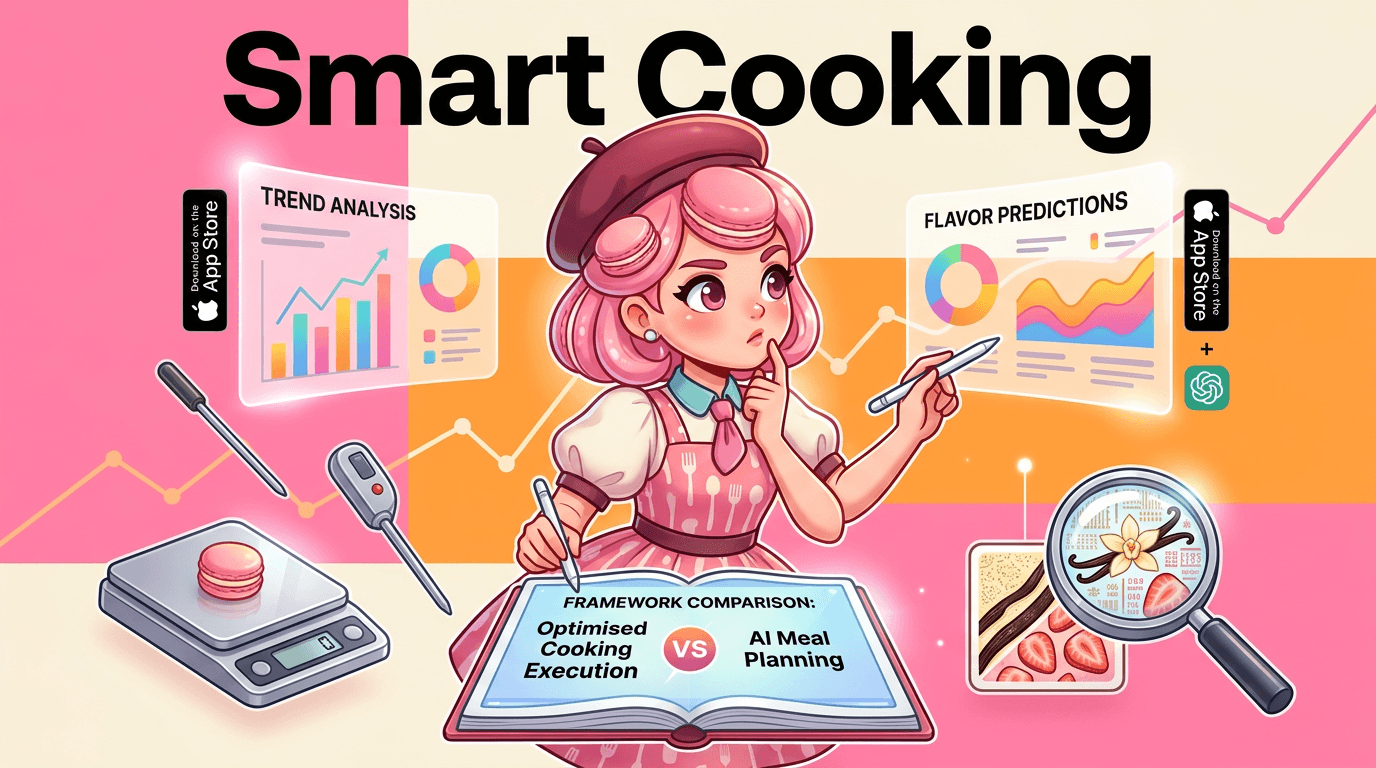
Paprika’s biggest strengths are ownership, reliability, and precision. It is a strong fit for cooks who want a permanent recipe archive, accurate measurement conversions, and a stable interface that does not depend on a subscription. Its weaknesses are equally clear: it offers limited personalization, basic nutrition support, and no real recipe discovery engine. That means Paprika is best for users who already know what they cook often. If you want the app to suggest meals, adapt to your schedule, or generate plans, Macaron is the more capable option.
Frequently Asked Questions
Yes, if your main goal is to store, organize, and cook from recipes you already trust. Paprika is especially useful for people who save recipes from many websites and want them cleaned up into a searchable library. It is less compelling if you want the app to suggest meals or adapt to changing routines, but for precision and reliability, it still holds up well.
It can be, depending on how you cook. Paprika is better for users who want a one-time purchase, strong recipe organization, and a stable tool they can keep using without recurring fees. Subscription meal planners may offer more guidance, prettier interfaces, or automated suggestions, but they usually trade away ownership and long-term simplicity. If you already plan meals manually, Paprika is often the better fit.
Paprika is missing the kind of contextual intelligence that newer apps use to reduce planning work. It does not generate menus from your pantry, adjust for your schedule, or proactively suggest recipes based on goals and preferences. It also stays fairly light on advanced nutrition features and grocery delivery integrations. That keeps the app focused, but it also means more manual decision-making for the user.
Macaron is the clearest AI alternative. Where Paprika stores and organizes recipes exactly as you save them, Macaron can generate meal ideas from prompts, remember preferences over time, and help you plan around dietary constraints or available ingredients. That makes Macaron better for users who want inspiration and automation, while Paprika is better for users who want a dependable recipe archive.
Yes, especially if your meal prep follows a repeatable routine. Paprika’s calendar, shopping lists, scaling tools, and recipe organization make it easy to plan a week in advance and reuse meals you already know how to cook. It is less useful if you want the app to build the plan for you or optimize meals automatically, but for structured meal prep it is solid. For a third-party check, Paprika | Rotten Tomatoes at https://www.rottentomatoes.com/m/paprika is worth comparing against the page summary.
Paprika is known for doing this well, especially compared with simpler recipe-saving tools. It usually captures ingredients, instructions, and formatting cleanly, which saves time when you save recipes from blogs with cluttered layouts. It is not perfect on every site, but it is strong enough that many users rely on it as their main recipe clipper rather than copying and pasting by hand. For another outside reference, Review: Paprika (2006) - The Innis Herald at https://theinnisherald.com/review-paprika-2006 adds a second perspective.
Paprika is best for organized home cooks, bakers, and anyone who reuses recipes often. It works particularly well for people who want a private, dependable recipe library and do not want to pay a subscription for basic storage. If you prefer the app to help decide what to cook, or if you want more automation around nutrition and planning, a tool like Macaron will likely suit you better.com/2023/02/03/anime-review-94-paprika/ is a useful reference point.com/2023/02/03/anime-review-94-paprika/ is a useful reference point.com/2023/02/03/anime-review-94-paprika/ is a useful reference point.com/2023/02/03/anime-review-94-paprika/ is a useful reference point.com/2023/02/03/anime-review-94-paprika/ is a useful reference point. For outside context, Anime Review #94: Paprika - The Traditional Catholic Weeb at https://traditionalcatholicweeb.wordpress.com/2023/02/03/anime-review-94-paprika/ is a useful reference point.
Read & discover
AI Personal Assistant
Free calculators


