Plan to Eat App
Plan to Eat simplifies meal planning by organizing recipes into a calendar and generating shopping lists. While great for recipe collectors, its manual approach contrasts with newer AI tools that adapt to your preferences.
How Plan to Eat's Meal Planning Works
Plan to Eat is built for people who want a structured meal-planning system without nutrition coaching, recipe recommendations, or automated decision-making. It turns a scattered collection of recipes into a calendar-driven workflow, so you can map out breakfasts, lunches, dinners, and leftovers in advance. That makes it especially useful for planners who already know what they like and want a reliable place to organize it.
The app’s main workflow starts with saving recipes from websites, importing from photos, or entering them manually, then dragging those recipes onto a weekly or monthly calendar. That hands-on setup gives users precise control over what gets cooked and when. It is a good fit for households that rotate familiar meals, batch cook, or plan around school nights, work shifts, and grocery routines.
Plan to Eat also supports practical planning tasks that matter once the calendar is filled in. You can scale servings, reschedule meals, plan leftovers, and track freezer meals so the plan reflects real-life cooking habits instead of idealized menus. The tradeoff is that every adjustment still depends on you, which is fine for organized users but less helpful when schedules change often. For a related Macaron page, see How Macaron AI Tackles the Problem with Traditional Task Lists at https://macaron.im/blog/macaron-ai-daily-planning-guide.
Recent product updates have focused on usability rather than changing the core model. Camera-based recipe importing, dark mode persistence, and other quality-of-life improvements make the app easier to live with, but they do not turn it into an automated planner. That is part of its appeal for users who want a dependable system rather than a tool that tries to think for them.
In 2025, the key question is whether you want a recipe management app that preserves your own planning style or a smarter assistant that can adapt plans on the fly. Plan to Eat is strongest for users who enjoy curating recipes, building repeatable templates, and keeping full control. AI-first tools like Macaron are better when you want meal ideas to adjust automatically to changing schedules, pantry stock, or dietary constraints.
How Plan to Eat's Meal Planning Works
Plan to Eat centers on a drag-and-drop calendar that lets you place recipes exactly where you want them, which is helpful if you already think in weekly routines or themed days. You can build reusable templates for patterns like taco night, slow cooker meals, or seasonal menus, then reuse them with small edits. The system is powerful for planners who like control, but it asks you to do the organizing work yourself instead of generating a plan automatically.
Plan to Eat's Recipe and Shopping Features
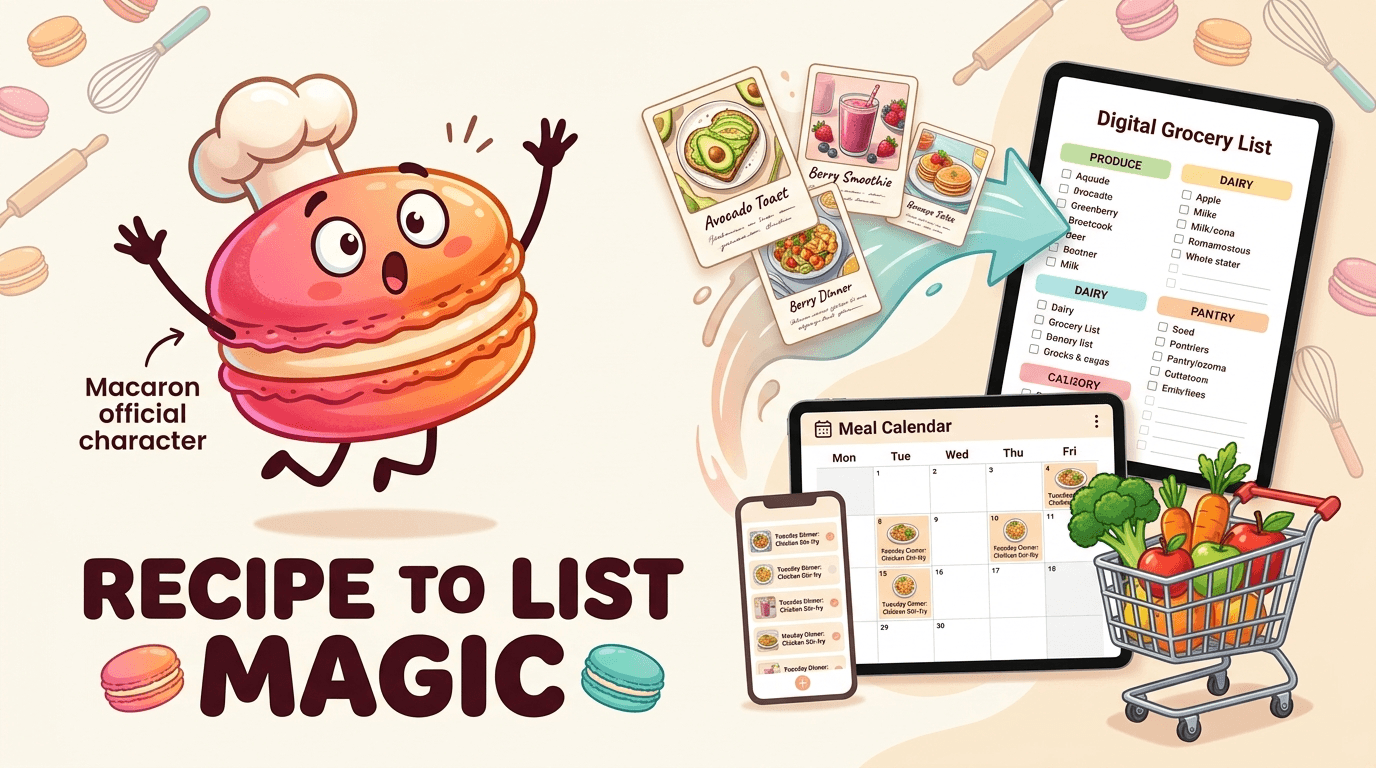
Once meals are scheduled, Plan to Eat converts them into a categorized grocery list that groups ingredients by department, making store trips easier to execute. Shared calendars and shared lists help families coordinate meals and shopping without juggling separate notes. Cooking mode keeps recipe steps visible while you cook, and the Pantry feature helps you account for ingredients already on hand. The limitation is that it focuses on execution and organization, not nutrition analysis, substitutions, or AI-guided meal suggestions.
More About Plan to Eat App
Plan to Eat’s strongest feature is still its grocery list automation, which turns planned recipes into a shopping list organized by aisle or department. That saves time for users who dislike rewriting ingredients by hand and makes the app especially practical for weekly grocery runs. It is less about discovery and more about reducing friction once you already know what you want to cook.
The app also works well for households that need to coordinate around multiple schedules or dietary preferences. Shared calendars and shared lists let partners or family members see the same plan, which helps prevent duplicate shopping or last-minute confusion. That collaboration is useful, but it assumes everyone is comfortable working inside the same manual planning system.
Pricing is straightforward: $49 per year with a 14-day trial and no monthly plan. That can be appealing if you want predictable costs and plan to use the app regularly, but it is a harder sell for casual users who only meal plan occasionally. Compared with free or one-time-purchase alternatives, Plan to Eat asks for commitment up front. Another useful Macaron comparison is 20 AI Tools to Upgrade Your Daily Life - Macaron - Macaron App at https://macaron.im/blog/macaron-app-ai-tools-daily-life.
The app tends to shine when users build repeatable systems instead of reinventing the week from scratch. Template-based planning, seasonal rotations, and recurring meal themes fit the product well because they reduce the amount of manual work required. If your household eats similar meals often, the app becomes more efficient over time; if your routine changes constantly, the setup burden is more noticeable. For a broader Macaron context, What Should I Eat Today? AI Tools That Help You Decide - Macaron at https://macaron.im/blog/what-should-i-eat-today can help you compare the decision from another angle.
Macaron takes a different approach by generating meal ideas around your schedule, preferences, and available ingredients instead of waiting for you to assemble the plan. That makes it better for people who want less manual work and more adaptation. Plan to Eat still has an edge for recipe collectors and planners who want full control, while AI tools are stronger for users who value speed and flexibility.

Plan to Eat Pricing
Plan to Eat uses a simple annual subscription model at $49 per year, with no monthly plan and no permanent free tier. That pricing structure works best for users who know they will use the app consistently and prefer a predictable bill over a lower entry price. The 14-day trial does not require payment information, and the 60-day refund policy gives buyers extra room to test the workflow. The tradeoff is that occasional meal planners may find cheaper or more flexible options elsewhere, especially if they only need basic recipe storage.
AI Meal Planning vs Manual Planning
Plan to Eat is designed for users who want to curate recipes, place them manually on a calendar, and keep control over every meal decision. AI tools like Macaron are more useful when you want the app to do the heavy lifting by adapting meals to your schedule, pantry, and dietary goals. For example, Macaron can suggest a workable plan when your week changes unexpectedly, while Plan to Eat expects you to reshuffle the calendar yourself. The manual approach is more deliberate; the AI approach is faster and more forgiving.
Frequently Asked Questions
Plan to Eat is worth it for people who already collect recipes and want a dependable system for turning them into weekly meal plans. The value comes from centralizing recipes, generating grocery lists, and reducing the friction of planning from scratch each week. If you cook irregularly, want nutrition tracking, or prefer automatic suggestions, the annual fee may feel harder to justify than a more guided or flexible alternative.
No, Plan to Eat is not free beyond its trial period. It offers a 14-day trial without requiring payment details, then moves to a paid annual subscription. That makes it easy to test the workflow before committing, but there is no permanent free tier for light users. If you want a free starter option or a one-time purchase model, other apps may fit better.
It depends on how you like to plan. Plan to Eat is better for users who want to import their own recipes, build custom calendars, and reuse personal templates. Mealime is better for people who want guided meal ideas and faster setup with less manual organization. Plan to Eat gives you more control; Mealime reduces the amount of work needed to get dinner on the calendar.
Someone might choose Macaron if they want meal planning to adapt automatically to changing schedules, pantry inventory, or dietary goals. Instead of manually collecting recipes and placing them on a calendar, Macaron can suggest meals that fit the situation right away. That is especially useful for busy users, but the tradeoff is less hands-on control over the exact recipe library and planning structure.
Plan to Eat works by letting you save recipes into a personal library, then drag those recipes onto a meal calendar. Once meals are scheduled, the app builds a grocery list from the ingredients in those recipes and groups items for easier shopping. It is designed for users who want a repeatable planning workflow rather than a system that automatically chooses meals for them.
Yes, Plan to Eat supports shared calendars and grocery lists so multiple people can coordinate meals and shopping. That is useful for couples, parents, or roommates who need to keep the same plan visible across devices. The benefit is fewer missed ingredients and less confusion about what is being cooked. The limitation is that everyone still needs to work within the same manual planning process. For a third-party check, Plan to Eat is the gift that keeps giving all year long. It's a digital meal ... at https://www.facebook.com/plantoeat/posts/plan-to-eat-is-the-gift-that-keeps-giving-all-year-long-its-a-digital-meal-plann/1298436265661278/ is worth comparing against the page summary.
Yes, Plan to Eat can import recipes from websites and also supports camera-based importing for recipes captured from photos. That makes it easier to move existing recipes into the app without typing everything from scratch. It is a practical feature for people with handwritten cards, screenshots, or saved recipe pages. Even so, imported recipes still need to be organized and scheduled manually afterward. For another outside reference, Plan to Eat: The Ultimate Meal Planner App Review at https://www.largefamilyarrows.com/post/plan-to-eat-the-ultimate-meal-planner-app-review adds a second perspective.
The main drawback is that it depends on manual setup. You need to collect recipes, build the calendar, and adjust the plan when your week changes. That is fine for users who enjoy planning, but it can feel slow if you want quick suggestions or automatic adaptation. Competitors with AI assistance are better when convenience matters more than full control.com/ is a useful reference point.com/ is a useful reference point.com/ is a useful reference point.com/ is a useful reference point.com/ is a useful reference point. For outside context, Plan to Eat: Meal Planner, Recipe Organizer, and Automatic Grocery ... at https://www.plantoeat.com/ is a useful reference point.
Read & discover
AI Personal Assistant
Free calculators


