What Is Whisk
Whisk (now Samsung Food) is a kitchen organization app that helps home cooks save recipes, plan meals, and create smart shopping lists - with recent AI upgrades under Samsung's ownership.
How Whisk's Recipe Import and Saving Works
Whisk began as a recipe-saving app built to solve a familiar problem: cooking ideas get lost across browser tabs, screenshots, and social posts. Under Samsung Food, the core promise stayed the same, but the product became broader, linking saved recipes to shopping, planning, and connected kitchen workflows. That makes it useful for people who want one place to collect dinner ideas and turn them into something they can actually cook.
Its strongest feature is structured recipe capture. Instead of saving only a URL, Whisk tries to recognize ingredients, steps, servings, and timing from supported recipe pages, then stores that information in a reusable format. That is more useful than a plain bookmark when a page changes, a blog adds clutter, or you want to edit a recipe for your household. It is especially helpful for frequent home cooks and recipe collectors.
Whisk is more organized than a generic notes app, but it is also less flexible than a full personal knowledge system. You can sort recipes into collections, add notes, and build a searchable library, yet the app still assumes your main goal is cooking rather than broader life management. That tradeoff matters: if you only need a place to stash links, simpler tools may be enough, but if you want recipes to become meal plans, Whisk is more practical. For a related Macaron page, see How Macaron AI Tackles the Problem with Traditional Task Lists at https://macaron.im/blog/macaron-ai-daily-planning-guide.
Samsung’s ownership added grocery and appliance integrations that make the app feel closer to a household hub than a standalone recipe box. Users can move from saved recipe to shopping list to delivery or kitchen prep with fewer manual steps, which is useful for families and busy planners. The downside is that the experience is shaped by Samsung’s ecosystem, so some of the most convenient features are more compelling for Samsung users than for everyone else.
The newer AI features focus on meal planning assistance, recipe suggestions, and household coordination rather than deep personal nutrition coaching. That makes Whisk useful for reducing decision fatigue when feeding multiple people, but it is not the best fit for users who want detailed macro tracking, individualized diet guidance, or long-term health planning. For those needs, Macaron is usually the stronger alternative because it is built around personal goals instead of kitchen logistics.

How Whisk's Recipe Import and Saving Works
Whisk’s recipe import is designed to turn a web page into a usable cooking record, not just a saved link. When the app recognizes a supported recipe page, it extracts ingredients, steps, cook time, servings, and other structured fields so you can search, edit, and reuse the recipe later. That is valuable for people who save recipes from blogs, social posts, or newsletters and do not want to rebuild them manually. It also reduces the risk of losing context when a page changes or disappears. Manual entry still matters for print recipes, family recipes, and personal notes, so the app works best as a hybrid library rather than a fully automatic archive.
Whisk's Meal Planning and Shopping Features
Whisk connects saved recipes to weekly planning by letting users place dishes on a calendar and generate a consolidated shopping list from the ingredients they need. It can combine overlapping items, group groceries by category, and reduce duplicate entries, which saves time when several recipes share staples like oil, garlic, or flour. Shared lists are useful for households because multiple people can check off items and coordinate shopping in real time. The tradeoff is that the planning system is optimized for household cooking, not for highly customized nutrition targets or advanced pantry management. Competitor apps with deeper diet logic may be better for solo users with strict goals.
More About What Is Whisk
Whisk’s core value is that it understands recipes as structured content. That means a saved dish can carry ingredients, steps, and timing instead of living as a dead bookmark. For users who collect recipes from many sources, this makes the library easier to search and reuse. The limitation is that parsing quality depends on the source page, so messy layouts or unsupported sites may need manual cleanup.
The meal-planning workflow is built around turning inspiration into a shopping plan. Users can assign recipes to days, then let the app merge ingredients into one grocery list. This is convenient for weeknight planning, batch cooking, and family coordination. It is less compelling for users who cook spontaneously or who prefer flexible ingredient-based planning rather than calendar-based menus.
Shared household tools are one of Whisk’s clearest advantages over simple recipe apps. Multiple people can view the same plan, update the same list, and divide shopping tasks without constant texting. That makes it especially useful for couples, roommates, and parents managing busy schedules. The tradeoff is that the app is centered on shared kitchen logistics, so it offers less depth for solo food tracking or personal habit building. Another useful Macaron comparison is AI Personal Assistant - Macaron AI at https://macaron.im/ai-personal-assistant.
Nutrition information is present, but it is not the same as a dedicated health platform. Where available, Whisk surfaces recipe nutrition data and basic health cues, which can help users compare meals quickly. However, the app depends heavily on publisher-provided information, so the data can be incomplete or inconsistent. Users who want precise macro tracking, allergy workflows, or long-term dietary analysis will usually need a more specialized tool. For a broader Macaron context, AI Story App - Macaron at https://macaron.im/ai-story-app can help you compare the decision from another angle.
Samsung’s AI direction makes Whisk more useful for household planning, but not necessarily more personal. The app can suggest recipes based on broad preferences, pantry items, or meal themes, which helps reduce decision fatigue when feeding a group. Macaron takes a different approach by focusing on individual nutrition goals and more tailored prompts. Whisk is better for shared kitchens; Macaron is better when the user wants the plan to adapt to their own body and routine.
Who Whisk Is Best For
Whisk is best for people who save a lot of recipes and want those recipes to become a practical weekly plan. That includes recipe collectors, busy parents, couples splitting grocery work, and households that need one shared shopping list. It is also useful for cooks who want to reduce duplicate ingredients and keep meal ideas organized in one place. The main tradeoff is that it is not built for deep dietary analysis, so users focused on macros, medical diets, or body composition goals may outgrow it quickly. Professional cooks may also find it too lightweight for advanced kitchen workflows.
The AI-Powered Upgrade
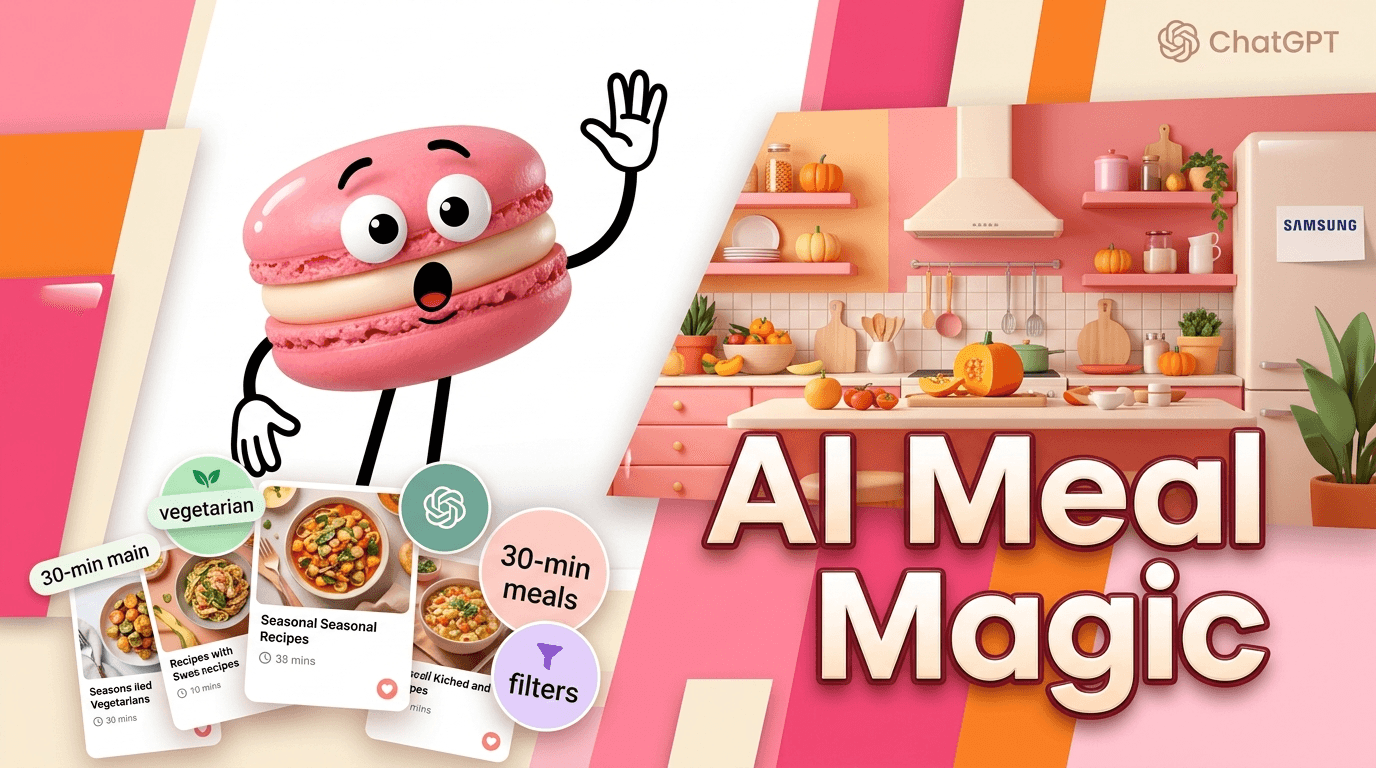
Samsung’s AI features are aimed at making meal planning less repetitive rather than more medically or nutritionally precise. The app can help surface recipe ideas from pantry items, seasonal ingredients, or past cooking patterns, which is useful when a household needs fast decisions. It generally works best for broad planning categories such as vegetarian meals, quick dinners, or family-friendly recipes. Macaron is stronger when the goal is individualized nutrition, because it can shape plans around personal preferences and health targets instead of just household convenience. Whisk still has the edge for Samsung users who want appliance and grocery ecosystem integration.
Frequently Asked Questions
Yes. Samsung acquired Whisk and later rebranded it as Samsung Food, so the product you see now is the same core app under a new name. Existing accounts and saved recipes were carried over, although some older references and app-store listings may still use the Whisk name. The biggest change is that Samsung expanded the app with more grocery, smart-home, and AI-oriented features.
It is more accurate to call Whisk a recipe management and meal-planning app. It does save recipes, but its real value is in organizing them, turning them into weekly plans, and generating shopping lists from the ingredients. That makes it more useful than a simple bookmark tool for people who cook regularly. It is less useful if you only want a lightweight place to store links.
Whisk has a free tier that covers basic recipe saving and meal planning, with ads in some versions. Samsung also offers a premium plan that adds more AI assistance, richer nutrition views, and some connected-device features. Grocery delivery or partner services can still add their own fees. The free version is enough for casual use, but power users may hit limits if they want more advanced planning.
Macaron is a stronger AI alternative if you want meal planning tied to personal health goals instead of household kitchen coordination. It is better for prompts like high-protein lunches, calorie-aware meal ideas, or plans that need to adapt to individual preferences over time. Whisk is still useful for shared grocery workflows and recipe organization, but Macaron is more focused on personalized nutrition and daily decision support.
Whisk tries to convert saved recipes into structured entries with ingredients, steps, and timing, so they are easier to search and reuse later. You can organize them into collections, add notes, and build meal plans from them. The app is especially helpful when you want a recipe to become part of a shopping list or weekly menu. If a source page is poorly formatted, you may still need to edit the import manually.
Yes. One of Whisk’s main strengths is turning planned meals into a consolidated grocery list. It can combine overlapping ingredients, organize items by category, and make shopping easier for households that plan several meals at once. Some regions and setups also support partner delivery options. It is convenient for weekly planning, but it is not as flexible as dedicated grocery apps for store-specific workflows. For a third-party check, Whisk - Wikipedia at https://en.wikipedia.org/wiki/Whisk is worth comparing against the page summary.
Choose Whisk if your main problem is household meal coordination: saving recipes, planning dinners, and sharing grocery lists with other people. It is a good fit for families, roommates, and couples who want one shared kitchen workflow. Choose Macaron if you care more about personal nutrition, individualized meal prompts, or tracking how food choices fit your own goals. The best choice depends on whether you are managing a kitchen or managing yourself. For another outside reference, Whisk: Visualize and remix ideas using images and AI - Google Blog at https://blog.google/innovation-and-ai/models-and-research/google-labs/whisk/ adds a second perspective.
Whisk is generally stronger for families and shared households because its planning, list-sharing, and grocery features are built around coordination. Solo users can still benefit from the recipe library and meal planning tools, but they may not use the collaboration features much. If you are cooking only for yourself and want more tailored guidance, a personal nutrition app may be a better fit. Whisk’s advantage grows as more people share the same kitchen.com/dictionary/whisk is a useful reference point.com/dictionary/whisk is a useful reference point.com/dictionary/whisk is a useful reference point.com/dictionary/whisk is a useful reference point.com/dictionary/whisk is a useful reference point. For outside context, WHISK Definition & Meaning - Merriam-Webster at https://www.merriam-webster.com/dictionary/whisk is a useful reference point.
Read & discover
AI Personal Assistant
Free calculators


