Whisk App
The Whisk app (now Samsung Food) remains a popular recipe organizer in 2025, though its acquisition shifted its branding. While strong for saving recipes and meal planning, newer AI tools like Macaron offer more personalized approaches.
What Whisk Does for Recipe Saving and Meal Planning
Originally launched as Whisk and later rebranded after Samsung's acquisition, the app still centers on a familiar workflow: save recipes, plan meals, and turn those meals into a shopping list. That makes it useful for cooks who want one place to collect ideas from the web and move them into a weekly routine without rebuilding everything by hand.
A major reason people still look for Whisk is its recipe capture. The app is known for pulling recipes from blogs, websites, and social posts, then converting them into a cleaner format with ingredients and steps in one view. For users who save recipes from TikTok or Instagram, that cleanup step is often the difference between a usable recipe and a messy screenshot folder.
Whisk also handles the practical side of cooking. You can place saved recipes onto a calendar, combine ingredients into a shared grocery list, and keep household shopping organized across devices. That makes it especially helpful for families, roommates, or anyone who plans several meals at once and wants fewer duplicate purchases at the store. For a related Macaron page, see Best AI Personal Assistant in 2025: A Test Suite You Can Reuse at https://macaron.im/blog/ai-personal-assistant-test.
Since becoming Samsung Food, the app has added more connected features, including grocery delivery integrations in some regions and nutrition-related labels on many recipes. The tradeoff is that the branding shift and interface changes have not been equally welcomed by every long-time user, so the experience can feel less consistent than the original Whisk product.
Whisk is strongest as a recipe organizer, not as a fully adaptive meal planner. If you already know what you want to cook and mainly need a system to save, sort, and shop, it does that well. If you want meal ideas that adjust more directly to preferences, time limits, or ingredient constraints, AI-first tools like Macaron are often a better fit.

What Whisk Does for Recipe Saving and Meal Planning
Whisk is built for collecting recipes from many sources and turning them into a consistent format you can actually use. It can pull in recipes from social media posts, blogs, and news sites, then present ingredients and instructions in a cleaner card layout. The meal planner adds a calendar view for organizing dinners across the week, while diet filters help narrow choices. The limitation is that it still depends on the recipes you already have, so it is better for organizing than for generating new meal ideas.
Whisk's Shopping List and Nutrition Features
The shopping list is one of Whisk's most practical features because it combines ingredients from multiple recipes, removes duplicates, and keeps the list synced across devices. That is useful when you are planning several meals and do not want to manually compare ingredient lists. Nutrition details are shown for many recipes, including estimated calories and a health score, but those labels are algorithm-based rather than clinically verified. Shared family lists are another strength, although the app is still less flexible than dedicated nutrition or pantry-tracking tools.
More About Whisk App
Whisk's core value is recipe capture. It is designed to save recipes from websites and social platforms, then standardize them so you can read ingredients, steps, and serving details without jumping between tabs. That is especially helpful for people who collect recipes from many sources and want a single library instead of scattered bookmarks, screenshots, and saved posts.
Meal planning in Whisk is practical rather than highly adaptive. You can drag recipes into a weekly plan or use Samsung Food+ suggestions to generate a starting point. This works well for users who already have a recipe collection and want structure, but it is less useful if you want the app to invent meals around a strict budget, pantry inventory, or changing schedule.
The shopping list system is one of the app's strongest everyday features because it turns a meal plan into a usable grocery list with less manual cleanup. It also supports sharing, which makes it easier for couples and families to coordinate shopping. The tradeoff is that grocery integrations and delivery options depend on location, so the experience is not equally complete in every market. Another useful Macaron comparison is Best Personal AI Agent Platform for 2025 - Macaron at https://macaron.im/blog/best-ai-agent-platform-2025.
Nutrition and health labels add another layer of convenience, especially for users who want a quick sense of what a recipe contains. Whisk can show estimated calories and ingredient-based health scoring for many recipes, but those outputs are only as reliable as the original recipe data. That makes the feature useful for screening, not for medical or dietitian-level guidance. For a broader Macaron context, How Macaron AI Tackles the Problem with Traditional Task Lists at https://macaron.im/blog/macaron-ai-daily-planning-guide can help you compare the decision from another angle.
Samsung Food+ adds premium planning and nutrition tools, but the free version still covers the basics for most home cooks. That makes Whisk approachable for casual users, while heavier planners may appreciate the paid tier. The downside is that some features that used to feel more open now sit behind subscription boundaries, which can make the product feel less generous than older Whisk versions.
Whisk Pricing
Samsung Food keeps Whisk's freemium structure, with core recipe saving, list building, and basic meal planning available at no cost. Samsung Food+ is priced at $6.99 per month or $59.99 per year and adds AI meal planning, advanced nutrition tracking, and premium recipe collections. The free tier is enough for many users, but some long-time Whisk fans note that a few filters and planning tools now sit behind the subscription, which changes the value equation for people who used the older app heavily.
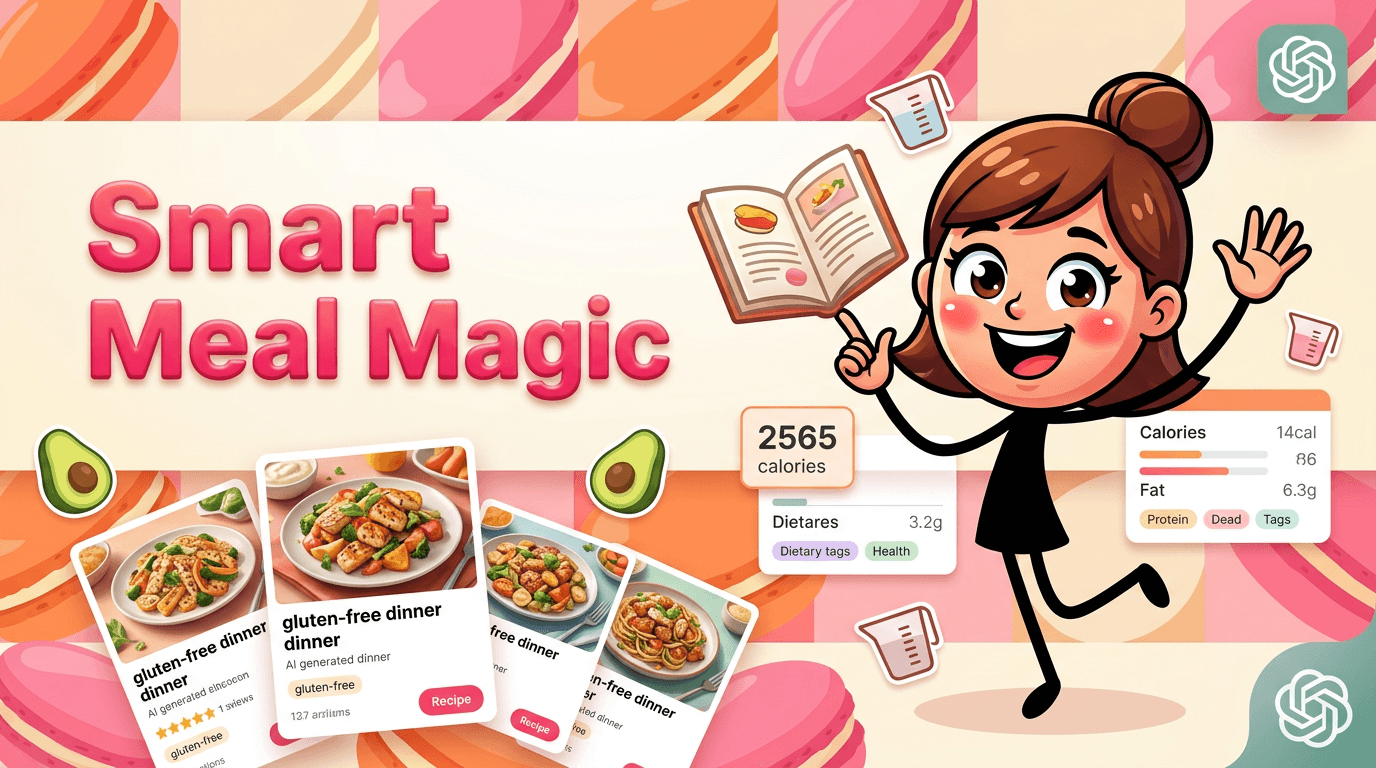
AI Meal Planning Beyond Recipe Saving
Whisk is strongest when you already know what recipes you want to use, while Macaron is built to help when you start with a goal instead of a saved recipe. Macaron can generate meal ideas from prompts, adapt plans around dietary needs, and estimate calories from food photos, which makes it more useful for people who want active guidance rather than a recipe archive. The tradeoff is that Whisk still has the edge for importing and organizing recipes from the open web, so the better choice depends on whether you need curation or creation.
Frequently Asked Questions
Yes, but the product is now branded as Samsung Food after Samsung acquired Whisk. Many people still search for the old name, and some app listings or support references can make the transition feel confusing. Existing accounts were migrated, but the interface and feature set have changed over time, so returning users may notice differences from the original Whisk experience.
The app still offers a free tier for recipe saving, meal planning, and shopping list basics. Samsung Food+ is the paid upgrade and adds AI meal planning, more advanced nutrition tools, and premium recipe content. For many casual users, the free version is enough, but people who relied on older Whisk filters or want more guided planning may run into subscription prompts sooner.
Whisk is best for collecting recipes from across the web and turning them into a cleaner, more organized cooking workflow. It is especially useful if you save recipes from blogs, social media, or shared links and want them in one place with a shopping list attached. It is less compelling if you want the app to create meals from scratch or adapt plans around changing preferences.
Macaron is a better fit for users who want meal planning to start with a goal, not a saved recipe. It can generate meal ideas from prompts, adjust for dietary needs, and help with more personalized planning. Whisk still does a better job at recipe capture and organization, but Macaron is more useful when you want the app to think ahead for you.
Yes. That is one of the app's most talked-about strengths. Whisk is designed to capture recipes from social posts, websites, and other online sources, then convert them into a more readable format. This is useful for people who save recipes from TikTok or Instagram and want to avoid manually copying ingredients and instructions into notes.
Yes, shared grocery lists are part of the app's practical appeal. Multiple people can contribute to the same list, which helps families and roommates coordinate shopping without sending separate messages or duplicate lists. The feature is most useful when everyone is already using the app, though the experience can vary depending on device and region. For a third-party check, Whisk — The Ultimate Cooking App - by Valerie Kellogg at https://medium.com/@prausev/whisk-the-ultimate-cooking-app-ca0207b5b2ce is worth comparing against the page summary.
Whisk provides estimated calories and health scores for many recipes, but those labels are based on recipe data and algorithms rather than professional nutrition review. That makes them useful for quick comparisons and general awareness, not for medical advice or strict diet planning. If you need deeper nutrition tracking, a dedicated health app or a more advanced planner may be a better choice. For another outside reference, Whisk: Recipes & Meal Planner at https://www.whiskapp.net/ adds a second perspective.
Whisk is excellent at organizing recipes you already have, but it is less proactive than newer AI meal planners. That means it can save time on collection and shopping, yet it may not help as much when you need meal ideas based on pantry items, time limits, or changing dietary goals. Users who want more guidance usually prefer AI-first tools, while users who want better organization often stay with Whisk.google/fx/tools/whisk/project/20f1f9ea-e763-4ed0-afd3-b1537ef24253?view=ANIMATE&imageId=storyboard-8faccadd-7ca4-42b3-b82f-b7c67aeda5ce is a useful reference point.google/fx/tools/whisk/project/20f1f9ea-e763-4ed0-afd3-b1537ef24253?view=ANIMATE&imageId=storyboard-8faccadd-7ca4-42b3-b82f-b7c67aeda5ce is a useful reference point.google/fx/tools/whisk/project/20f1f9ea-e763-4ed0-afd3-b1537ef24253?view=ANIMATE&imageId=storyboard-8faccadd-7ca4-42b3-b82f-b7c67aeda5ce is a useful reference point.google/fx/tools/whisk/project/20f1f9ea-e763-4ed0-afd3-b1537ef24253?view=ANIMATE&imageId=storyboard-8faccadd-7ca4-42b3-b82f-b7c67aeda5ce is a useful reference point.google/fx/tools/whisk/project/20f1f9ea-e763-4ed0-afd3-b1537ef24253?view=ANIMATE&imageId=storyboard-8faccadd-7ca4-42b3-b82f-b7c67aeda5ce is a useful reference point. For outside context, Ready to evolve your Image creation? - Whisk - labs.google/fx at https://labs.google/fx/tools/whisk/project/20f1f9ea-e763-4ed0-afd3-b1537ef24253?view=ANIMATE&imageId=storyboard-8faccadd-7ca4-42b3-b82f-b7c67aeda5ce is a useful reference point.
Read & discover
AI Personal Assistant
Free calculators


