What Is an Agentic AI Phone? AI-Native Phone Basics
What Is an Agentic AI Phone? AI-Native Phone Basics

Anna here. I noticed it while waiting for the kettle. My phone had a reminder I kept ignoring and a message I had not answered. That small gap is where an agentic AI phone tries to fit: not just answering a question, but helping a half-finished task move closer to done.
The short version: an AI feature phone adds AI to separate features. An AI assistant app helps inside chat. An agentic phone tries to plan, ask permission, use supported apps, and follow through.
What Is an Agentic AI Phone?

A plain-English definition for everyday users
An agentic phone is a smartphone where the AI is not only waiting for questions. It can understand a goal, break it into steps, use supported tools or apps, ask for approval when needed, and come back with a result.
That sounds a little dramatic. In daily life, it might be quite plain.
You say, “I’m going to be late. Move dinner by 30 minutes and let Mia know.” A normal assistant may draft the message. A more agentic system may check your calendar, find the reservation, suggest the change, ask before sending anything, update the booking if the restaurant supports it, and then show what it changed.
That “show what it changed” part matters.
OpenAI’s practical guide to agents describes agents as systems that can complete tasks on a user’s behalf using tools and guardrails. On a phone, those tools are ordinary things: calendar, messages, maps, browser, notes, photos, reminders, payments, travel apps, and maybe the settings panel you open only when something is already annoying.
Recent STEPX Neo coverage has made this category feel less theoretical, because current reports describe a phone built around an integrated agent rather than a chatbot bolted onto the side. I would still treat it as an early category signal, not a complete fact sheet for ordinary buyers. The useful part is the direction: phone AI is moving from “answer me” toward “help me finish this.”
AI Feature Phone vs AI Assistant App vs Agentic Phone
Three levels of AI integration
The words around AI phones are already messy. I find it easier to separate them by where the AI is allowed to live.
An AI agent phone is not automatically better than the first two. I know, slightly boring answer. But it is true.
A simple AI camera feature can be more reliable than a flashy agent that gets stuck halfway through a booking. An assistant app may be easier to leave if you do not trust it. An AI-native design only becomes useful when the phone gives you enough control to feel calm while it acts.
The difference is not how smart the answer sounds. The difference is whether the phone can touch the real task.
The Shift From Answering to Acting
Tool use, app control, planning, and follow-through
Answering is: “Here are five restaurants near you.”
Acting is: “I found one that matches your usual budget, checked whether it has outdoor seating, found a 7:30 slot, and I’m waiting for your approval before booking.”
This shift depends on tool use. The AI needs structured ways to call apps, read certain data, and perform allowed actions. Apple’s App Intents framework is one example of how apps can expose actions and content to Siri, Shortcuts, widgets, and Apple Intelligence. On Android, Google’s built-in intents for App Actions show a similar idea: apps can declare what tasks they can fulfill through assistant-style requests.

For everyday users, the technical detail is not the point. The point is this: an agentic phone cannot magically control every app well. Apps need to support the right hooks, permissions, and safe handoff points.
A good agentic experience has four quiet parts:
- It understands the goal.
- It plans the steps.
- It uses only the tools it is allowed to use.
- It reports back clearly, especially when something failed.
That last one is easy to underestimate. I do not want a phone that just says “done.” Done how? Sent to whom? Paid from which account? Changed which calendar? If the phone acts for me, I need the receipt.
What Personal Memory Changes
Preferences, routines, locations, contacts, and recurring tasks
Memory is where this category starts to feel personal. Not magical. Just closer.
A phone that remembers you dislike early calls can avoid suggesting 8 AM meetings. A phone that knows your sister prefers voice notes might ask before sending a long text. A phone that notices you always buy the same train ticket on Friday could prepare the task before you ask.
It actually remembered. That feeling is small, but it changes the texture of the device.
A personal AI smartphone becomes useful when memory covers ordinary life, not just profile settings. The important memory areas are usually:
- Preferences: food, language, notification style, budget comfort, travel habits.
- Routines: work hours, bedtime patterns, weekly errands, exercise attempts that keep dying on day four.
- Locations: home, work, frequent stores, usual commute.
- Contacts: who is family, who is work, who needs careful wording.
- Recurring tasks: bills, check-ins, medicine refills, calendar cleanup, subscription renewals.
But memory also changes mistakes.
A wrong answer is annoying. A wrong remembered preference can quietly shape future actions. If the phone thinks you prefer the cheapest option when you actually prefer the least stressful one, it may keep making choices that feel slightly off.
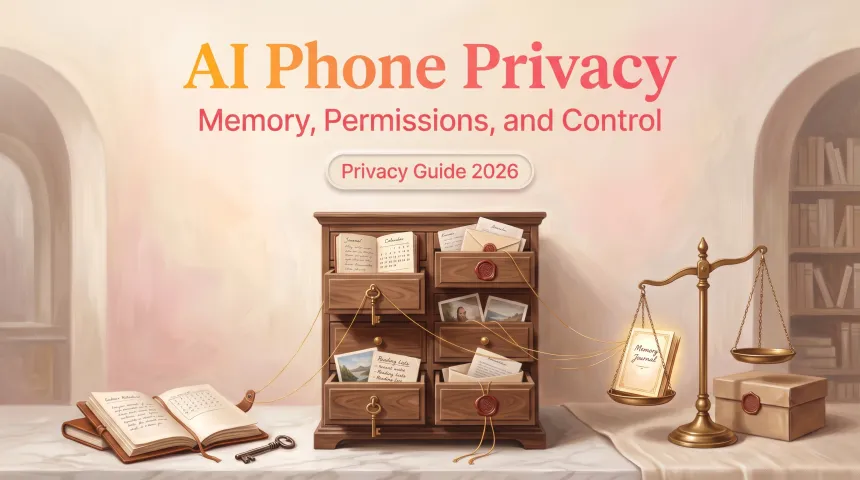
So personal memory needs editing, deletion, pause controls, and plain-language explanations. “Why did you suggest this?” should not be a mystery button. It should be something a normal person can inspect without feeling like they accidentally entered a developer menu.
Risks That Come With More Agency
Permissions, wrong actions, privacy, lock-in, and audit trails
More agency means more responsibility. Not only for the company making the phone, but also for the interface that decides when to ask you first.
Phone permissions already matter. Google’s Android help page on the privacy dashboard explains how users can review recent access to things like camera, microphone, calendar, and location. Apple’s iPhone guide on app information access similarly shows how users can review and change what apps can access.

An agentic layer makes those old permission questions feel new again.
If an assistant can plan across apps, it may need contact access, calendar access, location access, files, messages, photos, or payment handoffs. Giving all of that at once is not a small choice. I would want narrow permissions: this task, this app, this time, this spending limit, this contact group.
The main risks are not hard to name:
- Permissions that are too broad.
- Wrong actions, like sending the right message to the wrong person.
- Privacy creep, where “helpful memory” becomes too much memory.
- Lock-in, where your routines live inside one manufacturer’s cloud.
- Weak audit trails, where you cannot see what happened after the agent acted.
NIST’s AI Risk Management Framework is not a phone-buying checklist, but its focus on mapping, measuring, managing, and governing AI risk is useful here. For phones, that translates into something very ordinary: show the plan, ask before sensitive actions, keep logs, allow undo, and make failure visible.
The gentler the interface feels, the more important the record becomes.
What to Watch as This Category Matures
Compatibility, user controls, local models, and portability
The first thing to watch is compatibility. Not specs. Not the dramatic demo. Compatibility.
If your bank app, calendar app, messaging app, food delivery app, or medical app blocks agent access, the phone may still be smart, but it will hit walls. Some walls are good. I do not want a random agent freely pushing payment buttons. But if too many important apps stay closed, the agent becomes a narrator instead of a helper.
The second thing is user control. A mature AI-native phone needs settings that feel human:
- Ask before sending.
- Ask before buying.
- Ask before deleting.
- Ask before sharing location.
- Show every app touched during the task.
- Let me stop the task halfway.
- Let me undo what can be undone.
The third thing is local models. Some tasks may run on-device, which can help with speed, offline use, and privacy. Other tasks will still need network access, cloud models, or app servers. The safe wording here is simple: do not assume “AI phone” means “works offline” unless the manufacturer clearly explains which tasks work locally.
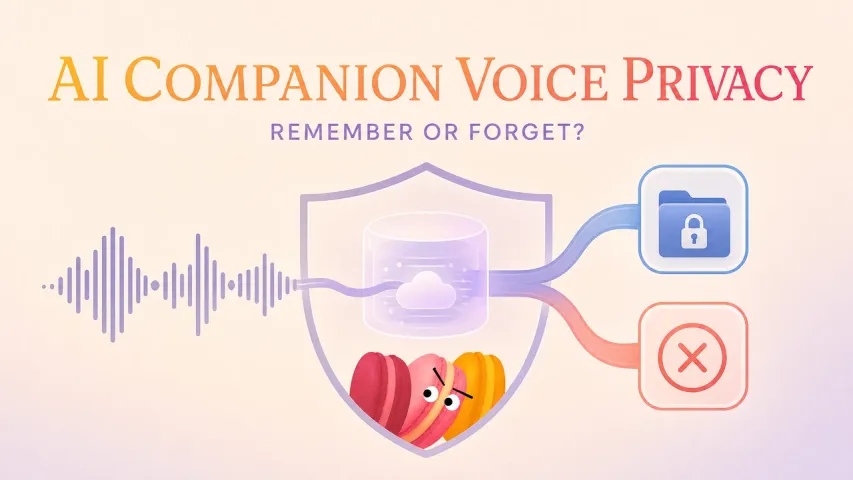
The fourth thing is portability. If you spend a year teaching your phone your habits, can you export that memory? Can you move routines to another device? Can you delete them fully? A phone that understands you but traps that understanding in one account is not comforting. It is just another place where your life gets stuck.
FAQ
What if an app blocks agent control?
Then the agent has to stop, ask you to continue manually, or use a supported path such as a shortcut, share sheet, deep link, or official app action.
This is why app support matters so much. An agent cannot safely “just do it” if the app does not expose the right action or permission. For an AI agent phone, blocked app control is not a tiny edge case. It may define half the daily experience.
What if a manufacturer shuts down agent services?
Some basic phone functions may keep working, but cloud-based planning, memory sync, voice understanding, or cross-app actions could degrade or disappear.
Before trusting any agentic system with daily routines, I would look for export options, memory deletion, local backup, and clear service-shutdown policies. Not exciting. Very useful.
How should accessibility needs be evaluated on an agentic phone?
Accessibility should be tested with real tasks, not just a pretty demo.

W3C’s mobile accessibility guidance points to issues like touchscreens, small screens, speech input, different settings, and varied disabilities. For an intelligent agent phone, I would also check whether the agent works with screen readers, voice control, switch control, larger text, captions, haptics, and slow confirmation flows.
A phone that acts for you is only accessible if you can understand, correct, and stop what it is doing.
What happens if network access drops during an agent task?
A well-designed phone should pause, explain what is unfinished, and resume safely when the connection returns. Some local tasks may continue. Tasks that need cloud models, live app data, payments, maps, or server confirmation may stop.
The risky version is worse: the agent keeps guessing. I would rather see a boring message that says, “I lost connection before booking,” than a confident one that hides uncertainty.
Can a store demo show enough to judge daily-life fit?
A store demo can show the feeling. It cannot show the relationship.
Daily fit appears later: when an app blocks access, when the agent misunderstands a contact, when the network drops, when memory gets a preference slightly wrong, when you need to undo something. A demo can be useful, but only if it includes failure, permissions, audit history, and a task you would actually do.
The useful way to think about an agentic AI phone is not “Should I buy the future?” It is quieter than that. Ask whether the phone can remember the right things, ask at the right moments, act only where it has permission, and leave a clear trail behind. If it can do that, the future may feel less like a spectacle and more like one less small thing waiting in your hand.
Previous posts: