Pillow Sleep App Review
Choose Pillow by recording mode, not by a general promise of better sleep. Automatic Apple Watch tracking avoids starting a session but, according to Pillow's mode guide, does not supply an alarm or sound recording; manual phone, Watch and combined setups have different inputs. Decide which measurements and wake-up controls you need before comparing Premium access.
What Is Pillow and How Does It Track Sleep?
Pillow supports automatic and manual sleep tracking; the concrete setup comparison below uses its documented manual modes. Choose by the devices and observations you need before interpreting consumer sleep estimates.
Public website check. Pillow's manual sleep-tracking page describes custom presets and a way to start a session manually. Official source.

Published evidence for one phone-based recording mode
A published multicenter sleep-lab validation compared 11 consumer trackers with polysomnography. It included 74 Pillow recordings in an iOS phone-on-mattress configuration, where the phone's accelerometer detected movement through the mattress. For four-class sleep-stage agreement, Pillow's reported macro F1 was 0.2588 and its agreement was slight (Cohen's κ 0.0741). In that tested setup, Pillow labeled 59% of epochs as deep sleep versus 10.8% in the laboratory reference.
Some study authors worked for or held stock in Asleep, maker of another tracker in the comparison; that interest should be considered when weighing the results. This is evidence about the studied phone placement and app version, not a measured result for today's Apple Watch automatic mode, a phone-and-Watch combination, or every sleeper. It supports treating phone-only stage charts as estimates rather than a diagnosis or an explanation of how rested you feel. The study did not test this review's own device, battery use or a current subscription. If sleep symptoms concern you, use a qualified clinical assessment instead of relying on a consumer stage label.
Sleep Stages, Heart Rate and Smart Alarm Features
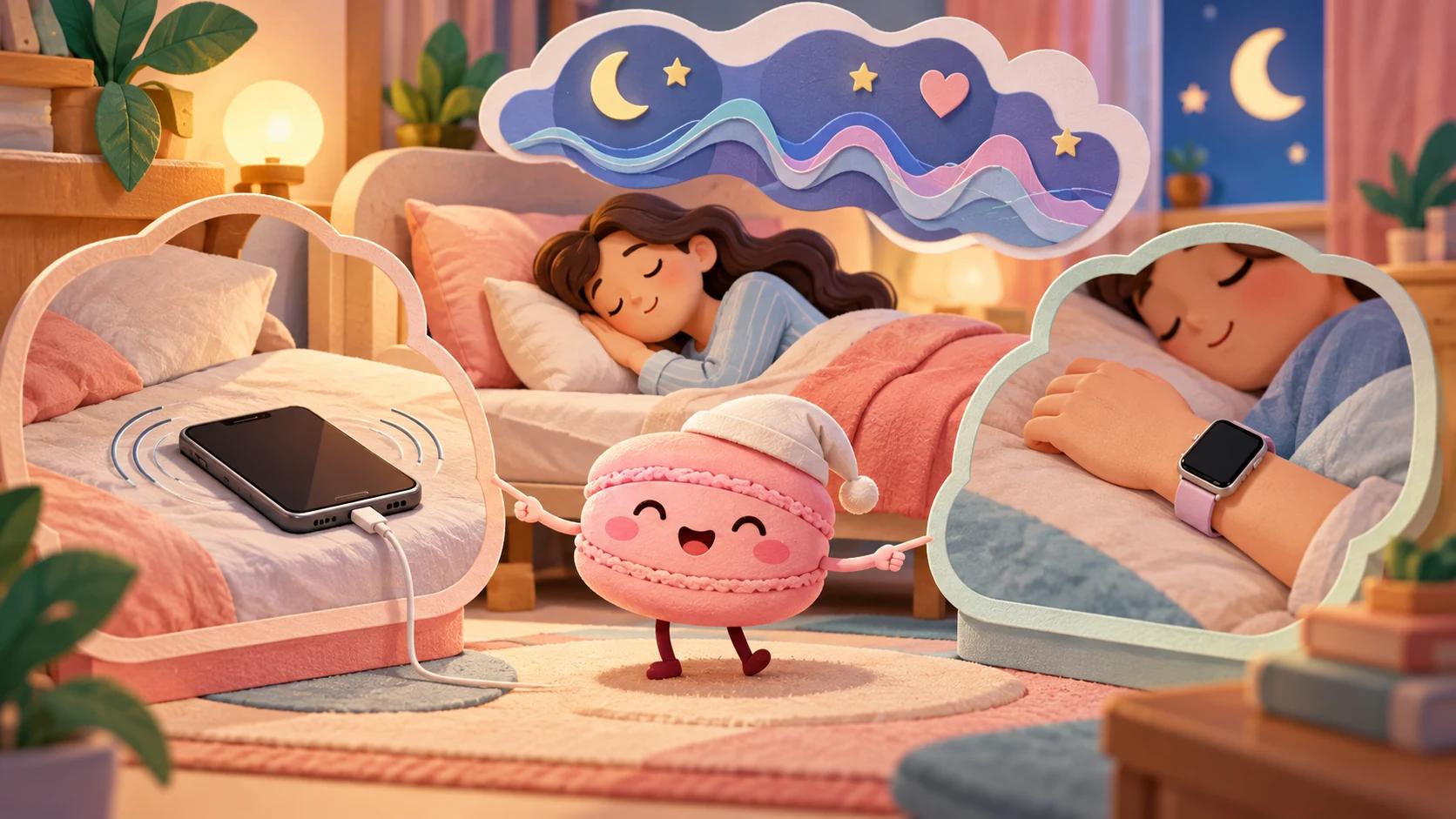
Choose the recording setup before interpreting the output. Pillow's manual-mode guide describes these different routes:
| Manual setup | Input and work split | Practical condition |
|---|---|---|
| iPhone/iPad only | Uses phone movement data | The guide places the device on the mattress near the body and recommends a charger during the session |
| Watch plus iPhone | Watch analysis and haptic alarms; iPhone audio, speaker alarms and sleep-aid playback | Start the chosen preset with the described two-device setup |
| Watch only | Watch tracking and haptic alarms | Disable phone-dependent audio recording, sleep aid and iPhone alarms in the preset |
The guide separates alarm-based, duration-based and no-alarm presets. A duration preset measures the time in bed for the chosen interval, not a guaranteed amount of sleep. For Smart Wake-up it describes a 15- or 30-minute window before the chosen alarm time: a 07:00 alarm with a thirty-minute window means 06:30–07:00, not a promise to wake refreshed.
These are the documented manual modes. They do not establish the same options in every automatic mode, and this review did not measure battery drain or detection accuracy. The charger recommendation is a setup condition, not a percentage battery-loss result.
Automatic and manual mode solve different problems. Pillow's mode guide says automatic tracking uses an Apple Watch and does not provide an alarm or audio detection. Its manual guide describes phone-only tracking without Watch heart-rate measurements, Watch-only tracking with haptic alarms but no phone audio, and combined tracking when both inputs are wanted. If a wake alarm or sound recording is a requirement, select the appropriate manual setup before comparing Premium features. The provider calls some modes accurate, but this review did not measure sleep-stage accuracy or compare the modes in use.
Accuracy Limits, Battery Considerations and Premium Access
Battery use, recording mode and access to Premium features affect the everyday trade-off. Compare the exact plan and settings rather than assuming every feature is free. When exploring habits, treat a caffeine or exercise association as a question to investigate, not proof of cause from a small personal sample.
The US developer description lists sleep notes, heart-rate analysis, sound recordings and Smart Wake-up among Premium features. The actual price and trial/renewal conditions depend on the store offer; no universal current amount or battery-drain measurement is established here. Do not assume every feature is free because the app downloads free.
Pillow already offers sleep notes. A separate Macaron journal needs a specific additional field or way of organizing context to justify the extra work; a generic note field is not an exclusive capability. The example is manual and does not establish an integration with Pillow.
Choose the recording setup before comparing paid features: phone-only manual tracking, Watch plus iPhone, and Watch-only have different inputs. If native sleep notes already cover the observations you need, another journal adds work. A separate log is relevant for a specific missing structure, such as shift labels kept beside subjective notes. This review has no direct battery-use or between-mode accuracy comparison; check the exact alarm and device instructions for the intended setup.
Add Context to Your Sleep With a Macaron Journal

Open Macaron chat to adapt the request below. Review account access and plan conditions before creating a tool.
Keep device estimates and personal notes separate
This page covers the Pillow sleep-tracking app. A journal adds context to the device record; it does not explain the cause of a stage estimate. Use separate labels for an app estimate and how rested you feel so the two cannot quietly become the same measurement.
Sample request
"Build a manual sleep-context journal with dated entry ID, device/mode label, the estimated sleep window I enter, my separate restfulness word, caffeine/activity notes and recorded/unrecorded status, preserving missing nights without importing device data, inferring stages or assigning a cause."
Suggested fields: Date; approximate sleep window; caffeine timing; activity; room note; restfulness.
Proposed checks with fictional data:
- Adapt the request in Macaron using only fictional, non-identifying data.
- Check each input and edit below against the expected result.
- Correct the stated behavior before entering personal information; use a manual record if the draft cannot preserve it.
| Fictional input or edit | Expected result to check | If it differs |
|---|---|---|
| Enter an estimated window and a separate rested/tired word | Both observations remain separately labeled | Do not treat a self-rating as a sensor value |
| Leave the next night unrecorded | No window or label carries forward | Remove automatic copying across missing dates |
| Add a caffeine note to one night | It stays a note, without a causal conclusion | A matching entry does not prove a stage change |
Illustrative comparison: review two similarly timed workdays and note the different evening routines.
A blank night is not a second measurement of the preceding night. Copying the previous sleep window would create a false stable pattern; keep device estimates, self-rated restfulness and missing records visibly distinct.
Which workflow fits your needs?
| Need | Pillow | Macaron example |
|---|---|---|
| Main purpose | Sleep analysis using supported Apple-device data | A customizable sleep-context journal |
| What you work with | Measurements and estimates from the selected recording setup | Your routine notes and subjective observations |
A journal does not reproduce Pillow measurements or diagnose a sleep condition. Seek qualified care for persistent sleep problems or concerning symptoms.
Next step
Explore Macaron for a personal tool you can adapt to this task.
Scope and source notes
How this review was checked: Review prepared with AI for Macaron. This article evaluates cited sources and any limited public-site checks stated in the text; no core in-app task or proposed Macaron mini-app was tested.
Review scope: The Pillow sleep-tracking app for supported Apple devices. This page does not review a physical pillow or independently establish sleep-stage accuracy.
Sources reviewed: last updated November 4, 2026. Product details may change; confirm current information with the provider.
| Source | Supported scope and limitation |
|---|---|
| Manual Sleep Tracking with Pillow. Taking Charge of Your Nightly Sessions | Manual device modes, presets, charger recommendation and Smart Wake-up windows |
| Pillow: Sleep Tracker App - App Store | App Store-listed sleep-tracking and Premium features; no sensor or battery result measured |
| Choose the Best Sleep Tracking Method for You — Pillow | Provider comparison of automatic Watch tracking and manual modes, including alarm and audio limits; no independent accuracy test |
| Accuracy of 11 Consumer Sleep Trackers — multicenter PSG validation | Published 2023 in-lab test included Pillow phone-on-mattress mode on iOS (n=74); macro F1 0.2588. Some authors had an ownership/employment interest in a competing tracker. Does not validate current Watch automatic mode or app releases |
Corrections: contact@macaron.im.
FAQ
Can Pillow's Watch-only manual mode record audio without the phone?
The manual-mode guide tells readers to disable phone-dependent audio recording, sleep aid and iPhone alarms for that setup.
Does Pillow's duration-based preset measure actual sleep time?
It defines an interval in bed, not a guaranteed duration of sleep.
What does a thirty-minute Pillow Smart Wake-up window mean for a 07:00 alarm?
The described window is 06:30–07:00; it does not guarantee a particular stage detection or refreshed awakening.
Why use an extra journal if Pillow already has sleep notes?
Only for a specific extra structure you need, such as shift labels. The manual example is not an automatic Pillow integration.
What could a Macaron sleep-context journal record beside Pillow?
The proposed journal stores a dated sleep window you enter, the device or mode label and contextual notes. It can help compare your own observations, but it does not capture audio, detect sleep stages or replace Pillow's sensor-based estimates.
Will the Macaron example import Pillow sleep sessions?
No Apple Health, watch or Pillow connection was tested. Enter fictional sleep and wake times first and verify that an unknown endpoint stays incomplete; a manual entry should never be presented as a measured sleep score.
Related
Read & discover
Explore Playbooks
AI Personal Assistant
Free calculators


