Quizlet Review: Flashcards, Learn and Pricing
Quizlet is a useful choice for flashcards and structured study activities, especially when you can check the quality of the material.
Is Quizlet Still Worth Using for Studying?
Quizlet brings study material into flashcards and other learning activities. It suits subjects where repeated retrieval helps, provided the content is accurate. Check user-created or generated sets against a reliable course source rather than memorizing an attractive card that contains an error.
Public website check. Quizlet's pricing page has monthly and annual billing choices and separate Plus, Plus Unlimited, and Family cards. Official source.

Flashcards and Learn: Plan Access and Study Limits
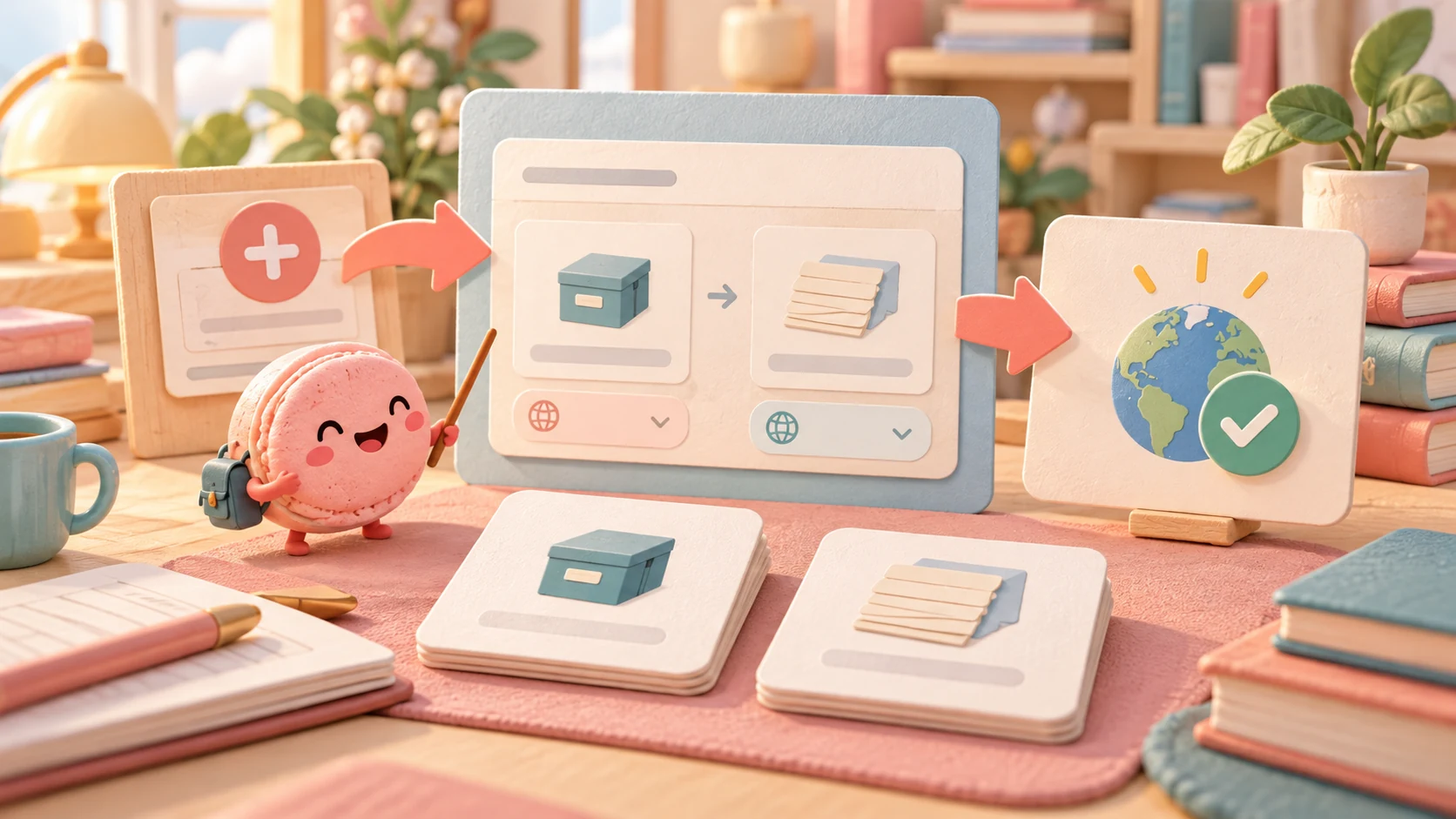
A documentation walkthrough can use an original definition: term, cache; definition, a stored copy kept for reuse. In Quizlet's documented web creation route, choose Create → Flashcard set, enter a title, put the term and definition in their columns and select the languages. Save/publish only with an appropriate visibility choice: the help says published sets are public by default. This example was not entered into an account.
Flashcards can present that term for recall and reveal its definition. Learn starts from the same set: open it, select Learn and choose a session goal. Its Options control question types and whether answers use terms or definitions; with written questions enabled, Retype correct answers can revisit a miss. A recognition answer and typing an explanation require different work, so inspect the available question settings rather than assuming all rounds are equivalent.
The help describes Learn under paid access with a limited free session; the specific Plus/Unlimited offer below controls the quoted monthly allowances. Creating a custom multiple-choice set is separately documented for eligible Plus/teacher plans. No set was built, Learn output captured or monthly allowance tested here. AI Study Guide generation remains outside this page's evaluated scope.
What the public card demo does and does not show
An AI agent flipped one card and moved to the next in a public six-card set. The basic card interaction worked without an account. The set was written by a user, and we did not check its claims. For factual study, verify the answer against your course source; use the available Learn session to judge question types and feedback before paying for more rounds. Flipping a card does not show Learn quality or learning retention.
We did not create a set, run Learn or Test, measure retention, or start a subscription. Evidence checkpoint: card 1 of 6 flipped, then the next control advanced to card 2 of 6. The three views below document only that public interaction.


Free vs Plus: Paywalls and Where Memorization Falls Short
Free includes flashcard study and limited Learn access. The cited US-dollar web upgrade offer lists Plus at US$35.99 billed yearly with 20 Learn rounds and 3 practice tests per month. Plus Unlimited is US$44.99 billed yearly with unlimited Learn rounds and broader access, subject to security limits. Confirm the currency and current account offer before paying. Some help text groups paid access under “Plus”; use the specific plan's allowance. Mix facts with application questions, since fast recall alone does not prove understanding.
Use Free when its flashcards and available Learn access cover the study plan. Compare the quoted Plus allowance with the number of Learn rounds and tests you intend to use; Unlimited is relevant when that specific allowance is insufficient, not because every learner needs unlimited practice. If the task is applying a concept, add an application question and explanation rather than buying more repetitions of an unverified answer.
What changed in the public billing switch?
In an anonymous browser session, an AI agent switched Quizlet's public upgrade page from annual to monthly billing and back. The Chinese-language page displayed HKD, so these are the observed regional states, not a US checkout quote.
| Visible state | Plus | Plus Unlimited | Trial control shown |
|---|---|---|---|
| Annual selected | HK$19.99 per month equivalent, billed HK$239.99 for the year | HK$27.33 per month equivalent, billed HK$328 for the year | Start free trial |
| Monthly selected | HK$53 per month | HK$68 per month | Upgrade, without a trial button in the captured panel |
The annual view also described a seven-day trial and said monthly plans were ineligible. The key decision is the actual charge interval, not the large monthly equivalent on an annual card. A twelve-month sequence at the displayed monthly Plus rate would be HK$636 versus the displayed HK$239.99 annual charge, before promotions or taxes; that arithmetic does not establish a future renewal price. We did not start a trial, enter payment details, create a flashcard set or run Learn.


Build a Custom Flashcard and Review Mini-App in Macaron

Use Quizlet's native set and Learn tools when they fit. A separate queue is relevant for source-verification and review states you want to specify.
"Build a review queue from my own permitted notes with card ID, question, answer, source locator, date checked, checked/uncertain/recheck status and self-reported recall, admitting only checked cards to ordinary review and requiring recheck when I change an answer or source."
Open Macaron chat to adapt the request; check the account's current access and the generated result.
Proposed checks with fictional data:
- One checked card and one uncertain card: Only the checked card enters ordinary review. If it differs, keep uncertainty out of the checked filter.
- Correct and confirm the source: Update the check date before ordinary review. If it differs, a recall success alone does not verify correctness.
Changing a card or its source should return it to needs-check before normal review. Macaron may process submitted content with third-party AI providers; use permitted, minimal information. The proposed tool was not run for this article.
Next step
Explore Macaron for a personal tool you can adapt to this task.
Scope and source notes
How this review was checked: Review for Macaron, prepared with AI and a bounded anonymous public-web task by an AI agent. The observed task is described below; no paid feature, long-term outcome or proposed Macaron mini-app was tested.
Review scope: Quizlet’s study modes and distinct Plus/Plus Unlimited allowances. The manual deck example does not validate a course answer or make clinical decisions.
Sources reviewed: last updated November 5, 2026. Product details may change; confirm current information with the provider.
| Source | Supported scope and limitation |
|---|---|
| Subscribing to Quizlet | Official subscription and renewal guidance; current account offer and study results untested |
| Studying on Quizlet — Quizlet Help Center | Study-tool overview; paid allowances are located in the upgrade/help documents; study-mode descriptions |
| Quizlet — Upgrade Your Account | The plan, billing or allowance distinctions in the pricing/limits discussion |
| Quizlet — Studying with Learn | Learn-mode access conditions; same-set Learn entry, session goals, question options and paid/limited-free distinction; no captured output |
| Creating flashcard sets | Native term/definition creation, saving/publishing and default public visibility; not an account run |
| Creating a multiple choice set | Separate eligible custom multiple-choice authoring scope; no assumption all accounts include it |
| How to use Quizlet public flashcards — user-created set | Anonymous public flashcard flip and next-card navigation; user-created deck content not independently verified, no Learn or Test session |
Corrections: contact@macaron.im.
FAQ
Does publishing a Quizlet set keep its contents private by default?
The creation guide says published sets are public by default. Choose appropriate visibility and use only material you may share.
Are Quizlet Plus and Plus Unlimited the same plan?
No. The quoted upgrade offer distinguishes monthly Learn/test allowances from broader Unlimited access; confirm the current account offer.
Can Quizlet Learn practice use the same set as Flashcards?
The documented route starts from the same set, then Learn and a session goal. Question settings control how the material is practiced, including terms or definitions and available written-question options; recognition and producing an answer are different tasks.
Does repeating an unverified Quizlet card make it reliable?
No. Verify the source and meaning first; an application question tests a different skill from recognizing a term.
What would a Macaron review queue do with my Quizlet notes?
The proposed queue stores card IDs, your permitted question and answer text, a source locator and whether the source was checked. An uncertain card stays out of ordinary review until its reference is corrected and confirmed.
Can the Macaron example import Quizlet sets or run Learn mode?
No Quizlet sync, Learn-mode scheduling or performance scoring was tested. Start with fictional cards and confirm that changing one source does not silently validate another card or imply a learning gain.
Related
Read & discover
Explore Playbooks
AI Personal Assistant
Free calculators


