AI Outfit Maker: Looks from Your Own Closet
Use an AI outfit maker to turn a described wardrobe into a short list of combinations. Give the occasion, forecast, available clothes, and comfort limits, then check the suggestions against the garments yourself. Give Macaron a short list of clothes you own and the occasion. The examples below show how to request two combinations, compare them, and correct a suggestion that misses a constraint.
How an AI Outfit Maker Actually Works
Start with a concrete request rather than a style label alone. Macaron can use the wardrobe details you provide to suggest combinations and explain tradeoffs. Treat this as conversational outfit planning, distinct from asking a separate image tool to generate a preview. Use the side-by-side approach in virtual outfit comparison.
What It Needs From You to Get Started
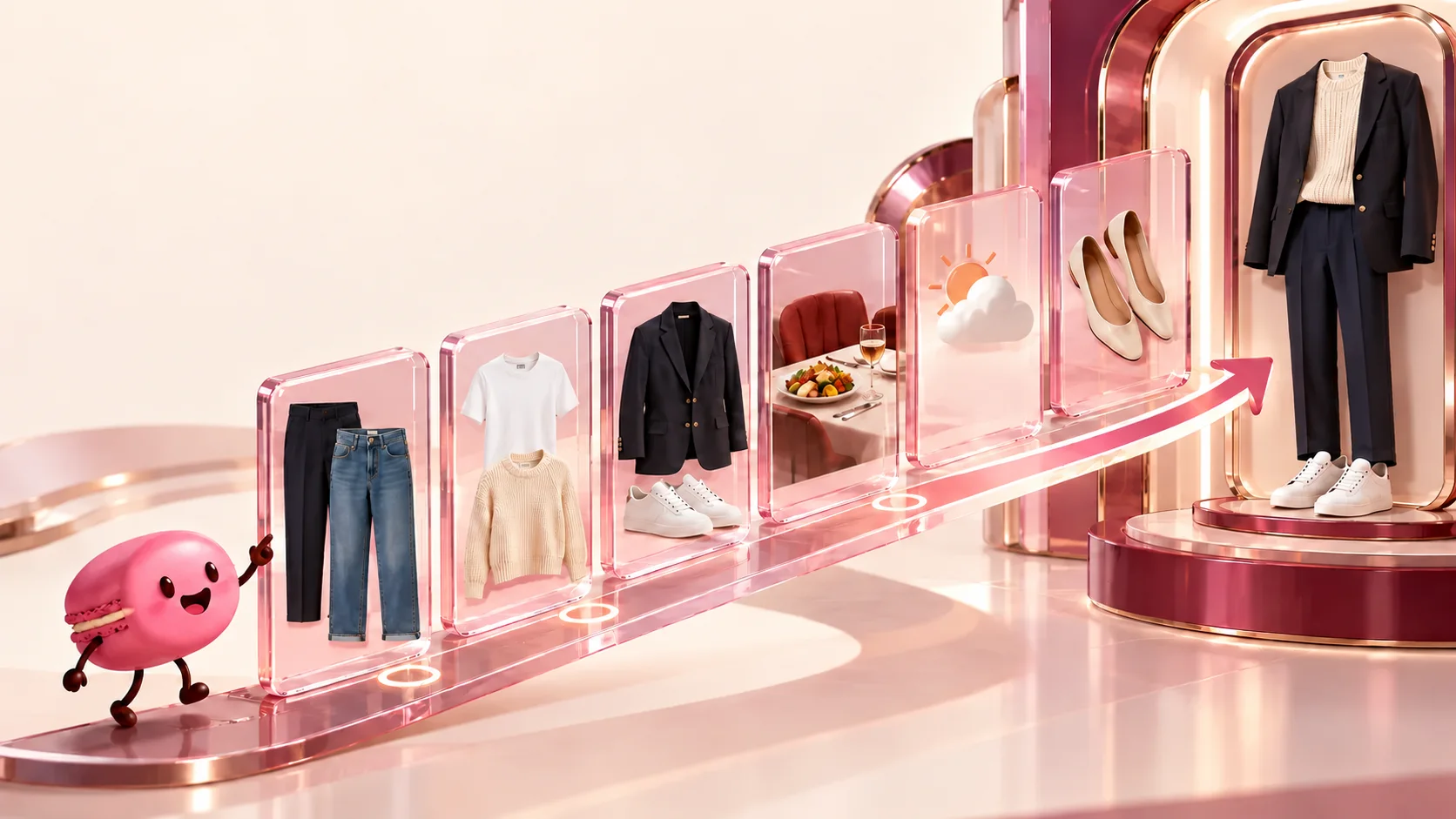
Example input: navy trousers, straight jeans, white tee, cream knit, blazer, and sneakers. Add a business-casual lunch, a forecast of 18°C, and a preference for flat shoes. Words are enough to begin; clothing photos can clarify a specific color, fit, texture, or print.
For a shorter shortlist, use a pick-my-outfit request.
Try these outfit requests
Include the occasion, forecast, clothes you own, and any comfort or dress-code limits.- "I own navy trousers, jeans, a white tee, cream knit, blazer, and sneakers. Suggest two outfits for a business-casual lunch at 18°C."
- "Compare the blazer and cardigan versions. Return a table with items, formality, and a cooler-weather change."
- "Revise the lunch outfit: the trousers are at the cleaner and I want no new purchases. Use the jeans."
Comparing Outfit Combinations Before You Choose
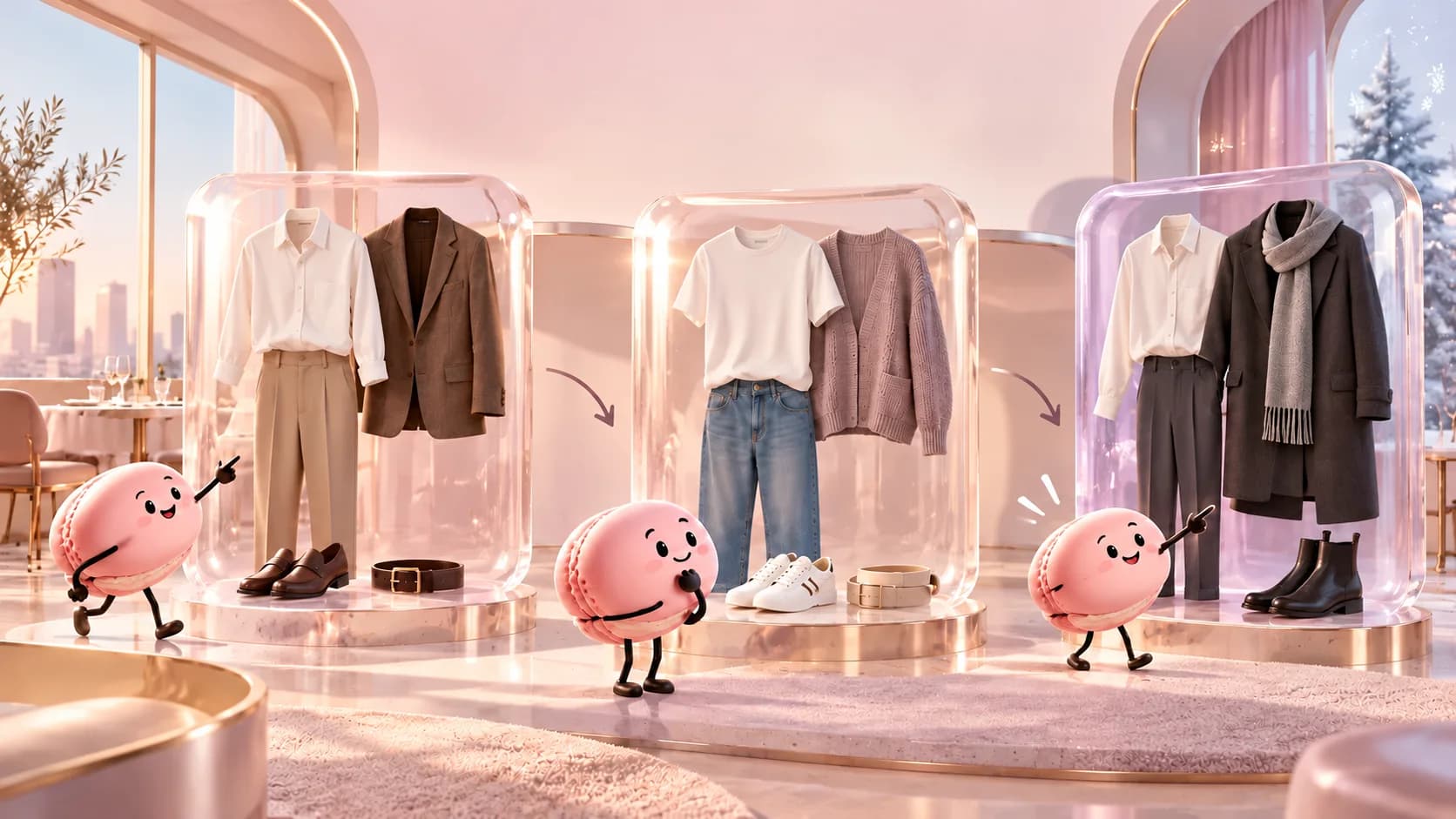
Illustrative combinations: trousers + tee + blazer for a more structured lunch, or jeans + tee + knit for a casual version. Ask for the formality difference and a cooler-weather adjustment. These are examples of output structure, not a recorded App result.
Adapt the inputs for shirts and trousers through menswear combinations.
Check the suggested combinations
- Describe the occasion, current forecast, and available garments.
- Ask Macaron for two named combinations using your list.
- Check each proposed item and correct missing clothes or unsuitable fit.
- Try the shortlist and record which combination you actually choose.
When This Beats Scrolling for Inspiration
Use the conversation when an inspiration photo includes clothes you do not own or conflicts with your comfort needs. Deep Memory can reuse shared preferences over time. Correct outdated wardrobe details before planning another occasion.
Check whether the answer uses your clothes
For a specific request, list the occasion, temperature, shoes you can wear, and three garments already in your closet. Ask for two combinations using those exact items and a reason for each choice. Compare the answer against your actual dress code and how the fabrics feel on you. If it invents a garment or ignores a constraint, correct the input and ask again rather than treating the first suggestion as a finished plan.
When the suggested outfit misses
Separate the kind of miss before revising: fit, formality, weather, or personal taste. If a blazer is too formal for a casual lunch, keep the same trousers and replace only the outer layer. If the shoes are uncomfortable, change footwear before rebuilding the entire look. This gives the next request a concrete correction and makes the comparison easier to judge yourself.
FAQ
Do I need to photograph my whole closet?
Will this show a picture of me wearing the outfit?
What should I do with a bad suggestion?
How can I compare outfits before choosing?
Sources and editorial note
By Macaron. Content owner: Macaron, operated by MINDAI PTE. LTD.. Contact: contact@macaron.im. Last reviewed: October 16, 2026.
This guide was prepared from an approved editorial brief and checked for heading structure, link integrity, image relevance, and source-to-claim fit. The illustrations on this page were created for this guide and visually reviewed for topic fit. They are illustrative, not evidence of a try-on, salon result, product test, or real-world outcome.
- National Institute of Standards and Technology: AI Risk Management Framework — The NIST reference is used only as a general framework for transparency and human review of AI-assisted decisions; NIST does not endorse Macaron or these outfit suggestions.
Macaron output is a planning aid. Confirm fit, comfort, availability, dress codes, and weather yourself before wearing or buying anything.
Related
Build Your Next Outfit With Macaron
Start with the garments you own and the occasion. Ask for two combinations, then correct any item or constraint the reply gets wrong.
Read & discover
Explore Playbooks
AI Personal Assistant
Free calculators


