Bitepal App
Bitepal combines AI food scanning with a playful raccoon companion, making calorie tracking feel less like work. But its gamified approach divides users who want either simplicity or deeper nutrition insights.
How Bitepal's AI Nutrition Tracking Works
Bitepal is built for people who want nutrition tracking to feel lighter than a traditional calorie counter. Instead of asking users to weigh ingredients or type every item manually, it leans on photo logging and a playful companion system. That makes the app approachable for beginners, but it also means the experience is optimized for convenience and habit formation rather than strict dietary control.
The core workflow is simple: snap a meal, let the AI estimate what is on the plate, and review a calorie estimate with a basic nutrition score. Users can correct mistakes when the model misidentifies foods, which helps with rough accuracy. The tradeoff is that mixed dishes, sauces, and restaurant meals can be harder to interpret than clearly plated foods.
Bitepal’s scoring model is intentionally less clinical than apps built around dense macro dashboards. Instead of overwhelming users with every nutrient detail, it gives a quick read on meal quality and progress. That can be useful for people who mainly need awareness and consistency, but it is less helpful for athletes, macro counters, or anyone following a highly structured plan. For a related Macaron page, see 20 AI Tools to Upgrade Your Daily Life - Macaron - Macaron App at https://macaron.im/blog/macaron-app-ai-tools-daily-life.
A major part of the app’s identity is its raccoon companion, which turns logging into a small game loop. Meals are tied to progress and pet-style feedback, so the app tries to reward repetition instead of perfection. This design can reduce friction for users who abandon conventional trackers quickly, though some people will find the theme distracting or too lightweight for serious use.
Compared with broader health assistants, Bitepal is narrow by design. It focuses on food logging, calorie awareness, and simple motivation rather than meal planning, wearable integrations, or deep ecosystem support. That specialization is its strength if you want a fast daily check-in, but it is also why users who need richer nutrition data or cross-app automation may outgrow it quickly.
How Bitepal's AI Nutrition Tracking Works
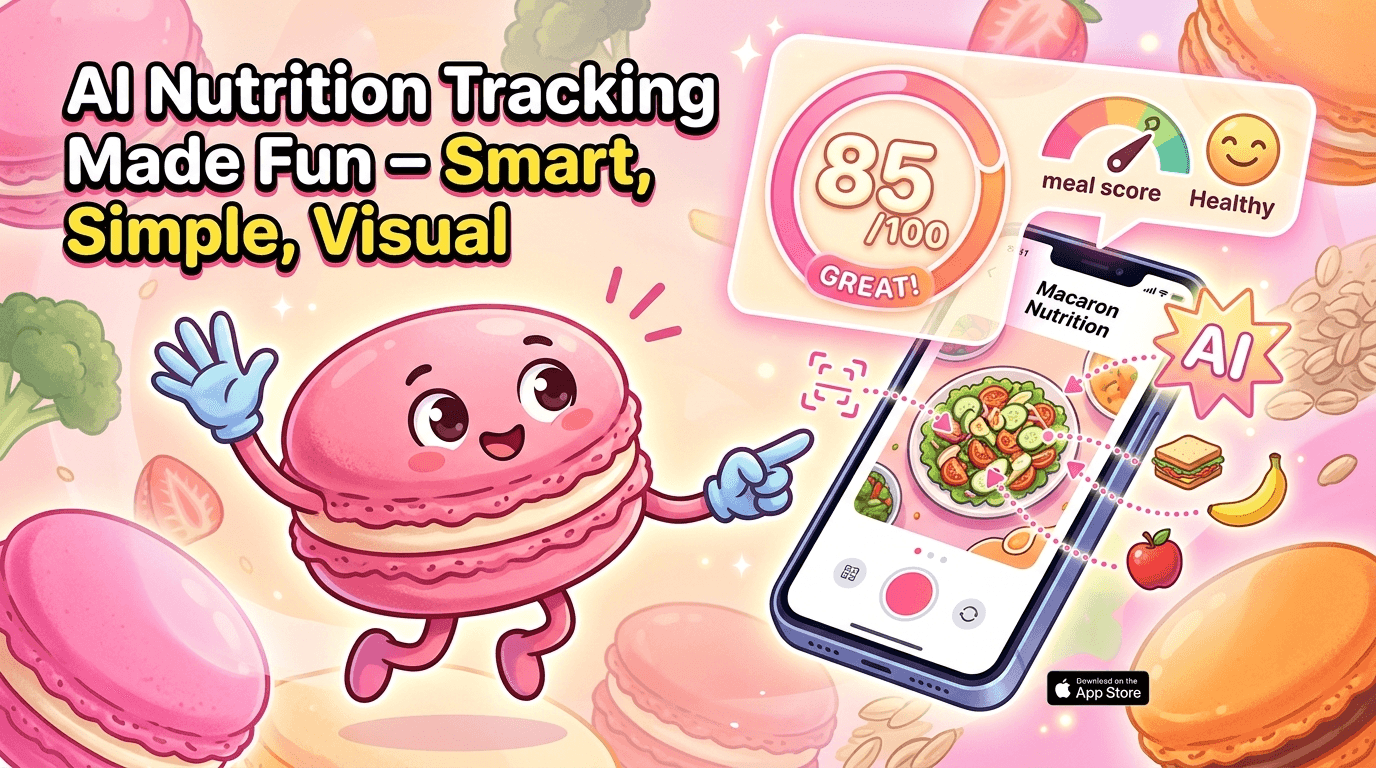
Bitepal uses AI photo analysis to estimate calories and identify common foods from a meal image, then presents the result in a simplified format that is easier to act on than a full nutrition spreadsheet. The app works best when meals are clearly visible, well lit, and separated on the plate. Users can edit the result if the scan misses an ingredient, but the system is designed for quick estimates rather than lab-level precision.
Bitepal's Core Features and Interface
The interface combines photo logging, a simplified meal score, and a raccoon companion that reacts to consistency, giving the app a more game-like feel than most calorie trackers. That structure helps reduce the mental effort of tracking, especially for users who dislike manual entry. The downside is that the app gives less detail than advanced nutrition tools, so users who want macro breakdowns, food database depth, or long-term analysis may find it too shallow.
More About Bitepal App
Bitepal’s main technical promise is speed: users can log a meal in seconds instead of building it from ingredients. That is useful for casual tracking, but it also creates a dependency on image quality and the app’s ability to recognize what is on the plate. When the meal is simple, the experience feels smooth; when it is mixed or heavily processed, the estimate can require more correction.
The raccoon companion is not just decoration. It is the app’s retention mechanic, turning meal logging into a small interaction loop that rewards consistency. This can help users who need a softer entry point into nutrition tracking, especially if they have bounced off more rigid apps before. The tradeoff is that users looking for a serious coaching tool may see the mascot as a distraction rather than a motivator.
Bitepal’s pricing follows the familiar subscription pattern used by many consumer health apps, with free access limited and premium features unlocked behind recurring billing. That model can be reasonable for users who log daily, but it is easy to underestimate the long-term cost if you only test the app briefly. Competitors with stronger free tiers may be better for people who want to compare tools before committing. Another useful Macaron comparison is AI Calorie Tracker - Macaron AI at https://macaron.im/ai-calorie-tracker.
For weight-loss use cases, Bitepal gives a quick sense of whether a meal fits a goal, but it is not built for precision planning. It lacks the depth of verified databases, barcode workflows, and detailed macro reporting that power users often rely on. That makes it better as a behavior-shaping tool than as a strict diet ledger, especially for people who want awareness without constant number crunching. For a broader Macaron context, How to Use AI as a Personal Assistant: 30 Prompts That Actually Work at https://macaron.im/blog/ai-personal-assistant-prompts can help you compare the decision from another angle.
Against Macaron, Bitepal is more focused and less flexible. Bitepal is the better fit if you want food logging to feel easy and playful, while Macaron is stronger for users who want nutrition tracking to sit inside a broader assistant that can support planning, routines, and other daily tasks. The tradeoff is clear: Bitepal lowers friction, but Macaron offers more room to grow.

Bitepal Pricing
Bitepal uses a freemium subscription model, where basic scanning is available with limits and premium access unlocks more history, analysis, and convenience features. Pricing can vary by promotion, but users commonly see weekly, monthly, and annual options, with the annual plan usually positioned as the better value for frequent trackers. The main caution is recurring billing: like many app subscriptions, it can renew automatically unless canceled in time, so it is worth checking the terms before starting.
Macaron vs Bitepal: Which AI App Fits Better?
Bitepal is strongest for users who want a fast, low-friction way to log meals and stay aware of calorie intake without dealing with a large nutrition database. Macaron is better for people who want one assistant to help with meal planning, habit support, and broader daily organization. Bitepal wins on simplicity and gamified motivation, while Macaron wins on flexibility, cross-usefulness, and room for more complex routines. If you want a focused tracker, Bitepal fits; if you want a more capable companion, Macaron is the better long-term choice.
Frequently Asked Questions
Bitepal is a good fit for casual users who want an easier way to keep track of meals without manual calorie counting. Its photo-based workflow lowers friction, and the raccoon-style gamification can help people stay consistent. The main limitation is precision: it is better for general awareness than for strict macro tracking or medically guided nutrition plans. If you want detailed data, a more traditional tracker may be stronger.
Bitepal offers limited free use, but many of the more useful features sit behind a subscription. That usually includes fuller history, premium analysis, and other convenience tools. The free version can still help you test the photo logging experience, but it is not the same as the paid plan. As with many mobile apps, it is important to check renewal terms before subscribing so you are not surprised later.
Bitepal stands out because it mixes AI meal scanning with a virtual pet-style motivation system. Instead of feeling like a spreadsheet, it tries to make tracking feel playful and low effort. That is useful for users who dislike rigid calorie apps or who need a softer habit-building experience. The tradeoff is that the app gives up some depth and structure in exchange for simplicity and engagement.
Macaron is a better choice for users who want more than food logging. It works well if you want meal planning, habit support, and a broader AI assistant experience in one place. Bitepal is narrower and more game-like, which can be great for consistency but limiting for users who want deeper nutrition tools. If you need flexibility and room to expand beyond tracking, Macaron is usually the stronger option.
Bitepal can be useful for rough estimates, especially when meals are simple and clearly visible, but it is not perfect. Accuracy tends to be better with plated foods than with mixed dishes, sauces, or restaurant meals. The app lets users correct mistakes, which helps, but the result should still be treated as an estimate rather than a precise measurement. For exact tracking, a verified food database is usually more reliable.
Bitepal is best for beginners, casual dieters, and anyone who wants to build a tracking habit without feeling overwhelmed. It also suits users who respond well to playful feedback and small rewards. People who need detailed macros, barcode scanning, or advanced meal planning may find it too lightweight. In other words, it is strongest as a habit starter, not as a full nutrition management system. For a third-party check, BitePal: Food Calorie Tracker - ScreensDesign at https://screensdesign.com/showcase/bitepal-ai-calorie-tracker is worth comparing against the page summary.
The biggest downsides are limited depth, variable scan accuracy, and subscription complexity. Users who want detailed nutrition breakdowns may feel constrained by the simplified scoring model. The app can also struggle with mixed meals, which means you may need to edit scans often. Finally, the recurring pricing model may be less appealing if you only want to test the app occasionally or compare it with other trackers. For another outside reference, How BitePal works (aka how our raccoon keeps you in check ): Log ... at https://www.instagram.com/p/DJrGZOIqqi5/ adds a second perspective.
It depends on what you mean by better. Bitepal is usually easier to start and easier to keep using because it removes a lot of manual work. Traditional calorie counters are better when you need precision, database depth, or detailed macro control. Bitepal is the better choice for convenience and motivation, while traditional apps are better for users who care more about exact numbers than about a playful experience.app/ is a useful reference point.app/ is a useful reference point.app/ is a useful reference point.app/ is a useful reference point.app/ is a useful reference point. For outside context, BitePal – Your personal AI calorie tracker app at https://bitepal.app/ is a useful reference point.
Read & discover
AI Personal Assistant
Free calculators


