MyFitnessPal Review: Food Logging and Premium
MyFitnessPal is useful when its food database makes a repeatable diary easier, but the entry must match the portion actually eaten. Check the serving size and product record before interpreting calories or macros. Barcode access and advanced goals depend on the plan; a premium feature does not make a logged amount accurate.
Is MyFitnessPal Still the Best-Known Calorie Tracker?
MyFitnessPal is a familiar nutrition-tracking product with food, calorie and macro logging. It is useful when a structured diary helps answer a specific question about intake. It is not automatically appropriate for every person, especially when tracking causes distress or a medical condition needs individualized care.
Public website check. MyFitnessPal's public homepage leads with nutrition tracking and a Start for free action. Official source.

Why the food record still needs a second look
In a 2025 observational comparison, two raters entered 43 three-day food records from Canadian endurance athletes into MyFitnessPal and Cronometer and compared their nutrient estimates with a reference database. The paper found MyFitnessPal had poor validity for total energy, carbohydrate, protein, cholesterol, sugar and fibre in this sample. The authors identified the many food-entry choices, including unverified consumer entries, as a possible explanation, rather than proving that every scan or entry is wrong.
This is a defined population and a historical app/database comparison, not our test of today's barcode scanner or a verdict on any individual meal. Before drawing conclusions from a daily total, compare the selected product, preparation, portion unit and nutrition label with what was eaten. The public macro calculator example later in this review does not validate diary entries or convert this study into a personal nutrition recommendation.
Food Database, Barcode Scanner and Macro Goals
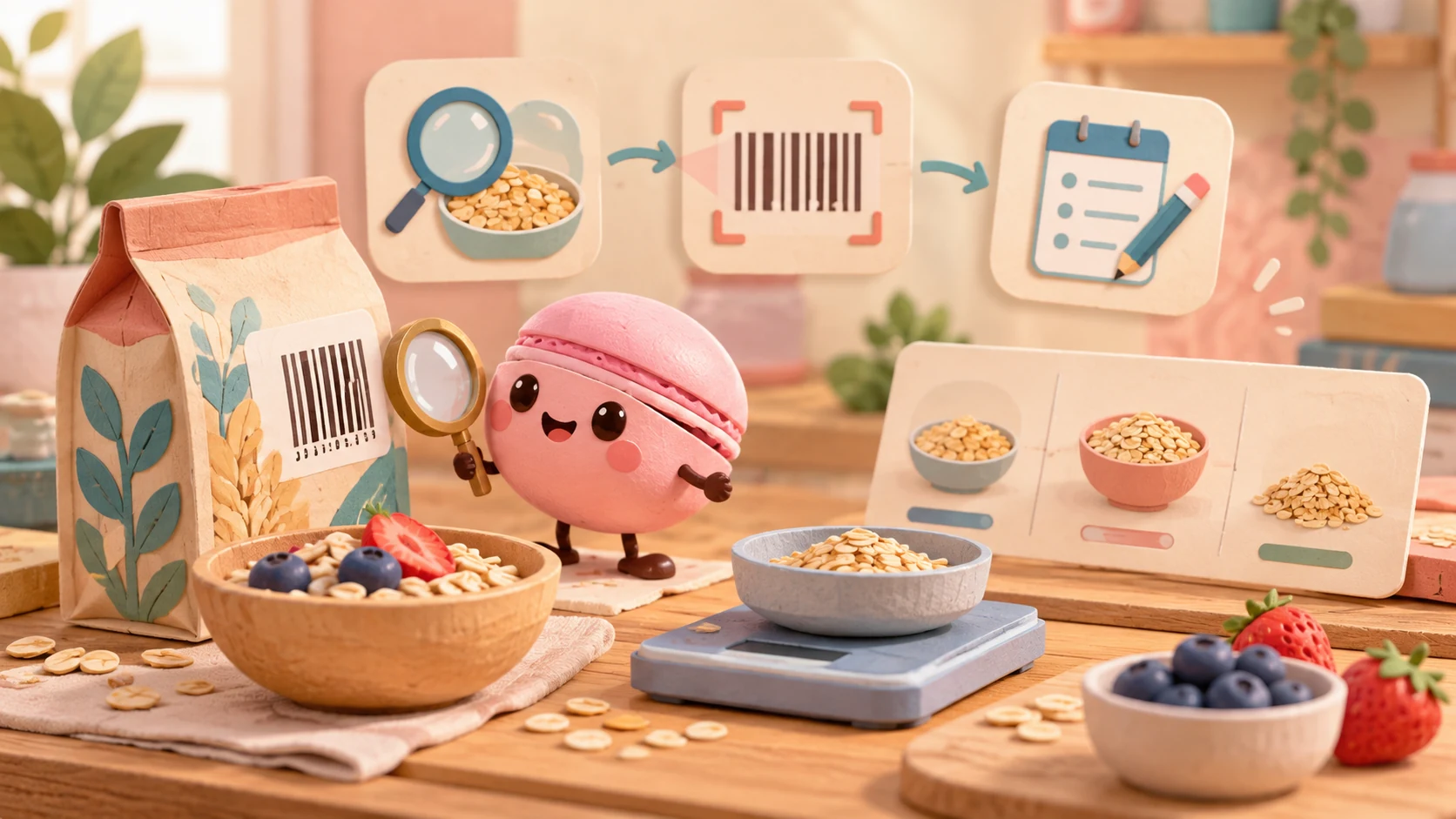
The product includes database search and barcode scanning, alongside additional logging methods on supported plans. Match the serving size and product carefully; a barcode or large database does not eliminate entry errors. Check whether a figure is for a serving, a package or a weight-based portion.
For an illustrative portion check, compare the package's stated serving with the quantity actually eaten before saving a diary entry. If a label gives nutrition per 100 g and you ate 50 g, record that actual portion rather than an assumed full package. Matching a barcode identifies an entry; it does not confirm the amount eaten. Verify the item's description and units before using the saved numbers. This is a record-checking example, not a database-accuracy or weight-loss test.
When the serving unit is wrong, MyFitnessPal's help recommends first adjusting the number of servings: a listed one-cup item can represent three-quarters of a cup with 0.75 servings. Alternatively choose a matching entry with the needed unit or create a food with the appropriate portion. A saved remembered meal can retain the adjusted amount; none of this verifies that the selected item's nutrients match your package.
For an incorrect database item, the documented mobile route is the item's nutrition details → Report Food, then choose the issue and submit corrected information. On web, open Food → Add Food → the item → Nutritional Information and answer No to Is this data accurate? Reports go through review, so do not assume the shared entry changes immediately. Choose a checked alternative for the current log rather than treating a submitted report as a completed correction. This review did not scan a product or measure database accuracy.
An anonymous macro-calculator example
In an anonymous browser session, an AI agent used MyFitnessPal's public macro calculator with fictional inputs: age 30, male, 180 cm, 80 kg, lightly active, weight maintenance and moderate carb/moderate fat. The output displayed 143 g protein, 356 g carbohydrate and 95 g fat per day. Result screenshot.

The output is a general estimate for that invented scenario, not a goal for the reader. The calculator itself says estimates do not replace medical advice. We did not log a food, scan a barcode, inspect database accuracy, create an account or test Premium; the public calculator is separate from the app diary.
Logging Fatigue, Ads and Premium Paywalls
Free supports a basic food diary. Premium adds barcode scanning, voice logging, advanced goals and an ad-free experience; Premium+ adds the Meal Planner. Barcode scanning requires the mobile app and a rear camera, while some other features have country, language or device conditions. A shorter manual log reduces entry work but also gives up database detail and scanning tools.
Use the basic diary if manual food entry and its available views answer the task. Consider Premium when mobile barcode or voice logging and its other listed tools reduce a specific burden; Meal Planner belongs to Premium+, a separate step. If detailed tracking causes distress or the decision needs individualized nutritional care, more logging features are not the appropriate upgrade. A manually supplied target is not a target recommendation from this article.
Make a Simpler Meal Log in Macaron

Open Macaron chat to adapt the request below. Review account access and plan conditions before creating a tool.
Label an incomplete intake total
Use a database tracker when product and portion lookup matter. A smaller manual log should make its omissions visible: known recorded intake is not necessarily the whole day’s intake. A remaining arithmetic amount must not become an instruction about what to eat.
Sample request
"Build a meal log with meal name, entered energy and a daily target I supply. Keep estimates marked and let me review entries before saving. Use one energy unit and separate recorded intake from meal completeness. If any meal is unrecorded, label the arithmetic difference incomplete and never turn it into eating advice."
Suggested fields: Date; meal; amount; energy unit; supplied target; remaining amount; estimate flag.
Proposed checks with fictional data:
- Adapt the sample request in Macaron and try the fictional inputs below.
- Use the illustrative 2,000 kcal input and 1,500 kcal recorded total, then flag one meal as unrecorded. The 500 kcal difference may be shown only as incomplete arithmetic, not a complete daily allowance.
- If an unknown meal becomes zero or kJ is subtracted from kcal, correct the completeness and unit fields before displaying the result.
Illustrative arithmetic, not a target recommendation: if a supplied target is 2,000 kcal and recorded intake is 1,500 kcal, the difference is 500 kcal.
In a fictional label check, 240 kcal per 100 g corresponds to 120 kcal for 50 g, not 240. Selecting the right product and the wrong portion still doubles the recorded value; a missing meal then makes the day's total incomplete regardless of that corrected entry.
Which workflow fits your needs?
| Need | MyFitnessPal | Macaron example |
|---|---|---|
| Main purpose | Food database and dedicated nutrition-logging tools | A simpler record with chosen fields |
| What you work with | Product and portion lookup with plan-dependent entry options | User-supplied targets and reviewed manual or text entries |
Do not use an AI log to prescribe calorie intake or manage a medical condition. Discuss appropriate goals with a qualified dietitian or clinician, particularly for children, pregnancy or eating concerns.
Next step
Explore Macaron for a personal tool you can adapt to this task.
Scope and source notes
How this review was checked: Review for Macaron, prepared with AI and a bounded anonymous public-web task by an AI agent. The observed task is described below; no paid feature, long-term outcome or proposed Macaron mini-app was tested.
Review scope: MyFitnessPal’s food logging and plan-dependent Premium/Premium+ features. The Macaron example is incomplete-intake arithmetic, not an eating allowance or treatment plan.
Sources reviewed: last updated November 5, 2026. Product details may change; confirm current information with the provider.
| Source | Supported scope and limitation |
|---|---|
| MyFitnessPal Premium features | Published plan, feature or billing conditions; account offer and region may differ |
| MyFitnessPal product overview | The provider-described product scope and features in the review |
| MyFitnessPal — How to use the Barcode Scanner | Barcode-scanner access conditions |
| What to do if the serving size you need isn't available | Serving multiplier and alternatives; no food composition accuracy test |
| How to report incorrect food items in the database | Mobile/web report route and non-immediate review; no report submitted |
| Free macro calculator — MyFitnessPal | Standalone public calculator with fictional inputs; no diary, barcode, Premium or medical assessment |
| Canadian endurance-athlete food-record validation — Journal of Human Nutrition and Dietetics | 2025 observational comparison of 43 three-day food records; not a test of the current barcode scanner or every food entry |
Corrections: contact@macaron.im.
FAQ
Does a barcode scan guarantee the correct portion?
No. A scan identifies a candidate product entry, but the serving size, units and preparation can still differ from what you ate. Check the package label and entered amount before using the calculated total.
What do MyFitnessPal Premium and Premium+ add to Free?
Free supports a basic food diary. Premium adds features including barcode and voice logging, advanced goals and an ad-free experience; Premium+ adds the Meal Planner. Barcode use requires a supported mobile setup with a rear camera, and other features can have regional or language conditions.
Should a missing meal count as zero intake?
No. A meal that was not logged is missing information, not evidence that nothing was eaten. Keep the day incomplete rather than displaying a precise-looking low total.
Can a shorter nutrition log replace clinical guidance?
No. A simplified log can help you record a narrow question, but it cannot set individualized nutrient goals or assess a condition. Use a qualified professional for a clinical target and check the source of any food value you enter.
What would a Macaron meal log keep beside MyFitnessPal?
The proposed log takes energy values you enter and marks estimates so you can review a daily target without implying a verified food database. It is a narrower manual record, not an automatic barcode scan or a micronutrient analysis.
How should the Macaron log display an estimated meal amount?
Keep the estimate label beside the entered energy value and avoid presenting the daily total as exact. If a meal or portion is missing, leave the record incomplete; the proposed check is about honest arithmetic, not a personalized calorie recommendation.
Related
Read & discover
Explore Playbooks
AI Personal Assistant
Free calculators


