AI Product Comparison
Most product comparison tables are good at listing specs and bad at making the decision easier. The same specs mean different things depending on your budget, habits, space, skill level, and tolerance for setup. Macaron can help you compare products when you provide the options and your real constraints.
Why Comparison Tables Don't Tell You Which One to Buy

Why Comparison Tables Don't Tell You Which One to Buy
A table can show battery life, price, size, warranty, and features. It cannot know whether you hate maintenance, travel often, need quiet operation, or would rather pay more for fewer headaches. That is where a personal comparison project helps: it connects specs to real-life use.
Tell Macaron What You Need — It Compares the Options That Fit You
Use a prompt like: Compare these three air purifiers for a small bedroom, low noise, under $250, easy filter replacement, and no app requirement. Paste the options, current prices, important specs, and review notes you trust. Macaron can help you weigh the tradeoffs and see which choice best fits your needs.
More About AI Product Comparison
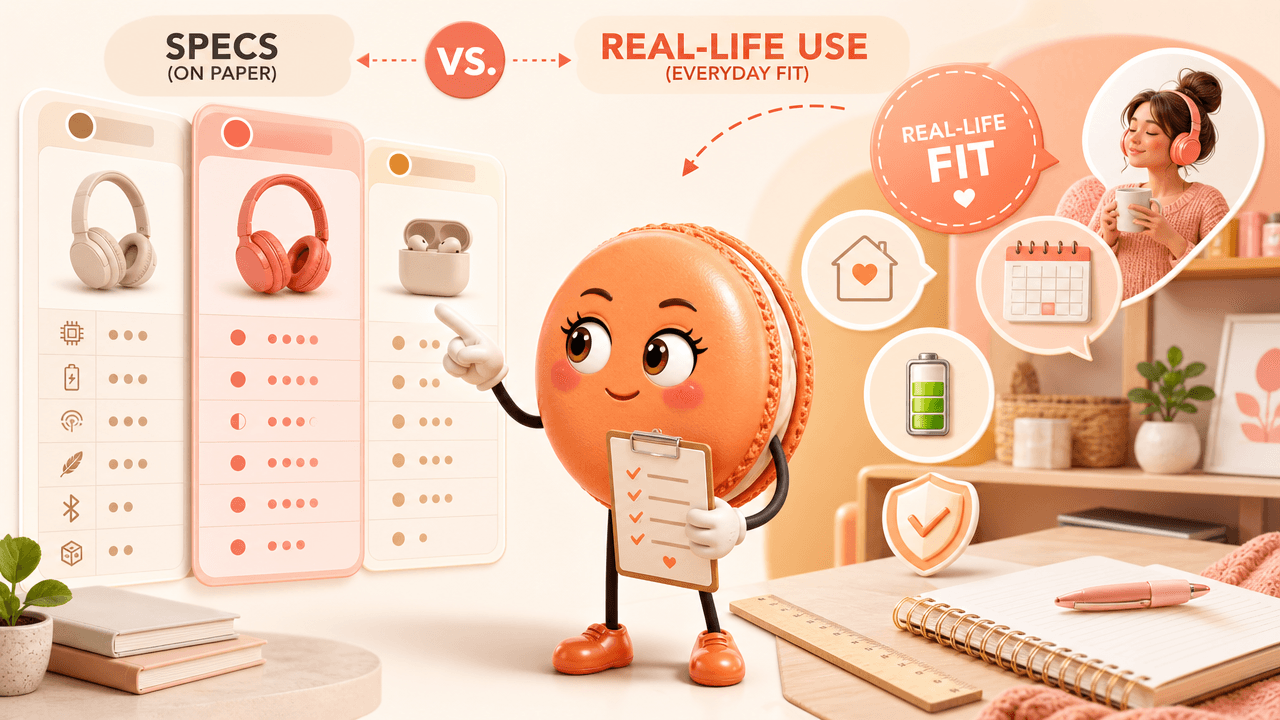
Specs vs Real-Life Use: The Differences That Actually Matter
The important difference is rarely the longest spec list. It is the tradeoff that will affect your day. Key comparisons:
- Battery life: Will it last through your normal use?
- Size: Does it fit where you will keep it?
- Smart features: Do they solve a problem or add setup?
- Warranty: How painful is failure if it happens?
From Endless Tabs to One Clear Recommendation
When tabs pile up, ask Macaron to turn them into a decision:
- Best overall fit
- Cheapest acceptable option
- Safest low-risk option
- What would make you choose differently
Example workflow: Someone compares three standing desks. They paste dimensions, prices, warranty notes, and room constraints. Macaron identifies the practical winner and the one reason to avoid it.
Frequently Asked Questions
It is a way to compare products against your needs and tradeoffs, not only a static spec table.
Paste the current prices or product details you want to compare. Macaron can help evaluate the information you provide.
Options, prices, must-haves, nice-to-haves, budget ceiling, dealbreakers, use case, and any trusted review notes.
Macaron can help produce a clear recommendation from the information you provide, but you should verify current price, availability, and warranty before buying.
Read & discover
Explore Playbooks
AI Personal Assistant
Free calculators


