Subscription Checker
Bring your app store subscriptions, bank statement charges, email receipts, PayPal payments, and renewal dates into one Macaron project. Macaron helps you organize the details, spot patterns, and decide which subscriptions are still worth keeping.
The Subscriptions You're Paying for and Forgot About
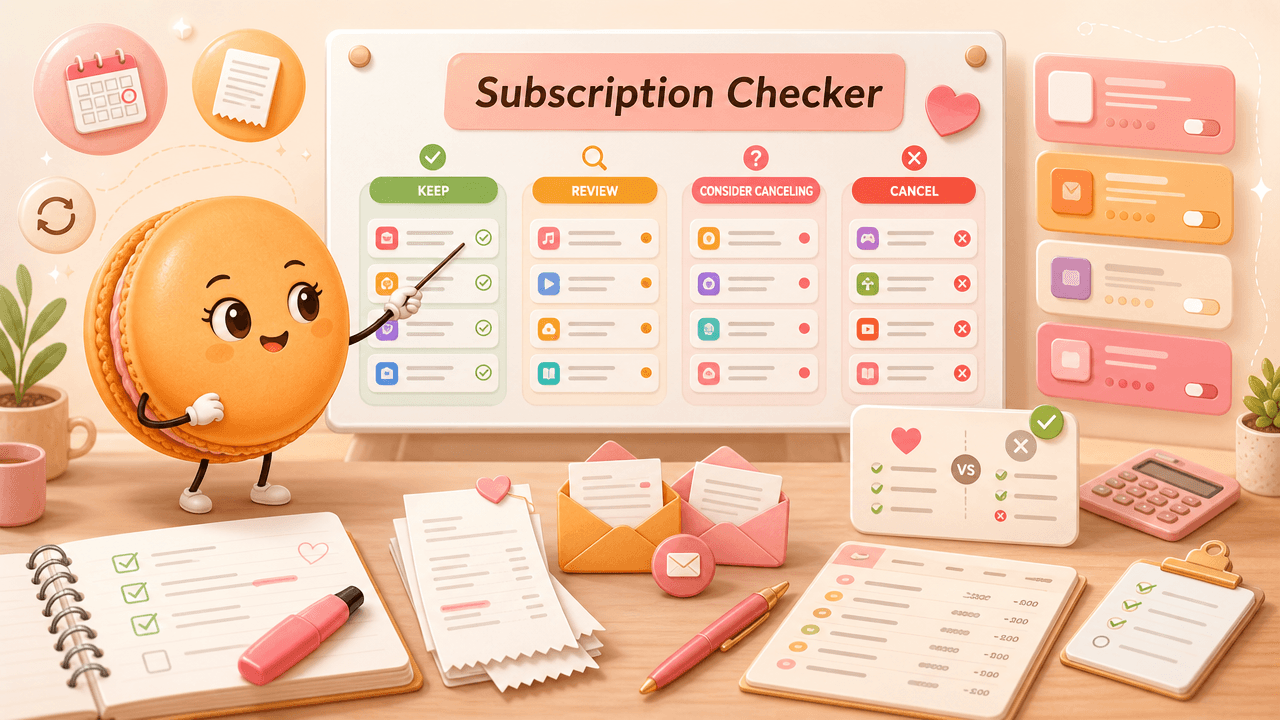
The Subscriptions You're Paying for and Forgot About
Forgotten subscriptions are usually not hidden by technology. They are hidden by repetition. A small charge repeats long enough to become invisible. Use Macaron to build a list from sources you control: iPhone subscriptions, Android subscriptions, card statements, PayPal, email receipts, and shared household services.
How to Manually Review Recurring Charges in One Place
Start with a prompt like: Help me check my subscriptions. I will paste charges, service names, costs, renewal dates, and whether I still use each one. Macaron can group recurring charges, point out missing details, and help you choose what to review next.
More About Subscription Checker

Is It Worth It? Deciding Which Subscriptions to Keep
The goal is not to cancel everything. It is to decide what is still worth paying for. Key comparisons:
- Keep: Used weekly
- Review: Unused for a meaningful period
- Keep: Saves time or money
- Review: Duplicates another service
- Keep: Shared by the household
- Review: Trial converted by accident
- Keep: Hard to replace
- Review: Price increased without clear value
Checking Subscriptions on iPhone, Android, and Your Bank Statement
Use official account areas for the actual check. iPhone subscriptions usually live under Apple ID subscriptions; Android subscriptions under Google Play; card or bank statements show recurring charges that may not appear in app stores. Example workflow: Someone pastes ten recurring charges into Macaron. Macaron helps group them by entertainment, work, cloud storage, and family, then flags three renewals for manual review this week.
Frequently Asked Questions
Macaron works with the charges or subscription details you add yourself. Paste service names, costs, dates, and notes to organize them in one review list.
Open your Apple ID subscription area and review active plans. Copy key details into Macaron if you want a broader review list.
Review subscriptions in Google Play and any direct website subscriptions, then add the relevant details to your Macaron project.
Yes. Add cost, usage, renewal date, and alternatives, then ask Macaron to sort keep, cancel, downgrade, or review later.
Read & discover
Explore Playbooks
AI Personal Assistant
Free calculators


