Random Outfit Generator
Enter the tops, bottoms and shoes available today, then generate a random outfit. You can keep a category you like and reroll the others. The picker uses simple random selection; Macaron's AI planning is a separate option for refining a combination.
Enter the Clothes Available Today
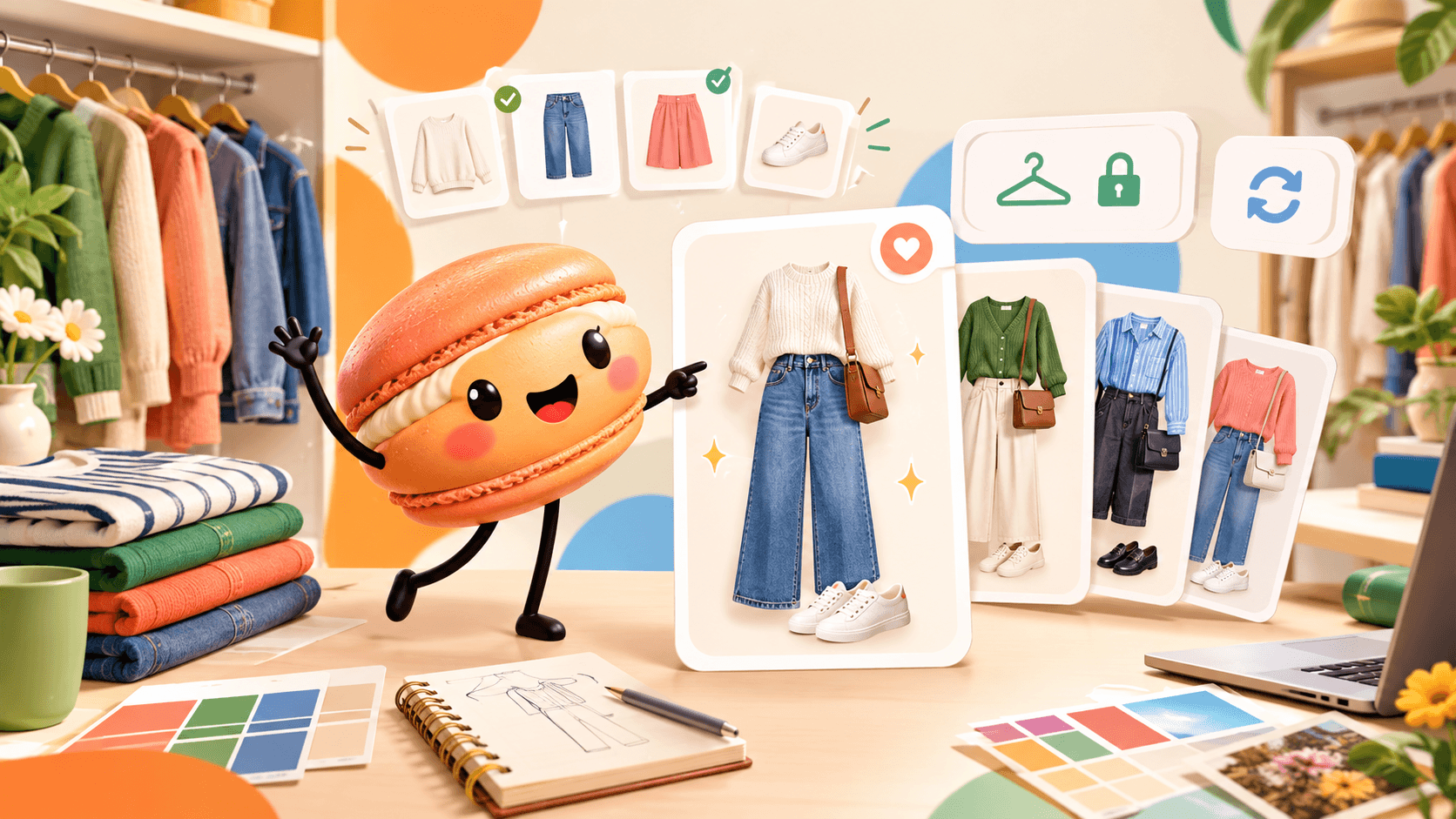
Enter the Clothes Available Today
A familiar pairing is easy to reach for when you are short on time. Include a piece you usually overlook and give it a clear name, such as "striped linen shirt." Use separate lists for tops, bottoms and shoes, plus an optional outer layer. Remove anything that is in the wash, uncomfortable or unsuitable for today's plans. The picker can only select from the names you leave in the lists.
Lock a Category and Reroll
The picker selects one item from each category. Keep a category you like and generate again. It skips the immediately preceding outfit when an unlocked alternative exists; earlier combinations can still return. Example lists contain a white tee or striped shirt, jeans or green trousers, and trainers or loafers. One possible combination is striped shirt + green trousers + loafers. Lock the shirt to explore another bottom and shoe pairing, then copy or download a result you want to try.
More About Random Outfit Generator
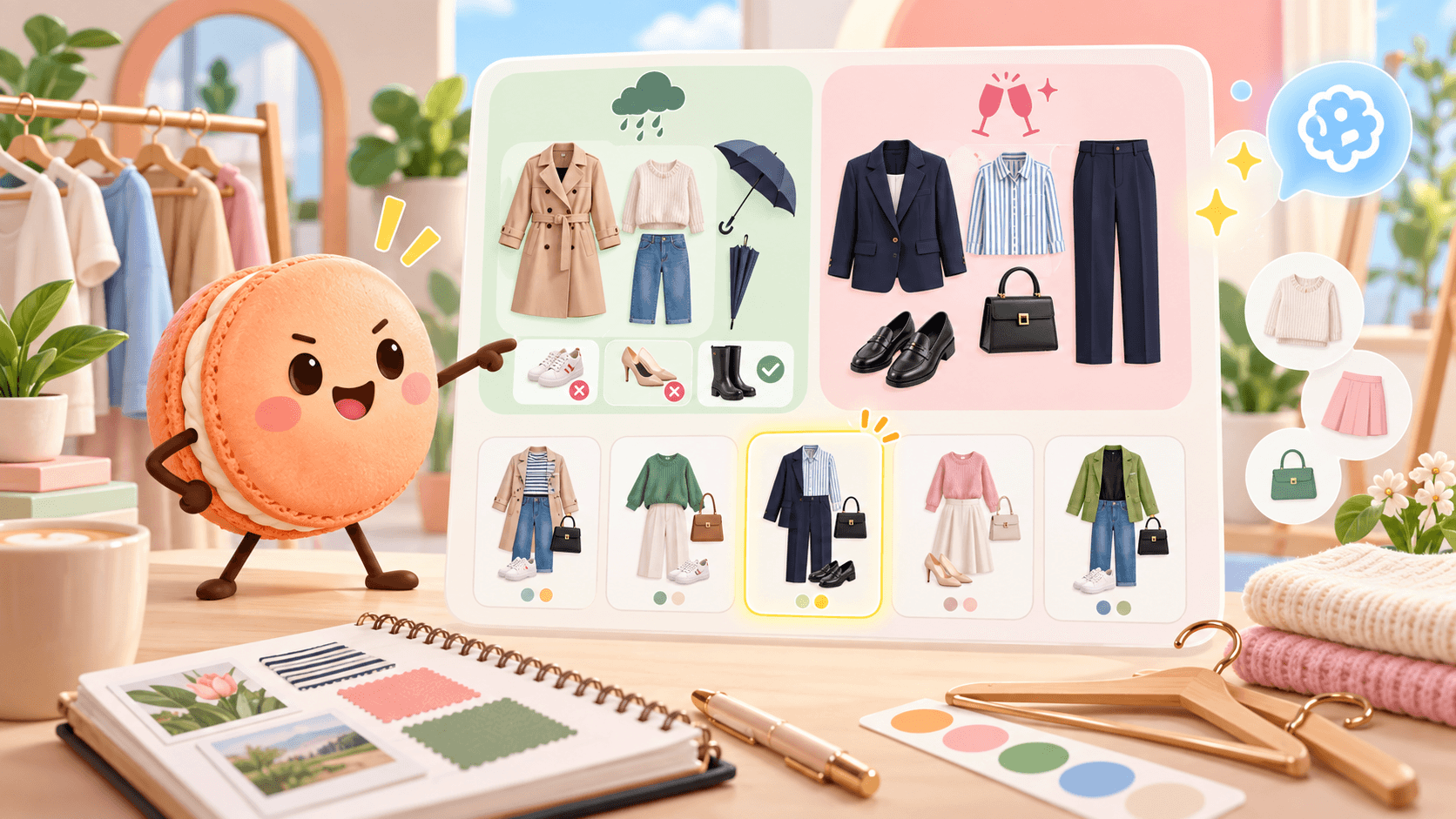
Set the Limits Before Generating
For a rainy commute, leave unsuitable shoes out. For a dressier event, include clothes that meet its dress code. The picker does not check weather, fit or whether garments suit one another. A favorite shirt may need another styling approach. The five shirt combinations give you concrete options to compare. With a result in hand, refine the outfit through Macaron's AI: "Keep the striped shirt and loafers; use my navy trousers for a client lunch." The custom outfit workflow shows how to add that context. The random picker does not save or send your clothing lists. Copy or download a combination you want to keep before leaving.
Frequently Asked Questions
No. It works with the item names you enter. Give each piece a clear name so the copied outfit is easy to recognize.
Earlier outfits can return after another combination. If all categories are locked or only one combination is available, even the last outfit must repeat. Add suitable items or unlock a category to explore more.
Yes. Remove those items from the lists before generating. Update the choices when an item becomes unavailable.
The picker does not save a wardrobe history. Copy any combination you want to keep into your own notes before leaving.
Read & discover
Explore Playbooks
AI Personal Assistant
Free calculators


