Weight Loss Percentage Calculator
Percentage change puts a new weight in relation to the starting value. In Macaron, you can start with your own weight-change result inputs. weight-change result: method, limits, and privacy Sources for weight-change result were checked on August 5, 2026. Basis for weight-change result: Weight change percentage equals starting weight minus current weight, divided by starting weight, then multiplied by 100. This educational output does not judge health or recommend a target. Read Macaron privacy guidance for weight-change result before keeping any weight entries in the workspace.
How to Calculate Your Weight Loss Percentage

How to Calculate Your Weight Loss Percentage
Use the formula: (starting weight minus current weight) divided by starting weight, multiplied by 100. CDC healthy weight resource gives general guidance on gradual weight change. The percentage formula itself is shown in the component.
Calculate the Percentage From Check-Ins You Enter
Give the calculator two weights in the same unit and a date for each entry. Example requests: Key points:
- "Calculate the percentage change from 200 lb to 190 lb."
The result should show starting weight, current weight, absolute change, percentage change, dates, and a note that short-term weight can fluctuate. Transparent formula: weight loss percentage = (starting weight - current weight) / starting weight x 100 Use the same unit for both weights. Related live Macaron tools: Weight Calculator, Healthy Weight Calculator, BMI Calculator
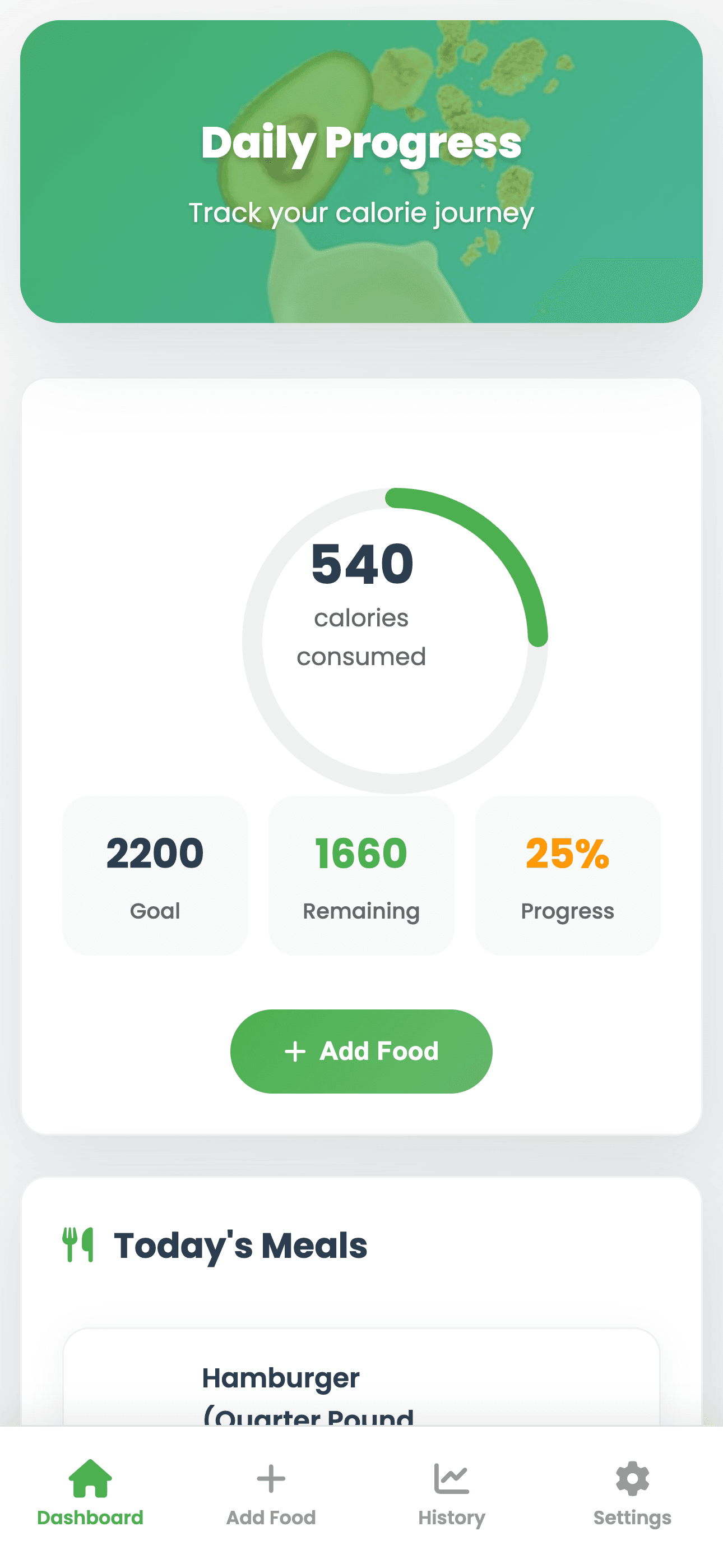
Image description: Daily progress reference for weight-change review
Interface reference from Calorie Tracker Pro daily view
What a Healthy Rate of Weight Loss Looks Like Week to Week
CDC describes gradual weight loss of about 1 to 2 pounds per week as more likely to be maintained, while also noting that medicines, medical conditions, stress, genes, hormones, environment, and age can affect weight. Context fields beside the result: Key points:
- Clear formula with the substituted values
- Date-aware trend rather than a single isolated result
- Space for energy, strength, clothing fit, and other non-scale notes
Celebrating Non-Scale Wins Alongside the Percentage
Non-scale wins help prevent one number from owning the whole story. Key comparisons:
- Progress signal: Scale change; What it captures: Simple; What it misses: No starting-weight context
- Progress signal: Percentage change; What it captures: Comparable; What it misses: Still affected by timing and fluid
- Progress signal: Context log; What it captures: Broader view; What it misses: Requires consistent notes
Weekly check-in example: A person checks progress every two weeks rather than daily, calculates the percentage from the same starting point, and reviews energy and routine changes before altering the plan.
Related next steps
add context in a weight journal, turn a goal into weekly actions, and compare a body-composition estimate.
Frequently Asked Questions
Calculate weight loss percentage by subtracting current weight from starting weight, dividing that number by starting weight, and multiplying by 100. In Macaron, keep the starting weight, current weight, dates, and formula together so the result is easy to understand later.
Weight loss percentage is useful because it shows the change relative to the starting weight, while pounds or kilograms show the absolute amount changed. Use both values when comparing entries, and remember that neither one explains body composition, overall health, or whether a change is sustainable.
A healthy weekly rate cannot be determined from this calculator alone because suitable weight change depends on the person, context, and health factors. Use the percentage as educational context for a recorded change, and consult a qualified professional before using it to guide health decisions.
Weight check-ins are added by entering each weight value you want included in the calculation, along with the date it was measured. Before storing health-related entries in Macaron, decide what information you are comfortable keeping in the workspace and review the applicable privacy guidance.
Read & discover
Explore Playbooks
AI Personal Assistant
Free calculators


