AI Calorie Scanner
Calorie scanner results still need a human review because an image can miss ingredients, cooking oil, portion weight, and recipe details. In Macaron, you can start with your own food-label calculation inputs. food-label calculation: method, limits, and privacy Sources for food-label calculation were checked on August 5, 2026. Basis for food-label calculation: Packaged-food results use entered label values or an Open Food Facts barcode response, with serving size checked against the package. This educational output does not identify exact calories from an image alone. Read Macaron privacy guidance for food-label calculation before keeping any barcode and meal details in the workspace.
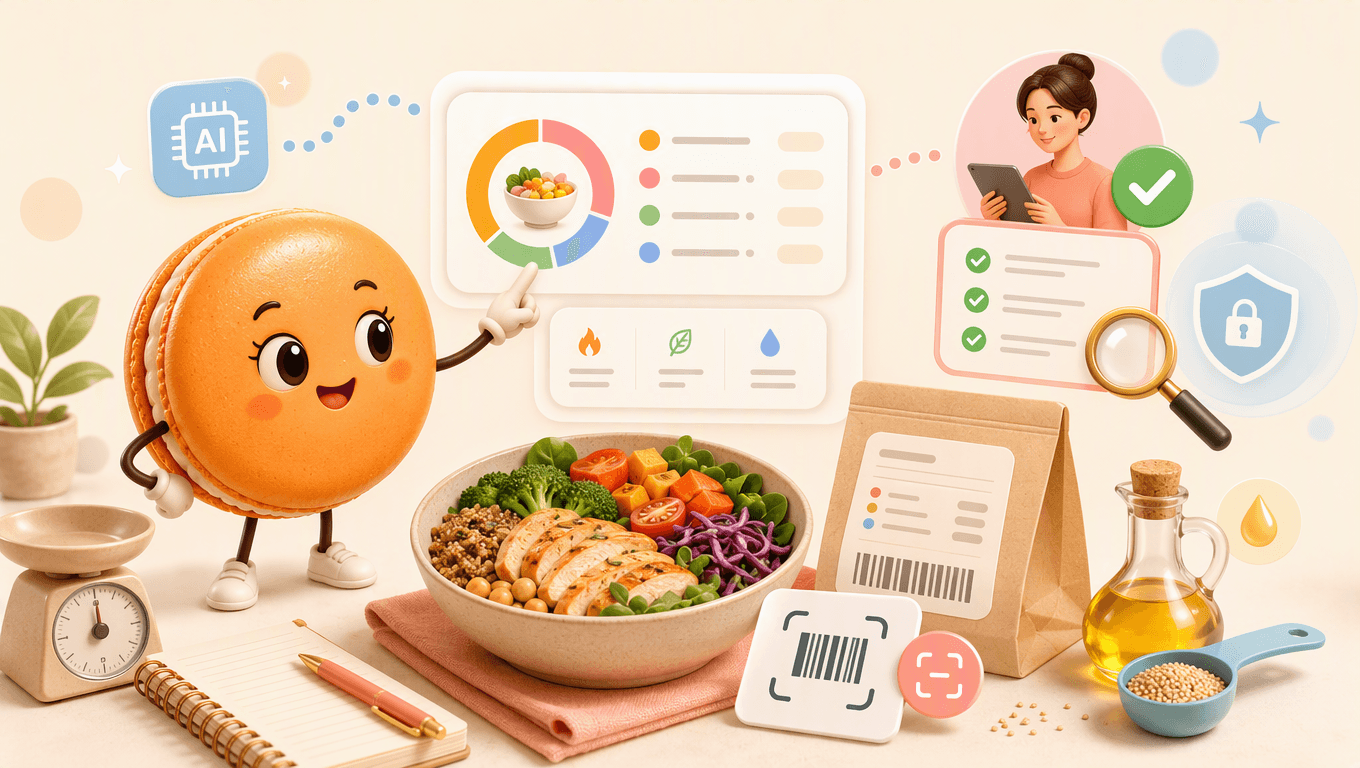
Why Calorie Estimates From Images and Descriptions Need Review
Why Calorie Estimates From Images and Descriptions Need Review
Visual calorie estimates are sensitive to portion size, hidden ingredients, preparation method, and the reference data used. CDC guidance for gradual weight loss is general weight-management background. Barcode nutrition data comes from Open Food Facts and still needs a package check.
Describe a Meal or Enter Nutrition Label Details
Start with a meal description or values copied from a nutrition label. Example requests: Key points:
- "Estimate this described meal, then ask me about portions and cooking oil."
The result should list foods, portions, ingredient assumptions, reference or label data, estimated calories, uncertainty, and an edit step before saving. Review-first input path: Key points:
- Describe the food and portion, or enter values from a nutrition label.
- Add ingredients and cooking fats that change the estimate.
Barcode lookups send the entered barcode number to the Open Food Facts product API; the selected image is used locally for preview and supported-browser barcode detection. Verify returned data against the package. Related live Macaron tools: NutriTrack Playbook Tool, calorie needs calculator, protein check
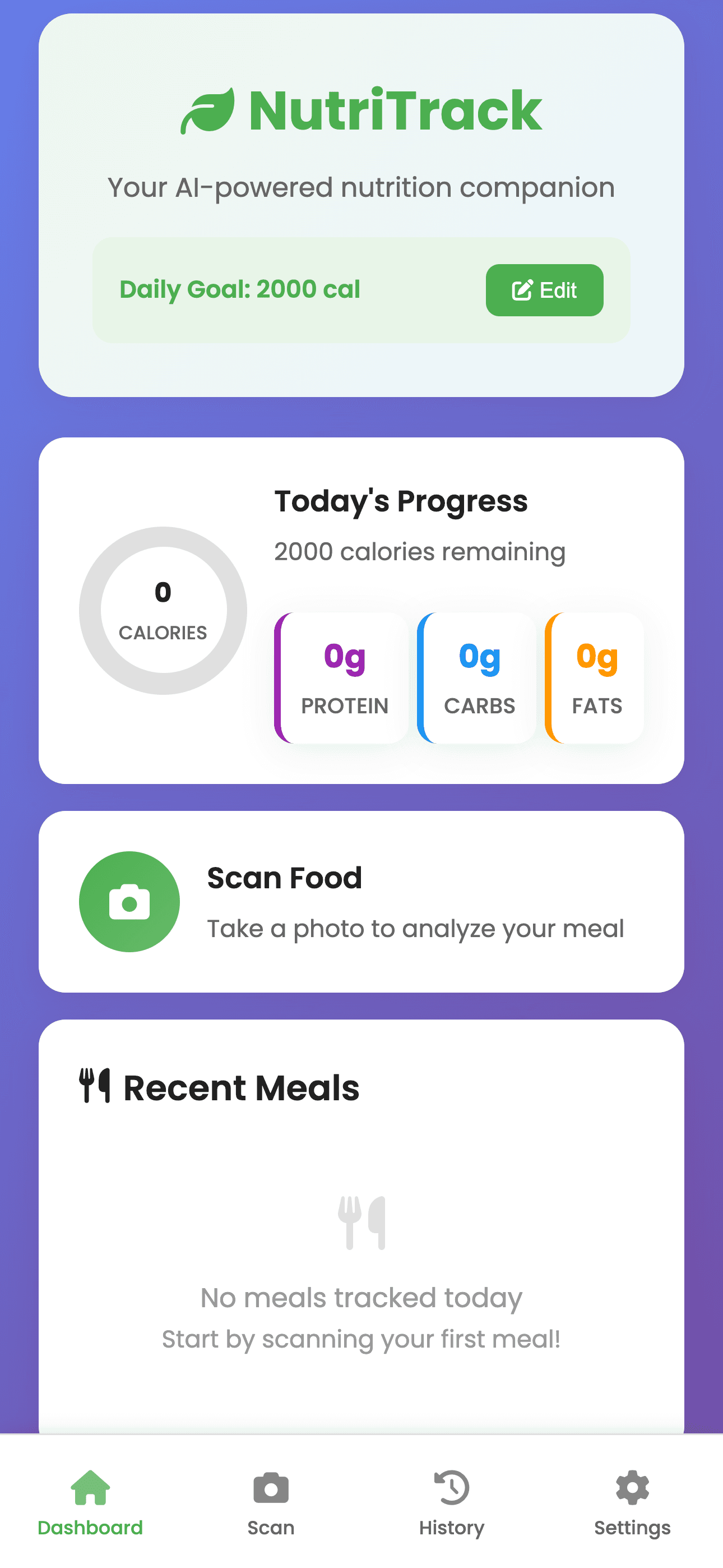
Image description: NutriTrack scan screen from the Macaron Playbook
Interface reference from NutriTrack
Reuse Foods and Portions You Choose to Save
A saved shortcut can make logging faster by reusing a reviewed meal. Checks before the estimate is saved: Key points:
- Review-first estimate rather than automatic truth
- Typed label values with serving size shown
- Frequent-food shortcuts after the user approves an entry
Calorie Estimate Accuracy: What to Verify Before Saving
Accuracy improves when the user supplies portions, recipe details, and label data. Key comparisons:
- Input route: Image-based estimate; Useful information: Visual clues; Required review: Portions and hidden ingredients remain unclear
- Input route: Typed nutrition label; Useful information: Package values; Required review: Serving amount still needs confirmation
- Input route: Meal description; Useful information: Ingredients and context; Required review: Quality depends on details supplied
Mixed-meal example: A user describes a bowl, answers questions about rice, sauce, and protein portions, then saves the meal only after reviewing the estimate and uncertainty.
Related next steps
save the reviewed meal, compare the macro breakdown, and add hunger and mood context.
Frequently Asked Questions
No, a calorie scanner cannot identify exact calories from a photo alone because the image may hide portion weight, oils, ingredients, and preparation details. Use the photo as a starting point, then add label values, serving size, recipe notes, and any manual corrections to make the estimate more useful.
A barcode can add packaged-food label data when a reliable Open Food Facts response or entered label value is available. Check the serving size against the actual package and the amount eaten before using the result. Macaron does not verify that the scanned item or portion automatically matches your meal.
You can improve an estimate by adding portion amounts, recipe details, packaged-food labels, and corrections for oils, sauces, or substitutions. Mark uncertain numbers as estimates so the result stays educational rather than falsely precise. For health decisions, confirm the details with a qualified professional or trusted nutrition source.
No, calorie scanning may not be appropriate for everyone, especially people with an eating disorder history or compulsive tracking patterns. If tracking food feels distressing or harmful, pause the workflow and seek qualified support. Before storing meal images, barcodes, or health-related notes, review Macaron’s privacy guidance.
Read & discover
Explore Playbooks
AI Personal Assistant
Free calculators


