Meal Tracker
A meal tracker loses value when logging takes longer than eating. In Macaron, you can start with your own meal record inputs. meal record: method, limits, and privacy Sources for meal record were checked on August 5, 2026. Basis for meal record: Meal totals come from the foods, portions, and nutrition values you enter and review. This educational output does not diagnose nutrition status. Read Macaron privacy guidance for meal record before keeping any food and portion entries in the workspace.
Why Meal Trackers Become Hard to Maintain
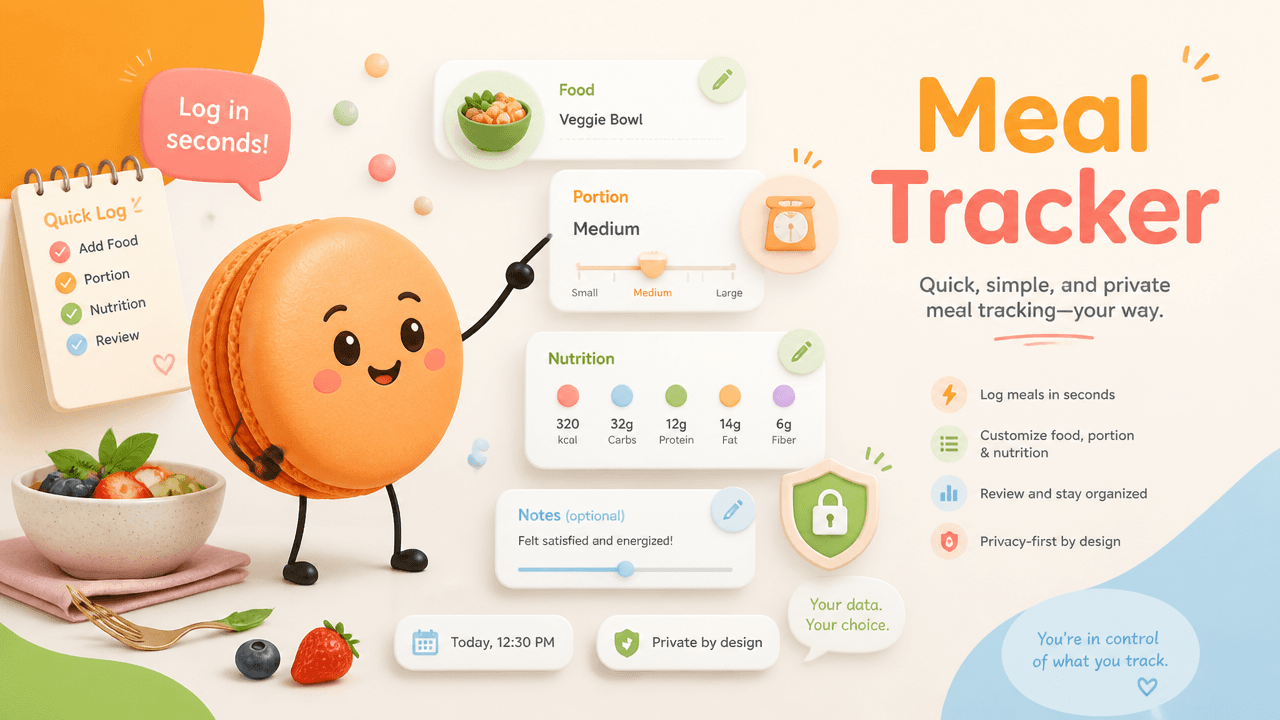
Why Meal Trackers Become Hard to Maintain
People often quit detailed trackers because every meal demands searching, measuring, and choosing from near-duplicate database results. CDC advice on losing weight offers general healthy-weight background. It does not validate the act of recording meals or portions.
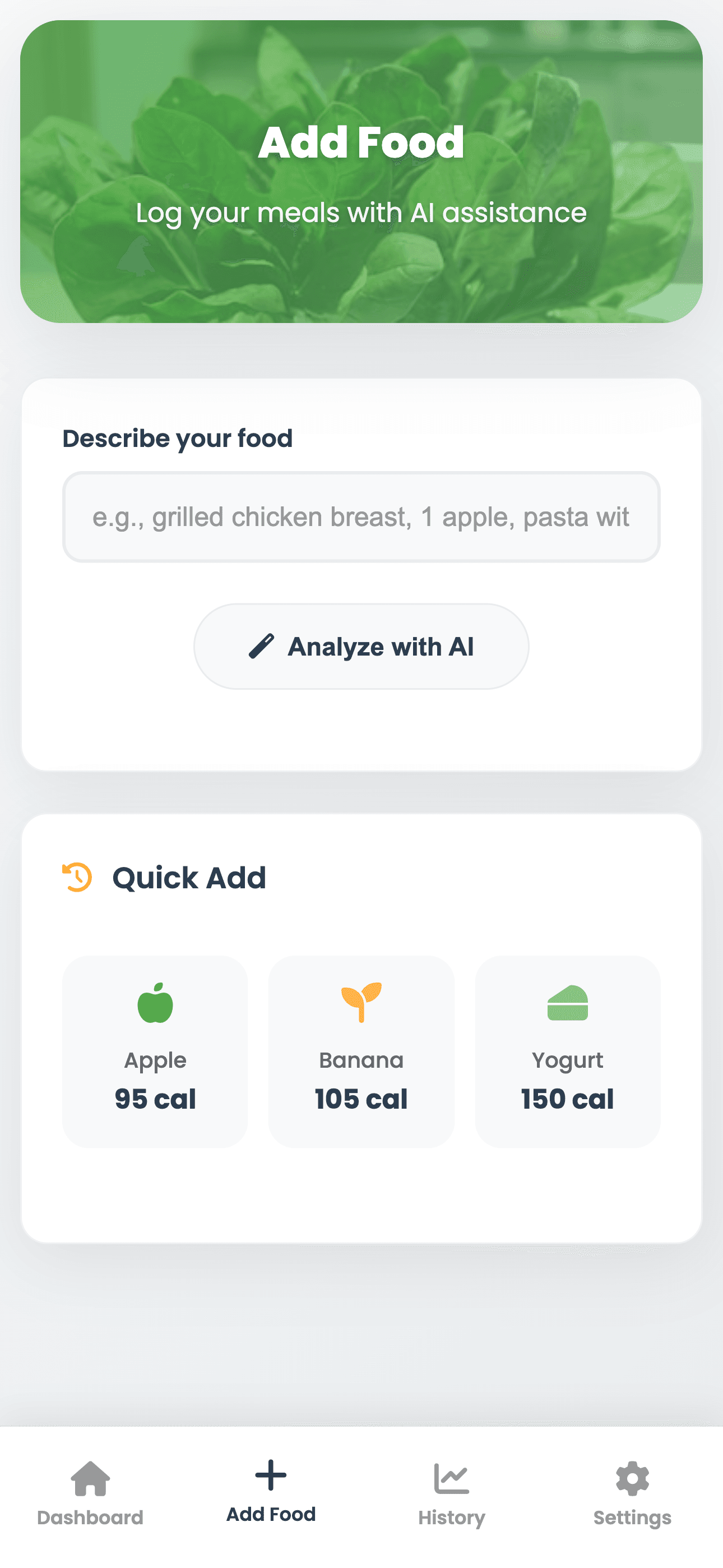
Turn Meal Tracking Into a Short Reviewable Conversation
Start with a conversation that records the meal and asks one useful follow-up. Example requests: Key points:
- "Log yogurt, granola, and berries for breakfast
- ask for portions if needed."
The result should show meal, time, ingredients or label details, portion assumptions, optional notes, and a status such as reviewed or needs detail. Saved-meal workflow: Name the meal, confirm the ingredients and portion, save that reviewed version, and edit it when something changes. Related live Macaron tools: calorie estimate tool, protein range tool
Image description: Meal dashboard reference with daily entries
Interface reference from Calorie Tracker Pro meal log
Reuse the Go-To Meals You Choose to Save
Memory is useful when it remembers your approved shortcut, not when it guesses. Reusable parts of a meal entry: Key points:
- Short entries with selective follow-up questions
- Reviewed frequent-meal shortcuts
- Pattern view for timing, variety, or chosen nutrition fields
Conversational Meal Tracking vs a Standalone Database App
Standalone trackers often prioritize database precision and streaks. Key comparisons:
- Logging moment: Entry; Database-first tracker: Search and tap; Conversation-first tracker: Describe and confirm
- Logging moment: Frequent meals; Database-first tracker: Copy previous; Conversation-first tracker: Use approved shortcut
- Logging moment: Context; Database-first tracker: Often separate; Conversation-first tracker: Add mood, hunger, or schedule notes
Repeat-lunch example: A busy worker logs breakfast and lunch quickly, reviews restaurant estimates in the evening, and uses the weekly view to notice meal timing rather than chasing a perfect streak.
Related next steps
review macro totals, add mood and energy context, and check a photo or label estimate.
Frequently Asked Questions
The simplest way to track meals is to record what you ate, when you ate it, and only the portion or nutrition details that matter for your goal. In Macaron, keep each dated meal entry close to the method or total it supports so you can understand how the result was produced.
Yes, Macaron can help you reuse reviewed meal shortcuts for foods or combinations you eat often. Save the shortcut only after you confirm the food items and portions, then rerun the meal record component when the meal changes so the saved version stays accurate.
No, a meal tracker does not need calorie totals to be useful. You can use it to follow meal timing, food variety, symptoms, planning needs, or another purpose, and add calories only when they support that workflow. Macaron’s meal outputs are educational and do not diagnose nutrition status.
Handle sensitive food records by entering only the details you truly need for the workspace. Avoid extra identifiers, keep food and portion entries limited to the current purpose, and read Macaron’s privacy guidance before storing health-related information. Macaron does not independently verify whether a record is medically complete.
Read & discover
Explore Playbooks
AI Personal Assistant
Free calculators


