Intermittent Fasting App
An intermittent fasting app can track a clock, but the clock cannot tell you whether the routine fits your health, medication, sleep, training, or relationship with food. In Macaron, you can start with your own fasting timer record inputs. fasting timer record: method, limits, and privacy Sources for fasting timer record were checked on August 5, 2026. Basis for fasting timer record: The timer uses the start, end, and symptom notes you enter; it does not choose a fasting window for you. This educational output does not decide whether fasting is safe for you. Read Macaron privacy guidance for fasting timer record before keeping any window and symptom notes in the workspace.
Choosing Your Fasting Window: 16:8, 18:6, or Something Gentler
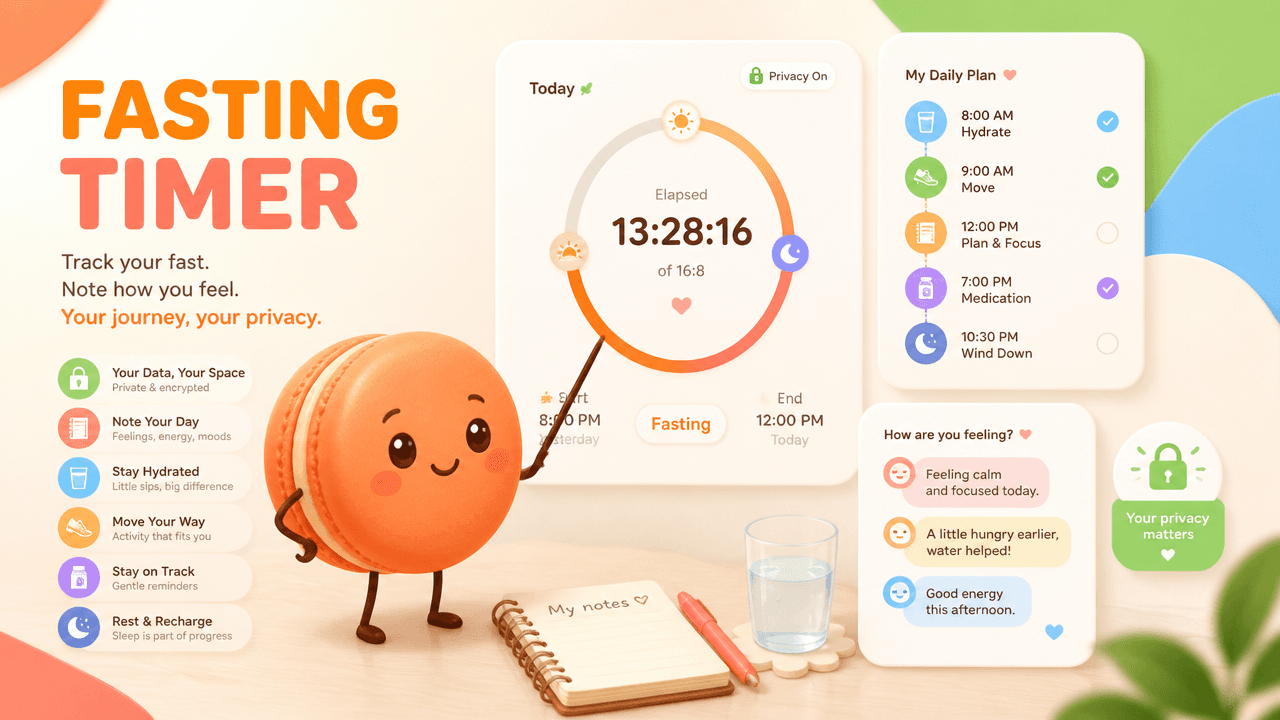
Choosing Your Fasting Window: 16:8, 18:6, or Something Gentler
A 16:8 or 18:6 label describes timing, not safety or effectiveness. NIA Calorie Restriction and Fasting Diets summarizes evidence and uncertainty around fasting. It does not decide whether fasting is appropriate for an individual.
Build an Intermittent Fasting Schedule and Check-In Log
Build the log around observation, not escalation. Example requests: Key points:
- "Start a 12-hour overnight fasting log and record sleep and morning hunger."
The output should show planned and actual window, meals, hydration, hunger, energy, mood, sleep, symptoms, and a clear flag for entries that warrant stopping or professional advice. Schedule output example: Show the planned start and end time, the elapsed window, meal timing notes, and a daily check-in. Related live Macaron tools: Intermittent Fasting Meal Plan, daily calorie estimate
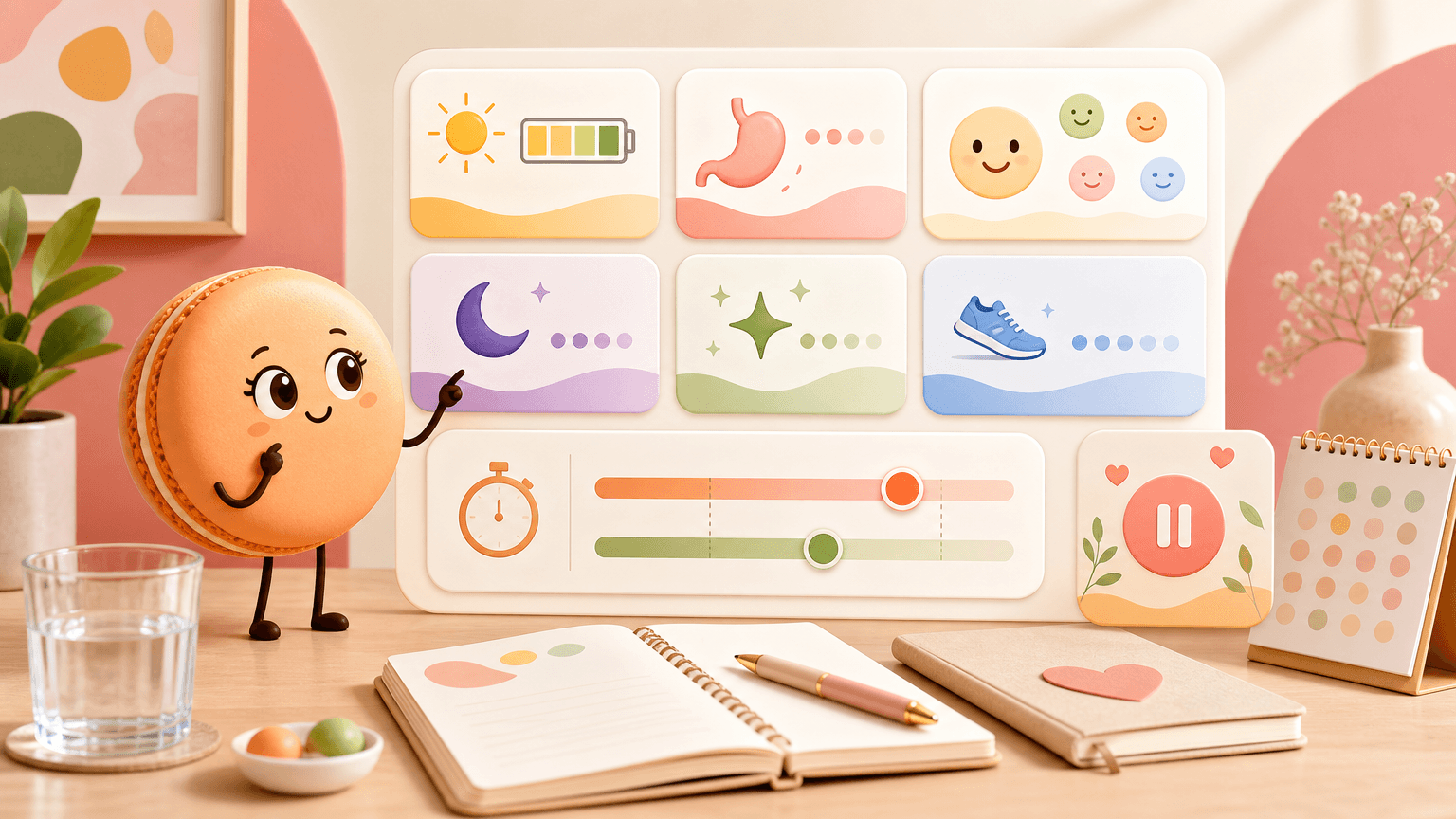
What to Track Beyond the Clock: Energy, Hunger, and Mood
Energy, hunger, mood, sleep, concentration, and training quality can make the log more informative. Signals to keep beside the clock: Key points:
- Planned versus actual window
- Context notes beyond the timer
- Stop-and-review prompts instead of streak pressure
When Fasting Feels Wrong: What to Review and When to Stop
When fasting is not working, the safe response is not automatically to adjust the window with AI. Key comparisons:
- Tracking element: Basic timer; Timer-only view: Tracks hours; Context-aware log: Little health context
- Tracking element: Streak app; Timer-only view: Motivating for some; Context-aware log: May encourage escalation
- Tracking element: Context log; Timer-only view: Broader review; Context-aware log: Still not clinical advice
Schedule-review example: A user notices headaches on two long-window days, stops extending the schedule, records the context, and takes the question to a clinician rather than asking the app to optimize the fast.
Related next steps
record meals and symptoms, check hydration alongside the window, and rework the broader weekly plan.
Frequently Asked Questions
Not necessarily; a 16:8 schedule is not automatically better than 12:12 because fit depends on your health context, sleep, activity, medications, and how you feel. In Macaron, compare dated timer entries, symptom notes, and routine changes so the record shows what happened with each window rather than treating one ratio as universally best.
No; an intermittent fasting app should not pressure you toward longer streaks when symptoms, stress, training load, medical context, or food-related concerns suggest stopping or revising. Use Macaron to record the start, end, method, limits, and symptom notes for each window, then adjust the plan manually based on what you observe.
No; Macaron can help organize your fasting timer record, but it cannot decide whether fasting is safe for you or replace qualified medical advice. Use the workspace to keep clear notes about windows, symptoms, medications, and relevant context, then bring that record to a clinician if safety is uncertain.
Macaron’s policy describes optional Android Health Connect processing when you request health-related responses, but connecting that data is not required for a basic fasting timer record. Before adding window notes, symptoms, or connected health data, read the privacy guidance and decide what information you are comfortable keeping in the workspace.
Read & discover
Explore Playbooks
AI Personal Assistant
Free calculators


