OCR Notes App
Choose a notes image, extract editable text in the browser, then correct names, numbers, symbols, and line breaks. Start with Image beside OCR draft. Add the assessment date and weak topics under Corrected note so Macaron can use OCR draft to shape the next review. You can organize corrected OCR notes in Macaron.
Turning Handwritten and Printed Notes Into Searchable Text
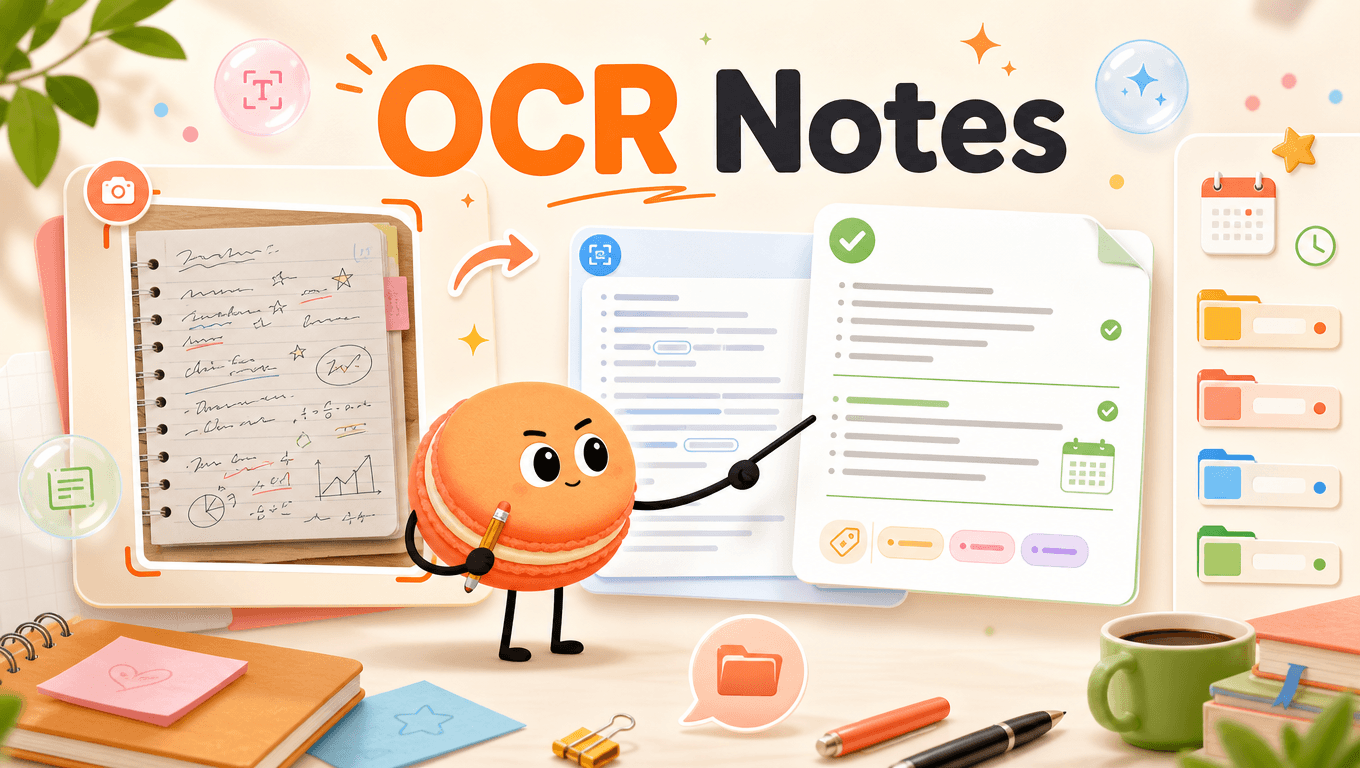
Turning Handwritten and Printed Notes Into Searchable Text
OCR turns pixels into a draft transcript, so accuracy still depends on image quality, handwriting, and layout. Tesseract.js browser documentation is the dated reference for Image. Recheck it before accepting Corrected note.
Snap a Page — Macaron Pulls the Text and Organizes It
Choose one image and extract the text directly in the component before copying it into a notes workflow. Describe the job in plain language: Key points:
- "Turn this corrected OCR text into headings and study questions."
- "Mark any uncertain names, numbers, or symbols for review."
Carry Image into the next review: Start with Image and put weak topics beside OCR draft. Define the recall evidence under Corrected note, then add the assessment date. Enter missed work under Corrected note yourself. Use Image to revise OCR draft; no automatic grade tracking is claimed.
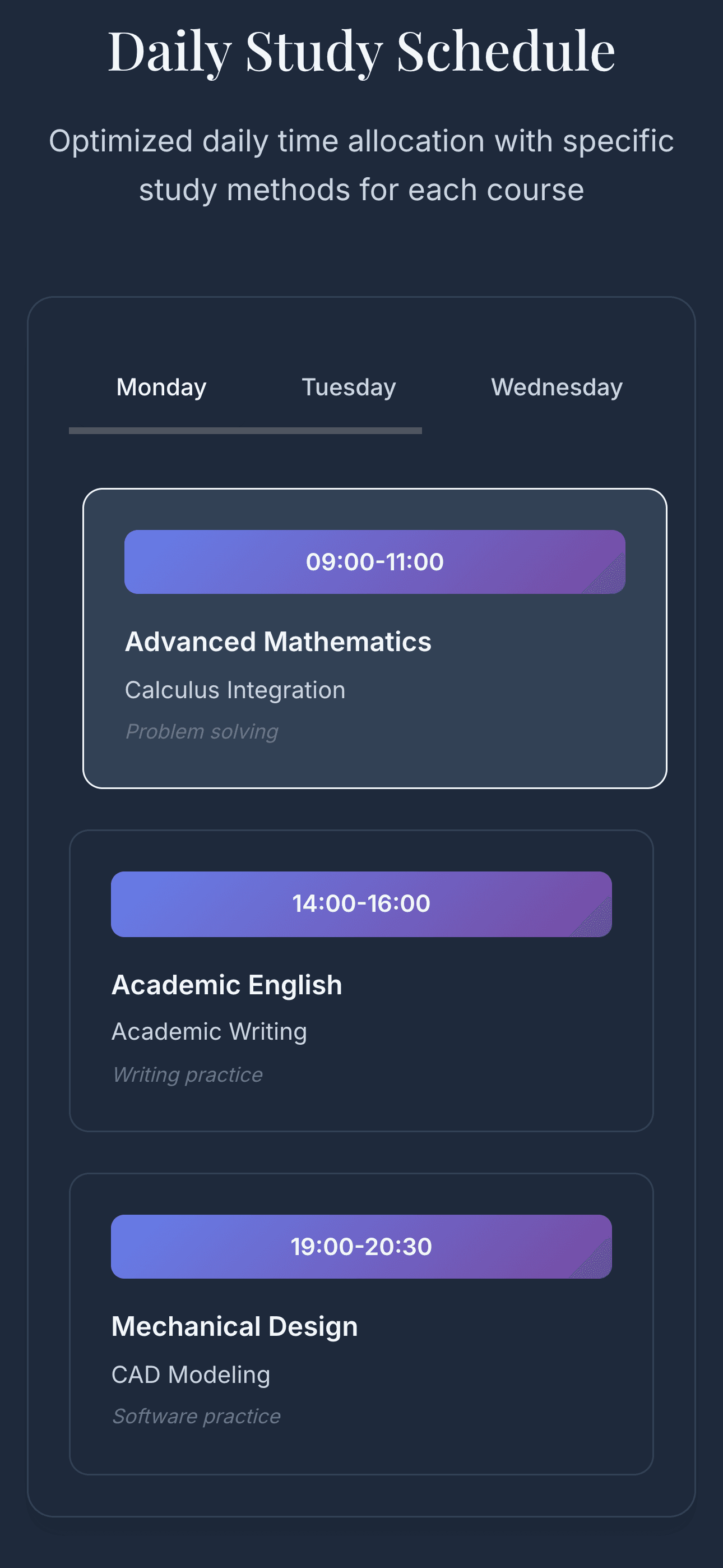
Image description: Study Schedule Organizer notes reference
Interface reference from Study Schedule Organizer
From Scanned Notes to Summaries, Flashcards, and Study Plans
Correct names, numbers, symbols, tables, and broken lines against the original image. Key comparisons:
- Study demand: Image; Study action: Clear crop and readable contrast; Review signal: Blur and handwriting reduce accuracy
- Study demand: OCR draft; Study action: Editable text; Review signal: Must be checked against the image
- Study demand: Corrected note; Study action: Reviewed names and symbols; Review signal: Keep the source image until finished
How to use the table: Start with Image, choose the study action under OCR draft, and use Corrected note to decide what the next review should cover.
Why OCR Is Only Useful If Your Notes Are Organized After
Keep the image and corrected text together until the notes are checked and organized. Example: A student extracts one printed page, corrects two formulas, and then turns the verified text into review questions. Next, compare Image with OCR draft and save Corrected note with the changed input.
Related next steps
turn corrected notes into retrieval, place topics on a schedule, count backward from exam day.
Frequently Asked Questions
Yes, OCR runs in your browser using Tesseract.js after you choose a notes image. Place the image beside the OCR draft so you can compare the extracted text while correcting it. Macaron uses the text you provide, not an independently verified version of the image.
No, handwriting OCR can miss or distort letters, numbers, symbols, spacing, and line breaks. Read the draft against the original image and fix anything that could change meaning, especially names, dates, formulas, and topic labels. Treat the OCR draft as a starting point, not a final note.
Yes, the extracted text appears in an editable area where you can revise it before saving or using it. Add the assessment date and weak topics under Corrected note so Macaron has clearer context for shaping a review. Only the corrected text should be treated as your usable note.
After extraction, compare the OCR draft with the image and correct names, numbers, symbols, tables, and line breaks. Pay close attention to anything that affects study meaning, such as formulas, dates, section headings, and weak-topic labels. Macaron cannot guarantee OCR accuracy without your review.
Read & discover
Explore Playbooks
AI Personal Assistant
Free calculators


