Video Interview Practice
Video interview practice should let you see and hear the experience before the real call. The page requests camera and microphone access only when you press Start, records locally for up to sixty seconds, and plays the clip back. Give Macaron Mirror rehearsal beside Automated score. Add the role or stage under Local recording; Deep Memory can keep that verified story context with Local recording for the next practice round. You can create a video practice project without black-box scoring.
The Video Interview Mistakes That Have Nothing to Do With Answers
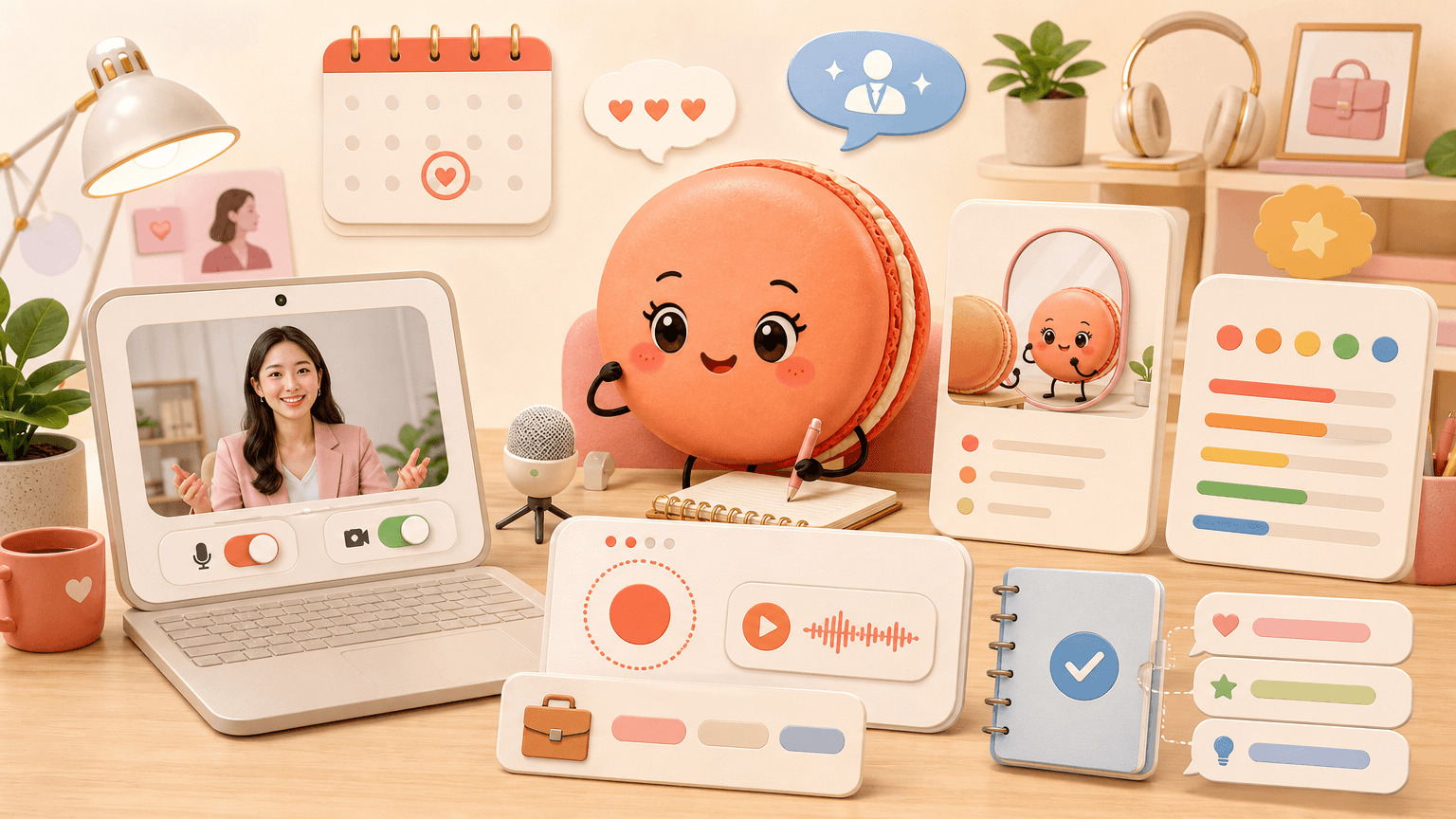
The Video Interview Mistakes That Have Nothing to Do With Answers
Some virtual interview problems come from framing, lighting, sound, notifications, unstable connections, or looking at the self-view rather than the camera. A short test reveals those issues while there is still time to change the setup. CareerOneStop interview guidance helps frame Mirror rehearsal for interview practice. Your own evidence still belongs under Local recording.
Practice Virtual Interviews With Macaron Before the Real Call
Use the local recorder with a real prompt and watch once for content, once for pace, and once for technical distractions. Macaron can create a practice checklist, but this page never claims to infer emotion or hiring likelihood. A useful opening request is: Key points:
- "Create a three-pass review checklist for this recorded answer."
- "Give me role-specific prompts I can practice in sixty seconds."
Turn Mirror rehearsal into a practice prompt: Name the role under Mirror rehearsal and place one truthful experience beside Automated score. Let Deep Memory retain only the context needed for Local recording. The component does not know a private hiring rubric. Review Mirror rehearsal before rehearsing, connect Automated score to a real decision, and never treat Local recording as an outcome prediction.
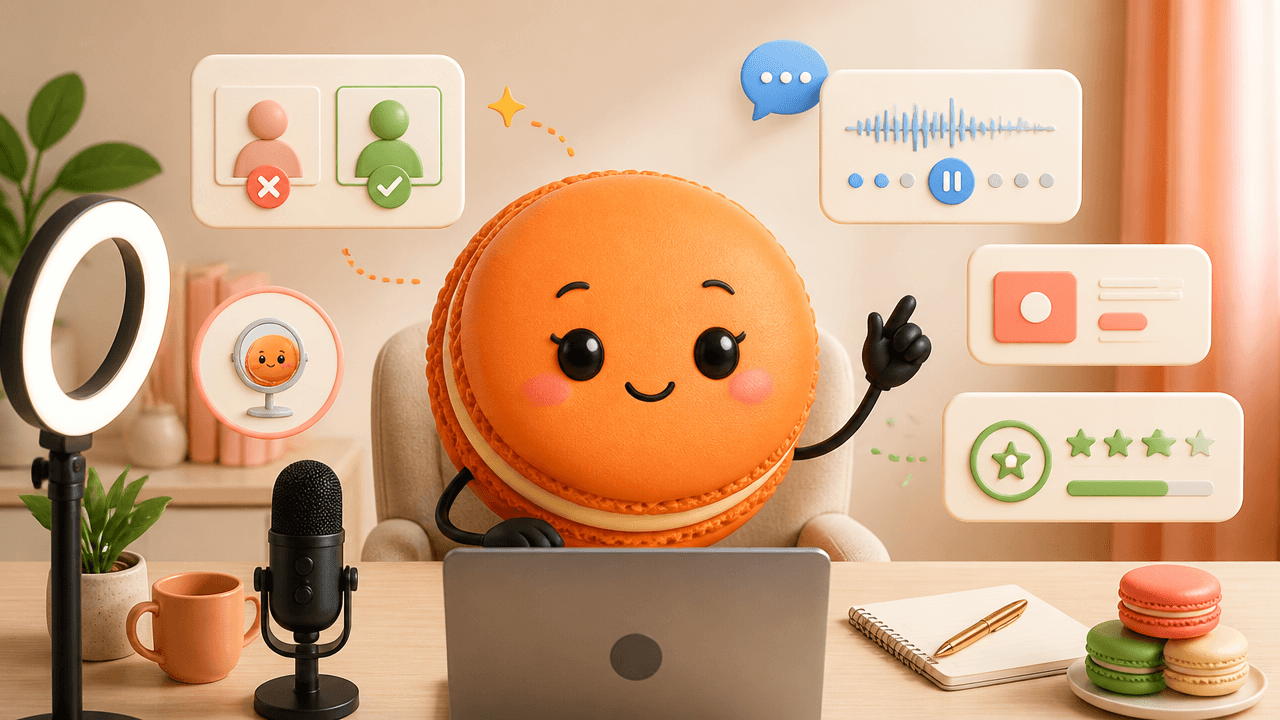
Eye Contact, Lighting, and the Pause That Reads as Confidence
Place the camera near eye level, face a soft light, reduce background motion, and keep the microphone clear. Natural glances away are normal; prioritize attentive listening over trying to hold artificial eye contact continuously. Key comparisons:
- Evidence or practice: Mirror rehearsal; Role relevance: No setup needed; Next check: No sound playback
- Evidence or practice: Automated score; Role relevance: Feels quantitative; Next check: May overclaim interpretation
- Evidence or practice: Local recording; Role relevance: Shows actual delivery; Next check: Needs self-review
How to use the table: Ground Mirror rehearsal in a real experience, connect Automated score to the role, and use Local recording as the next practice check.
Handling Tech Glitches Without Losing Your Composure
If technology fails in the real call, state the problem briefly, use the backup channel supplied by the employer, and resume without a long apology. Keep contact information and a charged second device available when possible. Example: A candidate records one answer, notices low audio and a distracting self-view, fixes the setup, and repeats the same prompt before adding new questions. The person checks Local recording, updates Automated score, and keeps the revision beside Mirror rehearsal.
Frequently Asked Questions
No, the recording stays local in the current browser page and is not uploaded by this practice component. Press Start only when you are ready to allow camera and microphone access, then use playback to review what the interviewer would see and hear. If you refresh or leave the page, confirm whether you still have the clip you need.
No, this practice mode does not score eye contact or analyze your video performance. Use the preview and playback to judge your framing, pacing, posture, and answer delivery yourself before trying another take. Any separate Automated score should be treated as a different workflow, not a result from this local recording tool.
You can record for up to about sixty seconds, and you can stop earlier whenever you are done. Use the short limit to rehearse one interview answer at a time, such as an introduction, STAR story, or role-specific response. Add the role or stage so Macaron can keep the verified context for later practice.
If you deny camera access, you can still use the written prompt without recording video. Continue drafting or rehearsing your answer in text, then grant camera and microphone permission later only if you decide to record a local practice clip. Macaron cannot capture video unless your browser permission allows it.
Read & discover
Explore Playbooks
AI Personal Assistant
Free calculators


