World Cup 2026 Replay Planner
Start with the official FIFA match page, then build a spoiler-aware list of replays, highlights, and notes you want to revisit. Name the teams, stages, spoiler preference, and replay links you want to keep. Macaron can remember that viewing context; Official match still needs the official FIFA match page. You can organize a spoiler-aware replay list in Macaron.
Start With the Official World Cup 2026 Match Page

Start With the Official World Cup 2026 Match Page
Source checked: August 5, 2026. FIFA's official match page provides fixtures, venues, and results; check it again before adding a match. FIFA World Cup 2026 matches and results publishes official fixtures, venues, and results. Use it to confirm Official match before saving Watch note.
Choose Matches to Rewatch Without Spoilers
Choose a team, stage, or match and decide whether to see the score before opening a replay. A useful opening request is: Key points:
- "Turn these official match and replay links into a spoiler-safe viewing list."
- "Organize these matches by team, stage, replay status, and notes."
Build the watchlist from sources you can open: Source check: August 5, 2026. Use the linked FIFA match page for fixtures and results, then add replay or highlight links from services you can lawfully access. This planner does not contain a complete match archive or fetch viewing rights. Macaron can remember which teams, stages, spoiler settings, and themes matter to you. Scores and replay availability do not refresh in the background, so Official match, Replay option, and Watch note remain editable inputs.
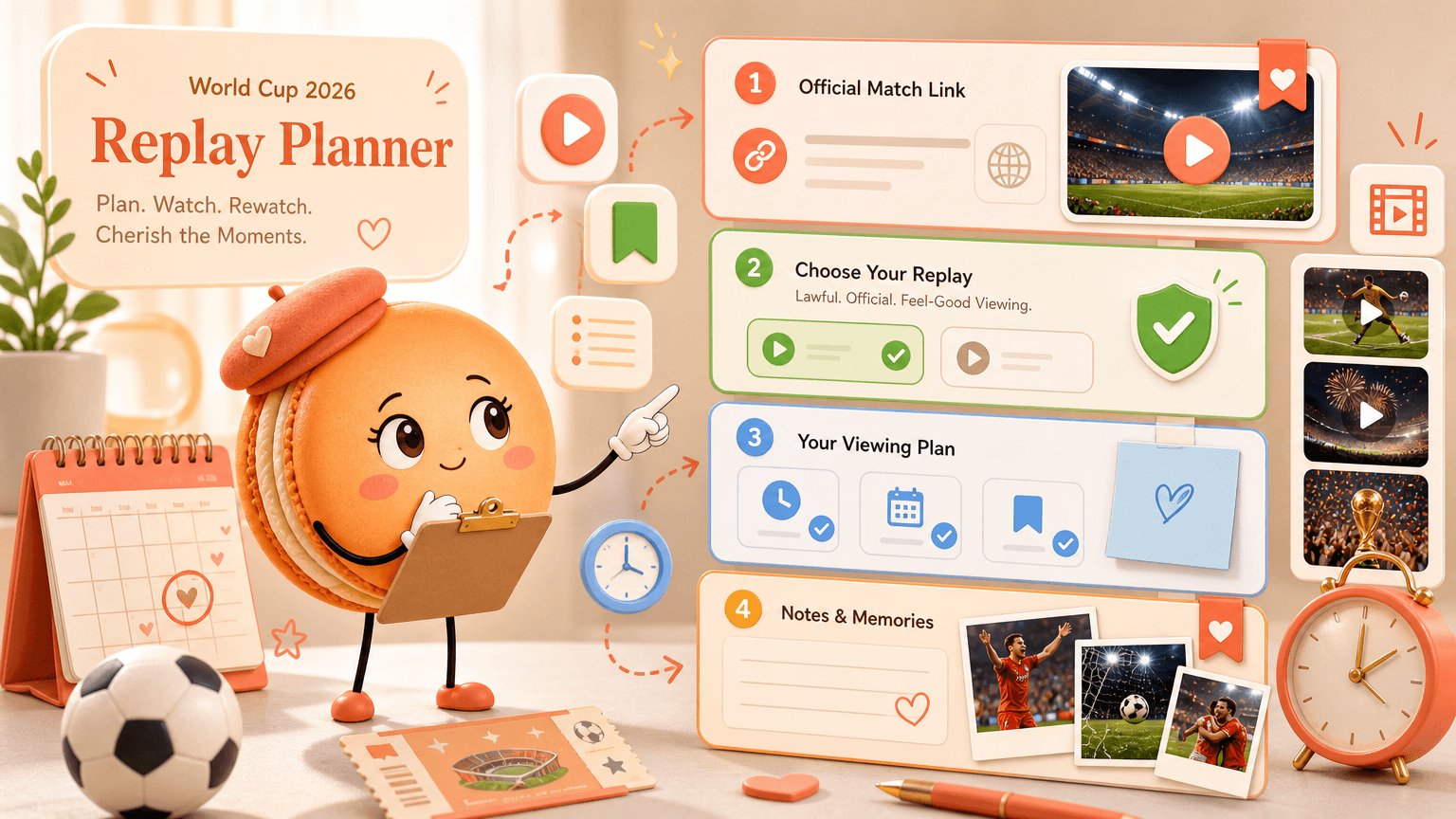
Organize Highlights, Full Replays, and Notes
Save the official match link, a lawful replay or highlight link, viewing status, and a short note. Key comparisons:
- Trip input: Official match; Official or current check: FIFA fixture or result page; Planning decision: Confirm the match and date
- Trip input: Replay option; Official or current check: Full match or highlights; Planning decision: Set the spoiler preference
- Trip input: Watch note; Official or current check: Moment or tactical theme; Planning decision: Mark viewed or saved
How to use the table: Open Official match first, choose Replay option from a lawful source, and add Watch note after watching.
Keep a Personal Tournament Watchlist
Keep one watchlist instead of mixing fixture screenshots, result pages, and replay bookmarks. Example: A supporter hides scores, saves three replay links, and marks each match viewed after adding a short note. A later update starts from Replay option rather than rebuilding Watch note from memory.
Related next steps
coordinate a group itinerary, convert a short trip into a list, calculate the travel ceiling.
Frequently Asked Questions
No, this planner is not the official World Cup schedule and should not be used as the source of truth for fixtures or results. Start from the official FIFA match page, then use Macaron to organize the replay context, teams, stages, links, and notes you want to keep.
No, the planner does not fetch replays or unlock video access for you. Paste replay or highlight links from services you can lawfully access, and label each item with the match, stage, and viewing status so your list stays useful.
Yes, you can structure the planner to reduce spoilers by leaving scores and result notes blank until after you watch. Use neutral labels such as team names, stage, and replay link, then add your reaction or match notes only once you mark the replay viewed.
No, Macaron does not monitor whether replay or highlight links remain available over time. Before watching, open the provider link yourself and confirm that the video is still accessible in your region, subscription, or service account.
Read & discover
Explore Playbooks
AI Personal Assistant
Free calculators


